
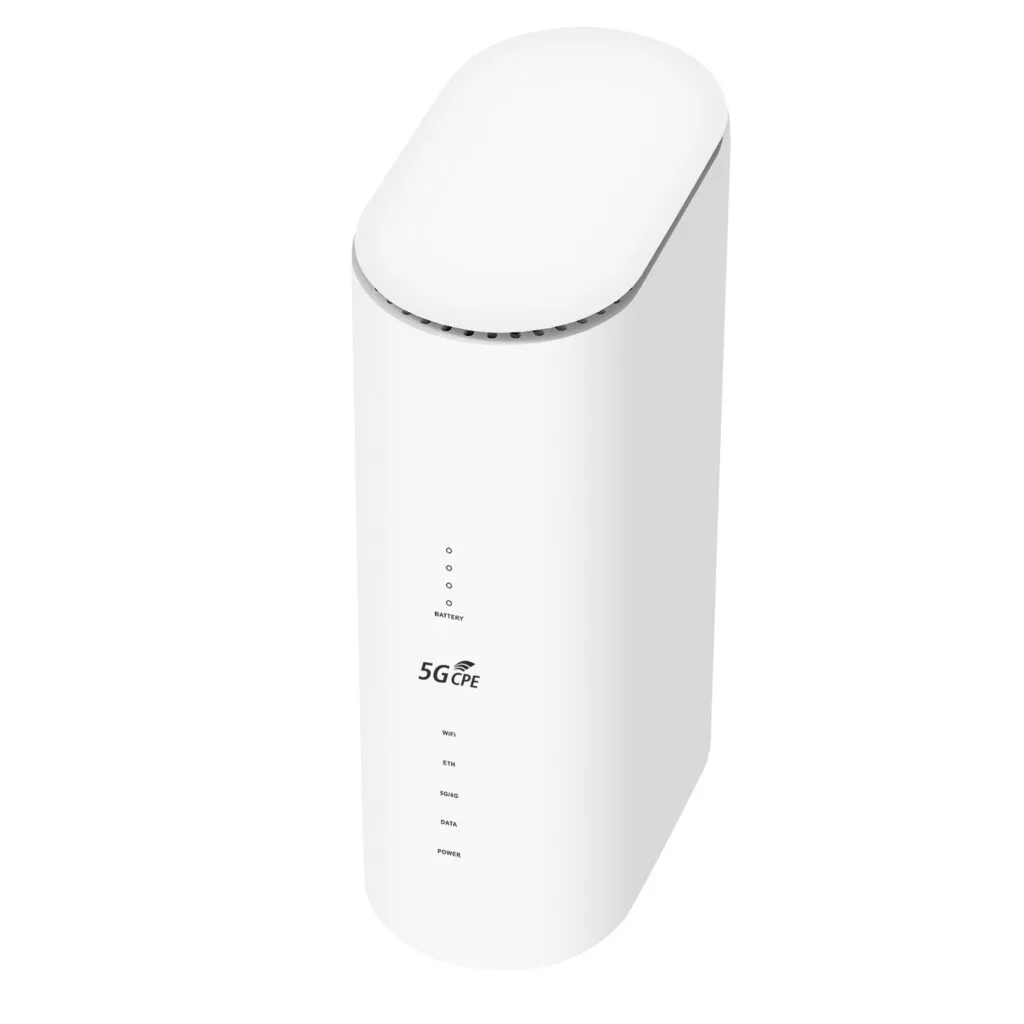
When we talk about home or office network connections, router such as 4g wifi router or wifi router 5g sim is undoubtedly the unsung but crucial traffic cop. It sits quietly in the corner, its lights blinking, responsible for directing the torrent of internet traffic orderly to every one of our devices. But have you ever wondered what precise components make up this seemingly simple device, and how do they work together? Understand the composition of a router not only helps us make smarter decisions when to purchase but also enables more effective troubleshooting when network problems arise.
1.Core of the Hardware System: The Foundation of Computing and Storage
The router’s brain is its Central Processing Unit (CPU). Similar to PC’s CPU, the router’s CPU is responsible for executing operating system instructions, handling network protocols, managing packet forwarding strategies, and running various services such as firewalls and VPN servers etc.. A home router’s CPU is typically an RISC (Reduced Instruction Set Computer)-based SoC (System on a Chip), integrate the CPU, memory controller and I/O interfaces onto a single chip for high efficiency and low cost. The CPU’s performance directly affects the router’s supported device load, multi-service processing capability and network throughput. For example, when handle a large number of P2P (Peer-to-Peer) connections or enable high-intensity packet inspection, a powerful CPU is crucial.
With a brain, you naturally need short-term and long-term memory. This is where RAM and storage chips come in. RAM (Random Access Memory) is the router’s working memory, used to temporarily store the operating system being processed by the CPU, currently running programs and key data like routing tables and ARP (Address Resolution Protocol) tables. The size of the RAM determines how many tasks and connections the router can handle simultaneously. Flash memory, on the other hand, acts like the router’s hard drive, used to permanently store the bootloader, operating system firmware, configuration files and logs. When we perform a firmware upgrade, the new system file is written to the flash memory.
2.The Bridge for Network Connections: Wired Interface Section
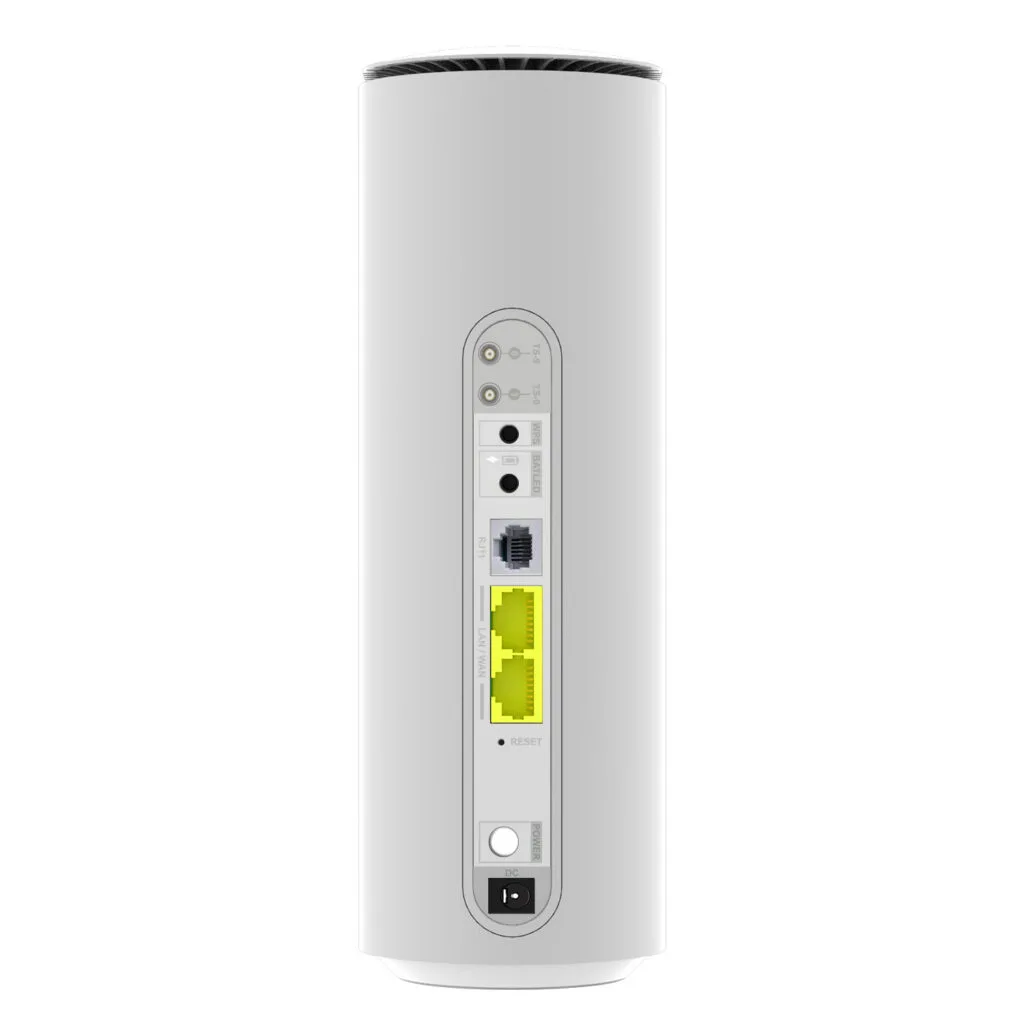
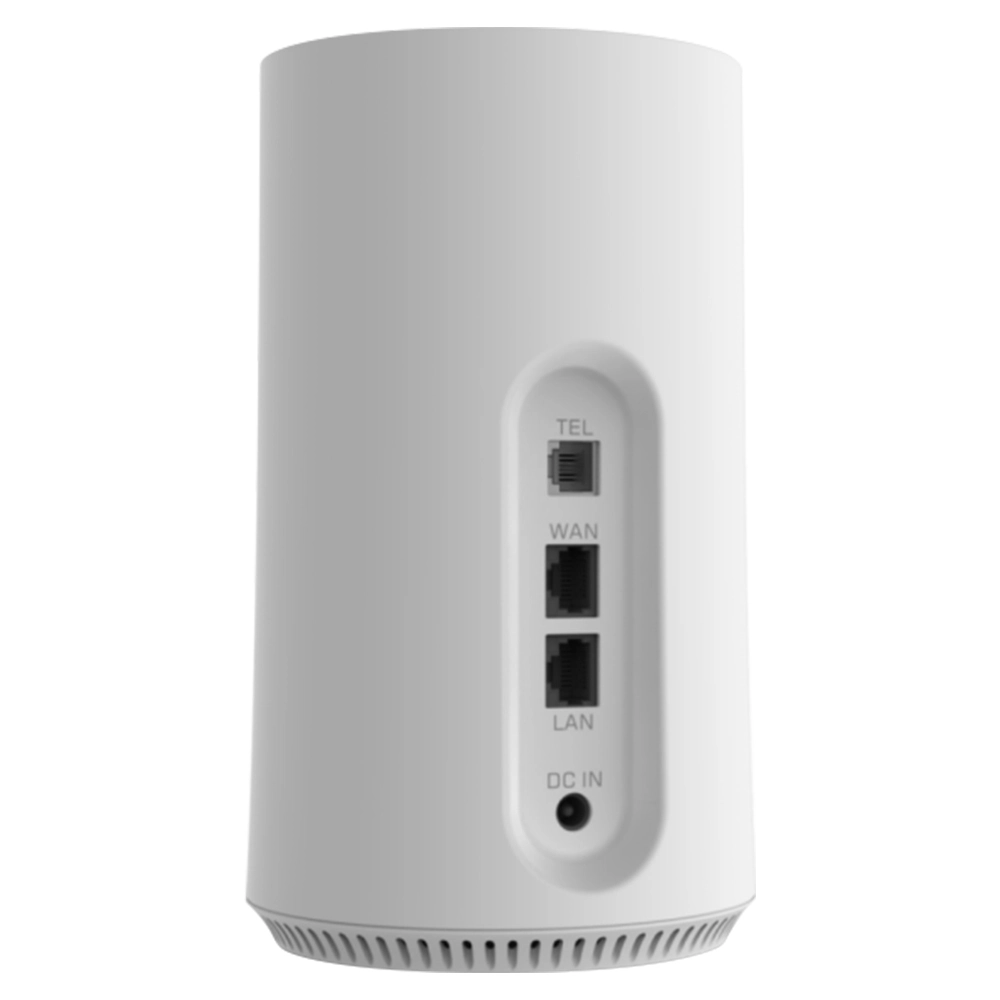
Various shaped ports on the router’s back panel are its physical connection channels to outside world, the most core is WAN (Wide Area Network) port. This port typically uses an Ethernet interface and is distinguished from LAN ports by special markings like different colors. It is dedicated to connect to modem or optical network terminal (ONT) provided by the Internet Service Provider (ISP), serve as the sole gateway for data entering and leaving the home network and vast internet.
Correspond to WAN port are LAN (Local Area Network) ports. Routers typically provide multiple Ethernet LAN ports to directly connect devices that need a stable, high-speed wired connection such as desktop computers, network printers and NAS (Network Attached Storage) devices via network cables. These ports connect internally to a built-in switch chip, allow devices connect to LAN ports to perform high-speed internal data exchange without going through the CPU. This greatly improves transmission efficiency within the local network.With popularization of Fiber-to-the-Home (FTTH), many mid-to-high-end routers have begun integrating SFP (Small Form-factor Pluggable) or SFP+ module interfaces. This allows the router to receive optical signals directly through fiber optic cable, and built-in or external optical module converts them into electrical signals for processing, eliminating the need for an external optical modem and simplify the home network structure.
3.The Engine of Wireless Networking: RF System
Wireless functionality is standard in modern routers such as 4g wifi router or wifi router 5g sim, and it relies on the internal RF (Radio Frequency) system. The wireless RF chip is the core of wireless functionality, responsible for generating wireless network signals. Depending on the supported Wi-Fi standard like IEEE 802.11ax, the chip operates on specific frequency bands, such as common 2.4GHz and 5GHz bands. The chip’s performance determines the maximum theoretical speed of the wireless network, supported modulation and coding schemes (MCS), and advanced features like MU-MIMO (Multi-User, Multiple-Input, Multiple-Output).
After signal is generated, it needs to be amplified by Power Amplifier (PA) to travel farther. PA is responsible for boosting the signal strength output by the wireless RF chip. Its performance directly affects the wireless signal’s coverage range and wall-penetrating ability. Simultaneously, to receive the weak signals sent back from client devices like phones or laptops, the router requires a Low Noise Amplifier (LNA) to amplify the received signal while minimizing the introduction of additional noise, ensure reception sensitivity.
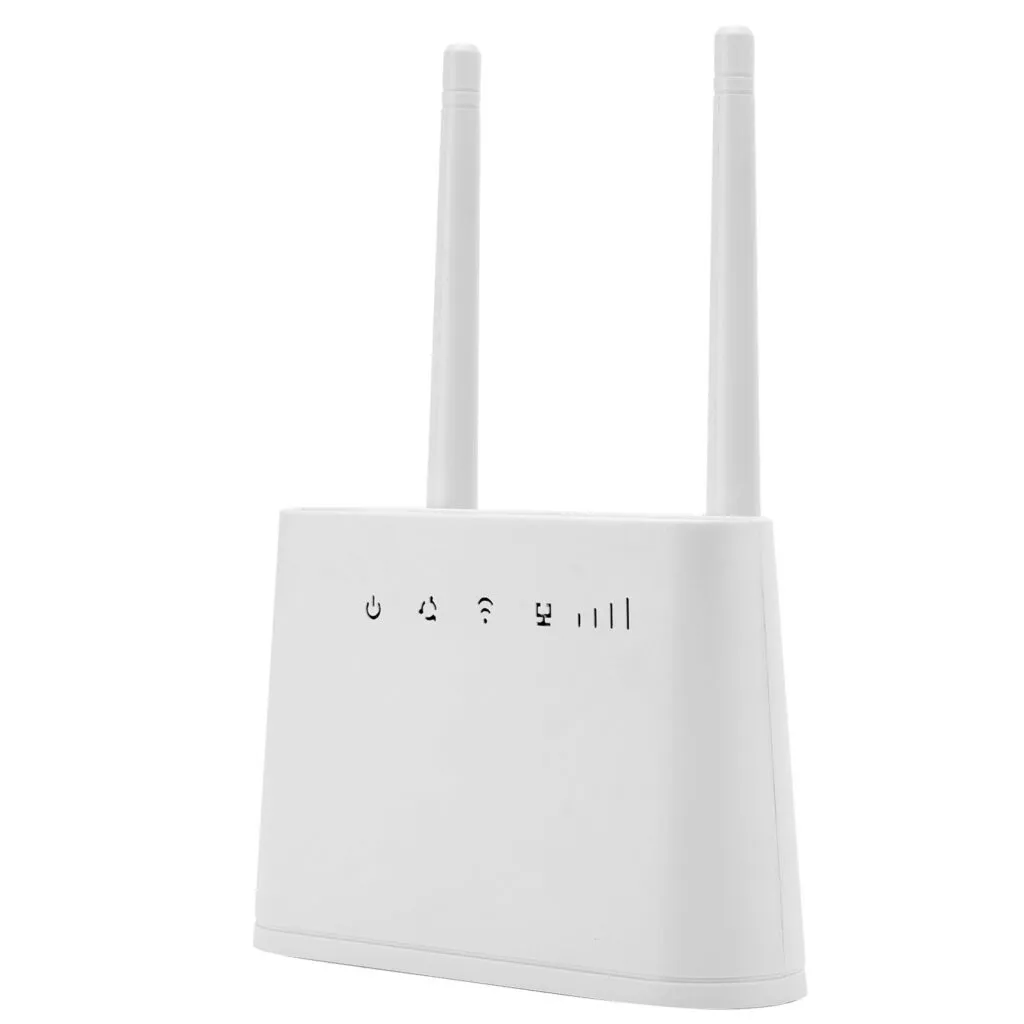
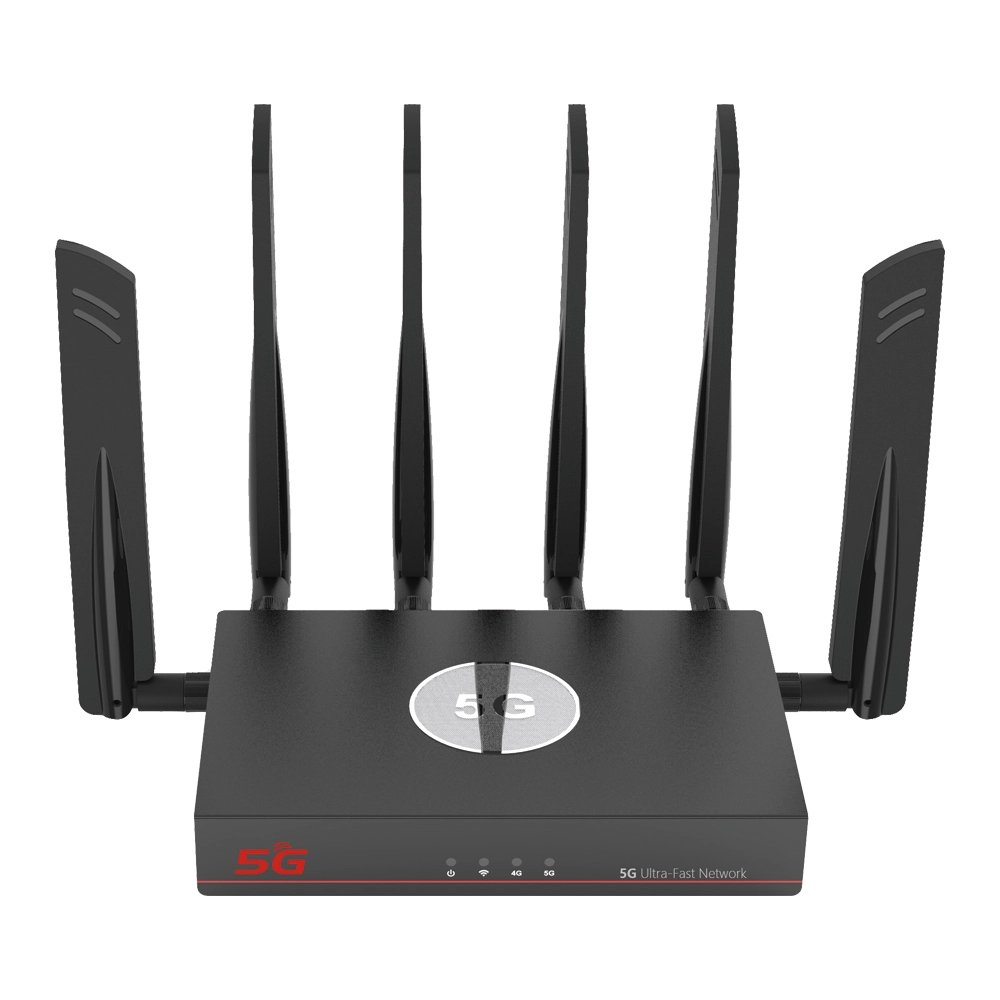
Antennas are the final transmitters and receivers of wireless signals. Routers may be equipped with external or internal antennas. The antennas connect to the RF front-end module on the motherboard via coaxial cables. The antenna’s gain, polarization direction and beam shape collectively determine the coverage pattern of the wireless signal. Multiple antenna designs are not only for boosting signal strength but also form the basis of MIMO technology, which uses spatial stream multiplexing to significantly increase the capacity and stability of the wireless network.
4.The Cornerstone of Power and Stability: Power and Auxiliary Systems
All electronic devices require stable power supply. The router’s power module converts AC main voltage like 220V into low-voltage DC power like 12V, 5V or 3.3V required by various chips and components inside the device. A high-quality, efficient power module not only ensures stable router operation but also reduces heat generation and energy waste.
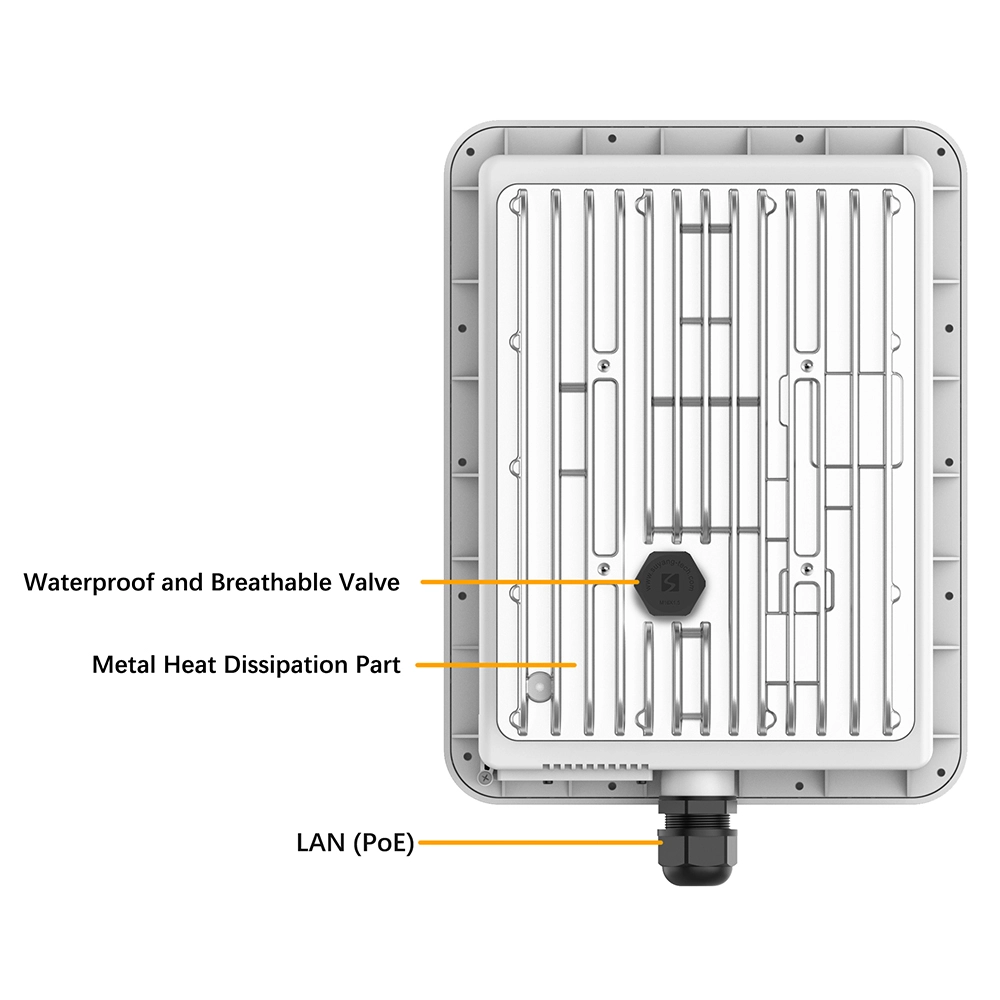
Routers will generate heat during prolonged operation, especially under high load. The cooling system’s role is to dissipate the heat promptly, prevent chips from throttling or being damaged due to overheating. Common cooling methods include passive cooling like metal heat sinks and active cooling like small fans. A well-designed cooling solution is essential for long-term stable operation of a router.
Besides core chips, the motherboard is densely populated with various passive components such as resistors, capacitors, inductors–these seemingly insignificant components form the fundamental circuits like power filtering, signal matching and clock circuits. They collectively ensure signal quality and power purity, act as the unsung heroes for proper functioning of electronic equipment.
5.Router’s Soul: Software and Firmware System
Hardware provides stage, software is the director and actor perform the show. The router’s operating system is commonly called firmware, stored in flash memory and loaded into RAM upon startup. This system is based on a streamlined embedded OS like customized Linux kernel, responsible for managing all hardware resources and providing user configuration interface.
The router’s core functions are implemented by a series of network protocol stacks and algorithms. This includes IPv4 and IPv6 protocol stacks, TCP/UDP processing, DHCP server and client, NAT/PAT and most critically, routing protocols such as RIP, OSPF – though home routers often use static or simple dynamic routing. These complex algorithms and protocols enable intelligent forwarding of data packets.
Users need an intuitive way to manage the router, which is the User Interface (UI). It usually exists as a web interface which accessed by entering the router’s IP address in a browser, sometimes accompanied by a mobile app. Through the UI, users can set the Wi-Fi name (SSID) and password, manage connected devices, configure port forwarding, set up parental controls, upgrade firmware and more.
As network security threats increasing, the router’s security features have become crucial. These include a built-in firewall (capable of filtering based on IP address, port or protocol), Access Control Lists (ACLs), DDoS attack protection and support for VPN protocols such as PPTP, L2TP and IPsec to establish secure remote access tunnels.
6.Key Determinant of Performance: Switching and Data Forwarding Architecture
For routers with multiple LAN ports, a switch chip is typically integrated internally. This dedicated chip is responsible for high-speed data exchange between devices connected to the router’s LAN ports. When one computer sends a file to another under the same router, the data stream will be forwarded directly through the switch chip which needn’t to go up to the router’s CPU. This “wire-speed forwarding” dramatically improves the efficiency of data transfer within the local network.The router’s most fundamental job is “routing” – that is to select the best path for data packet based on its destination address and forward it. This relies on the routing table, which is built and updated by the routing processor (often the same as the CPU) and routing protocols. High-performance routers may feature dedicated processing units to accelerate route lookup and forwarding, known as the Forwarding Engine or FIB to achieve higher data throughput.
7.Summary and Outlook
In summary, a modern router such as 4g wifi router or wifi router 5g sim is a highly integrated, complex system. Physically, it contains CPU and RAM for computing, flash memory for storage, wired interfaces to connect internal/external networks, RF system to generate wireless signals, power and cooling modules for stable operation, and the motherboard support all circuits. Logically, it runs a sophisticated embedded OS, implement routing, switch, security and management functions through complex network protocol stacks and algorithms.
These components do not work in isolation but in close collaboration. For example, when you watch an online video on your phone, the data stream enters via the WAN port, processed by CPU and network stacks, then sent to your phone via wireless RF chip and antenna. The entire process happens in an instant, but behind it is the precise coordination of all hardware and software components. Understand these components allows us to grasp more deeply how networking devices work, thereby enable us to better navigate our digital lives.



What can we do for you?