
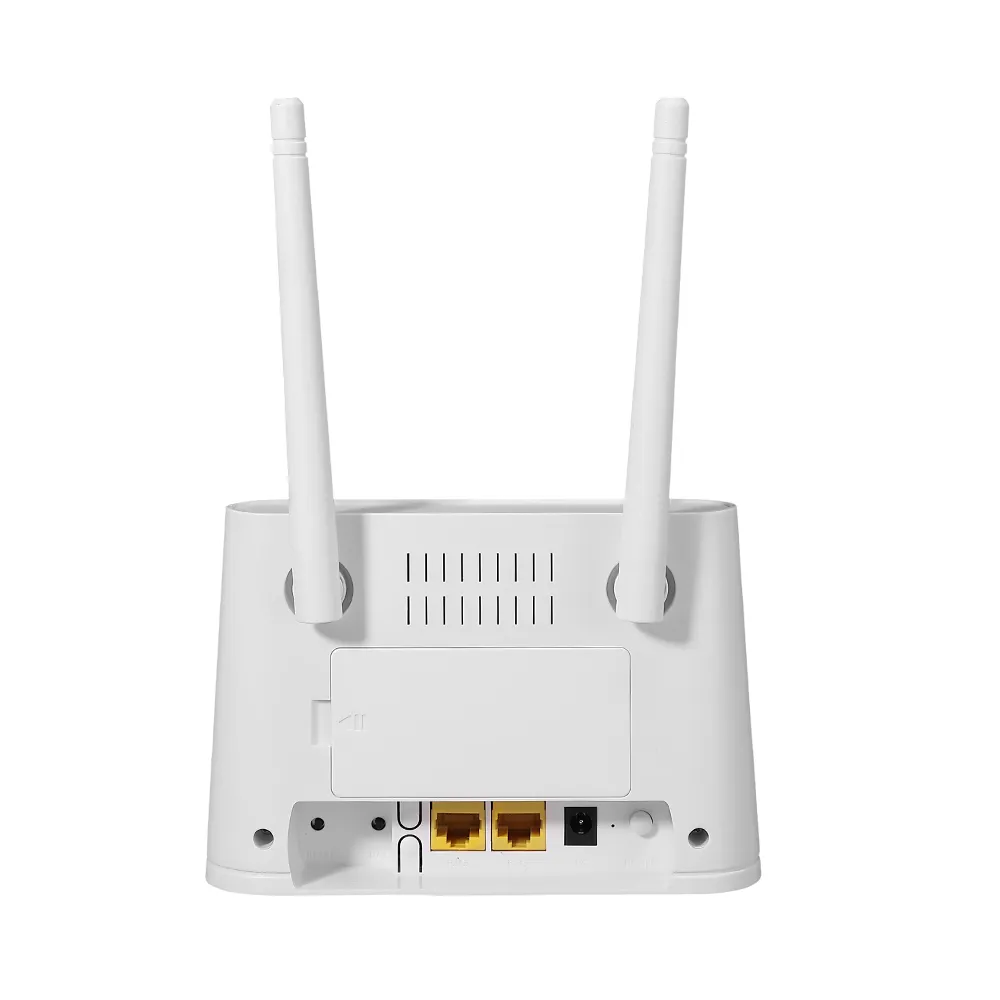
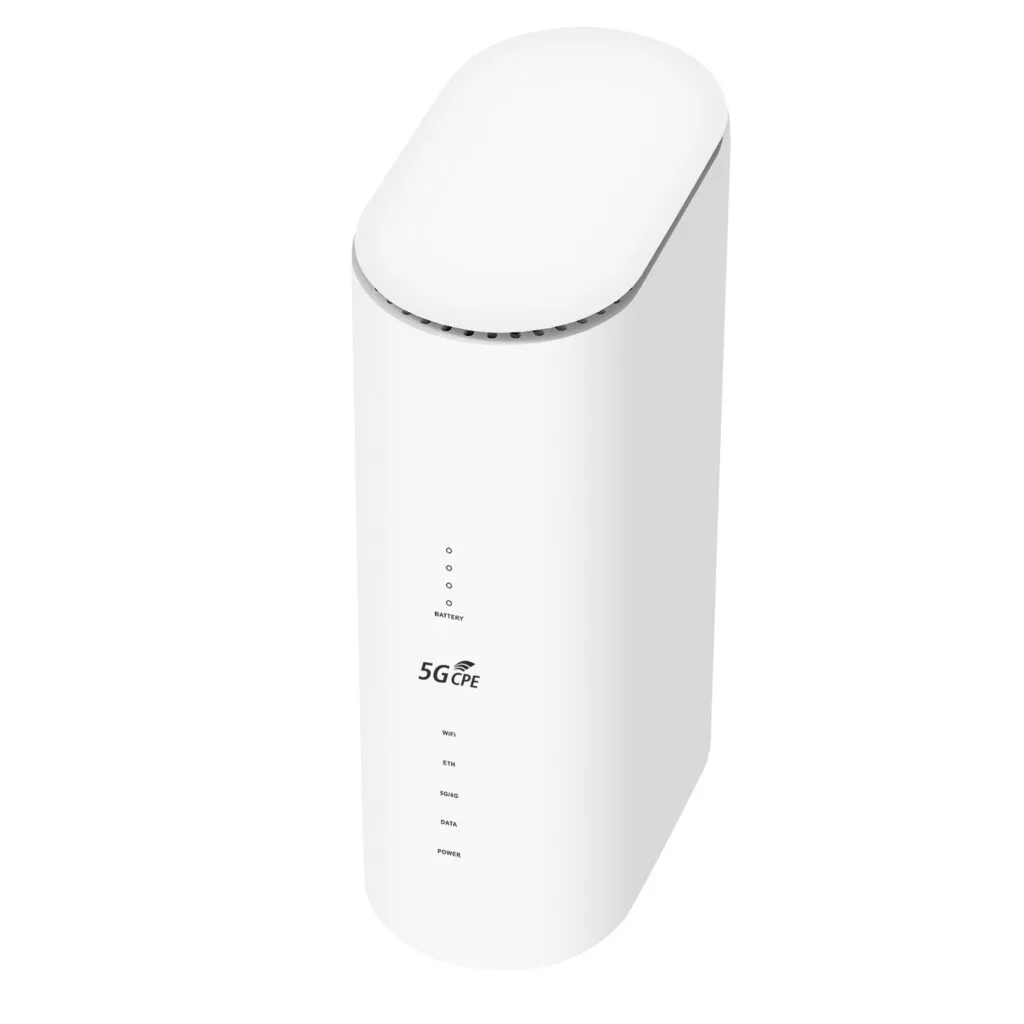
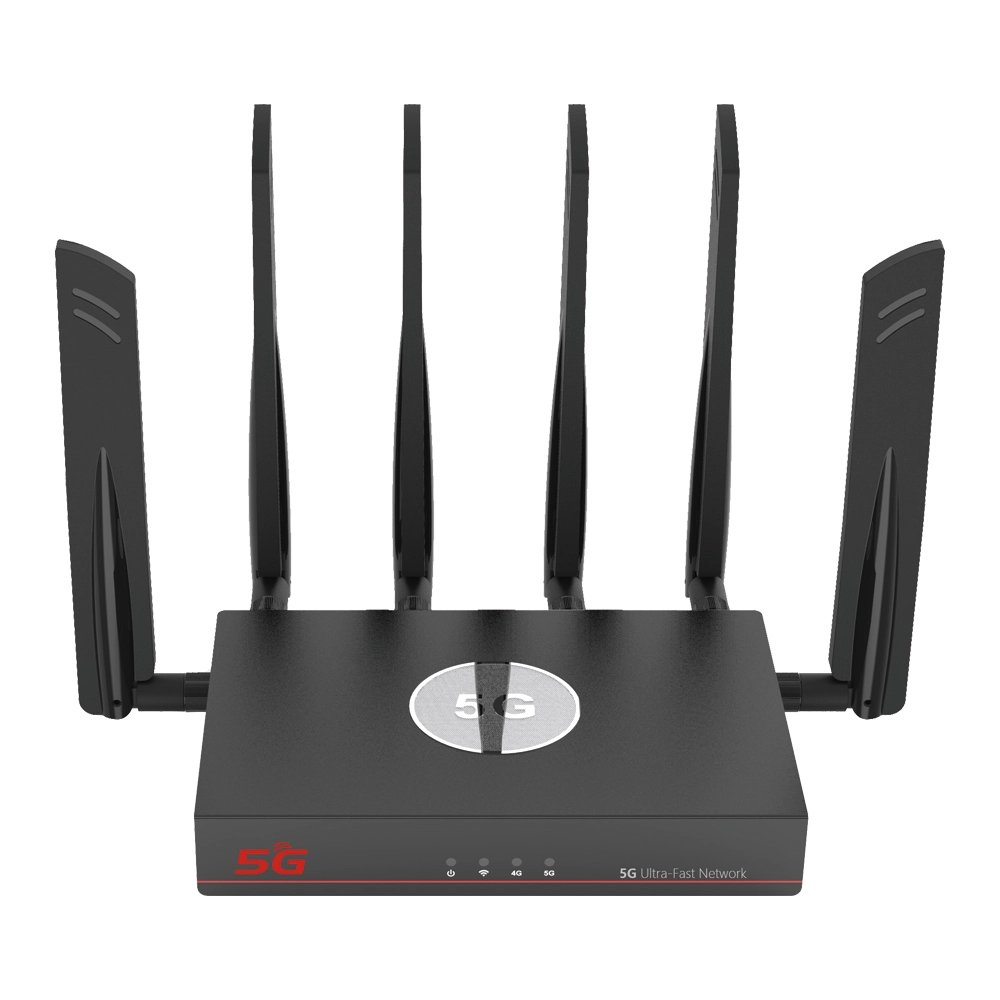
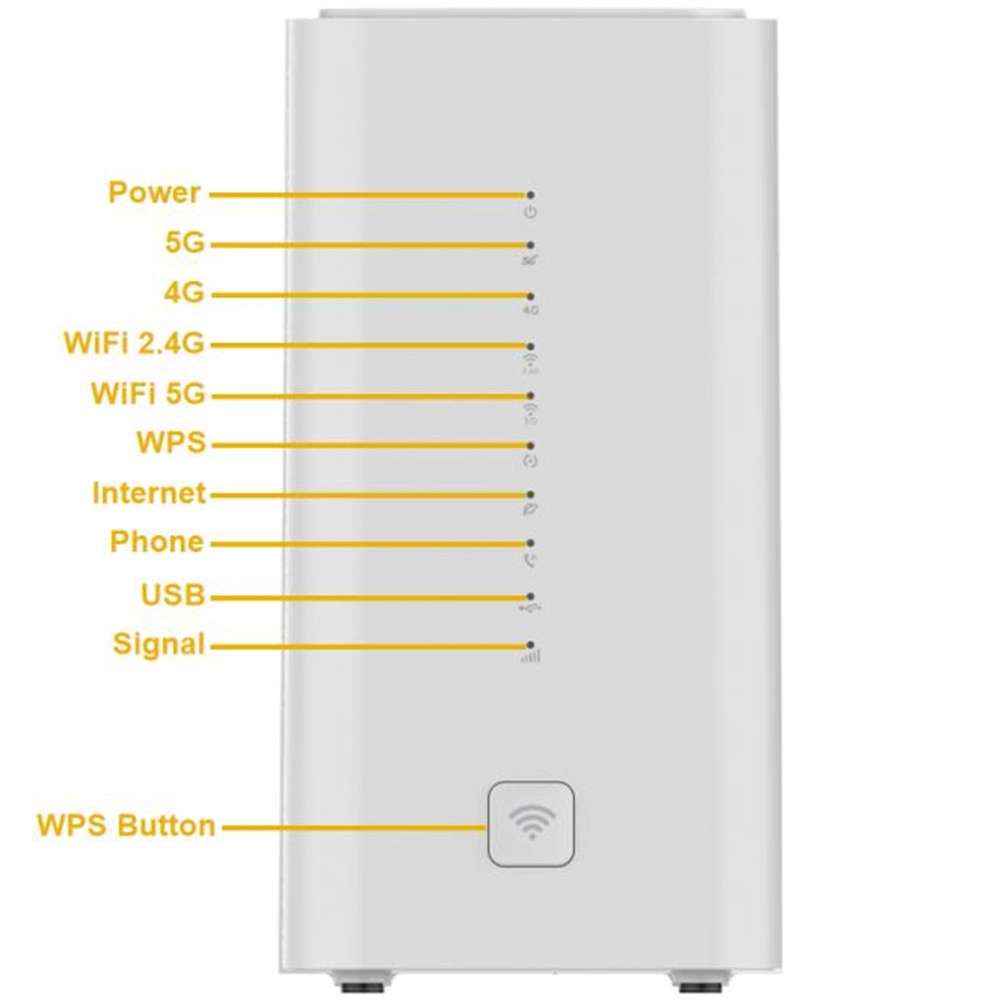
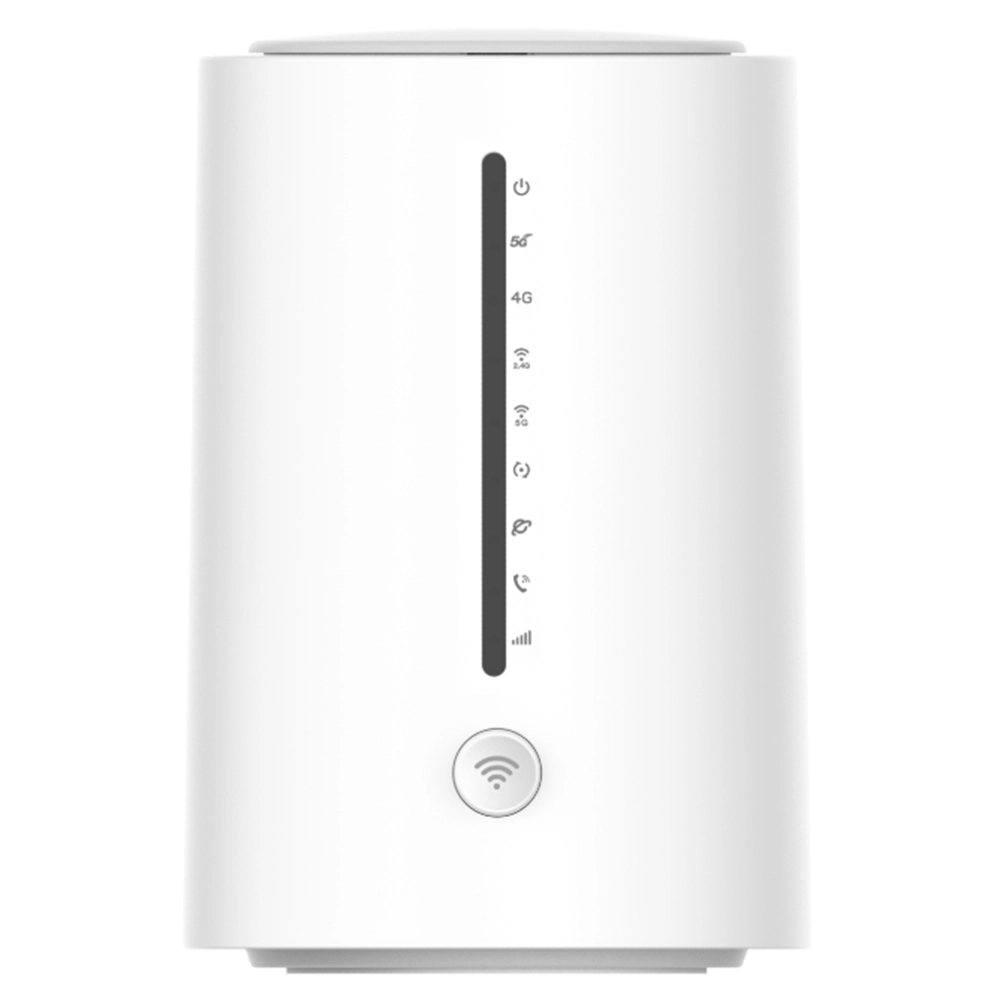
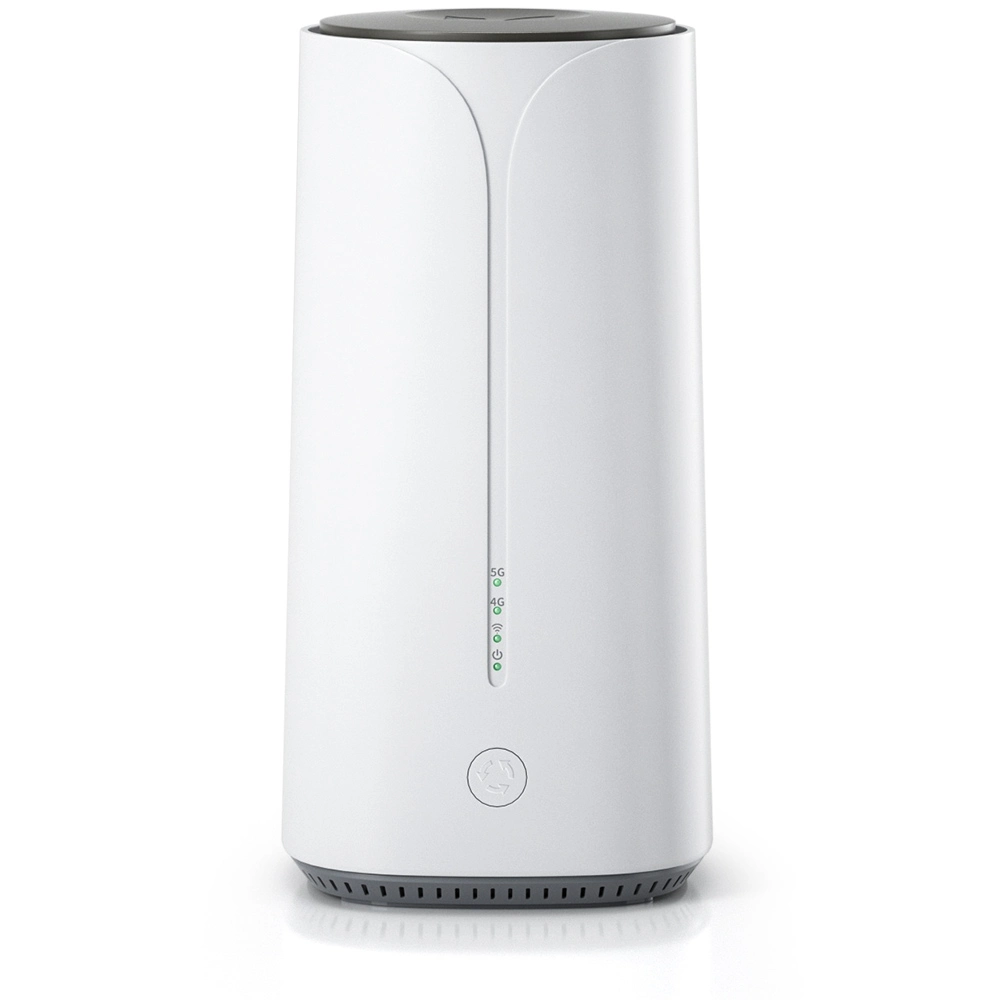
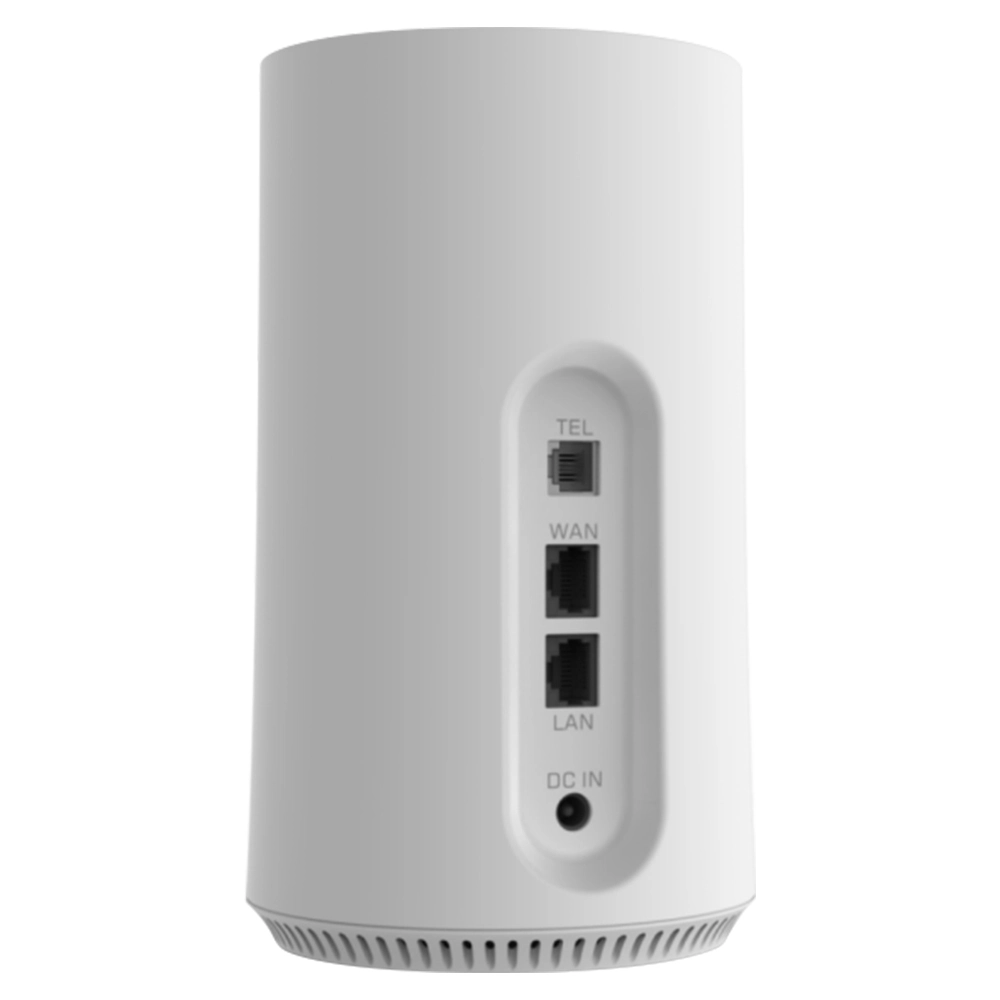
When we surf on internet to easily share files and connect devices in the office or at home, we rarely think about the underlying technical details that make it all possible. Network connections may seem simple, but behind the scenes, a complex set of hardware and software work together. Among them a software component called LAN driver, though inconspicuous but it is the cornerstone that ensures your computer can speak and communicate smoothly with other devices such as router 4g lte cpe or wifi sim router 5g. In computer networking technology, LAN driver which often simply called the network card driver plays a fundamental and critical role.
Essential Definition of LAN Driver
Simply put, LAN driver commonly referred to as a network interface card driver or NIC driver is a special type of system software. Its core responsibility is to build an efficient and accurate communication bridge between the computer’s operating system and the physical network interface card installed on the motherboard. The operating system itself does not directly know how to operate a wide variety of hardware devices, and network interface cards from different manufacturers and models differ greatly in their internal structures, instruction sets and communication methods. LAN driver acts as an interpreter and controller to solve this contradiction. It translates the operating system’s standardized network commands such as send this data packet to this IP address into hardware-level commands that the specific network interface card can recognize, execute and vice versa.
The Core Position of the Driver in the System
In the software hierarchy of a computer, drivers reside at the kernel level or are closely associated with it. They have higher system privileges than ordinary applications, allowing them to directly interact with hardware registers, manage interrupt requests, and control low-level operations like Direct Memory Access (DMA). This deeply integrated nature means the quality and stability of a driver directly impact the overall system’s network performance and even system security. A well-optimized driver can fully unleash the hardware’s potential, achieving low-latency, high-throughput data transfer. Conversely, a defective or outdated driver can lead to intermittent network connections, slow speeds, or even system blue screens or crashes.
Analysis of Core Working Principles
The workflow of a LAN driver is a precise closed loop. When an application like a web browser needs to send data, it will pass the data down through the operating system’s network protocol stack such as TCP/IP, which encapsulates it into frames. These data frames are then passed to the corresponding LAN driver. The driver first places them into a transmission buffer queue it manages, then based on the network interface card’s status, it will write data and instructions to the card’s registers via specific I/O ports or memory mapping, trigger the card’s transmission process. For receiving data, the process is reversed. After the network interface card converts received electrical or optical signals into digital data, it notifies the driver via an interrupt. The driver then read the data from the card’s receive buffer, performs initial error checks, and passes it up the protocol stack for processing, ultimately deliver it to the target application.
Main Functional Modules of a Driver
A complete LAN driver typically contains several key functional modules. The initialization module is responsible to detect the hardware during system startup or device insertion, allocate required interrupt numbers, memory, I/O resources and configure the NIC to a ready state. The data transfer module is the core, manage the circular queues of transmit and receive buffers to efficiently move data and control flow. The interrupt service routine module quickly responds to hardware interrupts, handle events like data arrival, transmission completion or error reports. Additionally, there are modules for MAC address management, power management especially important for laptops/mobile devices to reduce power consumption when idle, and statistics/diagnostics to collect packet counts and error counts for system monitoring tools.
Differences Between Wired and Wireless LAN Drivers
While their core responsibilities are the same, significant implementation differences exist between wired Ethernet drivers and wireless (Wi-Fi) drivers. Wired drivers primarily handle stable physical connections based on Ethernet frames over twisted-pair cables or fiber optics; their management is relatively straightforward. Wireless drivers are far more complex. They must handle challenges inherent in radio wave transmission, such as signal strength management, automatic channel selection, roaming (maintaining connection while moving between access points), and executing complex security protocol handshakes like WPA2 or WPA3. Wireless drivers also need to work closely with the operating system’s wireless service components to provide users with visible lists of available networks and connection management interfaces.
Sources and Types of Drivers
LAN drivers primarily come from three sources. The most ideal source is the official driver from the network interface card manufacturer, which typically undergoes the most thorough hardware testing and performance optimization, offer full functionality. Second are the generic drivers built into the operating system, such as those included with Microsoft Windows or the open-source Linux kernel. These have broad compatibility but may not enable certain advanced hardware features. Finally, drivers provided by the motherboard or complete system manufacturer like brand PC makers may be customized or tested/certified from official drivers to ensure stability on specific system platforms.
Identify and Check Current Driver Information
Knowing how to check current driver information is the first step for management. On Windows systems, users can open Device Manager, find Network adapters, right-click the specific NIC device, select Properties, and then the Driver tab to see the provider, date, version and digital signature information. On Linux-based systems like Ubuntu, command-line tools like lspci, lsusb, along with modinfo, can be used to view details of loaded driver modules. This information is crucial to determine whether a driver needs to be updated.
Importance of Driver Updates
Regularly update the LAN driver will offer several benefits. First, manufacturer updates often include fixes for discovered bugs, resolve issues like connection drops, substandard speeds or system conflicts. Second, new drivers may bring performance optimizations, improve network throughput or reduce CPU usage. Third, updates often add support for new protocols or security standards such as add WPA3 support for a wireless card, thus enhance network security. Finally, after a major operating system upgrade, install the corresponding latest driver version is a critical step to ensure hardware compatibility.
How to Update Drivers Safely
Driver updates should be performed safely and reliably. The preferred method is to visit the device manufacturer’s official website, go to the “Support” or “Downloads” section, and download the official installation package based on the exact product model and operating system version. Before installation, it is advisable to create a system restore point to quickly revert if problems arise. Avoid to use third-party “driver updater” tools from unknown sources, as they may push mismatched drivers or those bundled with malware. Driver updates pushed via the operating system like Windows Update that are WHQL-certified are generally safe and reliable choices.
Common Network Faults and Driver Troubleshooting
Many network issues originate from drivers. If problems arise such as a “network cable unplugged” message despite a physical connection, inability to detect Wi-Fi signals, a local connection showing “limited” or “no internet access,” or unusually slow network speeds — after checking external factors like the router such as router 4g lte cpe or wifi sim router 5g and cables—the driver should be suspected. Initial troubleshooting can involve disabling and re-enabling the network adapter in Device Manager or use the built-in “Troubleshoot” feature. A more thorough method is to uninstall the current driver checking Delete the driver software for this device, then restart the computer, allow the system to automatically reinstall a basic driver or manually install a downloaded new driver.
Analysis of Driver Compatibility Issues
Driver compatibility issues often occur after a major operating system update or when using older hardware. The new system may no longer support the older hardware’s original driver architecture, or code within the older driver may be incompatible with the new system’s kernel mode, cause the device to fail or the system to become unstable. To resolve such issues, first check if the manufacturer provides a support statement and corresponding driver for the new system. If official support has ceased, you can try to manually select Let me pick from a list of available drivers on my computer in Device Manager and attempt to install an older, potentially compatible generic driver built into the system, or look for alternative drivers maintained by the open-source community which is more common in Linux environments.
Driver and Network Performance Optimization
Advanced users or network administrators can fine-tune performance by adjusting advanced driver settings. In the “Advanced” tab of the network card’s properties, options like “Jumbo Packet,” “Receive Buffers,” “Interrupt Moderation Rate,” and “Flow Control” may be available. For example, enable “Jumbo Packets” in a high-speed LAN environment to reduce protocol overhead and improve large file transfer efficiency, but requires all devices in the network like switches to support it. Appropriately increase receive/transmit buffer sizes to help to handle burst traffic and reduce packet loss, but will consume more memory. Adjust these parameters requires knowledge of the actual network environment and application needs, improper settings will be counterproductive.
LAN Drivers in Virtualized Environments
In server or desktop virtualization scenarios, the concept of LAN driver is extended. The driver installed inside a virtual machine typically does not directly control the physical NIC. Instead, it communicates with an abstracted device called a “virtual network adapter.” The corresponding driver is provided by the hypervisor such as VMware’s VMXNET3 driver and Microsoft Hyper-V’s synthetic device driver. These virtualization-optimized drivers aim to significantly improve data exchange efficiency between the VM and host while reduce CPU overhead, sacrifice some direct hardware control. To manage these drivers should follow the virtualization vendor’s guidelines.
Driver Security Considerations
Because drivers run in high-privilege kernel mode, their security is paramount. A vulnerable or malicious driver will become a backdoor for attackers, bypass many security mechanisms, so to ensure the driver originates from a trustworthy source is critical. Modern operating systems like Windows use “driver signature enforcement” to restrict loading of unsigned drivers, which somewhat curbs the spread of malicious drivers. Users should always obtain drivers from official channels and pay attention to security advisories from manufacturers, promptly install driver updates that patch security vulnerabilities.
Brief Analysis of Future Development Trends
As network technology evolving, LAN drivers are also developing. On one hand, to cope with 10-gigabit and even higher speeds, drivers need to more efficiently utilize multi-core CPUs and DMA technology to reduce data transfer latency. On the other hand, with the penetration of Software-Defined Networking (SDN) and Network Function Virtualization (NFV) concepts, future “drivers” may become more modular and programmable, capable of dynamically loading different data processing pipelines to meet diverse network service demands. Furthermore, support low-power, high-performance wireless connections like Wi-Fi 6E/7 will remain a key focus of continuous wireless driver optimization.
Summary and Practical Advice
In summary, LAN driver is an indispensable underlying software component for computer network connections, meticulously coordinate between hardware and the operating system. Understand its basic concepts will help users to diagnose network issues more effectively. For ordinary users, to maintain moderate driver updates especially after major OS version upgrades and obtain drivers from reliable sources are the simplest and most effective methods to maintain a healthy, secure and efficient network. When encounter persistent network problems, consider the driver as a primary suspect will often lead to a quick and efficient solution.
Online world changing rapidly, but a stable, reliable connection always depends on these invisible software cornerstones. Take a little time to understand and maintain your LAN driver is like performing regular maintenance on your high-speed information pathway, ensure every click and every transfer proceeds without hindrance.


What can we do for you?