
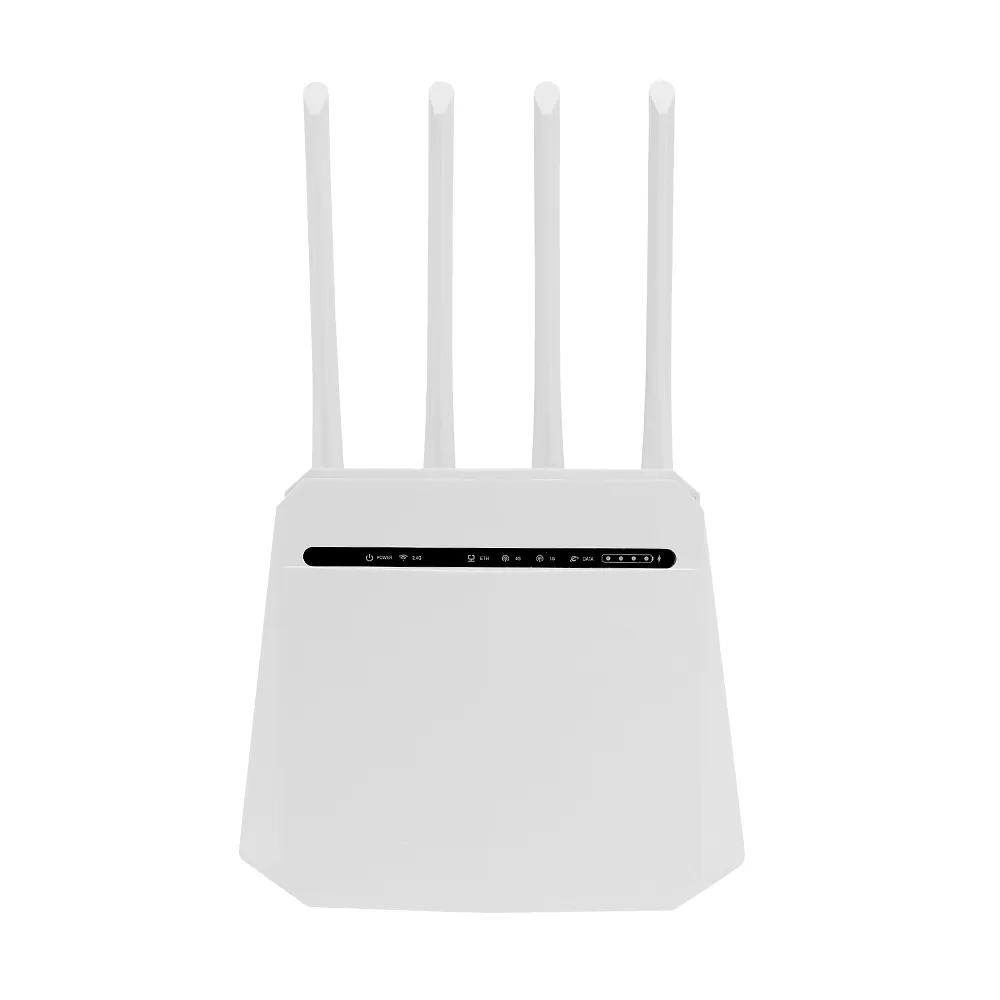
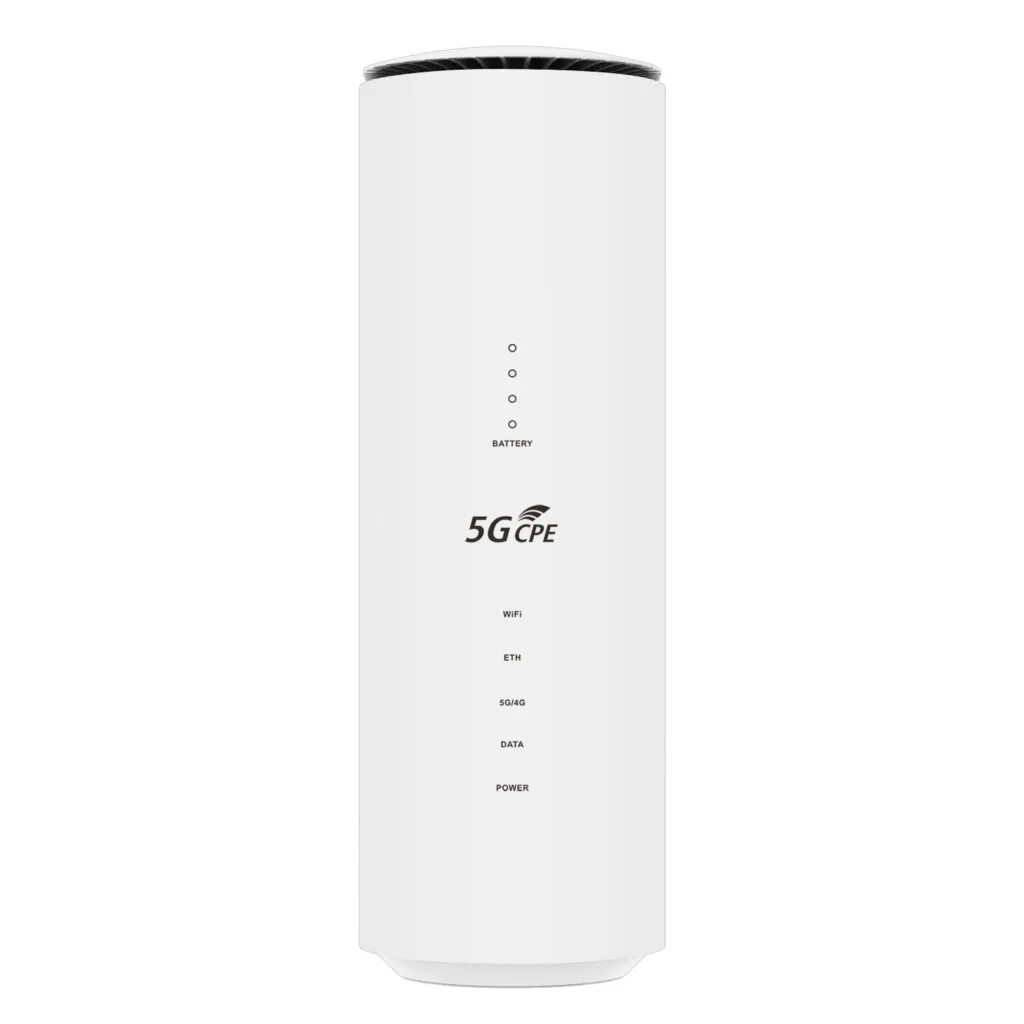
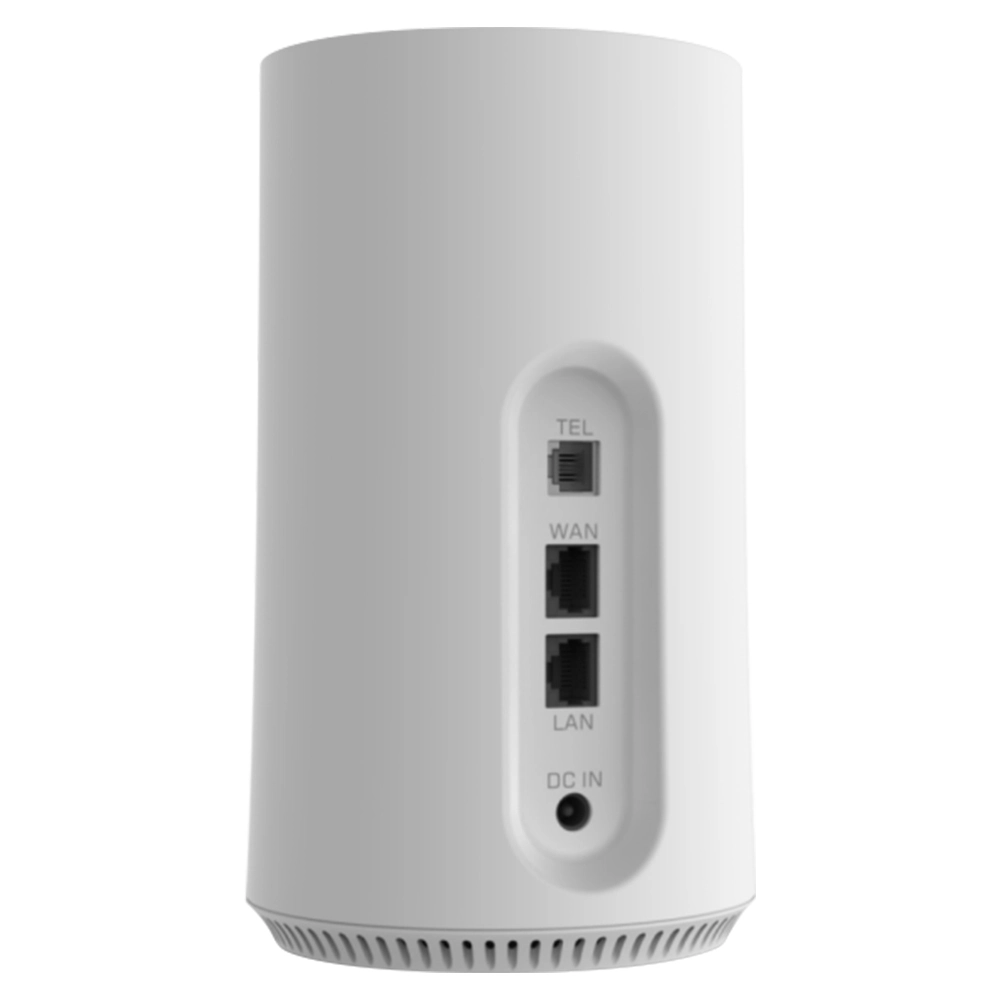
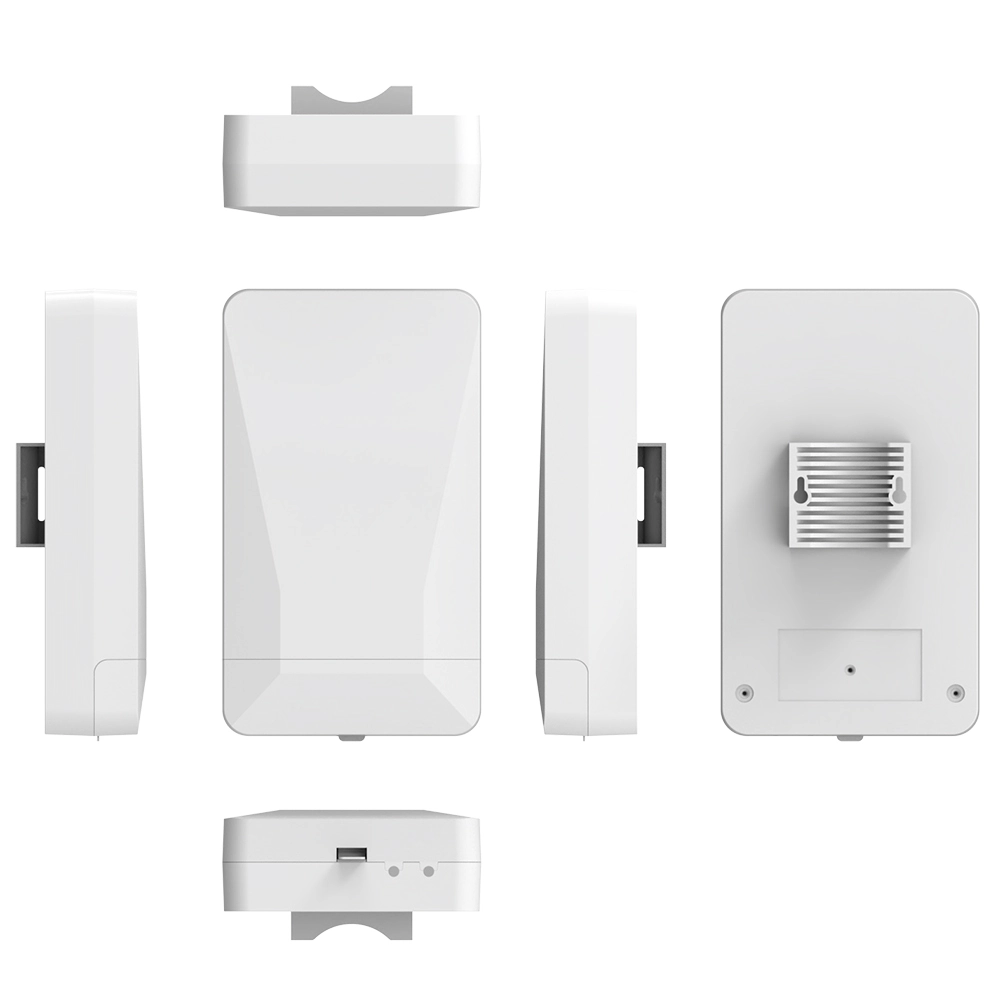
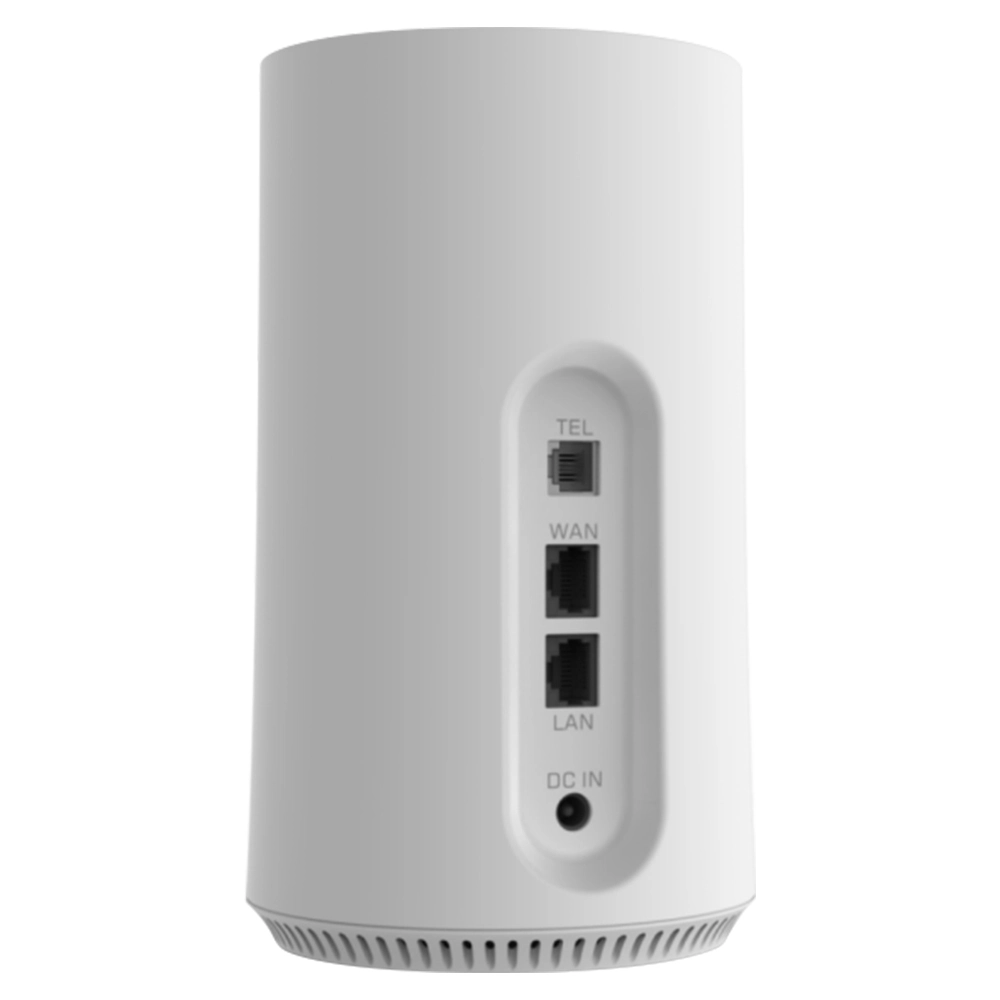
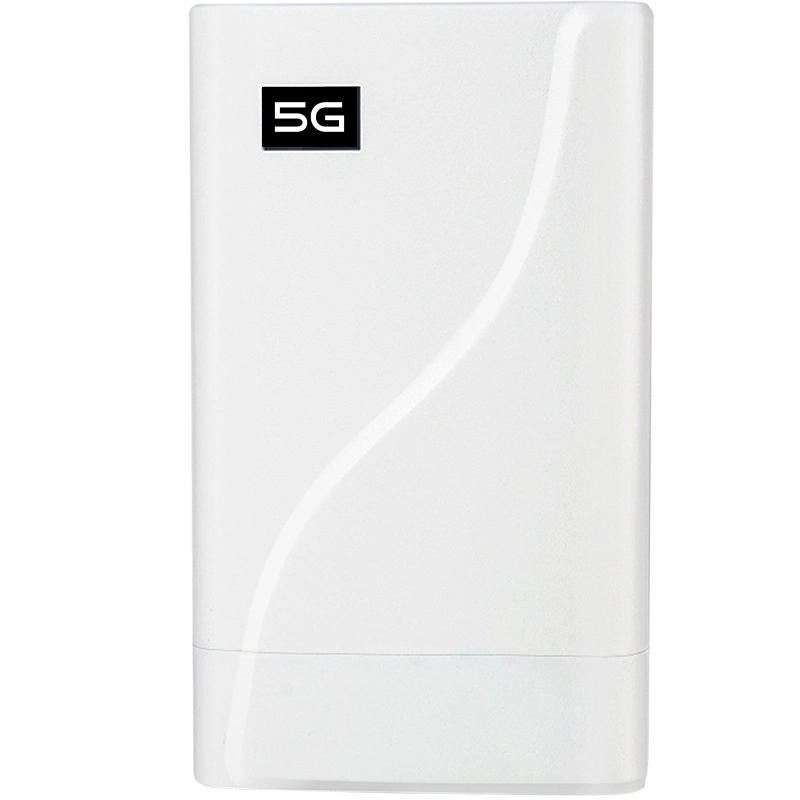
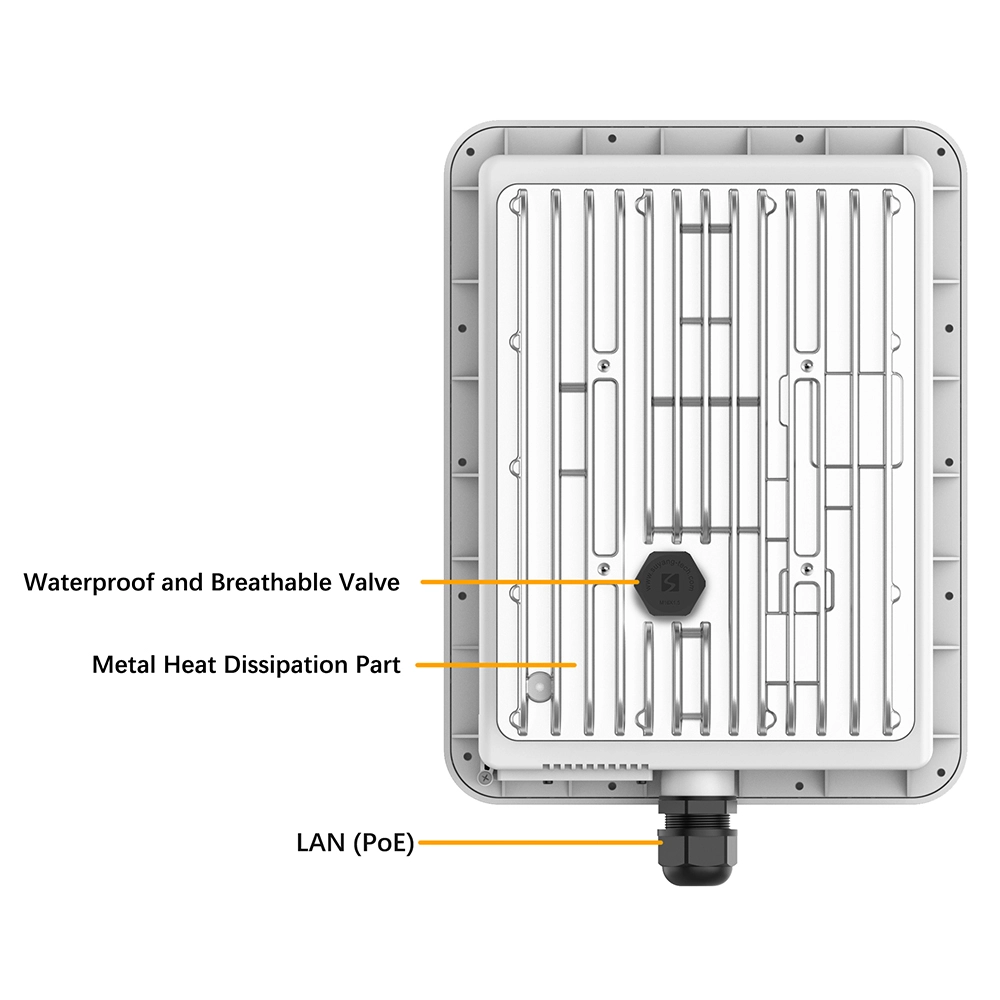
In today’s world, where digital living and remote work are increasingly prevalent, the security and privacy protection of home and business networks have become critically important. Virtual Private Network (VPN) technology, as a mature data encryption and tunneling solution, effectively safeguards our data transmission over public networks and enables remote access to internal network resources. However, many users find that running VPN client software on individual computers or phones offers limited protection and cannot cover all smart devices at home. At this point, a router such as 4g lte cpe router or router with sim card slot 5g supports VPN functionality becomes the core hub to build a global secure network. It integrates VPN services at the network gateway, allow every device connected to the router—whether a smart TV, gaming console or IoT sensor—to automatically enjoy encrypted protection without needing individual configuration.
Understand the Two Core Modes of Router VPN Functionality
First, we need to clarify the two roles a router typically plays when handle VPNs: VPN server and VPN client. As a server, the router allows you to securely access your home or corporate internal network from an external network like a hotel network while traveling to access shared files, surveillance cameras and other resources. As a client, the router directs all local network traffic to an external VPN service provider, encrypt all outbound access and potentially enable access to region-specific content. Support one or both of these modes is the foundation to evaluate a router’s VPN capabilities.
Built-in Support in High-End Home and Small-to-Medium Business Routers
High-end consumer routers and those designed for small-to-medium businesses often have VPN functionality built into their native firmware. For example, most mid-to-high-end ASUS models running the “ASUS Router Management Interface,” such as ZenWiFi series and ROG series, offer comprehensive VPN server support (including PPTP, L2TP and IPSec etc.) and VPN client support (supporting protocols commonly used by VPN service providers). Some NETGEAR Nighthawk series models and Linksys VELOP series high-end nodes also have similar capabilities. The advantage of these devices lies in their official, stable graphical configuration interfaces, make them suitable for users who prefer not to deal with complex operations.
The Powerful Possibilities of Open-Source Firmware: DD-WRT and OpenWrt
If your router’s official firmware doesn’t support VPN or has limited functionality, to flash third-party open-source firmware is a highly cost-effective solution, DD-WRT and OpenWrt are two of the most well-known projects in this space. They breathe new life into many older or low-to-mid-range router models, provide enterprise-grade features include advanced VPN capabilities such as OpenVPN and WireGuard server/client support, traffic shaping and advanced firewalls. Before deciding to flash, be sure to check the official DD-WRT or OpenWrt hardware support lists to confirm your router model is supported, and strictly follow the flashing tutorials to avoid bricking your device.
VPN-Focused Custom Routers
There are also router products specifically designed or deeply optimized for VPN applications in the market. For example, GL.iNet offers a range of compact travel routers that come pre-installed with a customized OpenWrt-based system, featuring one-click convenient configuration for protocols like OpenVPN and WireGuard. These are particularly suitable for frequent travelers who need to quickly establish a secure network environment. Such devices are typically small in size but offer very powerful and professional VPN-related functionality.
VPN Capabilities of Enterprise-Grade Routers
For organizations require branch office interconnectivity and large-scale remote employee access, true enterprise-grade routers are necessary. Routers from vendors such as Cisco, Juniper and Fortinet have VPN functionality as a core component of their overall security architecture. They not only support standard IPSec site-to-site VPN and remote access VPN but also typically integrate next-generation firewalls, intrusion prevention systems and allow for unified policy deployment through centralized management platforms. The selection and configuration of such equipment require involvement from professional network engineers.
Core Hardware Performance Is Key to VPN Smoothness
VPN encryption and decryption operations consume significant processor resources. So when to choose a VPN-support router such as 4g lte cpe router or router with sim card slot 5g, hardware performance must be considered. The CPU’s core count, clock speed and whether it has dedicated cryptographic acceleration engines such as AES instruction set support will directly determine the maximum bandwidth and stability after the VPN connection is established. A router with weak processor is likely to cause a substantial drop in overall network speed once VPN is enabled.
The Supported VPN Protocols Are Crucial
Different VPN protocols vary in security, speed, penetration capability and configuration complexity. Common protocols include: PPTP (simple configuration but outdated security); L2TP/IPSec (acceptable security); OpenVPN (open-source industry standard, balancing security and performance, slightly more complex to configure); and WireGuard (a next-generation protocol known for its concise code, high speed and efficient encryption). An ideal router should support at least OpenVPN and WireGuard, the two modern protocols.
VPN Client Functionality and Compatibility with VPN Service Providers
If your primary purpose to purchase a router is to direct all device traffic through a commercial VPN service, then the router’s VPN client functionality and compatibility with your chosen service are the top considerations. You need to confirm whether the router supports the connection protocol offered by the provider (typically OpenVPN or WireGuard) and whether the router’s management interface allows convenient import of the provider’s configuration files. Many VPN service providers’ websites provide detailed configuration tutorials for specific router models.
Completeness and Ease of Use of VPN Server Functionality
If you need to access your home network from outside, you should focus on the router’s VPN server functionality. A good VPN server should offer: a simple client configuration generation method like download ready-to-use configuration files; flexible authentication methods (username/password, certificates); and customizable access control permissions like allow access only to specific internal subnets. A graphical interface here can greatly lower the configuration barrier.
Considerations for Concurrent Connections and Device Capacity
Whether act as a server or client, the number of VPN connections a router can handle simultaneously is limited. A home scenario may only need 1-2 concurrent connections, while a small office might need to support 5-10 or more employees connecting via VPN simultaneously. Look for parameters like “maximum VPN tunnels” or “concurrent connection count” in product specifications or reviews to ensure they meet your actual needs.
VPN functionality isn’t exist in isolation; it needs to work in concert with the router’s other security features. A robust stateful inspection firewall can finely control data flows passing through VPN tunnels. Additionally, combine the VPN server with guest network functionality is a good practice: you can assign remotely connected devices to an isolated guest network permission level, prevent direct access to your main LAN and enhance security.
Integration with DDNS Services
Most home broadband connections lack a fixed public IP address, which poses difficulties for external connections to your home VPN server. Therefore, router such as 4g lte cpe router or router with sim card slot 5g that support Dynamic DNS (DDNS) functionality are particularly important. DDNS automatically points a new domain name to the new address when the router’s public IP changes. Many routers support direct integration with free or paid DDNS providers such as No-IP, DynDNS or Oray, make configuration easy within the management interface.
Purchasing Decision Process and Budget Planning
When to make a specific purchase, it’s recommended to follow this process: first clarify your core needs (server or client, primary protocol to use); then assess your existing broadband speed and expected VPN throughput to determine the required hardware performance; next, filter several qualifying products based on your budget; finally, carefully review official product specifications, user manuals and reviews from technical communities, pay special attention to VPN-related configuration sections and user feedback.
Common Configuration Steps and Troubleshooting
To configure router VPN typically involves several general steps: locate the VPN function module in the management interface; select server or client mode; fill in parameters such as protocol, authentication information and server address; configure firewall rules to allow VPN traffic; and finally save and enable. If the connection fails, common troubleshooting approaches include: check IP address and port forwarding settings; verify that the username/password or certificates are correct; confirm that the protocol and encryption algorithms match between client and server; review the router’s system logs for error messages.
Future Trends: Cloud-Based and Intelligent VPN Functions
With the development of SD-WAN technology, VPN configuration and management are becoming increasingly simple and intelligent. Some emerging router brands and solutions are moving the control plane to the cloud. Users can establish encrypted tunnels between routers in different locations with just a few taps on a mobile app, without needing to manually configure port forwarding or DDNS. This as-a-service model may become the mainstream direction for home and small business VPN deployment in the future.
Conclusion: To Build a Security-Centric Network Around Your Router
To choose a router that supports VPN functionality is far more than purchasing a hardware device—it signifies a conscious decision to build an active defense barrier at your network perimeter. Whether it’s to protect home IoT devices from prying eyes, securely work remotely, or ensure reliable interconnectivity for branch offices, a router with adequate performance and matching features is the cornerstone for successfully implementing the entire solution.



What can we do for you?