
In home network deployment, few issues are more frustrating than uneven signal strength—videos stream flawlessly in the study, only to start buffering endlessly the moment you step into the bedroom or bathroom. Often, this isn’t due to insufficient broadband speed, but the router’s wireless signal struggling to penetrate walls. Walls, especially load-bearing ones, significantly attenuate wireless signals. Given the complexity of different floor plans and wall obstructions, to choose a router such as 4g lte router with sim card slot or wifi router 5g sim card with excellent wall penetration ability is crucial to ensure a reliable home network experience. To select a strong wall-penetration router isn’t simply pursuing higher transmission power—it’s a comprehensive matter involving hardware specifications, technical standards and scenario-specific adaptation.
1.Understand the Essence of Wall Penetration: The Battle Between Wireless Signals and Physical Obstacles
Wireless signals are fundamentally electromagnetic waves. When they propagate through space, they naturally attenuate with distance (free-space path loss). When encounter obstacles such as walls, doors, windows and furniture, signals will undergo reflection, refraction, diffraction and absorption, result in further energy reduction. Reinforced concrete load-bearing walls, insulated walls with metallic layers, and even large aquariums are all signal killers. So the strength of wall penetration ability directly depends on whether the signal emitted by the router can still be clearly and stably received by your terminal devices such as smartphones, computers etc. after enduring all forms of attenuation.
2. Core Hardware Foundations: Four Pillars That Determine Wall Penetration Ability
A router’s wall penetration ability is not mystical—it is determined by a combination of hardware configurations, understand the role of these components is the first step toward to make an informed choice.
2.1.Wireless Technology Standard: The Passport to High Speed and Wide Coverage
The current mainstream standards are Wi-Fi 6 (802.11ax) and its evolved version Wi-Fi 6E. Compared to previous generation Wi-Fi 5, Wi-Fi 6 introduces technologies such as OFDMA (Orthogonal Frequency Division Multiple Access) and TWT (Target Wake Time), which not only improve multi-device concurrency efficiency but also enable higher per-stream data capacity through more advanced modulation schemes like 1024-QAM, deliver faster actual throughput at the same signal strength. Wi-Fi 6E adds a new 6GHz band, offer cleaner channels with less interference, though its wall penetration ability is weaker than that of traditional bands. For wall penetration, support Wi-Fi 6 means the router has more efficient signal processing capabilities—make it the baseline for modern purchasing decisions.
2.2.Antenna Design and Count: Steering Wheel and Amplifier of Signals
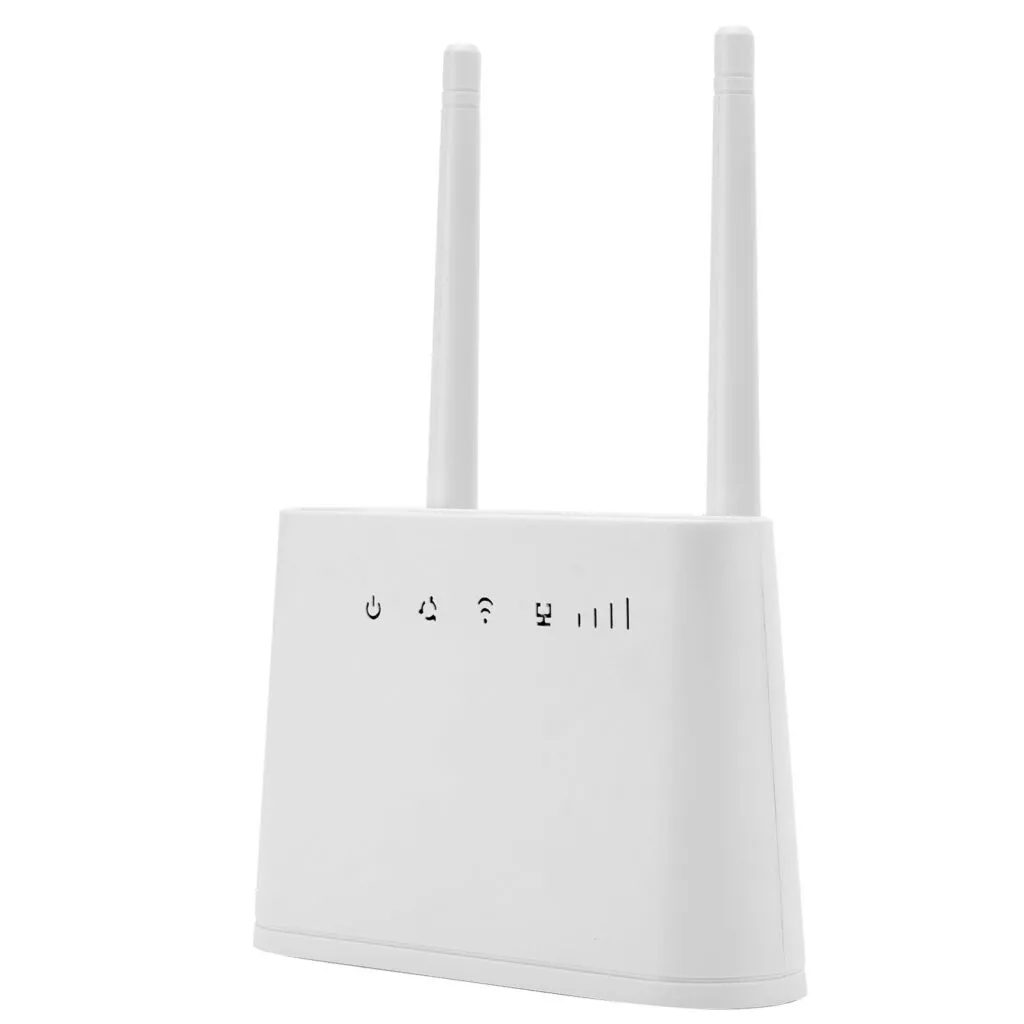
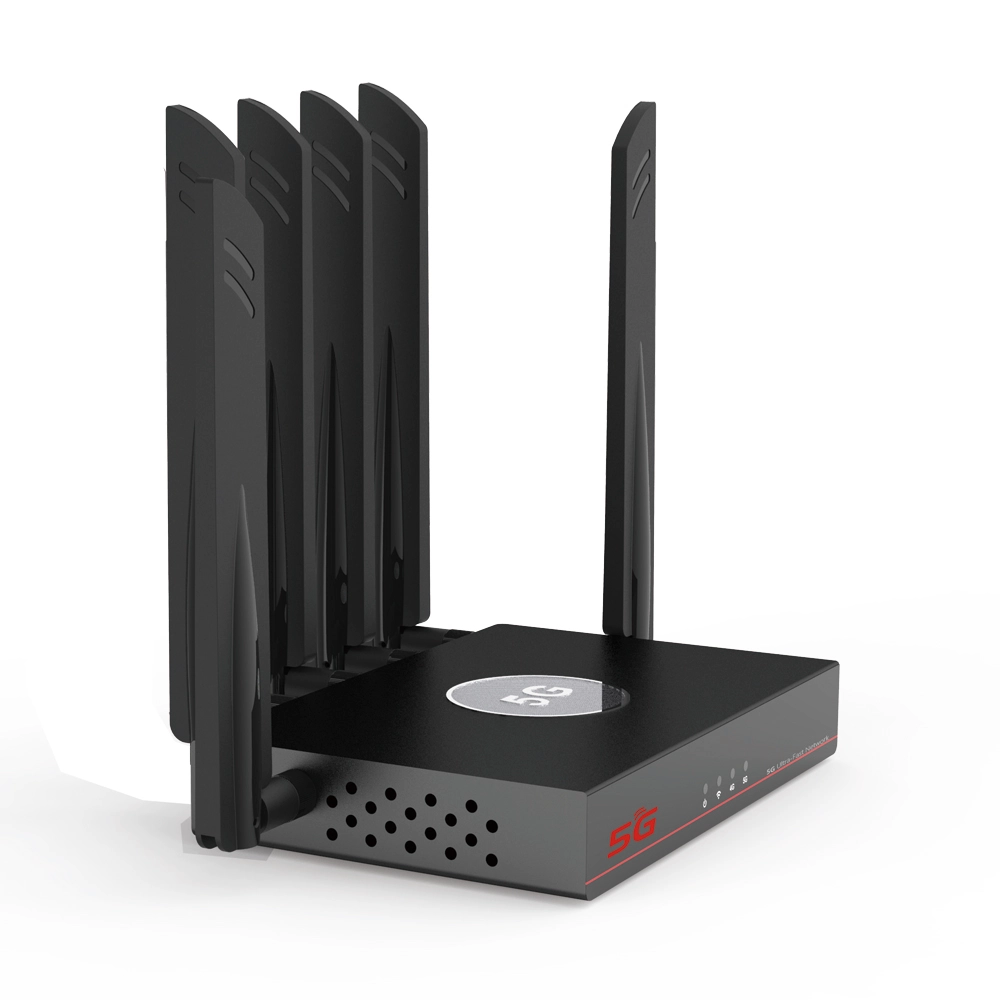
Antennas are responsible for transmitting and receiving signals. External high-gain antennas typically offer better directivity and gain than internal ones. Antenna count is often expressed as “M×N” like “4×4”, where the first number represents transmit antennas and the second number represents receive antennas. More antennas support advanced MIMO (Multiple-Input Multiple-Output) technology, increase the number of spatial streams. This not only boosts concurrent data throughput but also enables beamforming technology, which concentrates signal energy and directs it toward specific devices—effectively enhancing wall penetration capability in a given direction. However, note that antenna count does not directly equate to signal strength, design, layout and chipset drivers are equally critical.
2.3.Signal Amplifiers: Energy Stations for Signal’s Long Journey
These are independent external power amplifier (PA) chips for signal transmission and low-noise amplifiers (LNA) for signal reception. High-quality external independent signal amplifiers significantly boost transmit power and improve receive sensitivity, allow signals to reach farther and hear clearer. They are the core components to enhance wall penetration and coverage. When to shop, look for routers that explicitly mention featuring high-performance external independent signal amplifiers.
2.4.Processor and Memory: The Brain and Workbench for Stable Coverage
A powerful multi-core CPU and sufficient RAM/flash memory are the foundation for a router such as 4g lte router with sim card slot or wifi router 5g sim card to stably handle multiple device connections and run advanced features such as mesh networking and gaming acceleration. A router with insufficient processing power will experience lag and disconnections under high multi-device loads—even with a full signal bar, the experience will be severely compromised. Therefore, a robust chipset is the backbone to ensure long-term, stable wall penetration performance.
3.Key Features Explained: Functions That Significantly Impact Wall-Penetration Experience
Beyond basic hardware, certain technologies and functional designs directly optimize wall penetration and coverage.
4.Multi-Band Coordination and Dedicated Backhaul
Modern routers typically come with dual bands that 2.4GHz and 5GHz, or even tri-band such as Wi-Fi 6E routers add 6GHz band. 2.4GHz band has lower frequency, longer wavelength and stronger diffraction capability, offer the best wall penetration—but with relatively slower speeds and greater susceptibility to interference. 5GHz band offers higher speeds and less interference, but suffers greater attenuation through walls. A good router intelligently assigns devices to the optimal band. For mesh distributed routers, tri-band models usually feature a dedicated 5GHz band for wireless backhaul communication between nodes—not shared with client devices. This greatly ensures signal strength and stability for remote nodes in wireless setups, make it key to achieve seamless coverage in large homes.
5.Mesh Networking Capability: A Fundamental Solution to Coverage Challenges
For duplex homes, villas or long, partitioned layouts, even the strongest single router can struggle. Routers that support mesh networking allow you to deploy multiple nodes, can cover the entire home like a fishing net. As devices move between nodes, they automatically and seamlessly switch to the node with better signal, achieve true whole-home, dead-zone-free high-speed coverage. When to choose mesh routers, prioritize tri-band models and evaluate the quality of their roaming handoff algorithms.
6.Beamforming Technology: Make Signals Target with Precision
This is an intelligent antenna technology. Traditional routers broadcast signals evenly in all directions like a light bulb, whereas beamforming detects the location of terminal devices and concentrates signal energy directionally toward them—as if equip the signal with a scope. This not only boosts signal strength and throughput for targeted devices but also reduces interference in other directions, indirectly enhance penetration capability along specific paths.
7.Vendor-Specific Enhanced Technologies
Many leading brands developped their own signal enhancement technologies—through specialized antenna layouts, signal algorithm optimizations or chipset synergies—to improve coverage. These technologies often work best when paired with the same brand’s terminal devices like smartphones. While they can be a bonus when evaluate options, they shouldn’t be the sole deciding factor.
8.Scenario-Based Purchasing: From Entry-Level to Flagship
There is no best router—only the one that best fits your needs. Your floor plan, budget and requirements ultimately determine the correct choice.
9.Small Apartments/Studio Units (Under 60 m²/650 sq ft)
Typically, a single load-bearing wall is the biggest challenge. A mid-range router that supports Wi-Fi 6, features at least four external high-gain antennas, and includes independent external signal amplifiers should suffice. Focus on evaluating its 5GHz band wall penetration performance, as this is the primary band for future high-speed applications.
10.Medium-Sized Homes/Standard 3-Bedroom Units (60–120 m²/650–1,290 sq ft)
Signals need to penetrate two to three walls. Opt for a mid-to-high-end Wi-Fi 6 router with robust external independent signal amplifiers and multiple high-performance processor cores. If the layout is complex such as L-shaped or long corridor or you have specific requirements for marginal areas like bathrooms or balconies, consider a router that supports mesh networking—even if you start with a single unit, it will leave room for future expansion.
11.Large Homes/Duplexes/Villas (Over 120 m²/1,290 sq ft)
Single-point coverage is no longer practical. A mesh distributed system is virtually the only optimal solution. A tri-band Wi-Fi 6 mesh kit is highly recommended. Nodes communicate via dedicated bands, without affecting device connection speeds. Based on the area and wall structure, choose a two or three-node kit, and strategically place nodes (ideally with wired backhaul or as close to line-of-sight as possible wirelessly) to achieve true whole-home high-quality coverage.
12.Special Environment and High-Density Connectivity
For offices, small retail spaces or homes with an extensive array of smart devices where exceeding 30 devices, beyond coverage, pay close attention to the router’s device capacity and MU-MIMO performance. Choose enterprise-grade or high-end consumer routers, which typically feature more powerful processors, larger memory and more stable firmware, to ensure that every device still gets usable bandwidth and a stable connection under heavy loads.
13.Practical Optimization and Pitfall Avoidance
To choose the right router is only half the battle—proper deployment and usage are equally important.
14.The Golden Position for Your Router
Place the router as centrally, openly and as high as possible within your home like on the living room TV console. Avoid to hide it in the weak-current cabinet, inside cabinets or in corners. Keep it away from interference sources like microwave ovens, Bluetooth devices and cordless phones. Ensure antennas are oriented vertically upward, as wireless signal propagation is roughly perpendicular to the antenna’s orientation.
15.Firmware Updates and Channel Selection
Regularly update your router’s firmware—manufacturers fix vulnerabilities and optimize performance and stability through firmware updates. For 2.4GHz band, if you experience high interference and slow speeds, log into the router’s admin interface and manually select a channel such as 1, 6, or 11 that neighboring networks use less frequently, this can significantly improve the experience.
16.Take Wall-Penetration Claims with a Grain of Salt
National regulations strictly limit the transmit power of wireless routers, and the actual differences among brands within compliant ranges are not dramatic. Therefore, remain cautious when encounter marketing hype that exaggerates ultra-strong wall penetration or multiple times signal enhancement. The real differences come from the combined optimization of antenna design, signal amplifiers, chipset solutions and software algorithms.
17.Wired Backhaul Is the Ultimate Form of Mesh
If conditions permit, pre-wire Ethernet cables during renovation so that mesh nodes connect via wired backhaul. The stability and latency will far surpass any wireless backhaul approach, allow you to fully unleash the mesh system’s performance—this is the ultimate solution for perfect large-home coverage.
18.Summary and Outlook
To choose a router such as 4g lte router with sim card slot or wifi router 5g sim card with strong wall penetration ability requires a holistic assessment of its wireless standard, antenna and amplifier configuration, processor performance and whether it supports mesh networking. For the vast majority of households, a mid-to-high-end router with independent external signal amplifiers and Wi-Fi 6 support will suffice. For complex or extra-large homes, invest in a tri-band mesh system is the fundamental solution. Looking ahead, as Wi-Fi 7 technology matures, higher frequency bands and more intelligent scheduling will further transform home network coverage, but the core hardware foundation and scientific deployment principles will always remain the bedrock of a good experience.


What can we do for you?