
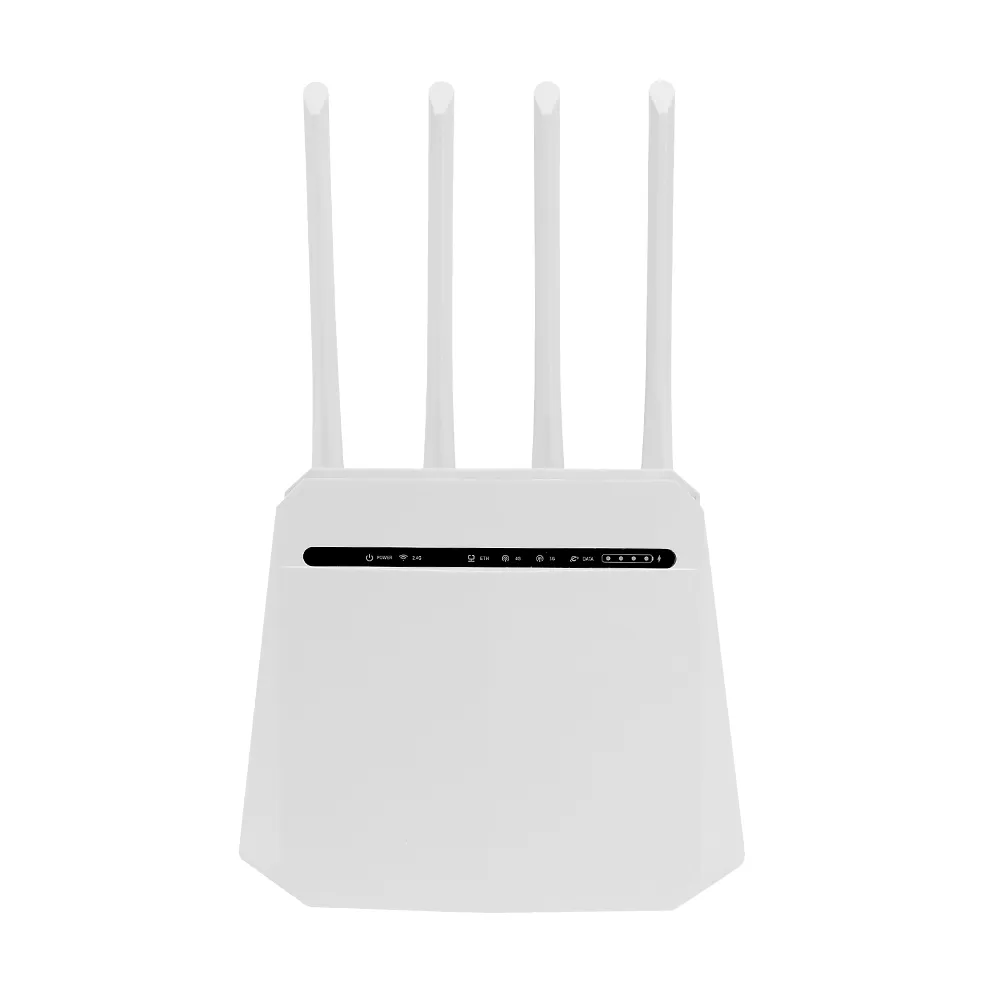
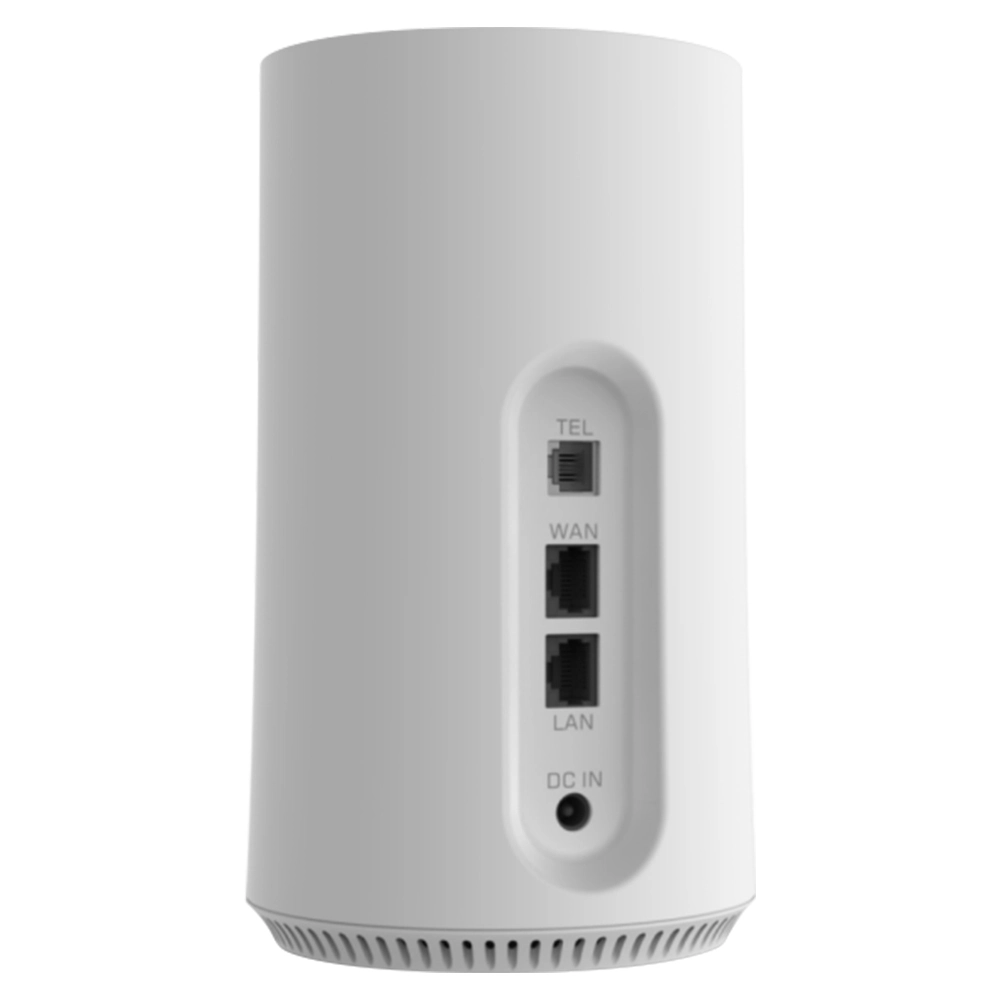
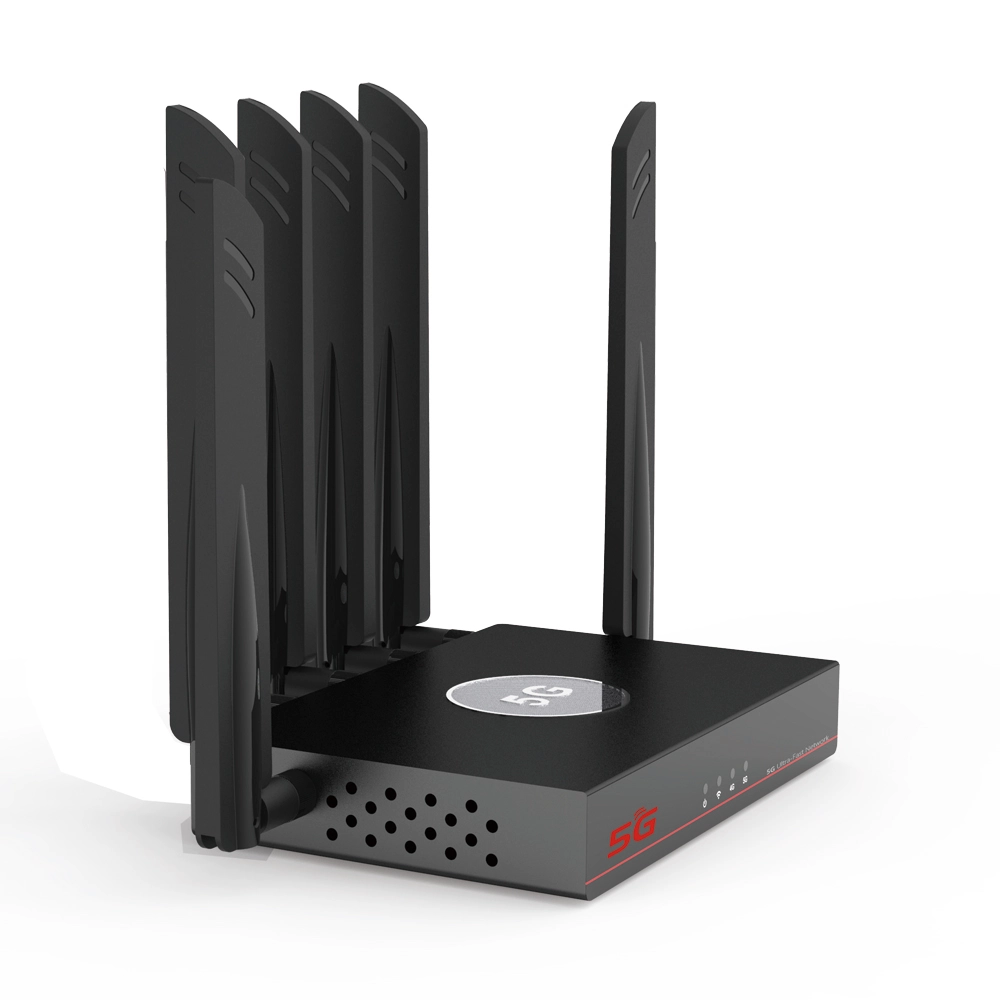
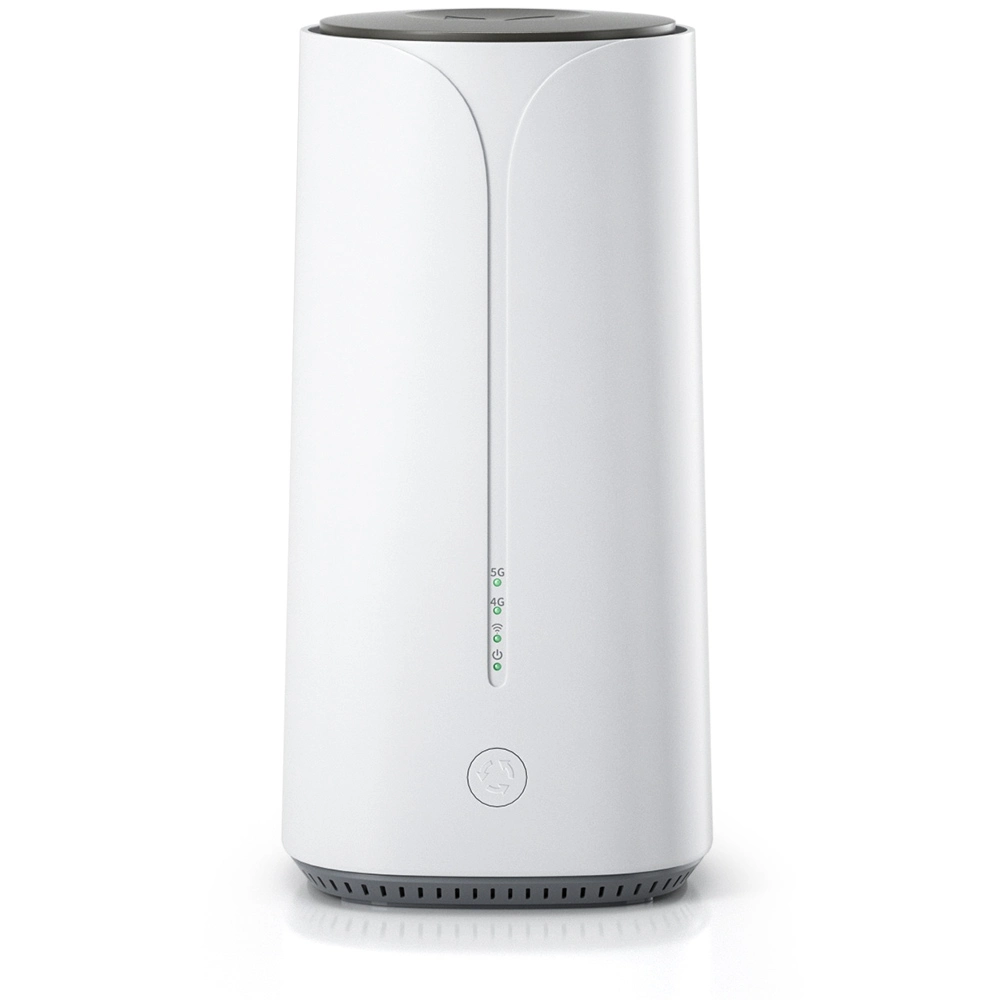
In modern digital life, a stable and efficient network connection has become indispensable infrastructure. Whether for remote work, online education, high-definition entertainment or smart home control, everything relies on a seemingly unassuming yet critical device—the router. The router such as 4g lte router sim card or wifi router sim card 5g that connects you to the internet is the central hub of home and office networks, responsible for establishing connections between local devices and the wide-area network, forwarding data and managing communications. It is not only the physical gateway to the internet but also performs key functions such as network address allocation, traffic steering, security protection and wireless signal coverage. Understand its operating principles, core parameters and purchasing considerations is crucial to build an efficient and stable network environment.
1.Basic Definition and Core Role of a Router
Simply put, a router is a specialized network device whose core task is to forward data packets between different networks. Think of it as an intelligent traffic hub or a postal sorting center. Your home or office constitutes a local network (Local Area Network or LAN), while your Internet Service Provider (ISP) provides the gateway global internet (Wide Area Network or WAN). The router sits at the junction of these two networks, on one side it connects to the ISP’s network via an Ethernet cable or fiber optic line, on the other end it connects—wired or wirelessly—to all your devices, include computers, smartphones, tablets and smart TVs. Its primary duty is to accurately and efficiently relay information between these “internal” and “external” worlds.
2.From Modem to Router: Understand Complete Internet Connection Chain
When discuss routers, we are often confused with another device—modem which commonly referred to by users as the cat, short for cable modem. According to technical white papers from the Ministry of Industry and Information Technology, these are functionally distinct devices. Modem is responsible for converting analog signals coming from the ISP’s network into digital signals used by your home network, and vice versa, it is the true physical interface to access internet. The router, however begins its work after the modem has performed this conversion. It is responsible for sharing that single internet connection among multiple devices and managing their internal communications. Today, the vast majority of consumer devices encountered in homes are wireless routers, which typically integrate routing functions, wireless access point functions and network switch functions into one unit. Some even directly integrate modem functionality like optical network terminal all-in-one devices, make them the absolute center of the home network.
3.How a Router Works: Intelligent Navigation Journey of Data Packets
A router’s operation is based on a routing table. When you want to open a webpage on your phone, your phone will package your request into one or more data packets, attach a destination address which is the IP address of the web server and a source address which is your phone’s IP address. This data packet will be sent to your router first, then the router will examine the packet’s destination address and consult its internal maintained map—the routing table. The table will tell the router which neighboring network node to send the data packet to next in order to reach the intended destination, the router then forward the packet to the modem and ultimately into the internet. Return data from the web server will follow reverse journey, with the router accurately forward it to your phone based on the destination address your phone’s IP address. This entire process occurs in an instant, ensure order and efficiency in network communication.
4.Core Function 1: Network Address Translation (NAT)
An IP address is a unique identifier for a device on a network. Because publicly assignable IP address resources are limited, ISPs typically assign only one public IP address to a single home or office. However, a single household may have a dozen or more devices that need internet access, routers resolve this contradiction through a critical technology called Network Address Translation (NAT). The router uses the sole public IP address externally, while internally it maintains a private network and assigns a private IP address to each connected device. When an internal device accesses the external network, the router replaces the private source address in the data packet with the public address before sending it out. When external data returns, the router uses its translation records to accurately deliver the data back to the corresponding internal device. This is like a building having only one public mailing address but many internal rooms, with all incoming and outgoing correspondence handled centrally by the front desk.
5.Core Function 2: Dynamic Host Configuration Protocol (DHCP) Service
Imagine have to manually configure complex parameters like IP addresses, gateways and Domain Name System (DNS) server addresses for every new device you bring home—it would be incredibly tedious. The router’s DHCP server function automates this process. When any device connects to the router, either wired or wirelessly, the router will assign an available private IP address automatically from a pre-set address pool to that device and provide it with the necessary network configuration information, achieve plug-and-play functionality. This will greatly simplify network management and enhance user experience.
6.Core Function 3: Wireless Access Point
This is the most perceptible function of a wireless router such as 4g lte router sim card or wifi router sim card 5g for users. The router contains a built-in wireless signal transmitter, create a Wireless Local Area Network (WLAN). It adheres to wireless network standards established by the Institute of Electrical and Electronics Engineers (IEEE), encode network data into radio waves for reception and decode by wireless devices like smartphones and laptops. The coverage range, stability and speed of the wireless signal directly depend on the performance of the router’s wireless access point component.
7.Crucial Performance Metric: Wireless Protocol Standards
Wireless network technology has evolved through multiple generations. From early days of 802.11a/b/g to 802.11n (Wi-Fi 4), to the current mainstream 802.11ac (Wi-Fi 5) and the emerging of 802.11ax (Wi-Fi 6) or even Wifi 7, each generation of protocol has delivered significant leaps in speed, capacity, efficiency and resistance to interference. According to IEEE standards, Wi-Fi 5 offers theoretical peak rates several times higher than its predecessor and introduced technologies like Multi-User Multiple Input Multiple Output (MU-MIMO), which allows routers to communicate with multiple devices simultaneously, significantly improve the experience when multiple devices are online concurrently. When to select a router, support the latest mainstream protocol standards is the key to ensure the network remains relevant for years to come.
8.Crucial Performance Metric: Frequency Bands and Bandwidth
Modern wireless routers typically operate on two frequency bands: commonly used 2.4GHz band and 5GHz band. 2.4GHz band offers strong penetration and wide coverage but is often crowded with interference and offers relatively lower speeds. 5GHz band provides wider channels and faster speeds with less interference, but its signal has weaker penetration capabilities through obstacles. High-performance routers commonly support dual-band concurrent operation, meaning they can transmit signals on both bands simultaneously, some even support 6GHz band (Wi-Fi 6E). Devices can automatically select the optimal band to connect to based on distance and interference conditions. Additionally, channel bandwidth is crucial—it’s like the number of lanes on a road, the wider the bandwidth, the greater the potential for data throughput.
9.Crucial Performance Metric: Antennas and Signal Coverage
Antennas are the physical components through which a router transmits and receives wireless signals. The number of antennas, gain and design directly affect signal strength and coverage. Multi-antenna designs are often combined with Multiple Input Multiple Output (MIMO) technology, transmit data in parallel over multiple spatial streams to significantly boost wireless speeds and stability. However, the number of antennas is not directly proportional to signal strength, internal power amplifier chips, circuit design and environmental factors like building structure and obstructions also have a significant impact. For large apartments or multi-story homes, routers support mesh networking capabilities or the use of wireless range extenders may be necessary.
10.Hardware Core: Processor, Memory and Flash Storage
A router is essentially a specialized computer. Its core processor is responsible for running the operating system, processing routing tables, executing NAT and handling all other computational tasks. Memory (RAM) is used to temporarily store routing tables, DHCP lease information and data packets being processed. Flash storage is used to store the router’s firmware. A high-performance processor and ample memory are fundamental to ensure stable router operation and low latency under multi-device connections and high-traffic loads, especially when advanced features are enabled.
11.Software Core: Firmware and Operating System
The soul of a router is its firmware, the embedded operating system. It provides a management interface allowing users to set Wi-Fi passwords, manage connected devices, configure port forwarding and more. Good firmware is not only stable and secure but also offers rich features such as parental controls, Quality of Service (QoS) and VPN server capabilities. Some brands even allow users to flash third-party open-source firmware for more powerful customization options. Regularly update the official firmware is an important way to patch security vulnerabilities and enhance performance.
12.Security Features: The First Firewall for Your Home Network
As the gateway between internal and external networks, routers naturally possess firewall capabilities. Through NAT, they can hide the internal network structure and can also be configured with rules to filter out unauthorized external access and attacks. Modern routers typically offer additional security features like guest networks, access control lists (MAC address filtering) and malicious website blocking. Set a strong Wi-Fi password, disable unnecessary remote management features and keep firmware up to date are fundamental steps in ensuring home network security.
13.Advanced Features and Application Scenarios
Beyond basic internet access, modern routers such as 4g lte router sim card or wifi router sim card 5g integrate many practical features. QoS functionality can intelligently identify and prioritize latency-sensitive data streams, such as gaming and video calls, prevent them from being slowed down by downloads. Universal Plug and Play (UPnP) and port forwarding allow devices on the internal network, like Network Attached Storage (NAS), security cameras and game consoles to be securely accessed from the external network. For tech enthusiasts, routers that support advanced features like VPNs and network isolation open up even more possibilities.
14.How to Choose a Router Based on Your Needs
When to select a router, higher specifications aren’t always better, the choice should match your actual needs. For small apartments with few devices, a mainstream Wi-Fi 5 dual-band router is entirely sufficient. For medium-to-large homes with many connected devices, a need for high-speed internal network transfers, or gaming requirements, users should focus on routers that support Wi-Fi 6, featured with high-performance processors multiple Gigabit Ethernet ports and even to consider mesh Wi-Fi systems. When to consult test reports from organizations like the China Communications Standards Association and user reviews, focus on real-world experiences like signal coverage and multi-device stability rather than just theoretical peak speeds.
15.Router Installation and Basic Optimization
Proper installation can maximize router performance. Place it in a central location in your home, away from sources of interference like microwave ovens and Bluetooth devices, preferably at a height to minimize obstructions. Through the management dashboard, you can select a relatively uncongested channel for 2.4GHz band to reduce interference from neighbors. Periodically restart your router can clear temporary memory errors and keep it running smoothly.
16.Future Outlook: Trends in Router Development
With the proliferation of the Internet of Things (IoT) and the explosive growth of smart home devices, routers are evolving toward greater intelligence and integration. Wi-Fi 6 technology focuses on efficiency and low latency in high-density device environments. Artificial Intelligence (AI) is being introduced for intelligent device type recognition, automated network resource optimization and predictive fault diagnosis and repair. The boundaries between routers and smart home hubs are also becoming increasingly blurred, the router may become the true “digital brain” of the home in the future.
In summary, a router is far more than a simple “signal emitter.” It is a complex system integrate network connectivity, data routing, address management, security protection and wireless coverage—an intelligent gateway to the digital world. Understand the underlying principles and key parameters not only helps us to make informed purchasing decisions but also allows us to better configure and optimize it in daily use. This enables us to build a faster, more stable and more secure network environment for ourselves and our families, fully enjoying the convenience and enjoyment that technology brings.


What can we do for you?