
- 1.Core Performance Metrics for Gigabit Ethernet Cables: More Than Just “Category” Differences
- 2.In-Depth Analysis: Capabilities and Limitations of Cat 5e Cables
- 3.Cat 6 Cable: The Mainstream and Reliable Choice for Current Gigabit Networks
- 4.Cat 6a Cable: High-Performance Readiness for the Future
- 5.Cat 7 and Cat 8 Cables: Are They Necessary for Home Use?
- 6.Unavoidable Factor of Cable Material: Copper Purity Is the Key
- 7.Shielded vs. Unshielded: How to Choose Based on Environment?
- 8.AWG and Conductor Gauge: Smaller Numbers Mean Thicker Wire
- 9.The Hard Constraint of Transmission Distance: Where Does the 100-Meter Limit Come From?
- 10.RJ45 Connectors and Keystone Jacks: Details Determine Final Performance
- 11.How to Identify and Test Ethernet Cable Performance?
- 12.Practical Recommendations and Planning for Home Cabling
- 13.Choose Patch Cords
- 14.Wired vs. Wireless: Clarify Their Respective Roles
- 15.Look Beyond Gigabit: Future Prospects and Current Choices
- 16.Common Misconceptions and Pitfalls to Avoid
- 17.Authoritative Standards and Certification References
- 18.Summary: Your Final Decision Checklist
When you’ve enthusiastically signed up for a gigabit broadband package but find that your actual internet speeds fall far slow of expectations, or your online gaming latency remains persistently high, the problem may lie in that seemingly insignificant Ethernet cable very well. As gigabit networks become increasingly common, to choose the right Ethernet cable has become crucial to ensure high-speed and stable connections. Network transmission is like a highway—the broadband package determines the “theoretical width” of the road, while the Ethernet cable is the “actual ramp and pavement” connect your home to that highway. If the ramp is narrow or the pavement is potholed, even the widest main road won’t allow vehicles to pass quickly. So what Ethernet cable should you use for gigabit is by no means a question to be taken lightly—it directly affects whether your investment in high-speed internet translates into a genuinely smooth experience.
To understand the choice of Ethernet cable for gigabit networks, we must first clarify what the “gigabit network” standard actually refers to. What we commonly call a gigabit network is based primarily on the Gigabit Ethernet specification established by the Institute of Electrical and Electronics Engineers (IEEE). This standard requires network equipment to achieve data transmission rates of one billion bits per second over twisted-pair copper cabling. Note that “gigabit” here refers to bit rate, while the “megabytes per second” displayed when download files refers to byte rate—the conversion ratio between the two is roughly 8:1. Therefore, the theoretical peak download speed of a gigabit network is approximately 125 megabytes per second. To achieve this rate places clear and strict demands on the cable’s physical performance and electrical characteristics.
1.Core Performance Metrics for Gigabit Ethernet Cables: More Than Just “Category” Differences
Ethernet cables on the market are commonly distinguished by categories such as Cat 5, Cat 5e and Cat 6 etc. These categories originate from cabling standards set by the Telecommunications Industry Association (TIA) and the Electronic Industries Alliance (EIA). Generally, a higher category number indicates greater supported maximum frequency bandwidth and stronger interference resistance. For gigabit networks, the minimum requirement is Cat 5e cable. However, there’s more to “support” than meets the eye. Cat 5e standard specifies a bandwidth of 100MHz, which under ideal conditions like short distance but no interference can indeed achieve gigabit speeds. However, its design is more geared toward gigabit transmission over distances up to 100 meters, with limited headroom. If cable quality is substandard, installation workmanship is poor, or environmental interference is high, its performance will degrade rapidly, and this will result in unstable actual speeds or even downgrade to 100Mbps.
2.In-Depth Analysis: Capabilities and Limitations of Cat 5e Cables
Cat 5e cable is a very common type currently found in existing installations. It uses a four-pair twisted-pair structure, with all eight conductors used for data transmission (gigabit requires all eight pins connected). From cost perspective, if your network cabling distance is relatively short like within 30 meters and the pre-installed cable is already qualified to Cat 5e, you may not need to replace it for now—it may be sufficient for current needs. However several critical conditions need apply: First, the cable must be made of “pure copper” rather than copper-clad aluminum (CCA) or inferior iron-aluminum materials, which have higher resistance and severe signal attenuation. Second, all eight conductors must be properly connected, and the RJ45 connectors must be crimped according to standard wiring schemes. Third, the cable should be kept away from sources of interference such as power lines and high-power appliances. If these conditions cannot be met, Cat 5e cable will likely to become the bottleneck of your gigabit network.
3.Cat 6 Cable: The Mainstream and Reliable Choice for Current Gigabit Networks
If you’re wiring a new home or planning a network upgrade, Cat 6 cable is undoubtedly the more recommended choice. The Cat 6 standard raises bandwidth to 250MHz, far exceeding the basic requirements of gigabit networking. Higher bandwidth means stronger anti-interference capability and more stable high-frequency signal transmission performance. Cat 6 cable typically features a prominent plastic cross-separator that isolates the four twisted pairs, effectively reducing crosstalk between pairs. This design allows it to stably support gigabit transmission over distances of up to 100 meters, while also reserving some headroom for future network upgrades such as 2.5GBASE-T or 5GBASE-T. From long-term investment perspective, to choose Cat 6 is a more prudent and forward-looking decision.
4.Cat 6a Cable: High-Performance Readiness for the Future
If you have higher requirements for your network or want your cabling system to remain relevant for longer without becoming obsolete, Cat 6a cable is worth considering. Cat 6a cable offers bandwidth of 500MHz—it not only supports gigabit networks effortlessly but also fully supports 5GBASE-T and even 10GBASE-T over shorter distances. Cat 6a typically uses thicker conductor gauges, tighter twist rates and more comprehensive shielding techniques such as individually foil-wrapped pairs. It’s worth noting that Cat 6a comes in both shielded (F/UTP or S/FTP) and unshielded (U/UTP) versions. Shielded types provide excellent electromagnetic interference resistance, suitable for complex electromagnetic environments like server rooms and factories, but require thorough grounding throughout the installation—otherwise they may actually introduce interference. For home environments, unshielded Cat 6a is generally sufficient.
5.Cat 7 and Cat 8 Cables: Are They Necessary for Home Use?
Cat 7 cable can reach bandwidths of 600MHz or even 1000MHz and uses a fully shielded structure, theoretically offer superior performance. On the other hand, Cat 8 is designed primarily for 40GBASE-T transmission over short distances in data centers. However, for the vast majority of home users, Cat 7 and Cat 8 are severe overkill. They are expensive, the cables are thick and rigid so very difficult to bend, and their connectors are not the universal RJ45 type—installation is complex and costly. Unless you have a specific need for extremely high-speed local networking within your home such as a professional audio-visual studio editing uncompressed 8K ultra-high-definition video streams in real time, there is absolutely no need to consider them. It would be more beneficial to invest that budget into higher-quality routers or switches for a more noticeable improvement in user experience.
6.Unavoidable Factor of Cable Material: Copper Purity Is the Key
No matter which cable category you choose, the conductor material is the foundation of its electrical performance. The best material is oxygen-free copper (OFC), which has high copper content, low resistance and minimal signal transmission loss. Next is pure copper. Be wary of “copper-clad aluminum” (CCA) cables—these have an aluminum core with a thin copper plating. Aluminum has significantly higher resistivity than copper, will cause substantial attenuation when transmitting high-frequency signals. It is also brittle and prone to breaking, make it completely unable to guarantee stable gigabit speeds over longer distances. One way to distinguish them is by weight—for the same length, pure copper cable is noticeably heavier. Another is to observe the conductor’s color and flexibility: pure copper cores have a reddish hue and are soft and resistant to breaking.
7.Shielded vs. Unshielded: How to Choose Based on Environment?
This is a common point of confusion. Unshielded Twisted Pair (UTP) relies on the inherent balancing properties of twisted pairs to cancel out external interference and is suitable for most home and office environments. Shielded Twisted Pair (STP or FTP) adds metallic shielding layers such as foil or braided mesh to defend against strong electromagnetic interference. However, shielded cable must be properly grounded to work effectively—if installed incorrectly, the shielding layer will actually act as an antenna to collect noise. Therefore, unless your Ethernet cable needs to run parallel to power lines over long distances or pass through areas with strong interference like elevator shafts or electrical rooms, choose high-quality unshielded cable is generally simpler and more reliable.
8.AWG and Conductor Gauge: Smaller Numbers Mean Thicker Wire
AWG (American Wire Gauge) is a parameter indicate conductor thickness, with common values like 24AWG or 26 AWG etc., smaller number indicates thicker conductor. Thicker conductors mean lower resistance and less signal attenuation. Standard Cat 6 cable typically uses 23 AWG. When to purchase, you can check the product specifications. For long-distance cabling over 50 meters, choose a cable with a smaller AWG number will help to ensure signal strength at the far end.
9.The Hard Constraint of Transmission Distance: Where Does the 100-Meter Limit Come From?
The Ethernet standard specifies a maximum effective transmission distance of 100 meters for twisted-pair cabling. This distance includes all cabling from switch to computer—if there are wall jacks and patch cords in between, they also count toward the total. Beyond this distance, signal attenuation and distortion will cause bit error rates to rise sharply, make the network unstable or even cause disconnection. For scenarios require ultra-long runs, such as villas or large industrial facilities, you should not simply rely on extending the Ethernet cable. Instead, you should add a switch or fiber optic transceiver in the middle for signal repeating. Fiber optics have an absolute advantage in long-distance transmission—this is precisely why backbone networks generally use fiber.
10.RJ45 Connectors and Keystone Jacks: Details Determine Final Performance
No matter how good the cable is, if the RJ45 connectors or wall jacks at both ends are of poor quality or improperly terminated, performance will be severely compromised. RJ45 connectors designed for Cat 6 and above have internal structures that differ from Cat 5e—they better accommodate the cable’s conductor gauge and arrangement, reduce crosstalk. When crimp connectors, ensure all conductors are pushed all the way to the front and that the cable jacket is secured by the crimp strain-relief clamp, guarantee good contact and tensile strength. Wall jacks should also be chosen to match the cable category, with conductors terminated according to the wiring diagram printed on the jack (usually T568A or T568B—just maintain consistency throughout the project).
11.How to Identify and Test Ethernet Cable Performance?
For average users, the most straightforward method is to check the printing on the cable jacket. Qualified cables will clearly display the category, certification marks such as UL or ETL, AWG rating, flame-retardant rating etc. For example, “Cat 6 UTP” is a common marking. More professional testing requires a network cable tester. Simple testers can only check continuity and pin-to-pin wiring, while advanced certification-grade testers can measure bandwidth, attenuation, near-end crosstalk (NEXT), return loss and many other parameters, determine whether the cable meets the standard for its category. For important cabling projects, conduct an acceptance test is highly recommended.
12.Practical Recommendations and Planning for Home Cabling
For new home renovations, it is strongly recommended to run at least one Cat 6 or Cat 6a unshielded cable to each room, with two runs to key locations such as living room TV console and study desk. All cables should converge at the home distribution panel and connect to a gigabit switch. Conduits should be large enough in diameter to facilitate future replacement or upgrades. Avoid to run Ethernet cables and AC power lines tightly together in the same conduit—maintain a parallel separation of at least 20cm when possible. If conditions permit, consider to deploy cables support higher specifications for home theater or gaming consoles to meet future bandwidth demands from streaming media and cloud gaming.
13.Choose Patch Cords
The short cables connect computers, TVs and wall outlets are called patch cords. You should choose factory-made patch cords that match the category of your cabling system. Do not underestimate these short cables—poor-quality patch cords are equally performance bottlenecks. Good factory-made patch cords feature high-quality connectors, flexible cables and guaranteed performance. It is not recommended to make short patch cords from bulk cable by hand, as factory-produced patch cords generally offer better and more consistent workmanship than hand-crimped ones.
14.Wired vs. Wireless: Clarify Their Respective Roles
In the gigabit era, wireless networking technology is advancing rapidly, but wired networks still hold irreplaceable advantages in stability, latency and absolute bandwidth. For stationary devices such as desktop computers, Network Attached Storage (NAS), smart TVs and game consoles—and for applications require stable, high-speed connections like video conferencing, large file transfers and online gaming—wired connections should be prioritized. Wireless networks are better suited for mobile devices like smartphones and tablets, serve as a complement and extension to wired connections. The ideal home network is a hybrid model of “wired backbone with wireless coverage.”
15.Look Beyond Gigabit: Future Prospects and Current Choices
With the emergence of Fiber-to-the-Room (FTTR) technology and the proliferation of ultra-high-definition content, Virtual Reality (VR) and other applications, the demand for beyond-gigabit speeds within home networks is growing. Choose Cat 6 or Cat 6a cable is precisely how you prepare for these future needs. They not only perfectly carry current gigabit broadband but also make it possible—without replacing the cabling—to upgrade network terminal equipment later to increase internal network speeds. This is a cost-effective future-proofing strategy.
16.Common Misconceptions and Pitfalls to Avoid
The first misconception is believing that “all cables labeled as gigabit are the same.” In reality, jacket markings can be counterfeit, so you need to judge based on brand, material and price collectively. The second misconception is “the more expensive the cable, the better.” For home users, exorbitantly priced Cat 7 or Cat 8 cables are simply a waste. The third misconception is “shielded cable is always better than unshielded.” Using shielded cable in environments where shielding is unnecessary only adds cost and installation difficulty. The fourth misconception is neglect installation quality—proper cabling workmanship is just as important as the cable itself.
17.Authoritative Standards and Certification References
When to select Ethernet cables, you can refer to various international and domestic standards. Internationally, in addition to the aforementioned TIA/EIA standards, there are also joint ISO/IEC standards. Domestically, the China Communications Standards Association (CCSA) has established relevant industry standards. When to purchase, prioritize branded products that comply with these standards and have formal test reports. Well-known brands generally offer better quality control and material consistency.
18.Summary: Your Final Decision Checklist
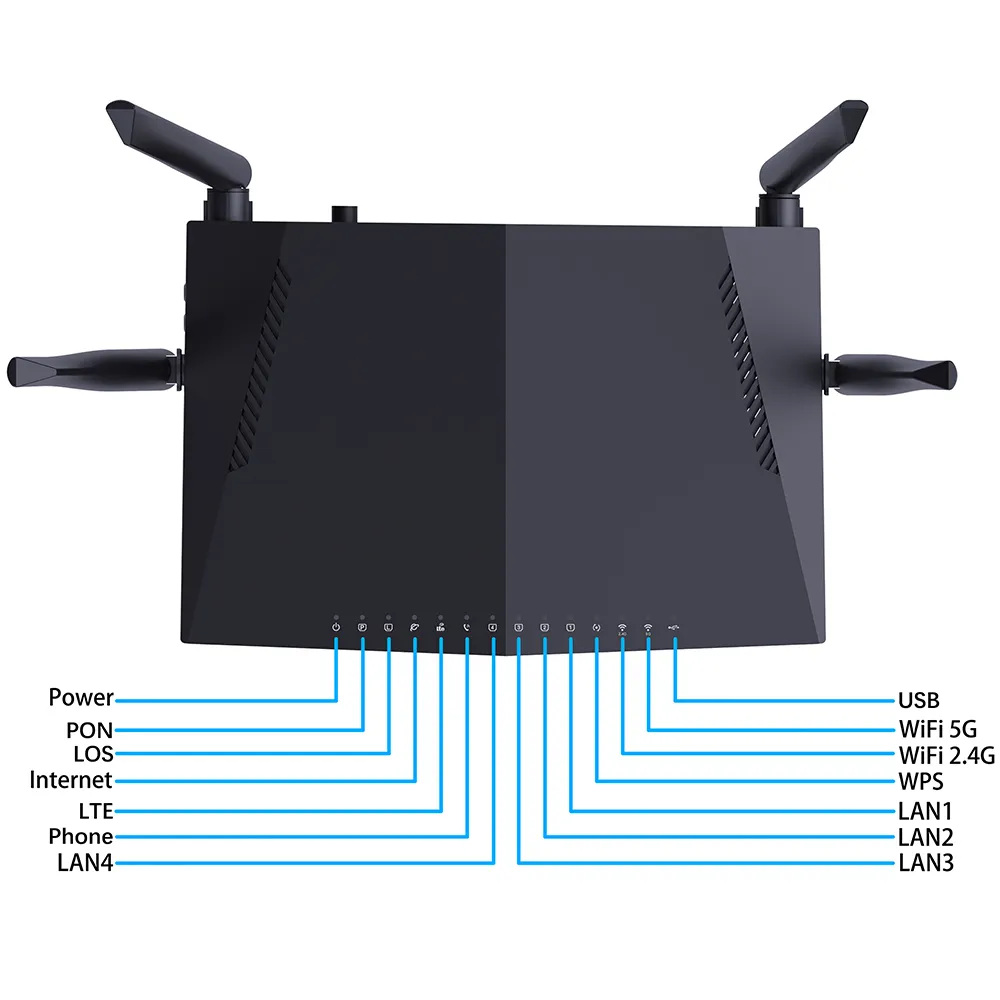
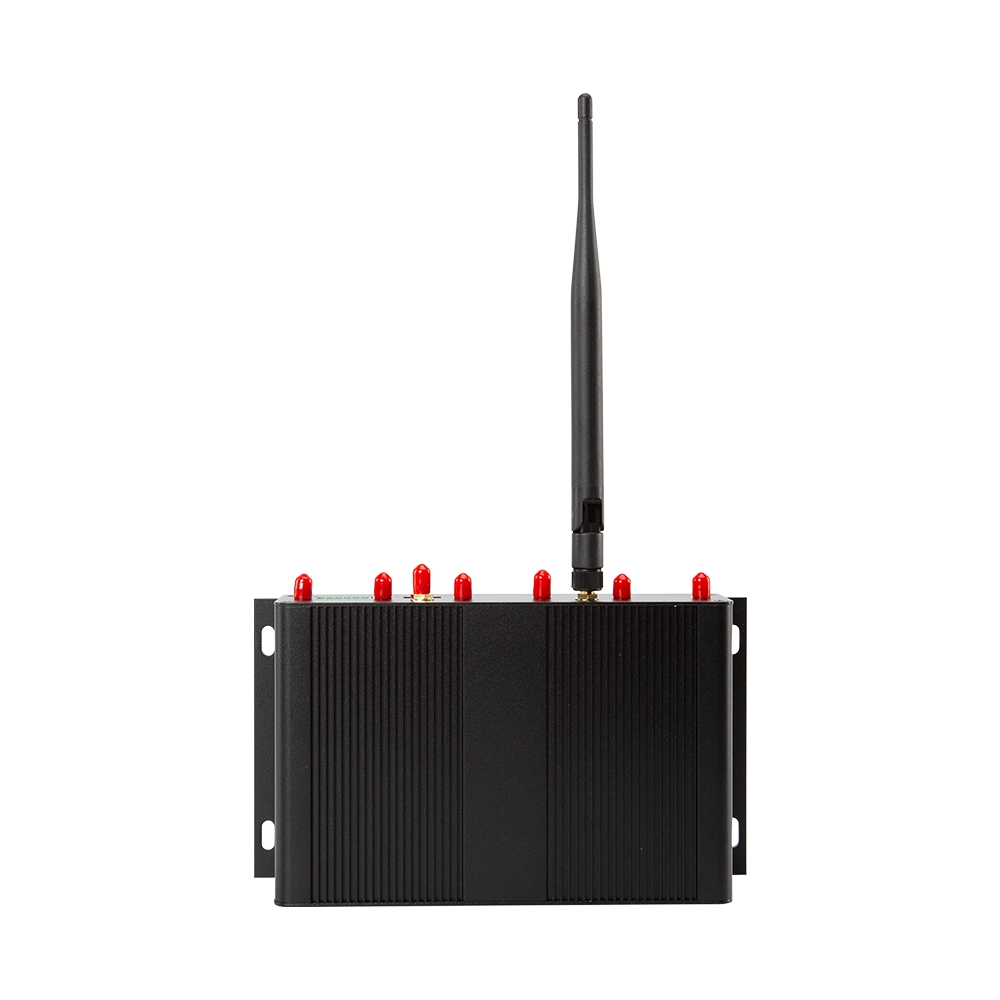
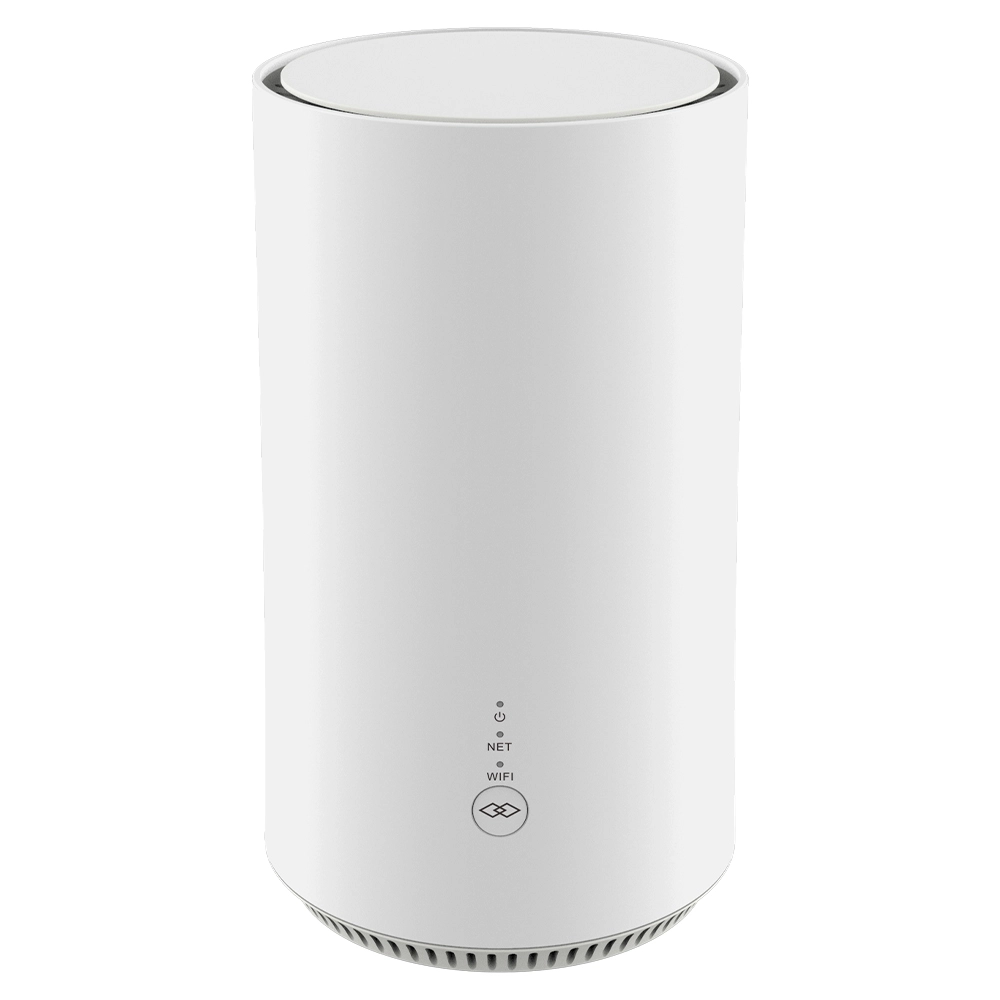
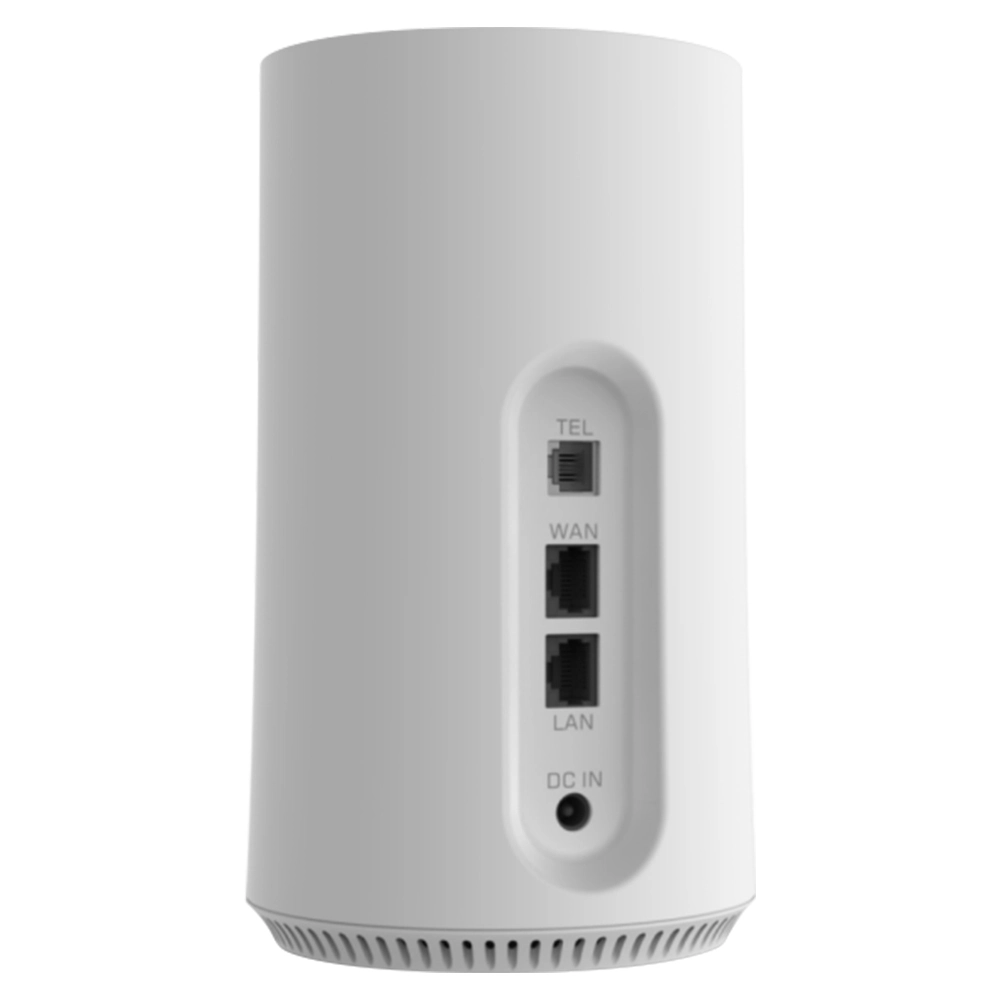
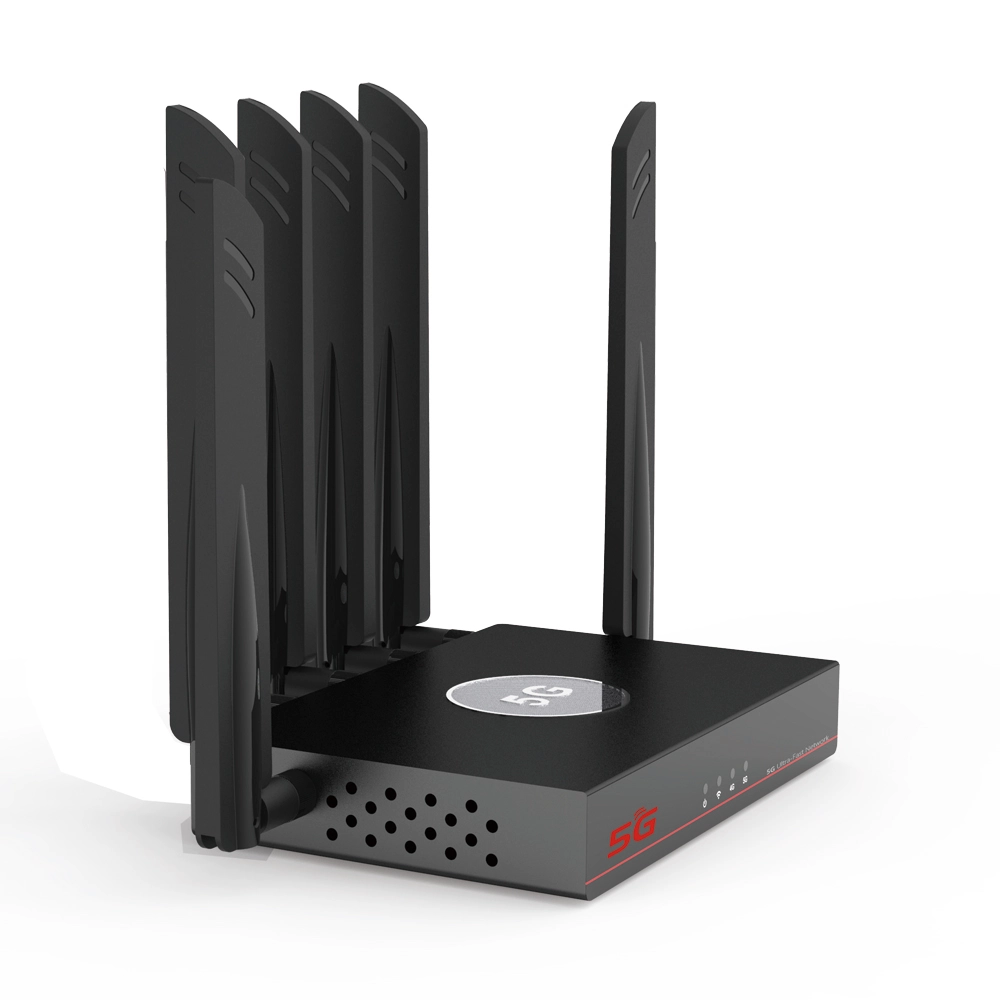
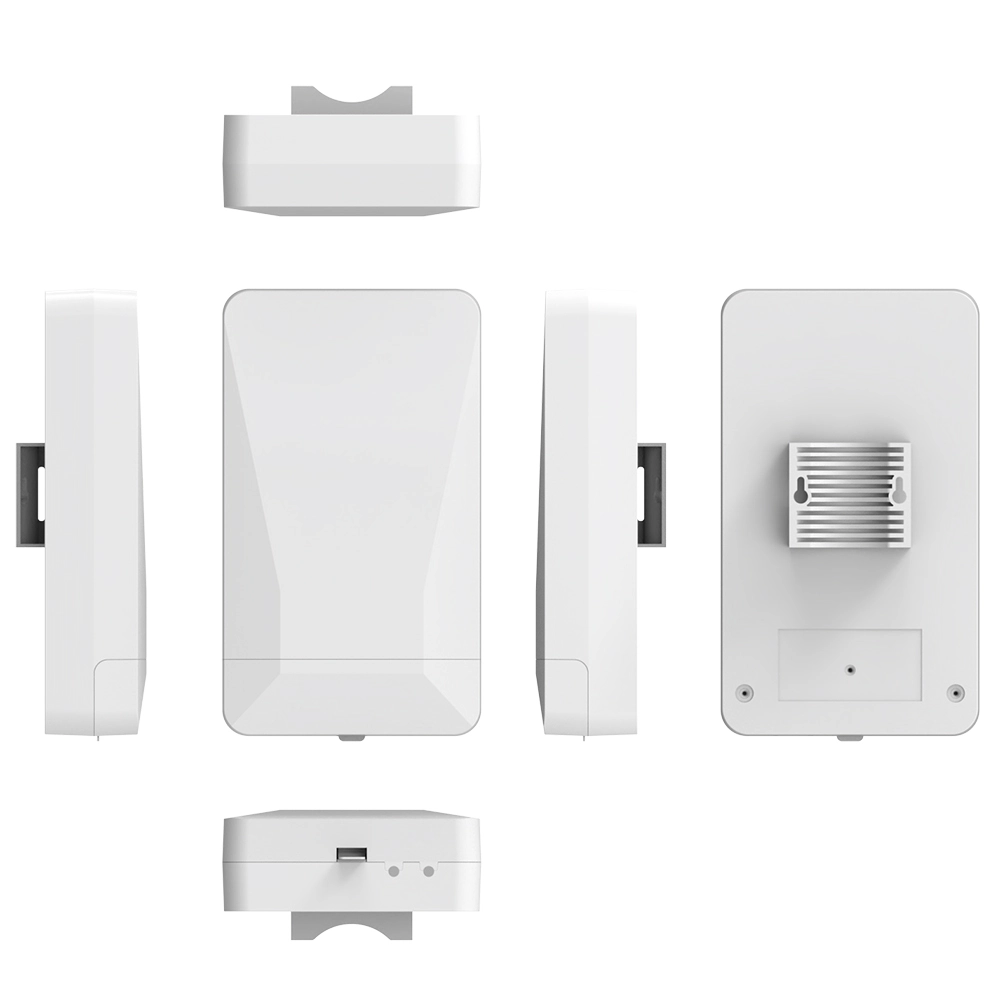
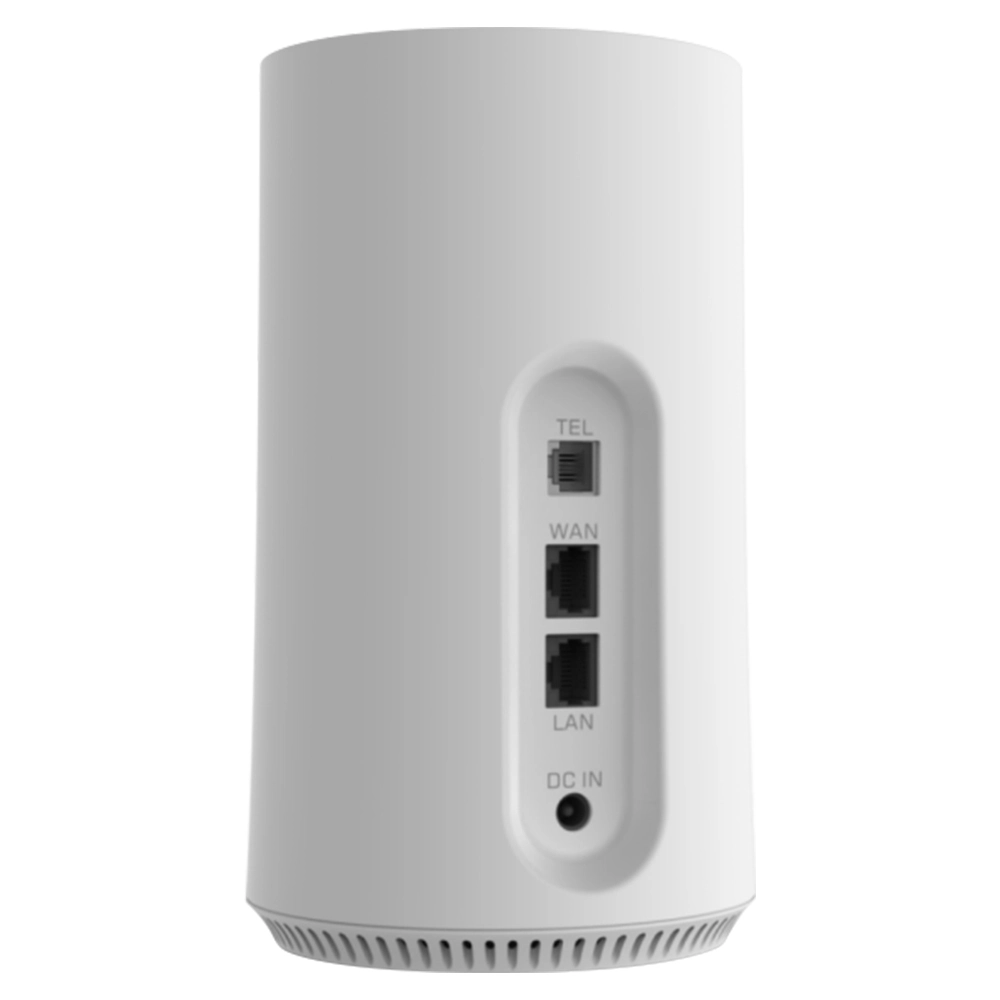
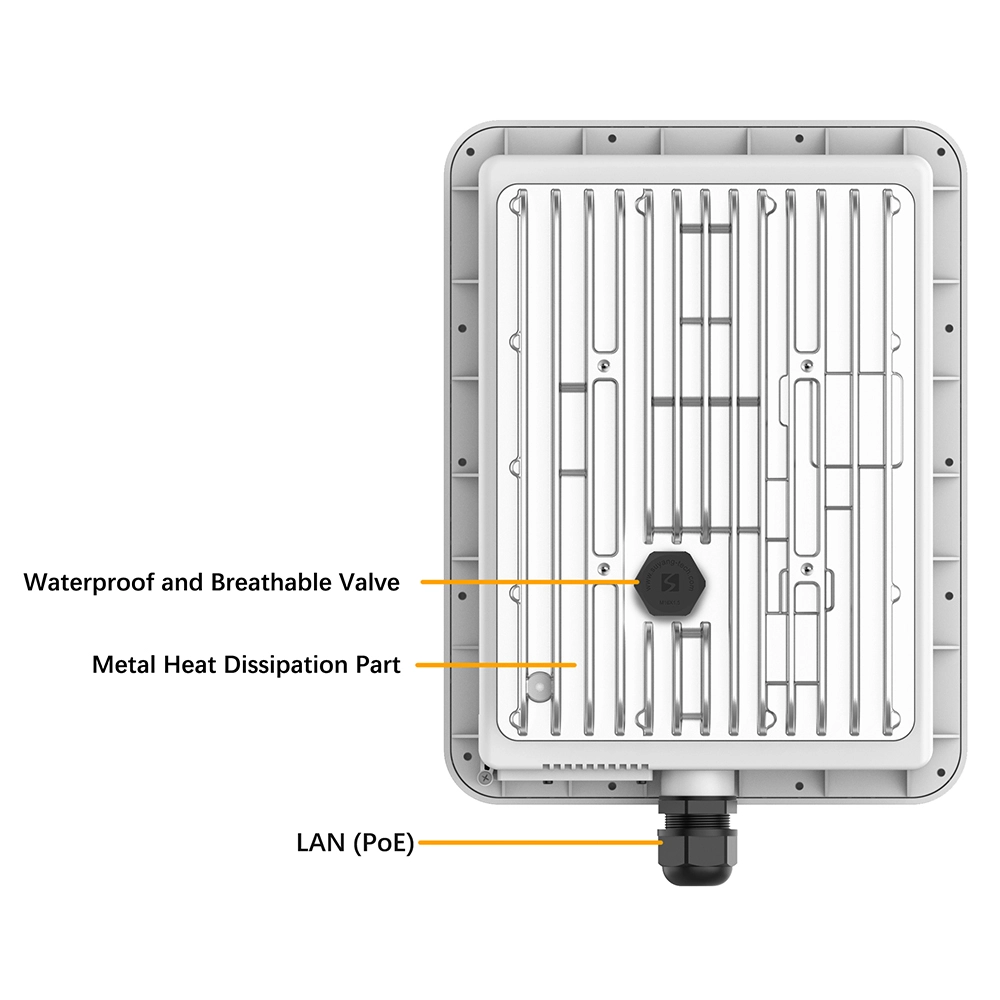
In summary, to choose an Ethernet cable for your gigabit network requires comprehensive consideration of existing conditions, budget and future expectations, now days even strong 4g lte router or sim wifi router 5g support wan port which need Ethernet cable also. If you already have qualified Cat 5e cable over short distances with a good environment, you can keep it for now. For new installations or upgrades, Cat 6 UTP offers the best value for money as the mainstream choice. If you want to pursue the highest performance and leave maximum room for the future, Cat 6a UTP is the way to go. Always ensure the cable material is oxygen-free copper or pure copper, and verify that connectors, jacks and other accessories meet quality standards with proper installation practices. Remember that the Ethernet cable is the physical foundation of your network—one correct investment today can ensure that your digital life travels smoothly on high-speed, stable information highways for the next several years or even a decade.



What can we do for you?