
When to build a home or enterprise network, we often hear router and access point. Many people use them interchangeably, but in reality, they play very different roles in network architecture. A router access point typically refers to a wireless access point, a key device that converts a wired network into wireless signals. It allows terminals such as smartphones and laptops to access a local area network or the internet wirelessly, expand network coverage and access flexibility.
1.Core Definition: Unveil the Wireless Access Point
Simply put, a Wireless Access Point (commonly abbreviated as WAP or AP) has core function of converting existing wired network signals into wireless signals, thereby provide network access to Wi-Fi-enabled devices such as phones, tablets and laptops. You can think of it as a “switch” or “relay station” for wireless networks. It does not possess complex functions like Network Address Translation (NAT), firewalls, or dial-up internet access that routers have. Its task is focused and clear: to create and manage a Wireless Local Area Network (WLAN), allow wireless devices to conveniently connect to the existing wired network backbone.
2.Historical Context: The Evolution from Wired to Wireless
To understand the importance of access points, it’s necessary to review the development of networking technology. Early computer networks relied entirely on Ethernet cables, with device locations fixed by physical wires. With popularization of mobile devices like laptops, the needs for flexible networking became increasingly urgent. In the 1990s, the Institute of Electrical and Electronics Engineers (IEEE) developed 802.11 family of standards, layed technical foundation for WLANs. The first wireless access points were bulky and expensive, primarily used in enterprise environments. After entering 21st century, with technological maturation and declining costs—especially the popularization of “Wi-Fi” certification promoted by the Wi-Fi Alliance—wireless access points truly entered ordinary homes, became an indispensable cornerstone of modern digital life.
3.Working Principle: How Are Signals “Converted”?
The working process of a wireless access point can be summarized as receive, convert and transmit. First, it receives wired data packets from an upstream router or switch via its Ethernet port like an RJ-45 interface. Then, its internal wireless chipset and antenna system modulate these digital signals into specific radio frequency bands like 2.4GHz or 5GHz. Finally, the antennas broadcast these wireless signals. When a wireless device searches for and connects to the wireless network name (Service Set Identifier, or SSID) emitted by the access point, data will flow bidirectionally between wired network and wireless device.
4.The Essential Difference from a Wireless Router
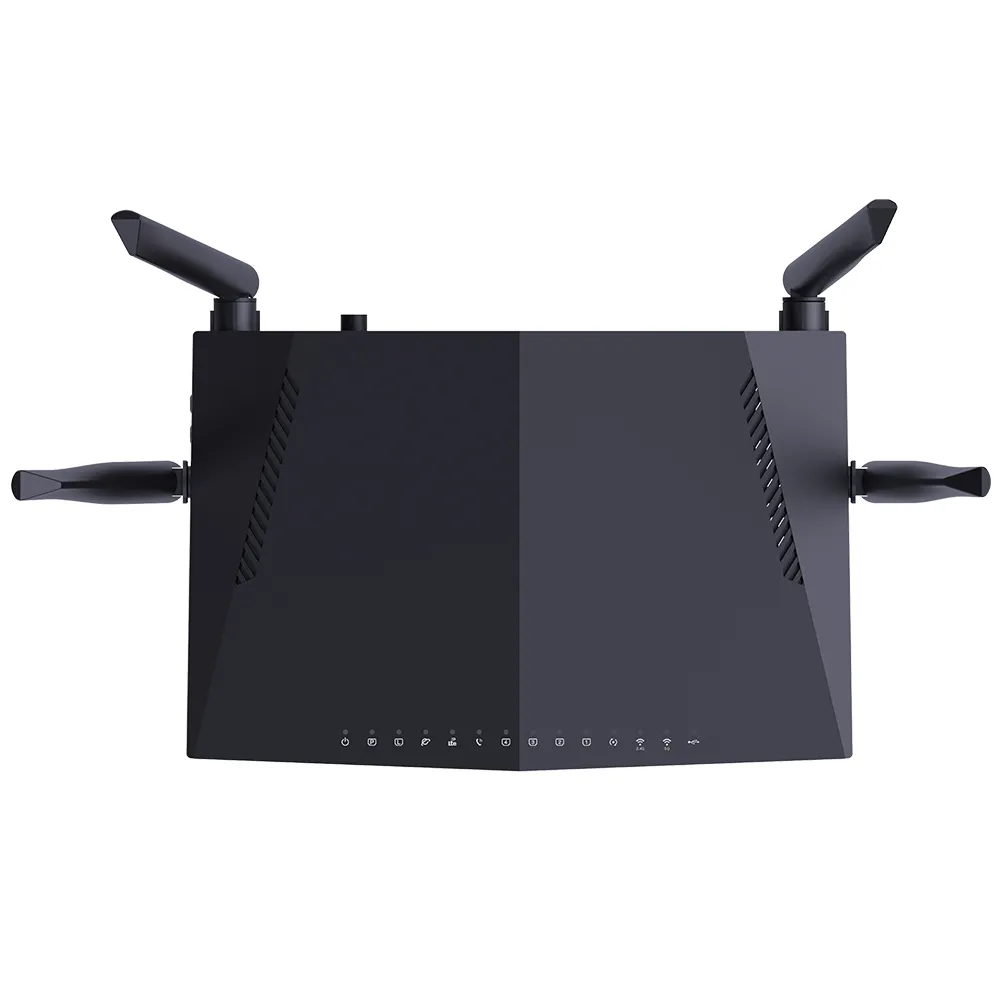
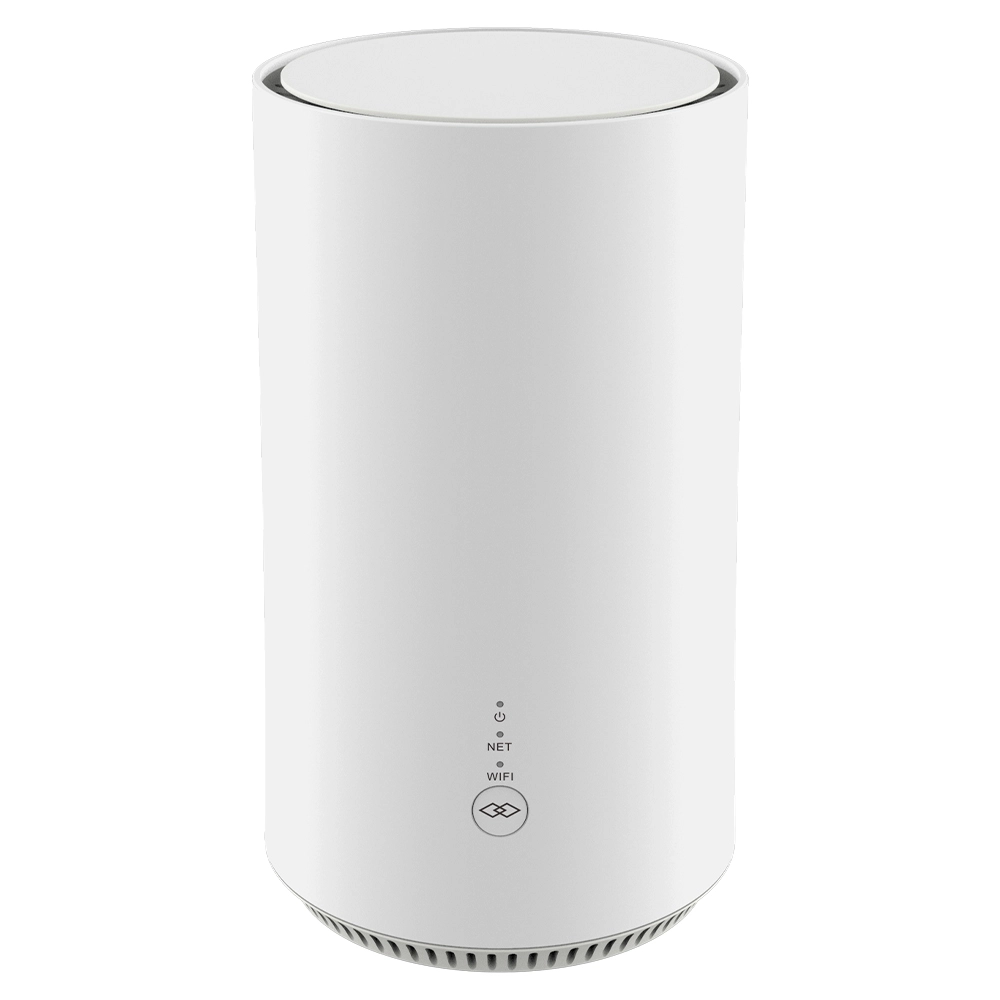
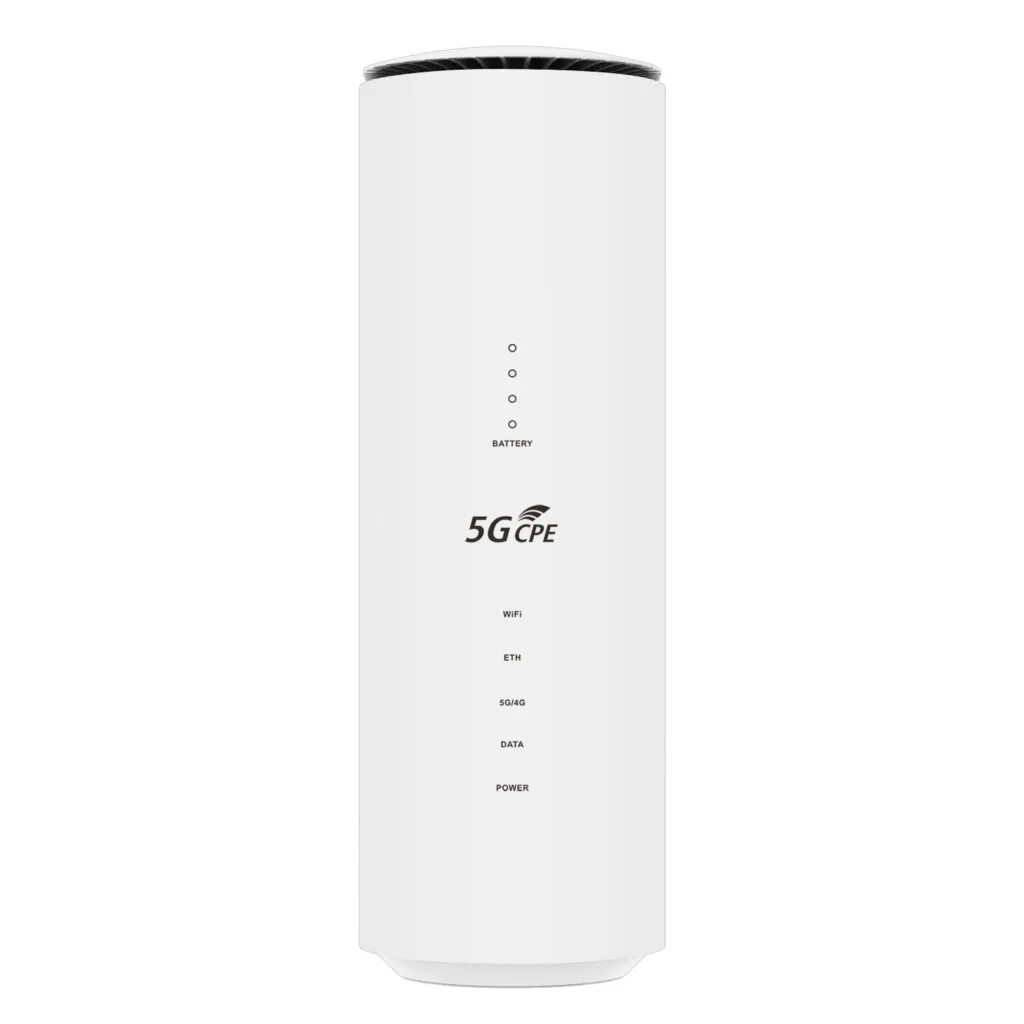
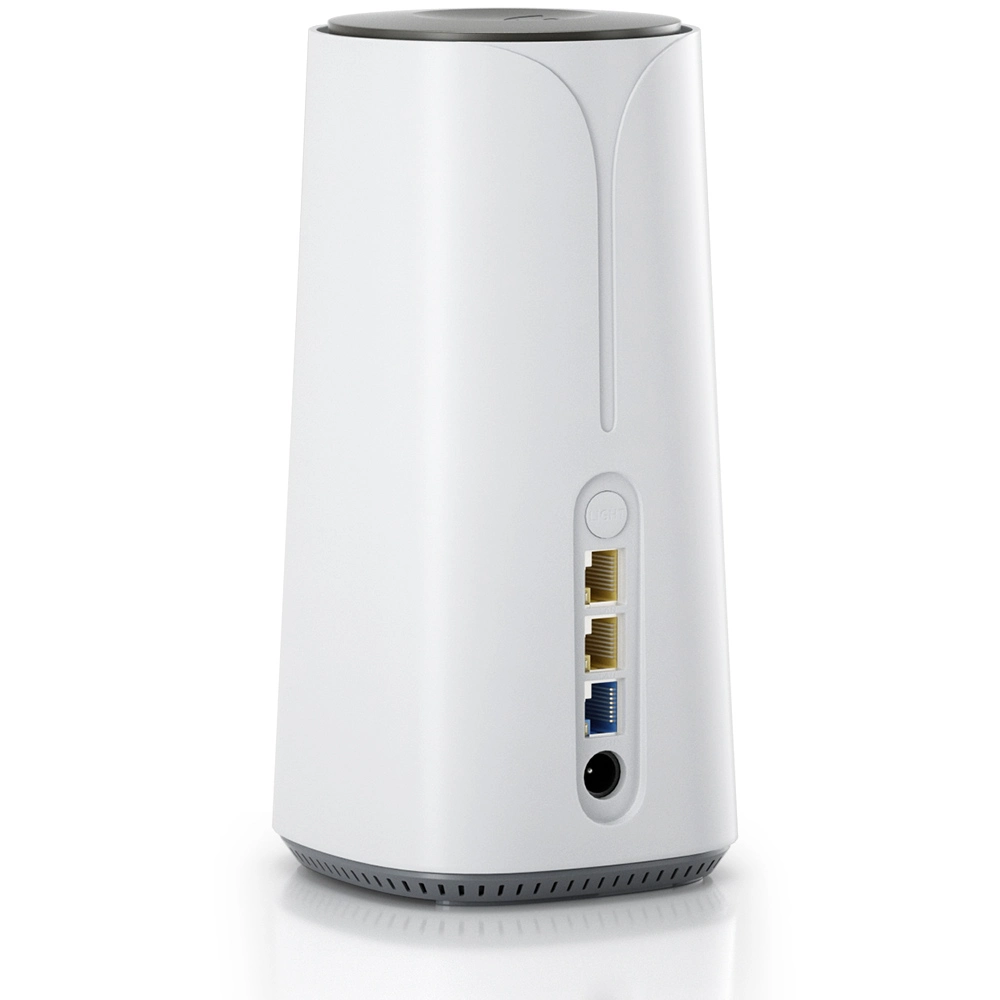
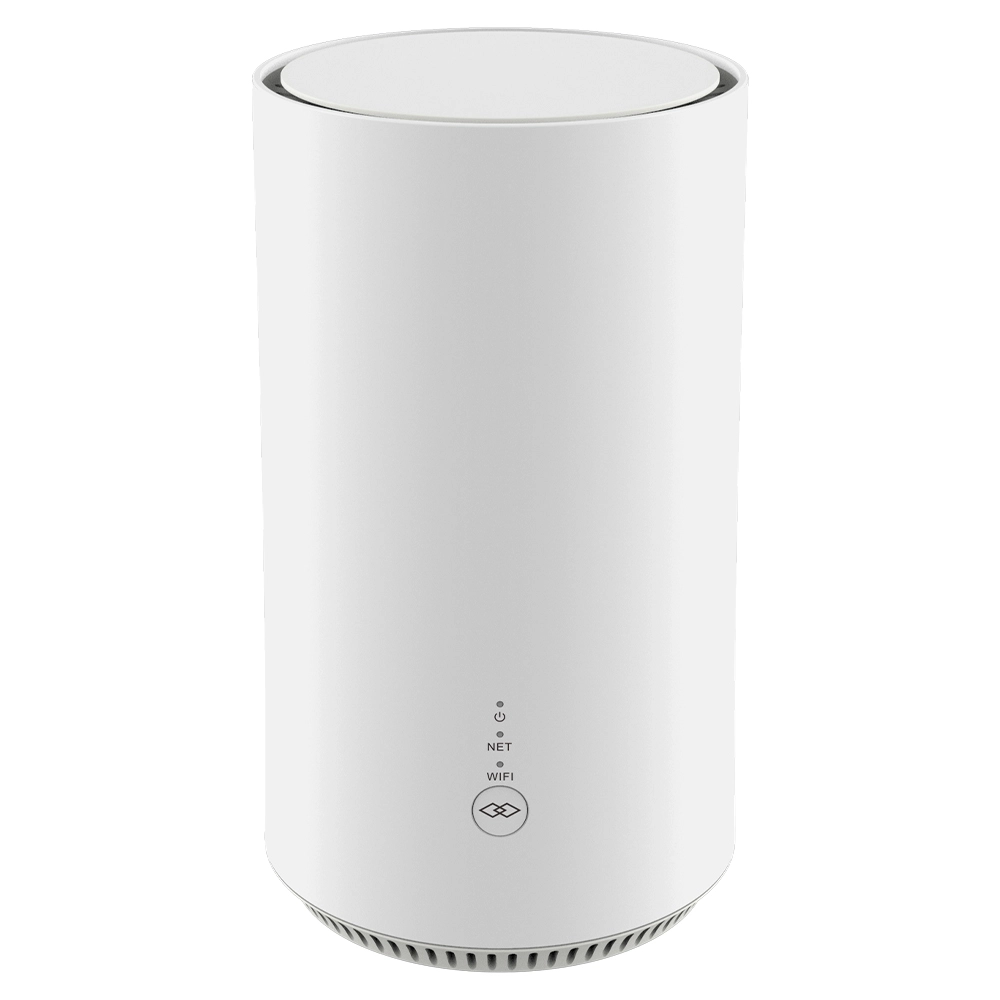
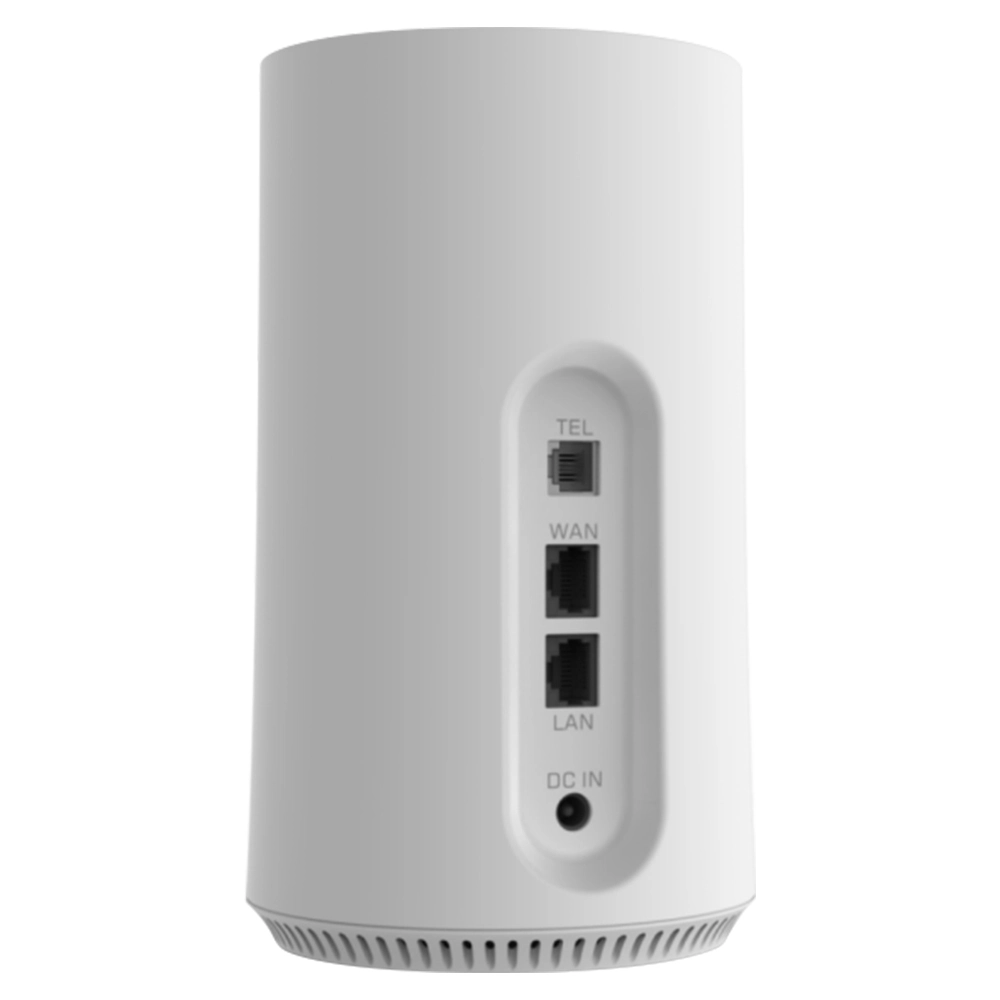
This is where confusion most easily arises. Common household wireless routers such as 4g lte cpe router with sim card slot or router with sim card 5g are actually composite devices integrating router, switch, firewall and wireless access point functions, a pure wireless access point focuses solely on the last function. To use an analogy: a router is like the general manager of a home, responsible for bringing in water (network data) from the external source (Internet Service Provider), distribute it to each room (different devices), and manage access control (firewall). An access point, on the other hand is like a faucet installed in a room—its task is simply to let users conveniently get water. Where the water comes from, how it’s distributed and whether it’s safe are the “general manager’s” responsibility. Therefore, an access point is a tool for network expansion, while a router is the core of network connection and management.
5.Main Deployment Modes and Application Scenarios
Wireless access points can operate in various modes depend on different network requirements. The most basic is “Access Point Mode,” which simply acts as a wireless signal transmitter. To expand wireless coverage, “Repeater Mode” or “Bridge Mode” will be used: the former is to relay and amplify wireless signals, while the latter is often used to connect two separate wired networks. For large venues like shopping malls, campuses or corporate office buildings, multiple access points need to be deployed and centrally managed and configured via a Wireless Controller, form a seamless roaming network—this is “Controller Architecture Mode.” Home users typically add an access point when a single router’s signal coverage is insufficient to eliminate dead zones, while enterprises rely on systematic access point deployments to ensure stable, high-speed wireless coverage in all areas.
6.Interpret Key Performance Indicators
When to select a wireless access point, several core parameters need attention. First is the wireless standard, currently the mainstream standards are Wi-Fi 6 based on IEEE 802.11ax and Wi-Fi 5 based on IEEE 802.11ac. Wi-Fi 6 offers higher speed, lower latency and stronger multi-device concurrency capabilities. Second is band support, dual-band 2.4GHz and 5GHz is now standard:2.4GHz has better wall penetration ability but more interference, 5GHz offers higher speed and less interference but shorter range. The number and type of antennas such as external adjustable antennas or built-in antenna arrays directly affect signal coverage range and strength. Additionally, the maximum supported number of concurrent users, whether Quality of Service (QoS) functionality is available to prioritize gaming or video traffic, and the speed of Ethernet ports (gigabit is becoming the trend) are all important factors to consider.
7.Security Considerations: More Than Just Setting a Password
Wireless network security is critically important. The early Wired Equivalent Privacy (WEP) protocol has proven to be extremely insecure. Currently, users should ensure that access points support and enable WPA2 (Wi-Fi Protected Access 2) or the more advanced WPA3 encryption protocol. Additionally, hide SSID, enable MAC address filtering, set up separate guest networks to isolate the main network, and regularly update device firmware to patch security vulnerabilities are all effective practices to enhance wireless network security. For enterprise-grade access points, they typically also support integration with external authentication servers (like RADIUS-Remote Authentication Dial In User Service) to implement stricter identity verification.
8.Basic Steps for Installation and Configuration
To deploy a wireless access point is not complicated. First, determine the installation location, preferably a central, elevated spot away from metal obstacles and strong electromagnetic interference. Then, use an Ethernet cable to connect the access point’s LAN port to an available port on the main router or switch. After connecting power, you can usually access the access point’s management interface via a computer browser (address such as 192.168.1.1—check the manual for specifics). In the management interface, you need to make several key settings: give your wireless network an easily identifiable name (SSID), choose a strong encryption method (WPA2-PSK or WPA3-SAE is recommended) and set a complex password, select an appropriate wireless channel to avoid conflicts with neighboring networks (you can use a mobile app to scan), and finally save settings and restart the device.
9.The Convergence Trend of Mesh Networks and Access Points
In recent years, Mesh Network technology has become rapidly popular in home network market. It consists of multiple nodes, with one node connect to the modem as the main router and other nodes act as satellite nodes distributed throughout the premises. These nodes communicate with each other via dedicated wireless backhaul links, form a unified, seamlessly covered network. In this architecture, each satellite node essentially plays the role of an intelligent access point, but their collaboration is closer, allow automatic selection of optimal paths, and client devices can achieve almost imperceptible handoffs when moving. This can be seen as intelligent, simplified evolution of traditional multi-access-point deployment in consumer space.
10.Differences Between Enterprise-Grade and Home-Grade Access Points
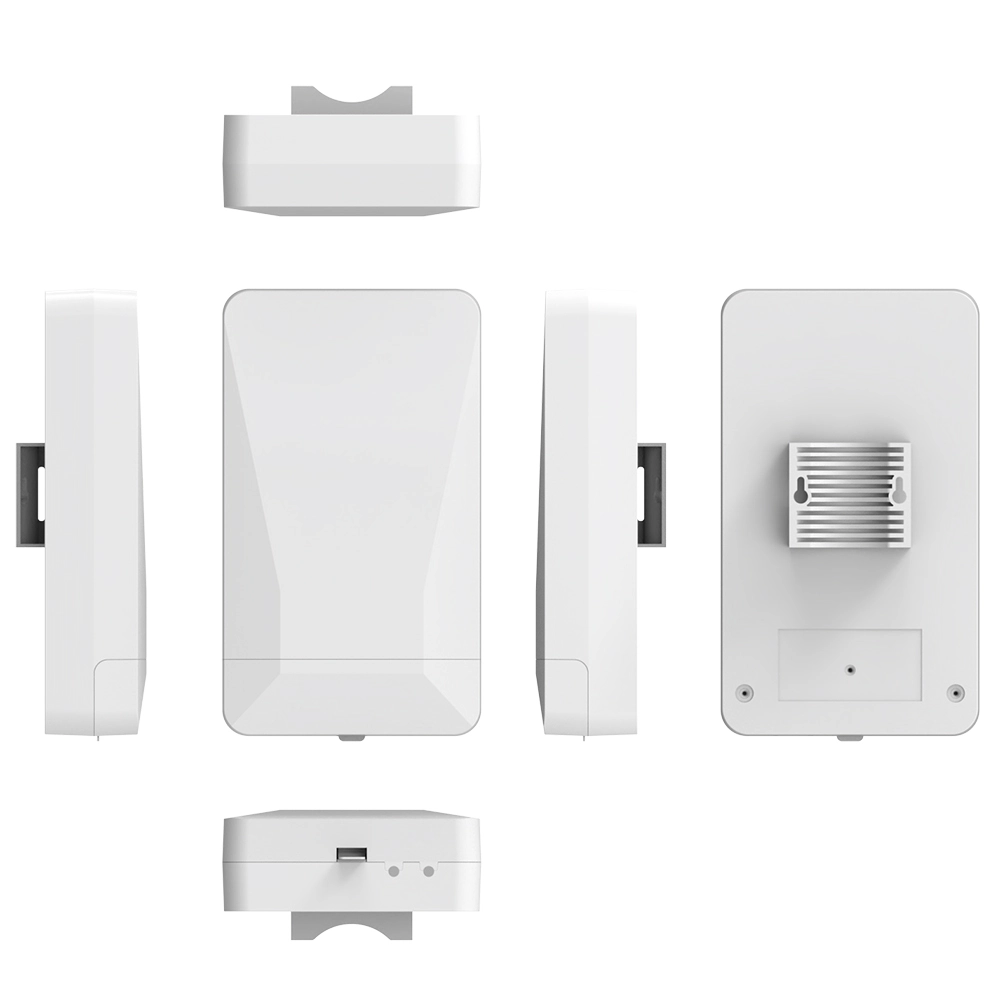
Significant differences exist between enterprise-grade access points and common home products. Enterprise-grade products are designed for high-density, high-concurrency environments, capable of stably connecting hundreds of devices simultaneously. They typically support Power over Ethernet (PoE), require only one Ethernet cable to transmit both data and power, make installation easy in locations such as ceilings. In terms of management, enterprise-grade access points mostly adopt controller-based centralized management, allow batch configuration, monitor of all access points, and implementation of complex guest authentication, traffic policies, and advanced security features. Home-grade access points, in contrast, emphasize ease of use, with simple management interfaces and relatively basic functionality, mainly meet the coverage needs of small areas and a limited number of devices.
11.Common Problems and Troubleshooting Approaches
When using wireless access points, issues such as weak signals, slow speeds and frequent disconnections may occur. Troubleshooting will start from several levels: at the physical level, check that Ethernet cables are properly connected and power is normal; at the location level, try to adjust the access point’s position to avoid excessive obstruction by walls or furniture; at the configuration level, log into the management interface to check if channels are congested, try to change channels, and confirm encryption settings are correct; at interference level, be mindful of nearby devices operating on the same frequency band, such as microwave ovens or cordless phones; finally, try to reset the access point to factory defaults and reconfigure it, or update its firmware to the latest version.
12.Future Outlook: The Prospects of Wi-Fi 7 and Intelligence
Technology never stop advancing. The next-generation wireless standard Wi-Fi 7 based on IEEE 802.11be is already on its way. It will introduce features such as wider bandwidth that up to 320MHz, higher-order modulation techniques and multi-link operation, aim to increase peak speeds to tens of gigabits per second and further reduce latency, meet the demands of demanding applications such as 8K video streaming, immersive AR/VR and industrial IoT. Future access points will become more intelligent, capable of using AI to analyze the network environment, user behavior and traffic types in real time, dynamically optimizing channel, power and bandwidth allocation, achieve truly “self-configuring, self-healing, self-optimizing” wireless networks.
13.Buying Guide: How to Find the Right One for You
Faced with a dazzling array of products in the market, you should choose based on your specific needs. For an average home, if you just need to extend signal coverage, a dual-band access point support Wi-Fi 5 or Wi-Fi 6 is sufficient. If you want seamless high-speed coverage throughout your home and have sufficient budget, consider a Mesh network system kit. For small to medium-sized businesses, choose commercial entry-level products that support gigabit Ethernet ports, PoE and centralized management functions. Be sure to check product specifications, confirm key indicators such as wireless standard, supported concurrent user count and security protocols. As for brands, you can choose manufacturers with good reputations in the professional networking field.
14.The Role of Access Points in IoT
With popularization of smart homes, wireless access points have become hubs to connect various IoT devices such as smart bulbs, sensors and cameras. Many IoT devices use low-power Wi-Fi or specialized IoT protocols such as Zigbee or Z-Wave, but ultimately need to connect to home router (often via an integrated access point function within a gateway) to access internet. So a stable, comprehensively covered wireless network is the foundation for reliable smart home system operation. Future access points may natively integrate support for multiple IoT protocols, become even more powerful home connectivity hubs.
15.Virtual Access Points and Software-Defined Wireless Networking
In today’s era of virtualization, even the “access point” itself can be virtualized. Through Software-Defined Wireless Networking (SDWN) technology, the control functions of wireless access points such as management, configuration and policy enforcement can be separated from data forwarding functions. Control functions are centralized in cloud-based or on-premises software controllers, while hardware access points are simplified into lightweight “thin access points” responsible only for basic wireless signal transmission and reception. This architecture greatly enhances the flexibility and manageability of large-scale wireless network deployments and represents an important development direction for enterprise wireless networks in the future.
16.Conclusion: An Indispensable Network Extension Tentacle
In summary, as a bridge between wired networks and wireless world, the wireless access point’s value lies in providing access flexibility and coverage extensibility. Although it is not at the core decision-making position of the network like a router such as 4g lte cpe router with sim card slot or router with sim card 5g, it is the network interface that users perceive most directly and use most frequently. Understand its working principle, the differences from routers and how to deploy it effectively has significant practical importance whether to improve home network experiences or plan enterprise wireless coverage. In an era of growing demand for wireless connectivity, to choose an appropriate access point and configure it correctly is undoubtedly a key step in building an efficient, stable and secure modern network environment.


What can we do for you?