
In today’s digital office environment, a stable and efficient network connection has become the lifeblood of business operations. As the core network device, an enterprise wireless router is defined far beyond ordinary consumer-grade routers. It is a professional network hardware device specifically designed to meet enterprise-level requirements for high concurrent access, complex network management, advanced security protection, stable and reliable operation. It is not merely a relay point for wireless signals, but an intelligent network hub integrating traffic control, VLAN segmentation, multi-service and centralized management — lay a solid foundation to build a secure, efficient and scalable wireless office network.
Core Definition and Role of an Enterprise Wireless Router
Simply put, an enterprise wireless router is a network interconnection device designed specifically for institutions such as businesses, educational facilities and government agencies. Its core mission is to establish a stable, secure and efficient bridge between wired network infrastructure and various wireless terminals. According to an industry white paper published by International Data Corporation (IDC), the key value of enterprise-grade network equipment lies in business assurance. This means it must ensure that network services are as consistently reliable as electricity, as any interruption will directly cause business losses. Therefore, its primary design consideration is to maintain excellent performance and ultra-low latency even when a large number of users connect simultaneously and engage in high-bandwidth applications — this is the most fundamental difference from consumer-grade products.
Performance and Capacity Gap: From Concurrent Connections to Throughput
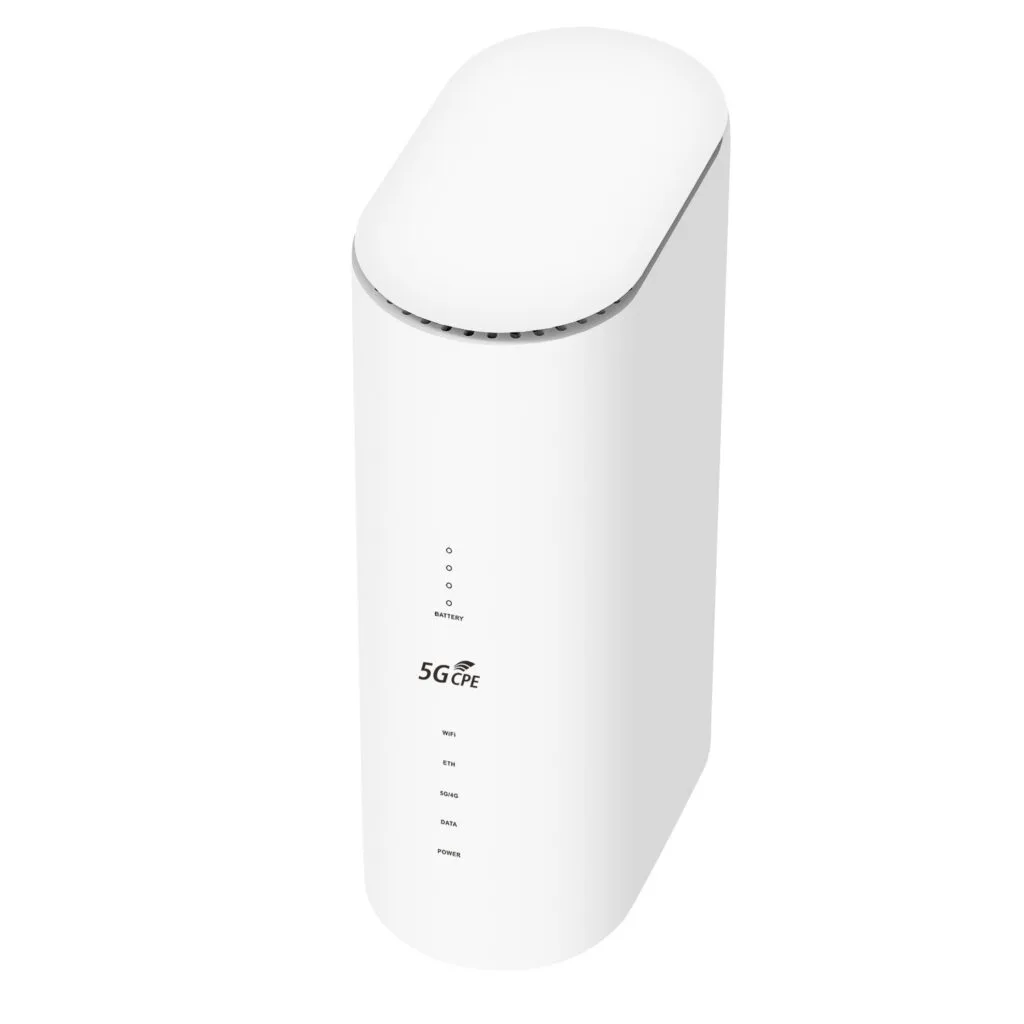
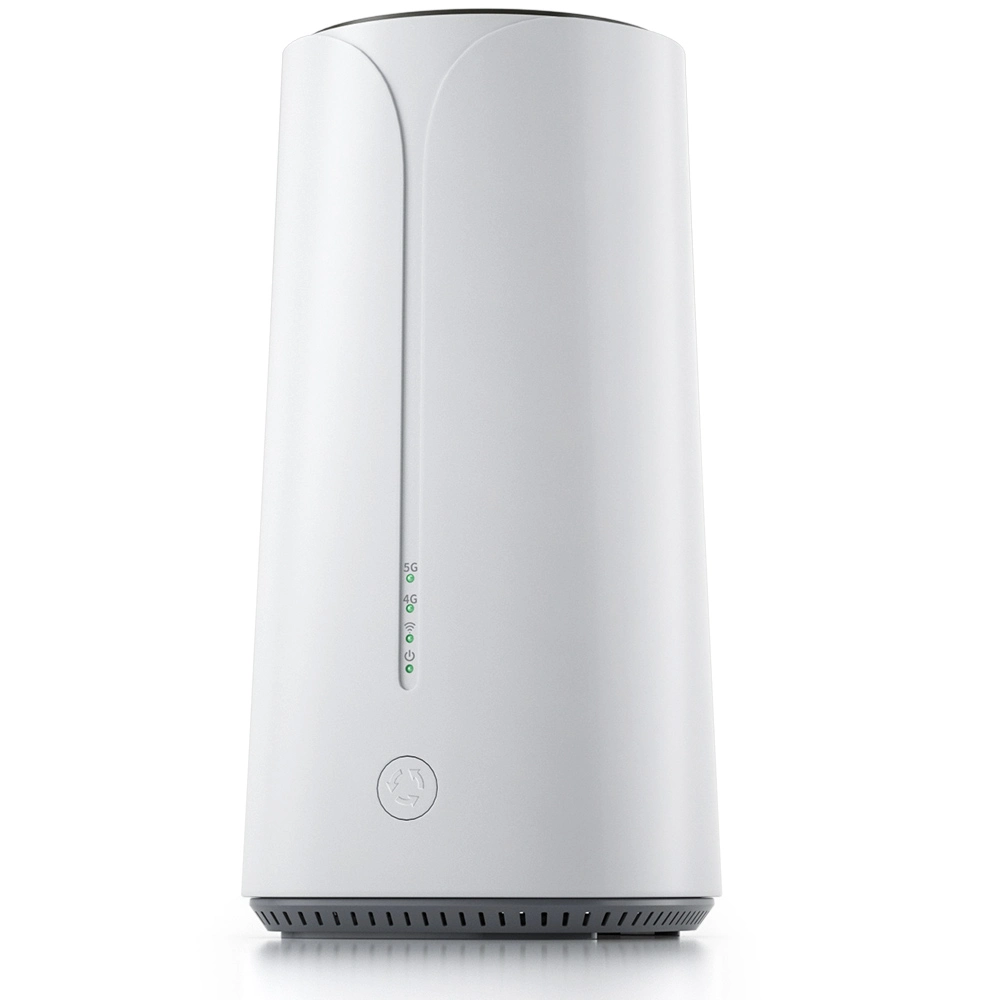
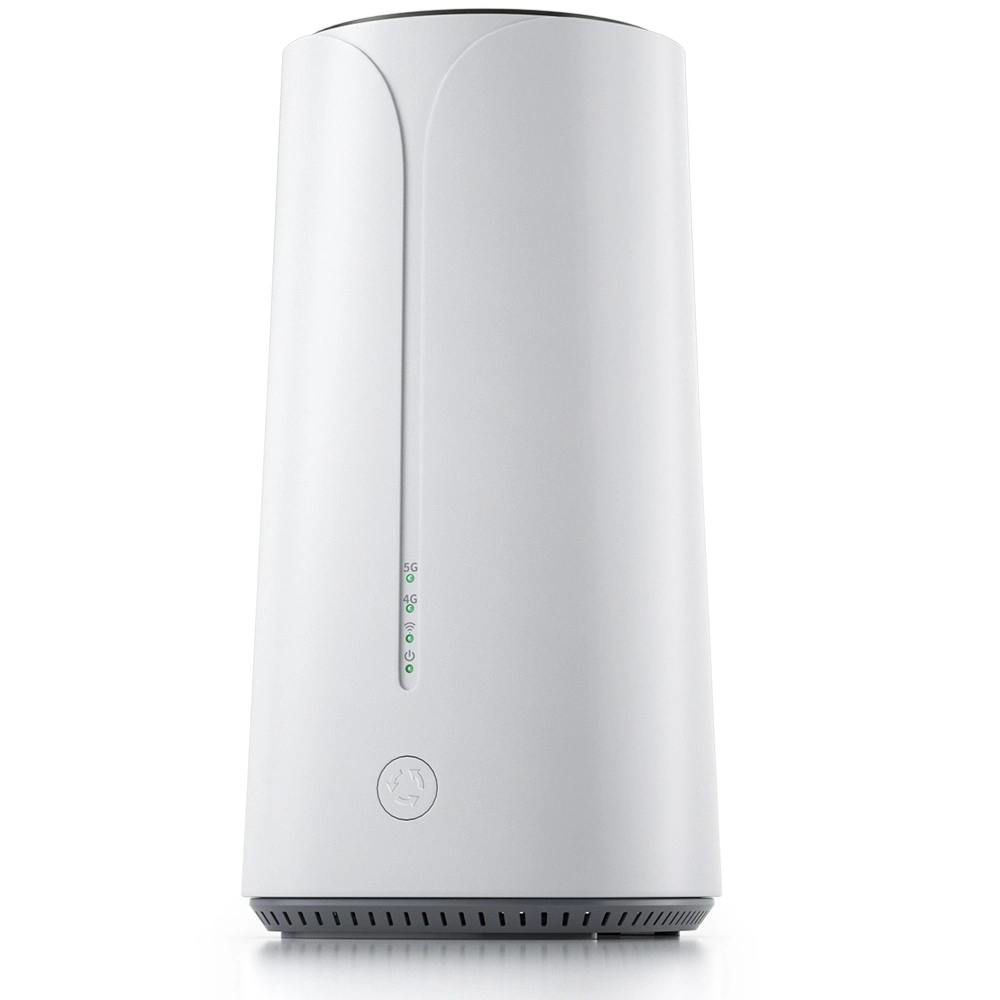
Imagine a busy office building during morning rush hour, where hundreds or even thousands of employees clock in, check emails and log into systems at the same time. An enterprise wireless router must possess robust data processing capabilities and support for high concurrency connections. An average home router such as cpe 4g lte router and 5g cellular router for home might become overwhelmed with just 20 connected devices simultaneously, whereas mainstream enterprise-grade routers can typically stably support hundreds or even thousands of wireless terminals online at once. This relies on more powerful CPUs, larger memory and optimized data forwarding architectures. Their wireless throughput — the amount of data successfully transmitted per unit of time — far exceeds that of home devices, easily handling large data transfers to internal file servers, high-definition video streaming and cloud application access.
Robust Hardware Design and Thermal Considerations
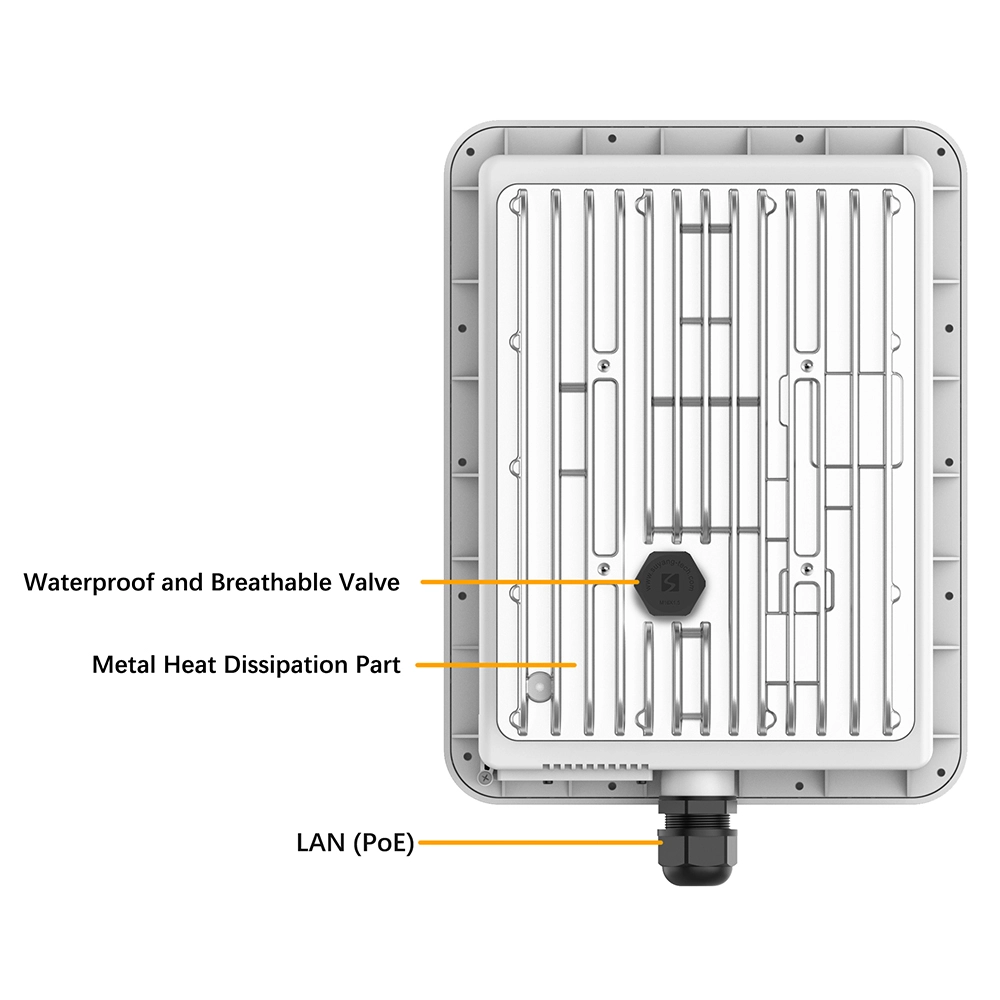
To meet stringent requirement of 24/7 uninterrupted operation, enterprise wireless routers employ industrial-grade standards in their hardware, internal components are rigorously screened and featured a longer mean time between failures (MTBF). Metal casings and carefully designed cooling channels or silent heat sinks ensure the router remains “cool” even under prolonged high loads, prevent performance degradation or reboots due to overheating. Many models also support dual power supply redundancy — when one power module fails, the other immediately takes over to ensure zero interruption for network services. This design is especially critical in key industries such as finance and healthcare.
Beyond “Internet Access”: Rich Network Interfaces and Expandability
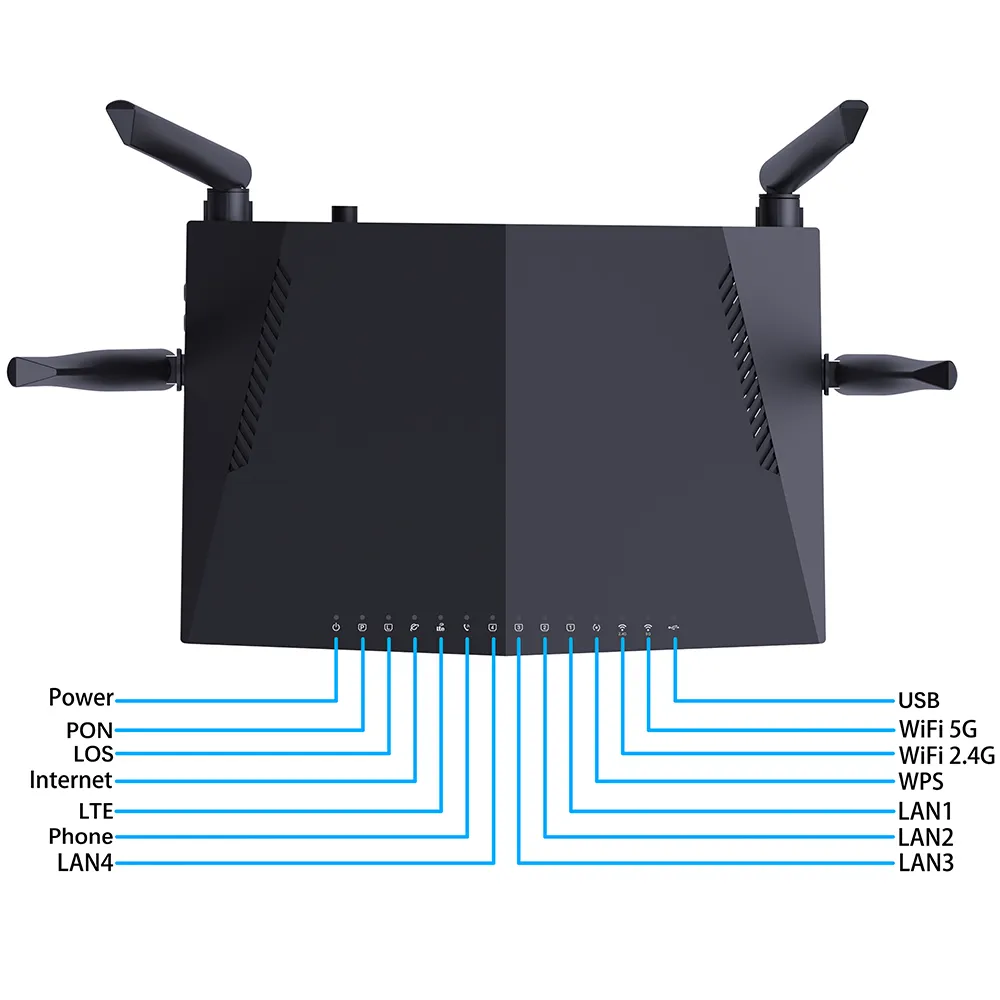
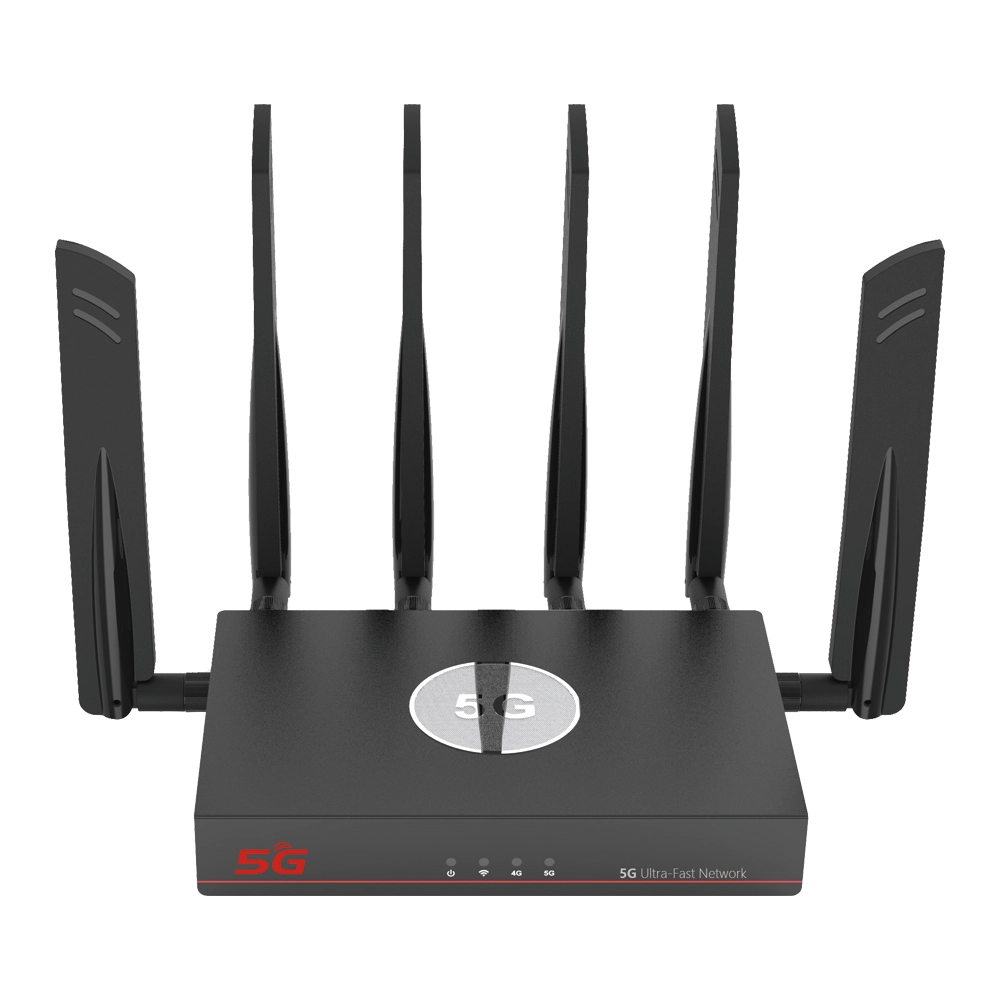
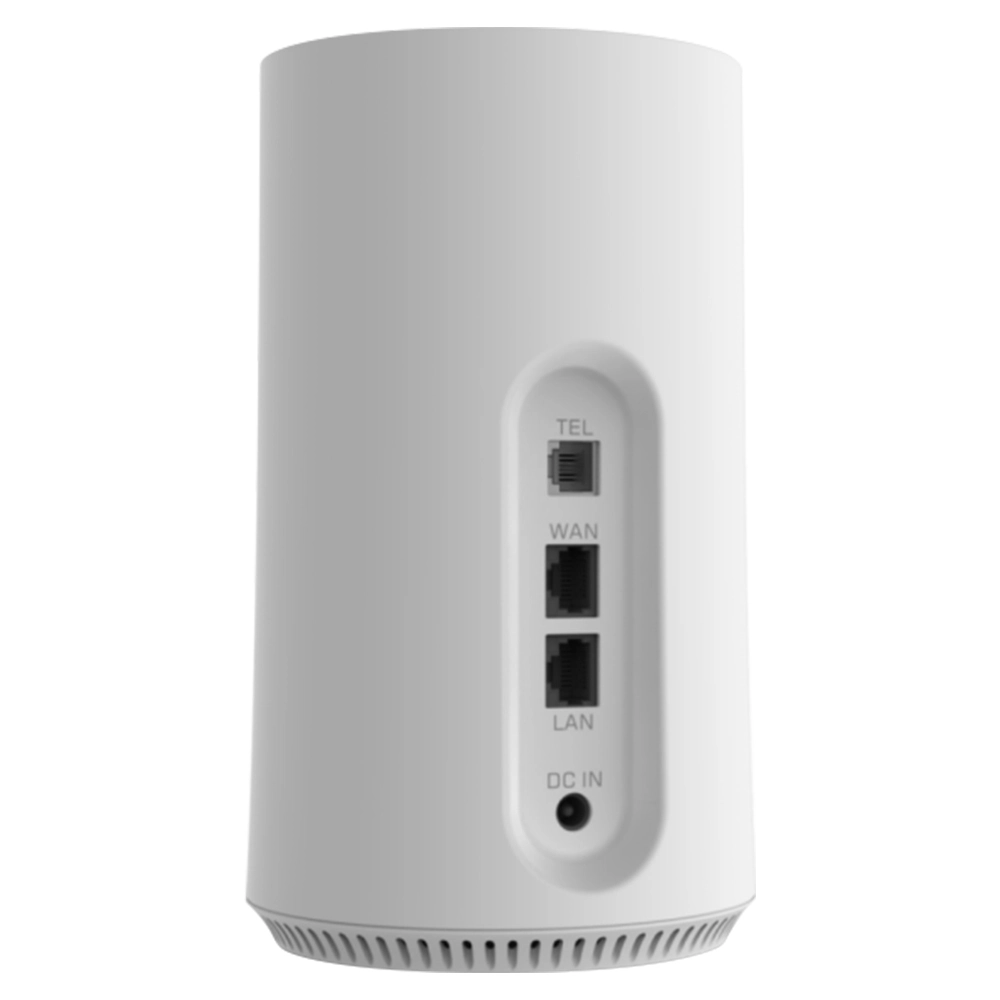
Home routers such as cpe 4g lte router and 5g cellular router for home typically offer only a few LAN ports and one WAN port. Enterprise wireless routers, however, come equipped with rich and flexible interfaces. In addition to multiple Gigabit or even 10-Gigabit LAN ports for connecting to internal switches and servers, they may include fiber ports, dual WAN ports to connect to different carrier lines to achieve load balancing and link backup, and console ports for in-depth configuration. This expandability allows enterprises to flexibly add modules as their network scale grows, no need to frequently replace core equipment.
Intelligent Traffic Management: Ensure Smooth Operation of Critical Services
Not all data traffic is equally important on an enterprise network. Video conference requires low latency, file downloads may consume bandwidth but can tolerate slightly higher latency, while employees browse the web should not affect the former two. Enterprise wireless routers come with built-in intelligent Quality of Service (QoS) functionality. Network administrators can prioritize different types of business traffic based on IP addresses, application types, protocol ports and other dimensions. For example, they can ensure voice calls and video conference packets pass through with priority, guarantee a smooth experience for core business applications even during network congestion, and this effectively enable scheduling and allocation of network resources.
Virtual LANs (VLANs): Create Logically Isolated Zones Within a Physical Network
This is a critically important feature in enterprise network management. It allows administrators to create multiple logically isolated virtual networks on a single physical router or switch. For example, guest wireless networks, employee office networks and the finance department’s network can be placed into different VLANs. In this way, even though they share the same physical cabling and equipment, their broadcast traffic does not interfere with each other, and guests cannot access internal financial servers. This greatly enhances network security and management efficiency while reducing the risk of broadcast storms.
Impenetrable Security Defenses: From Firewalls to Intrusion Prevention
Enterprise networks are high-value targets for cyberattacks, so enterprise wireless routers integrate multi-layered security protection capabilities. At their core is a stateful inspection firewall that monitors all incoming and outgoing network connections in real-time, block unauthorized access attempts. Going further, many devices also integrate Intrusion Prevention Systems (IPS) that can identify and block known network attack patterns, such as Denial-of-Service (DoS) attacks and port scans. Combined with role-based access control and wireless network authentication and encryption such as more secure protocols like WPA3, they construct a multi-dimensional security barrier for enterprise data, spanning from the network perimeter to internal access.
Centralized and Visualized Management: The Art of Simplifying Complex Control
Manage a network spread across multiple floors with hundreds of wireless access points would be an IT nightmare if each device require individual login and configuration. Enterprise-grade solutions offer centralized management platforms. Administrators can monitor the status, performance metrics, user connections of all devices across the entire network through a unified graphical interface, and push out configurations and firmware updates in bulk. This visualized management not only greatly enhances operational efficiency but also aids in network optimization and troubleshooting through the generation of detailed logs and reports.
Professional Wireless Features: Roaming and Load Balancing
In enterprise environment, employees need to move between different meeting rooms and office areas with their laptops or tablets. Enterprise wireless solutions support seamless roaming — when a terminal detects an access point with a stronger signal, it can quickly switch with little to no user-perceptible delay, maintain uninterrupted network sessions. At the same time, intelligent load balancing can dynamically direct newly connecting terminals to access points with currently lighter loads, prevent certain hotspots from becoming overloaded while others remain idle, thus balance the load across the entire wireless network and improve the average experience for all users.
VPN Support: Securely Connect Remote and Branch Offices
For companies with branch offices in different locations or employees need to work remotely, enterprise wireless routers typically have built-in VPN server functionality. Remote employees or branch office devices can securely access the headquarter’s network through an encrypted tunnel, reach internal resources as if they were sitting directly in the company office. This connection is not only secure but also handled directly by the router, needn’t deploy complex dedicated servers, simplify the network architecture and reduce maintenance costs.
High Availability and Redundancy Mechanisms
Network interruption means business disruption, so enterprise network design emphasizes high availability. Beyond dual power supplies mentioned earlier, two or more core routers will be deployed to form a redundant cluster. They synchronize their status and configurations in real-time via heartbeat signals. When the primary device fails, the backup device will automatically take over all network traffic and services within milliseconds, achieve transparent failover and ensure continuous network service availability, meet the extreme continuity requirements of critical business applications.
Form Factors and Deployment for Diverse Scenarios
Enterprise wireless routers come in more than just one form, they might be standalone rack-mounted devices installed in a data center’s standard server rack. They could be all-in-one gateways designed for small to medium-sized offices, integrating router, switch, firewall and wireless controller functions into a single device. On large campus networks, they might also adopt a “controller + thin access point” distributed architecture, where a central controller manages all the wirelessly connected access points distributed throughout the premises. This flexibility allows them to precisely match the needs of different scales and scenarios, from startups to multinational corporations.
Future-Ready Technology Evolution and Protocol Support
Network technology changes rapidly. Mainstream enterprise wireless routers have long since fully supported the latest Wi-Fi protocols such as Wi-Fi 6 and Wi-Fi 7, offer faster speeds, higher efficiency and stronger interference resistance. At the same time, they are beginning to prepare for the Internet of Things (IoT) era, provide support for Low-Power Wide-Area Network (LPWAN) protocols to accommodate a future influx of numerous sensors and smart devices. When select equipment, pay attention to the level of support for new protocols and the device’s ability to receive software updates is key to ensure the enterprise network remains non-obsolete for years to come.
Selection Considerations: How to Choose the Right Core for Your Enterprise
Faced with a dizzying array of routers in the market, how should an enterprise decide? First, assess its own size, include current employee count, expected number of wireless terminals and growth projections for the next few years. Second, clarify the specific requirements of core business applications regarding network bandwidth, latency and stability. Third, consider the technical capabilities of the IT team and choose routers with user-friendly management interfaces and good technical support. Finally, factor in the Total Cost of Ownership (TCO), which includes equipment purchase costs, deployment and implementation expenses, and long-term maintenance and upgrade costs — rather than simply compare the initial purchase price.
Deployment and Optimization: Getting the Most Out of Your Equipment
Even the best equipment will not reach its potential if deployed improperly. Professional deployment begins with wireless RF planning, use site surveys to determine the optimal installation locations, quantity and channel configuration for access points to eliminate signal blind spots and reduce co-channel interference. Post-deployment, continuous monitoring and optimization are equally important. Use the management platform to analyze traffic trends, identify abnormal connections, and adjust QoS policies and security rules based on actual usage conditions enables the network to dynamically adapt to changes in the enterprise’s business.
Conclusion: The Wireless Cornerstone of Enterprise Digital Transformation
In summary, enterprise wireless router is a crucial and professional component of an enterprise’s information technology infrastructure. Integrate high-performance hardware, intelligent traffic scheduling, advanced security protection, centralized management and high reliability, its value goes far beyond simply “providing a wireless signal.” In an era of increasing cloud computing, mobile work and the Internet of Things, to choose an appropriate enterprise-grade wireless routing solution is like laying a solid foundation for a company’s digital building. It silently and dependably supports the smooth operation of all business activities and is an indispensable invisible pillar for enterprises striving to stay competitive in the digital wave. Investing in a robust, advanced enterprise network core is, in essence, a strategic investment in business continuity and future growth potential.


What can we do for you?