
- 1.Core Definition of Dual-Band Router: One Device, Two Networks, Each with Its Own Role
- 2.Evolution of Wireless Technology: The Inevitable Path from Single-Band to Dual-Band
- 3.In-Depth Analysis of the Two Frequency Bands
- 2.4GHz band: The Contradiction Between Wide Coverage and High Interference
- 5GHz Band: Epitome of High Speed and Low Latency
- 4.Band Steering Technology: Weigh Pros and Cons
- 5.Band Selection Strategy for Real-World Scenarios
- 6.Real Relationship Between Dual-Band Routers and Internet Speed
- 7.Misconception About Wall-Penetrating Performance
- 8.Key Specifications to Consider When Want To Buy a Dual-Band Router
- 9.Security Settings and Maintenance
- 10.New Role of Dual-Band Routers in IoT Era
- 11.Common Issues and Troubleshooting
- 12.Future Outlook: Beyond Dual-Band
- Conclusion
When you walk into an electronics store or shop online for a new wireless router, the term “dual-band” appears on almost every router’s promotional page. It sounds like a technical term, yet it is closely related to our daily internet experience. When you want to choose a router, dual-band has become a core selling point. Understand the operating mechanism, advantages and how to configure it properly according to actual usage scenarios is the key to maximize home network performance and say goodbye to lag.
1.Core Definition of Dual-Band Router: One Device, Two Networks, Each with Its Own Role
Simply put, a dual-band router is a network device capable of operating simultaneously on two independent wireless frequency bands: 2.4GHz and 5GHz. This is not merely have two wireless signal transmitters, the internal chipset and antenna system are specially designed to handle network data on two different frequency bands in parallel.
We can visualize this as have both national highway and expressway at the same time:
2.4GHz Band: With its lower frequency and longer wavelength, signals decay more slowly during propagation, offer stronger wall-penetration capability and wider coverage. However, because many devices such as Bluetooth devices, microwaves and wireless mice etc. crowd in this band, interference is severe — just like a national highway congested with heavy traffic.
5GHz Band: With its higher frequency and far more available channels than 2.4GHz band, interference is minimal, enable extremely high data transmission rates and very low latency — much like a high-speed railway with many lanes. Its drawback is that high-frequency signals are weaker at penetrating obstacles like walls, resulting in relatively limited coverage.
2.Evolution of Wireless Technology: The Inevitable Path from Single-Band to Dual-Band
Looking back at the development history of Wi-Fi standards, we can clearly see why dual-band technology emerged as a necessity.
Early standards such as 802.11b/g operated only on single 2.4GHz band. As the number of devices surged, limited channels and ubiquitous interference severely degraded the network experience.
802.11a supported 5GHz band, existed for a long time but did not become widespread. It was not until 802.11n (Wi-Fi 4), which integrated dual-band advantages, after that dual-band routers began to go mainstream.
Subsequent 802.11ac (Wi-Fi 5) and the latest 802.11ax (Wi-Fi 6) technologies have made 5GHz band a primary workhorse, introduce advanced technologies such as MU-MIMO and OFDMA, greatly improve network efficiency when multiple devices connect simultaneously.
Thus, dual-band technology marks a key milestone in the evolution of wireless networks from “usable” to “enjoyable.”
3.In-Depth Analysis of the Two Frequency Bands
2.4GHz band: The Contradiction Between Wide Coverage and High Interference
2.4GHz band is the one we both love and hate. Its physical characteristics give it excellent propagation capability, allow a single router to cover most of an average apartment.
In China, 2.4GHz band is divided into 13 overlapping channels, but only three are truly non-overlapping e.g. channels 1, 6 and 11. In densely populated residential areas, numerous routers are crowded into these few channels, just like too many vehicles crammed onto a few lanes—inevitably causing congestion. Additionally, household microwave ovens leak electromagnetic waves in 2.4GHz band when operating, cause momentary but strong interference to the network. So 2.4GHz band is more suitable for scenarios that do not require high speeds but need stable connections and wide coverage, such as web browsing, instant messaging and smart home device connections.
5GHz Band: Epitome of High Speed and Low Latency
The advantages of 5GHz band precisely compensate for the shortcomings of 2.4GHz band:
Abundant Channels: The number of available non-overlapping channels far exceeds that of 2.4GHz band, make it easier for devices to find uncrowded lanes and avoid interference from neighbors’ networks.
Impressive Speed: It supports higher modulation and coding schemes and wider channel bandwidths (40MHz, 80MHz or even 160 MHz). Under Wi-Fi 5 standard, theoretical speeds can reach several Gbps.
Extremely Low Latency: Low interference and high speed translate into very low network latency, which is crucial for applications such as online gaming, video conferencing and real-time financial trading.
Of course, 5GHz signals attenuate significantly when penetrating obstacles like walls. They typically work best within the same room, signal strength may drop noticeably after passing through just one wall.
4.Band Steering Technology: Weigh Pros and Cons
To simplify user operations, modern dual-band routers normally incorporate “band steering” or “smart connect” functionality. This feature sets the same network name (SSID) and password for both 2.4GHz and 5GHz networks, allow the router’s intelligent algorithm to automatically select the optimal band for a device based on its location, signal strength and application requirements.
Advantages: When you are in the living room close to the router, your device will automatically connect to 5GHz for high speed, when you move to a bedroom separated by several walls, your device will seamlessly switches to 2.4GHz to maintain a stable connection.
Disadvantages: Some older devices or specific IoT devices may not handle this automatic switching well, will lead to unstable connections. Moreover, the intelligence of the algorithm varies by different brands, and misjudgments will occur.
Therefore, for advanced users, manually separate the two bands may be a more controllable option.
5.Band Selection Strategy for Real-World Scenarios
If you choose not to enable band steering or need to manually assign networks to certain devices, refer to following strategy:
| Device Type | Recommended Band | Reason |
| Gaming consoles, PCs, smart TVs | 5GHz | Require high bandwidth and low latency |
| Smartphones, tablets (frequently moving) | Band steering | Automatically switch based on location |
| Smart speakers, door locks, sensors | 2.4GHz | Low speed requirements; need stable connection and long-range coverage |
| Web browsing, chat devices | 2.4GHz | Basic needs, no high speed required |
6.Real Relationship Between Dual-Band Routers and Internet Speed
It must be clear that a dual-band router by itself can’t directly increase the broadband speed purchased from your ISP. If you subscribe to a 300Mbps broadband plan, then no matter how good a dual-band router you use, the maximum speed you can achieve over a wired connection or a close-range 5GHz wireless connection is still 300 Mbps.
The value of a dual-band router lies in:
- Maximize the bandwidth you have already paid for: In a heavily interfered environment, a single-band router might deliver only a few tens of megabits per second from your 300Mbps broadband, whereas a dual-band router can get you much closer to theoretical 300Mbps limit over 5GHz band.
- Improve multi-device concurrency efficiency: By providing two parallel data pathways, it reduces the lag caused by internal competition among devices.
7.Misconception About Wall-Penetrating Performance
Many users mistakenly believe that a dual-band router, especially one marketed as “wall-penetrating king,” can easily solve signal coverage problems in all rooms of a house. The truth is that 5GHz band inherently has weak wall-penetrating capability, while 2.4GHz band is better at penetrating walls but has limited speed.
For large apartments, multi-story homes or houses with complex wall structures, relying solely on a single high-performance dual-band router may still fail to achieve seamless coverage throughout the entire space. In such cases, you need to consider Mesh networking solutions, where multiple nodes work together to extend coverage.
8.Key Specifications to Consider When Want To Buy a Dual-Band Router
Before purchasing, in addition to dual-band feature itself, you should evaluate the following key specifications:
| Specification | Explanation |
| Wi-Fi standard | Routers support Wi-Fi 6 are the current mainstream and future trend, offer better multi-device performance |
| Wireless speed | Pay attention to whether both the total wireless speed and the wired Ethernet ports are gigabit-rated, avoid the bottleneck of “gigabit wireless, 100 Mbps wired” |
| Antennas | 4–6 external antennas are usually sufficient; no need to blindly chase high numbers — check for MU-MIMO |
| Mesh support | Keep this option for future expansion in large homes |
| Firmware updates | The manufacturer’s firmware update support cycle affects long-term security and performance |
9.Security Settings and Maintenance
The two wireless networks of a dual-band router share the same backend management system, but their security settings need individual attention:
Set strong wireless passwords for both bands and adopt the latest encryption protocols (WPA2 or WPA3)
Change the router’s default administrator password
Regularly check the list of connected devices and promptly remove unknown devices
Keep the firmware up to date to patch known security vulnerabilities
10.New Role of Dual-Band Routers in IoT Era
As smart homes become popular, the number of connected devices in a household is exploding. A smart strategy is:
IoT devices such as smart bulbs, curtains and sensors etc.→ Assign them to 2.4GHz band, create a dedicated low-power IoT network
High-bandwidth devices such as smartphones, tablets, computers and TVs etc. → Connect them to 5GHz band
This segregation not only reduces mutual interference between different types of devices but also improves security and management efficiency at the network level.
11.Common Issues and Troubleshooting
| Problem | Possible Cause | Solution |
| Device cannot find 5GHz network | Device’s wireless card is older and does not support 5GHz | Use 2.4GHz connection |
| Slow internet speed | Channel congestion | Manually select a less congested channel (choose 1/6/11 for 2.4GHz) |
| Frequent disconnections with band steering | Device compatibility issue | Disable band steering and manually assign networks |
| Unexplained connection problems | Router cache | Reboot the router periodically |
12.Future Outlook: Beyond Dual-Band
Technology never stands still:
Tri-band routers: Add an extra 5GHz band on top of 2.4GHz and one 5GHz band, dedicate to high-speed backhaul between Mesh nodes.
Wi-Fi 6E: Introduces 6GHz band, provide unprecedented wide spectrum for higher capacity and lower latency.
Wi-Fi 7: Will further advance multi-band coordination, with theoretical speeds exceed 30Gbps.
Understand dual-band is key to optimize your home network today, keeping an eye on multi-band and next-generation Wi-Fi technologies prepares us for smarter, more immersive digital life ahead.
Conclusion
In summary, dual-band router is by no means an empty technical buzzword, but a practical technology that genuinely improves the network experience. By providing two complementary wireless channels with different characteristics, it allows us to find the optimal balance between coverage, speed and stability. Whether you are an average home user or a gaming enthusiast, take your time to understand and correctly configure your dual-band router is an investment with a very high return. It will lay a truly unimpeded information superhighway for your digital life, allow high-definition video, online gaming, smart home applications and more to each perform at their best — saying goodbye to lag.
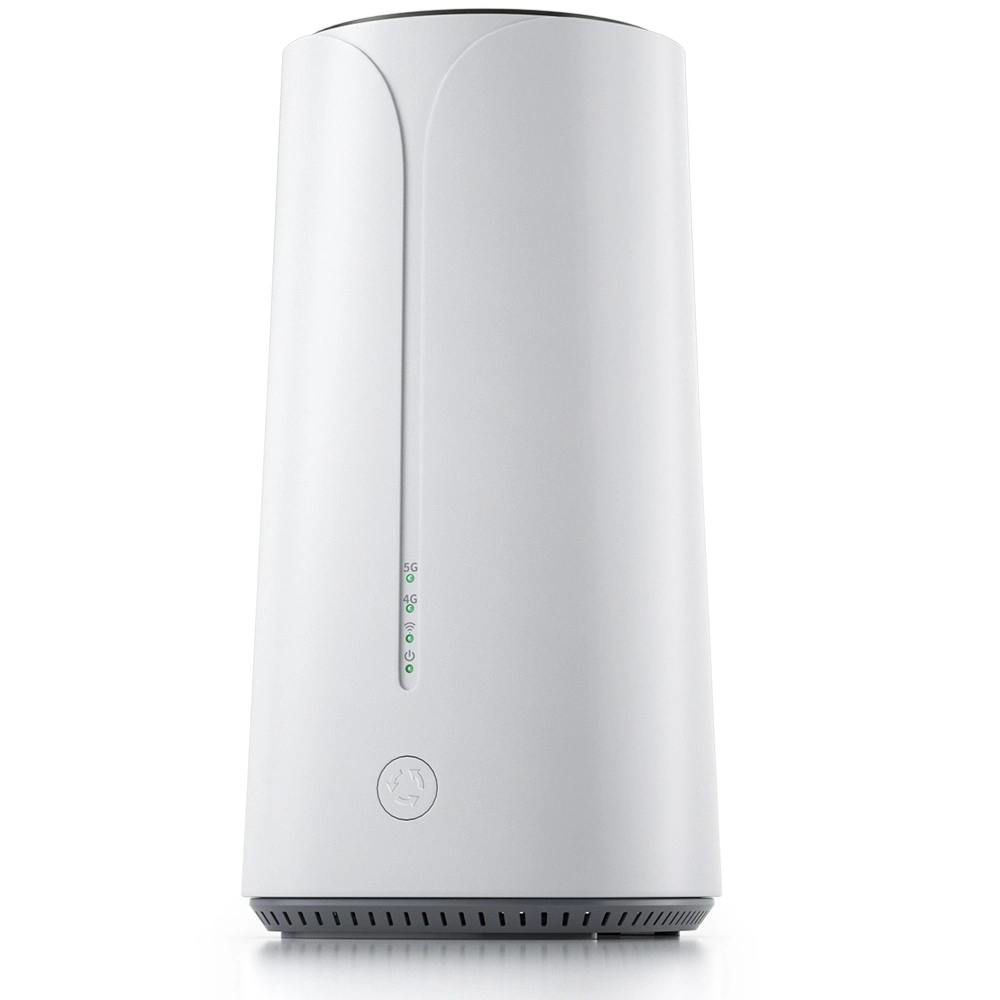
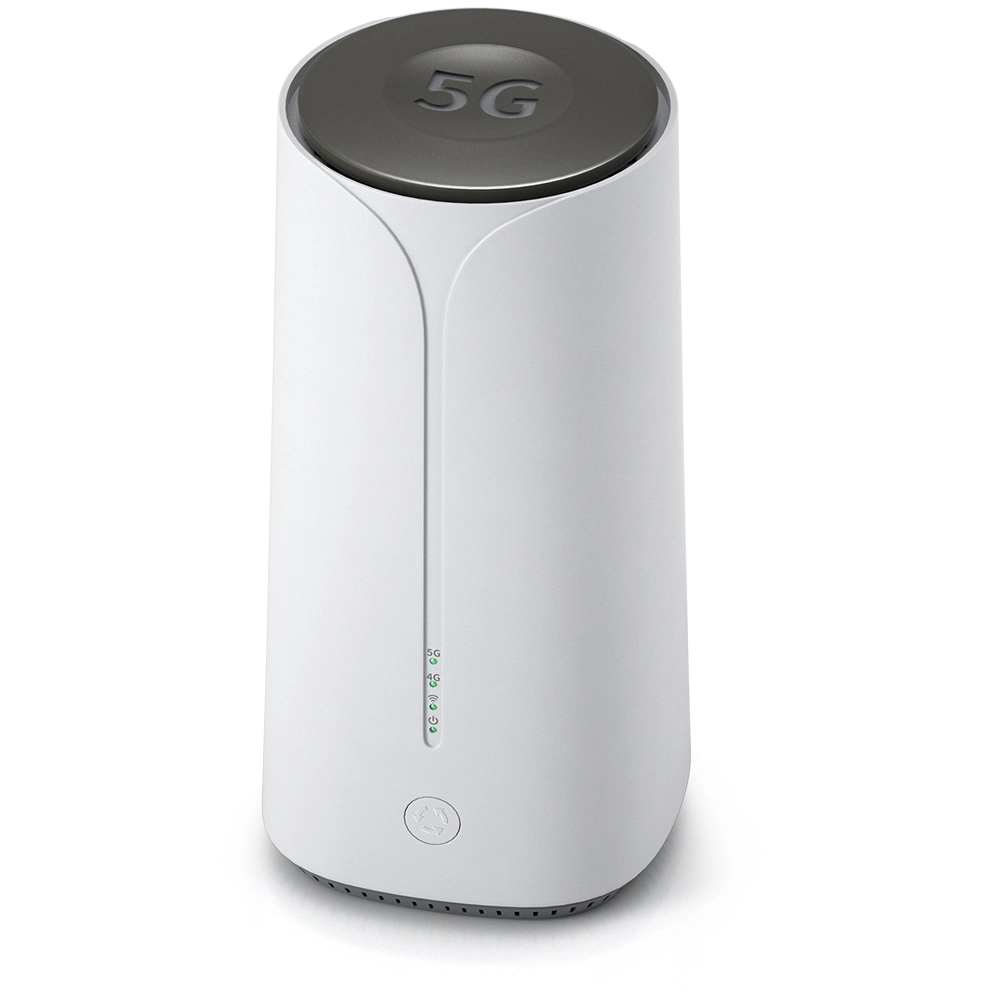
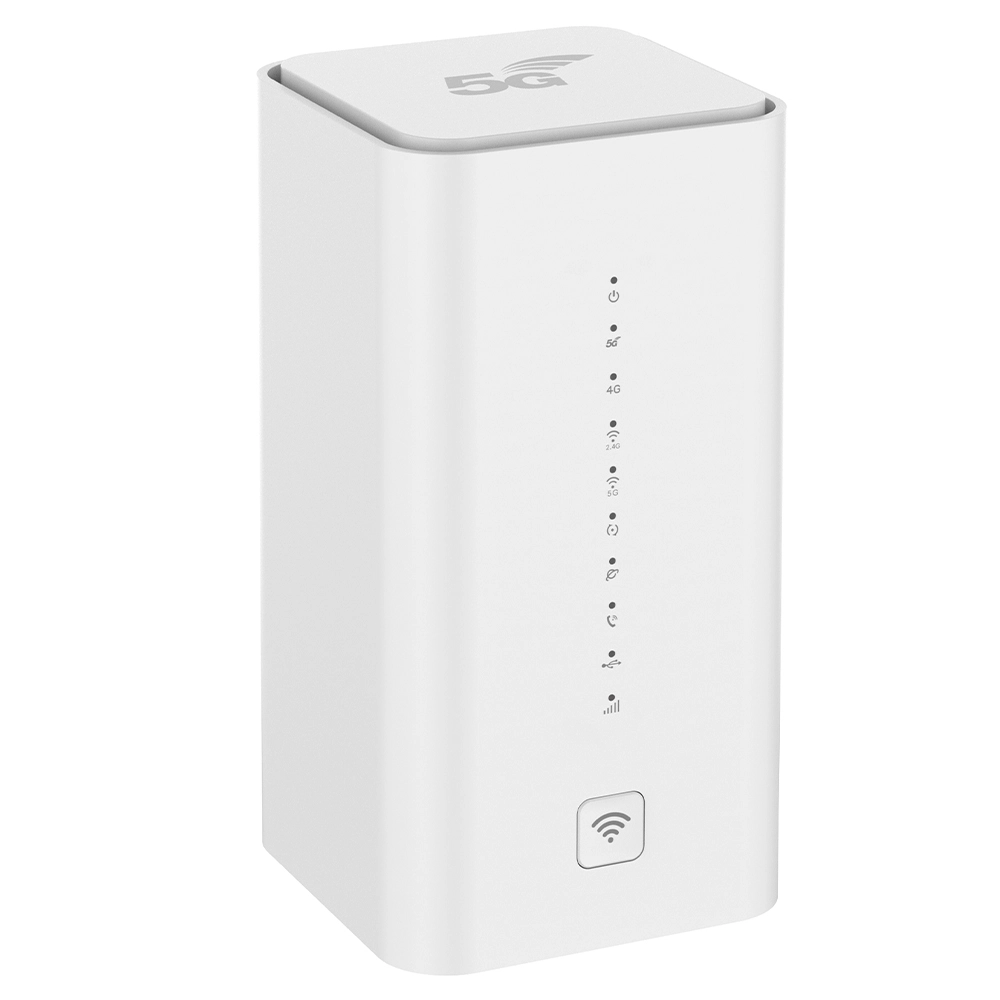
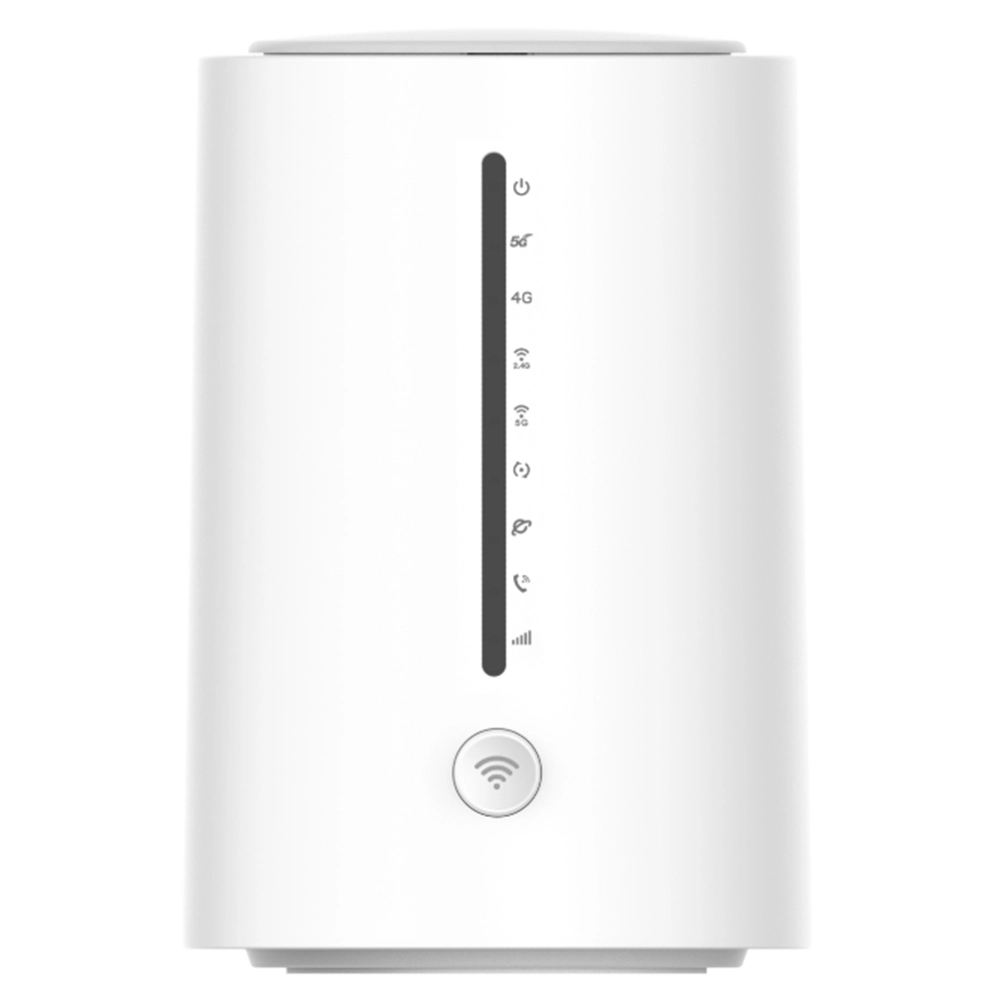
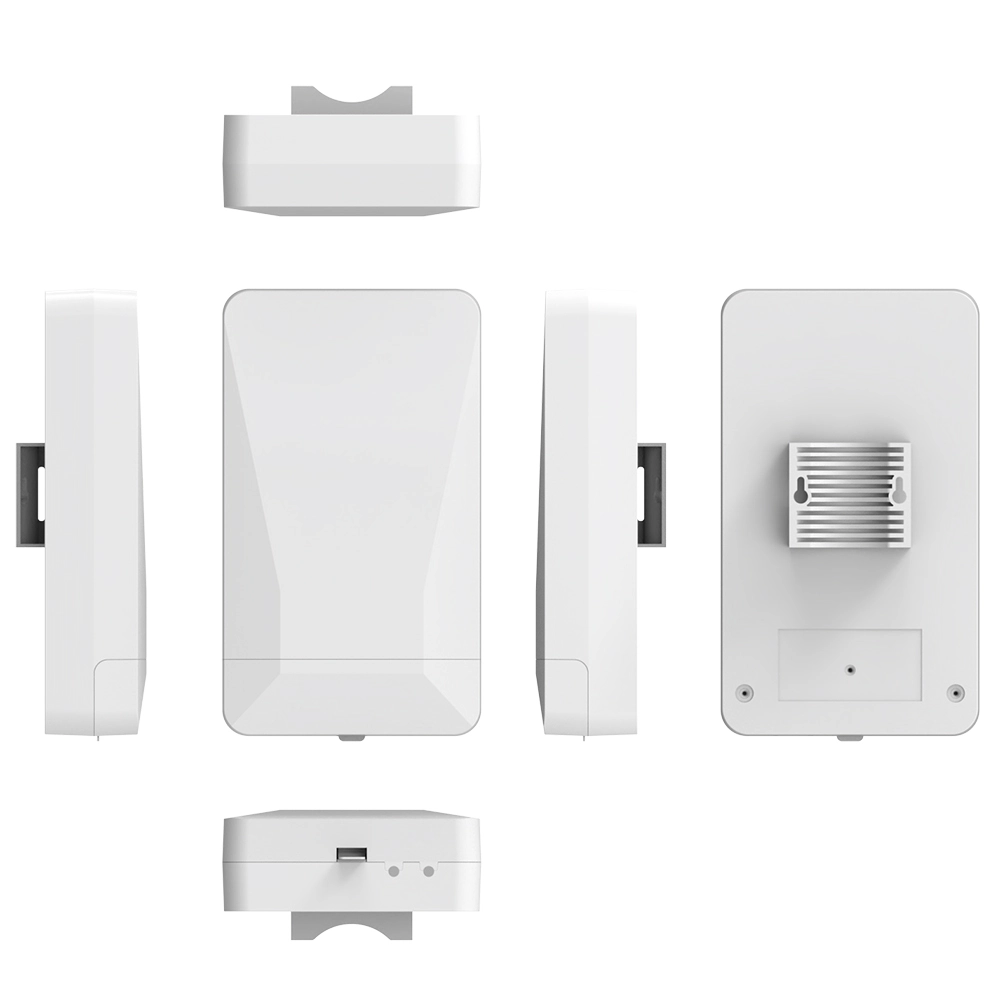
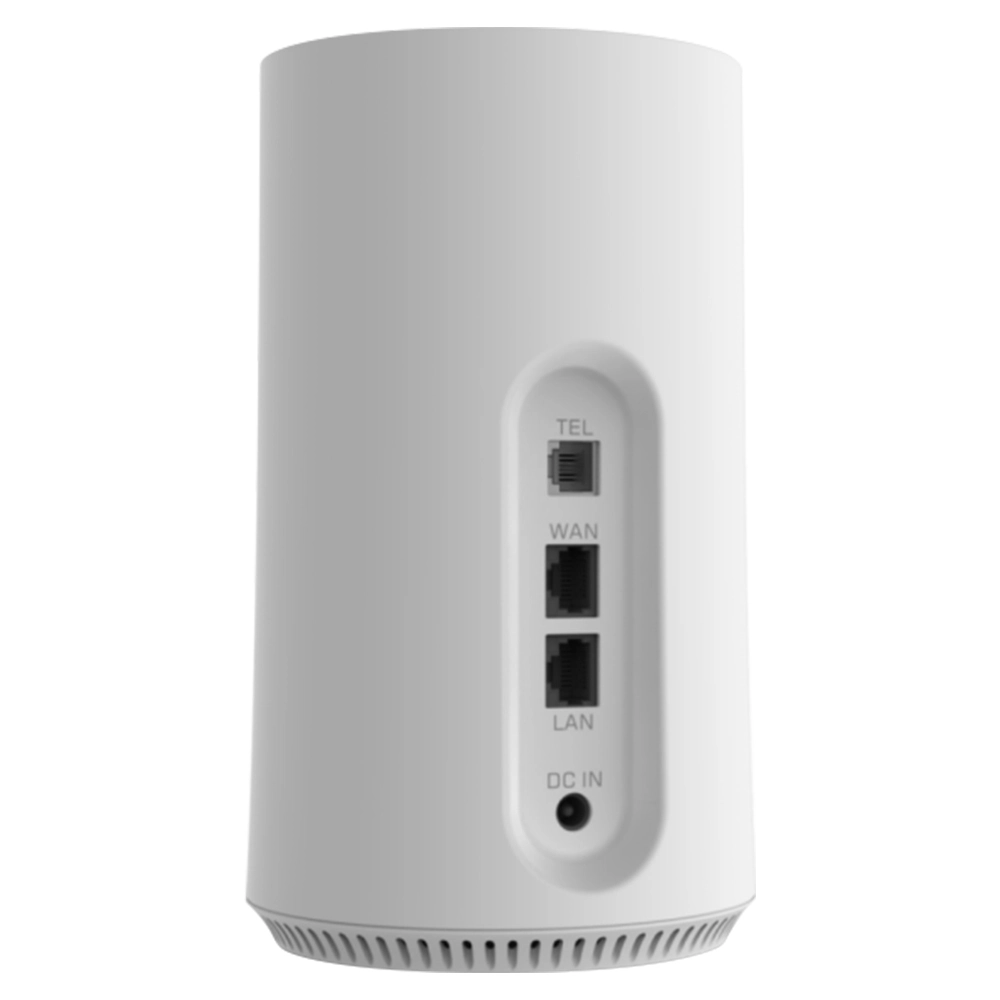
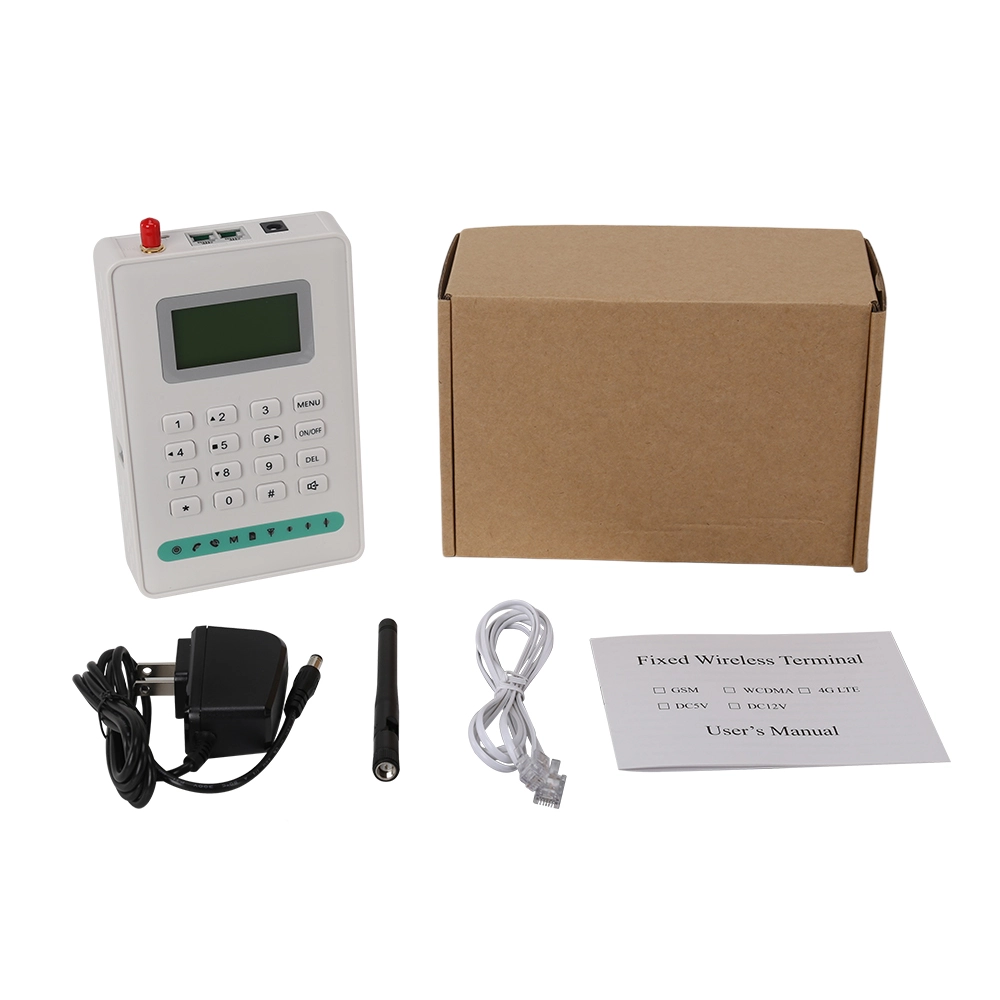
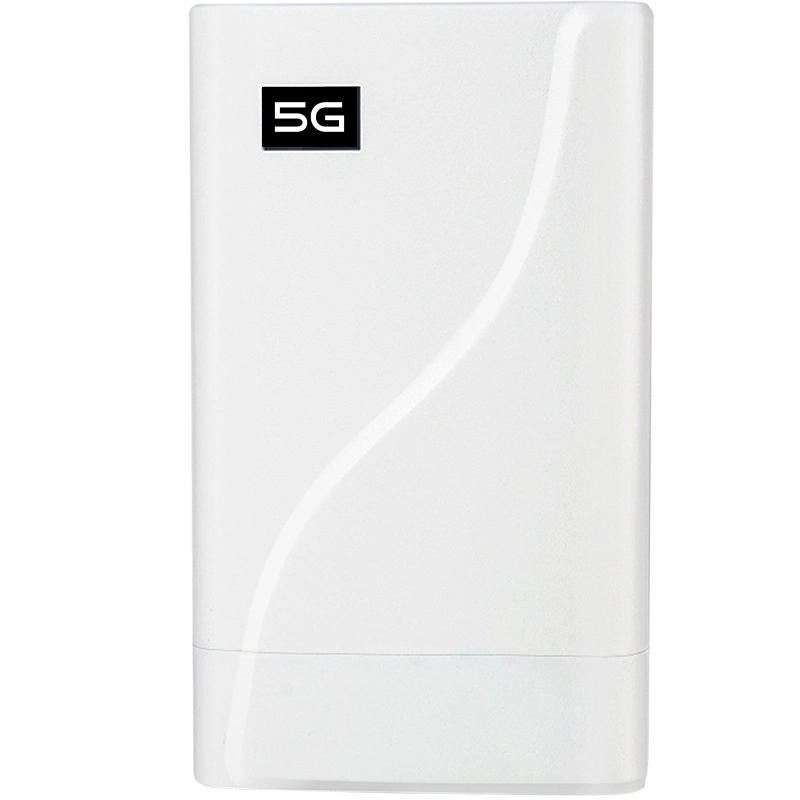
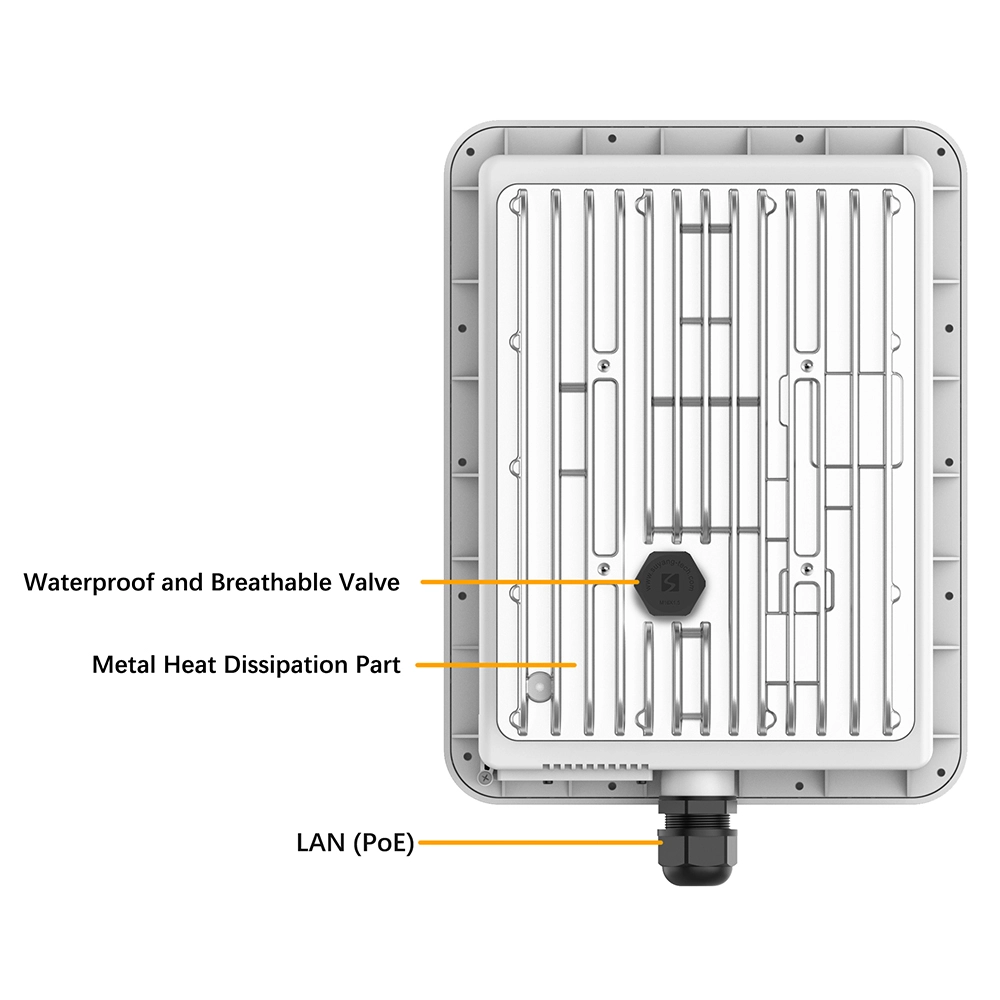
The middle or above grade 4g wifi router with sim card slot and external antenna and 5g cellular wifi router models of Shenzhen Junhaoyue Technology Co., Ltd. support both 2.4GHz and 5GHz, we’re developping Wifi 6e also to meet different market needs, you can review our models on our website at https://www.junhaoyue.com.


What can we do for you?