
- 1.Hardware Performance: The Foundation of the Signal
- 2.Wireless Protocol Standards and Band Selection
- 3.Transmit Power and Regulatory Limits
- 4.Physical Environment and Building Structure
- 5.Obstacles and Sources of Interference
- 6.Network Congestion and Number of Connected Devices
- 7.Firmware and Software Optimization
- 8.Ethernet Cable Quality and Broadband Connection
- 9.Client Device Reception Capability
- 10.Environmental Electromagnetic Interference
- 11.Weather and Seasonal Factors
- 12.Installation and Configuration Details
- 13.Signal Boosting and Repeater Solutions
- 14.Security Settings and Unauthorized Access
- 15.Router Aging and Lifespan
- 16.ISP Network Quality
- Conclusion
Router signal strength is not determined by a single factor, it is the result of a complex system working in concert. This article delves into twelve core dimensions that impact wireless network coverage and quality, range from hardware performance and physical environment to user configuration and external interference. It provides a comprehensive, professional and highly actionable guide to help you fundamentally optimize your home or office network environment.
In today’s digital life, stable and strong wireless network signals are as essential as water and electricity for work and entertainment. But many people often confused: why can the same router model perform so differently in different homes? Why is the signal full in the living room but video calls stutter as soon as you go into the bedroom? The truth is, router signal coverage and transmission quality are a complex symphony played by multiple intertwined variables. It’s not just about the router itself being “good” or “bad,” but a combination of hardware, environment, configuration and even external factors. Understanding these factors is the key to transform you from a “network complainer” into a “network optimizer.”
1.Hardware Performance: The Foundation of the Signal
A router’s internal hardware directly determines its theoretical upper limit for signal emission and processing capability. This is like a car’s engine, its displacement and performance determine how fast and how much it can carry.
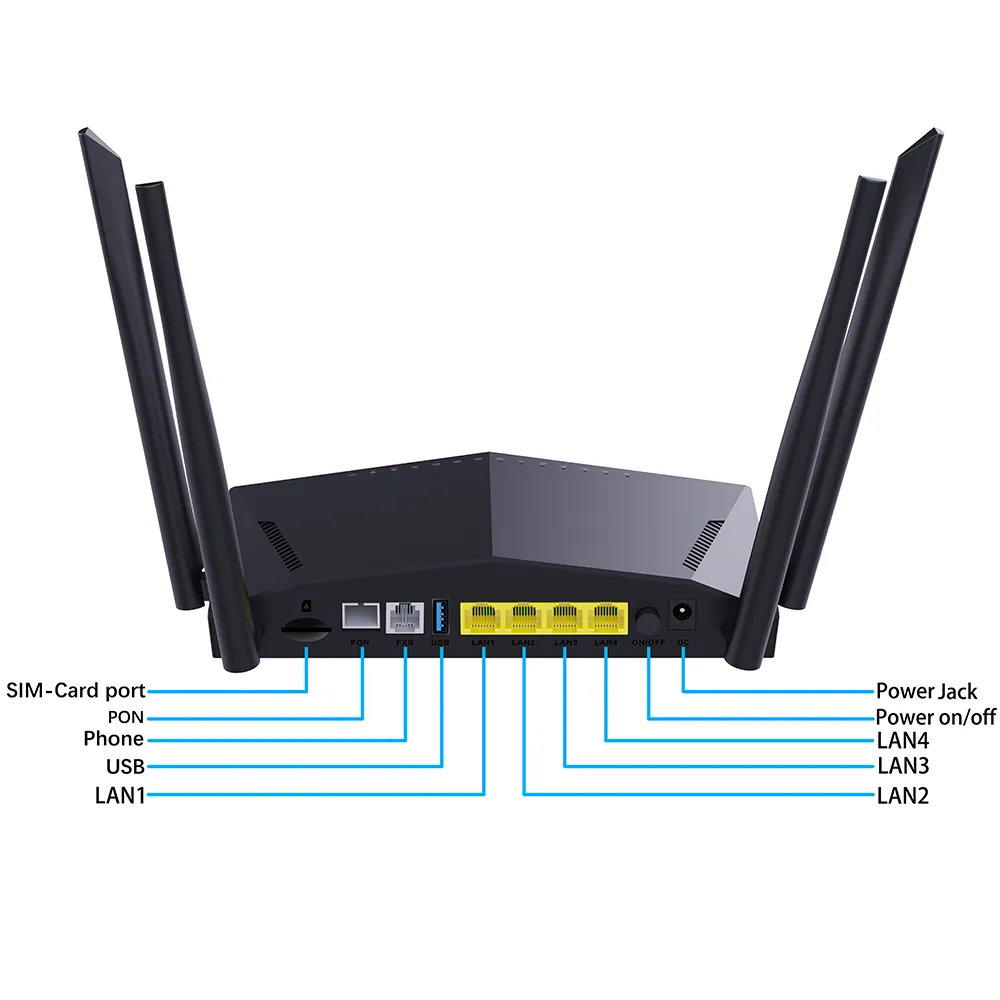
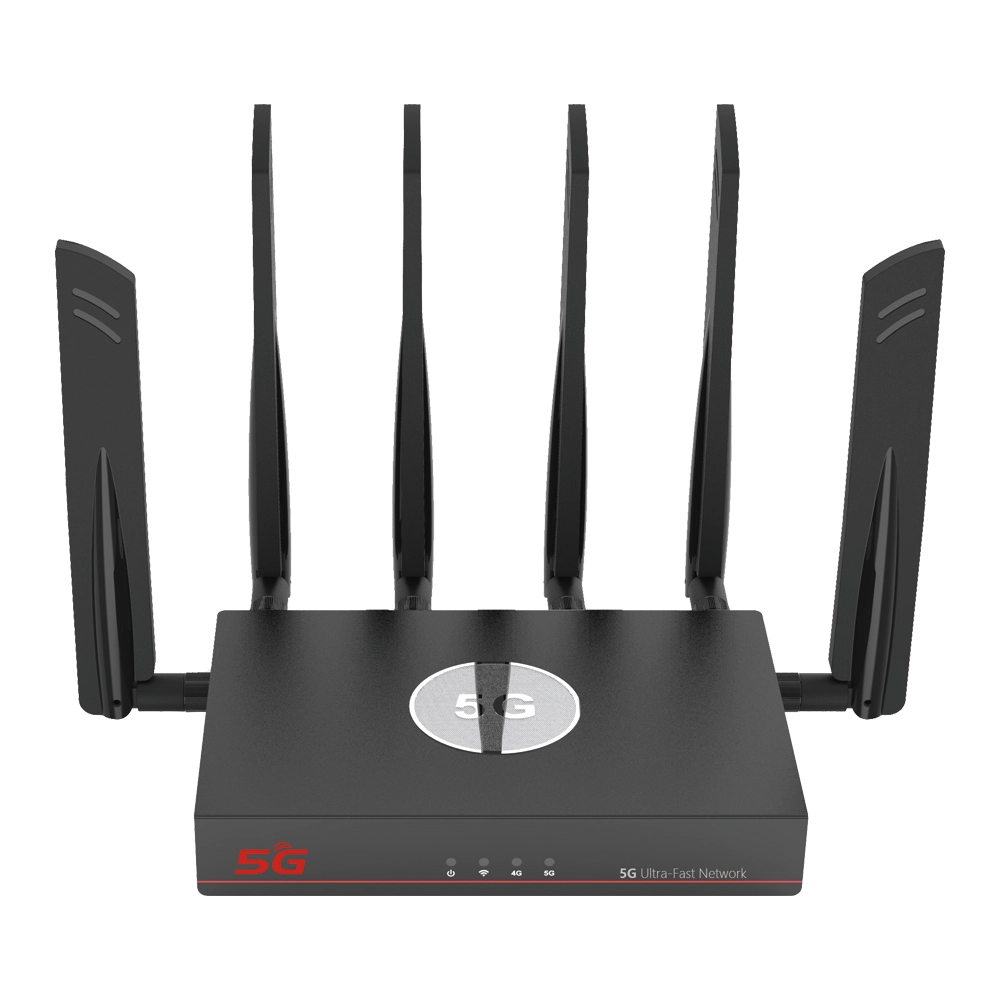
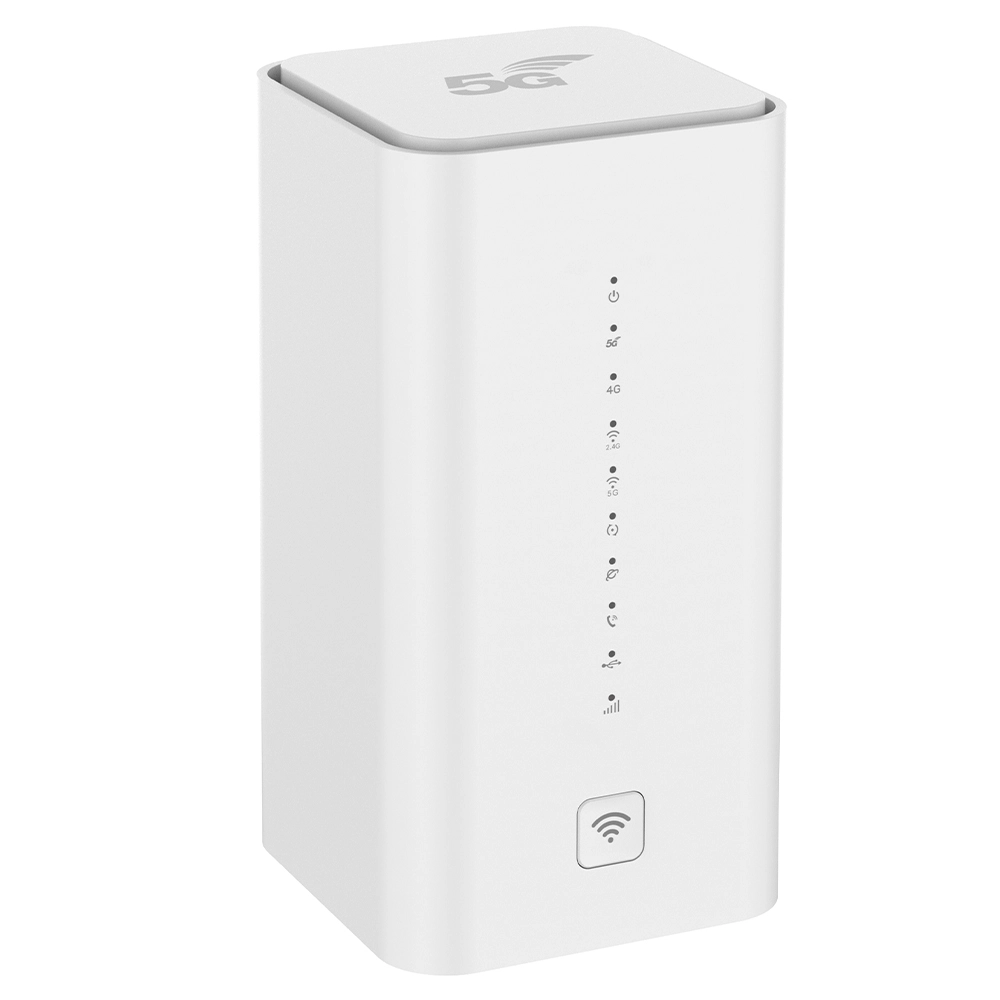
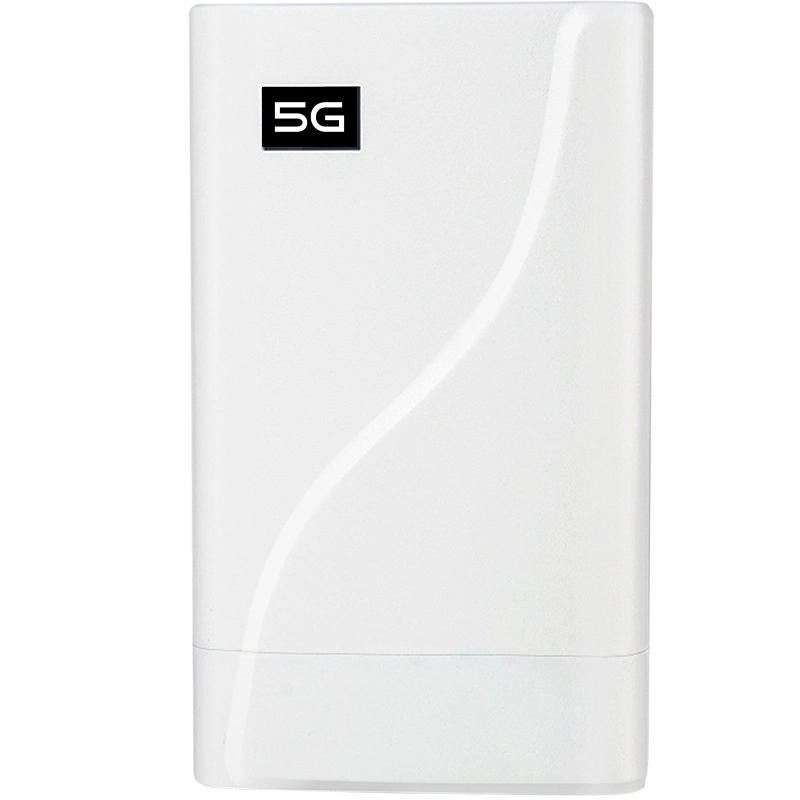
Wireless Chipset and RF Front-End Module: These generate and amplify the wireless signal. Their design and materials determine the signal’s purity, transmission power and anti-interference capability. High-end cpe 4g lte or 5g router with sim card typically use more powerful chipsets and better quality power amplifiers to ensure the signal starts with greater “confidence.”
Antenna System: This is the direct gateway for signal interaction with space. The number of antennas, gain, type such as omnidirectional or directional and internal design are crucial. Multiple antennas enable MIMO technology, which not only boosts data rates but also uses beamforming to “focus” signal energy more precisely onto connected devices rather than spreading it evenly, effectively enhance signal strength in the target direction. Antenna gain is usually measured in dBi, higher gain means the signal travels farther, but the vertical coverage angle may narrow.
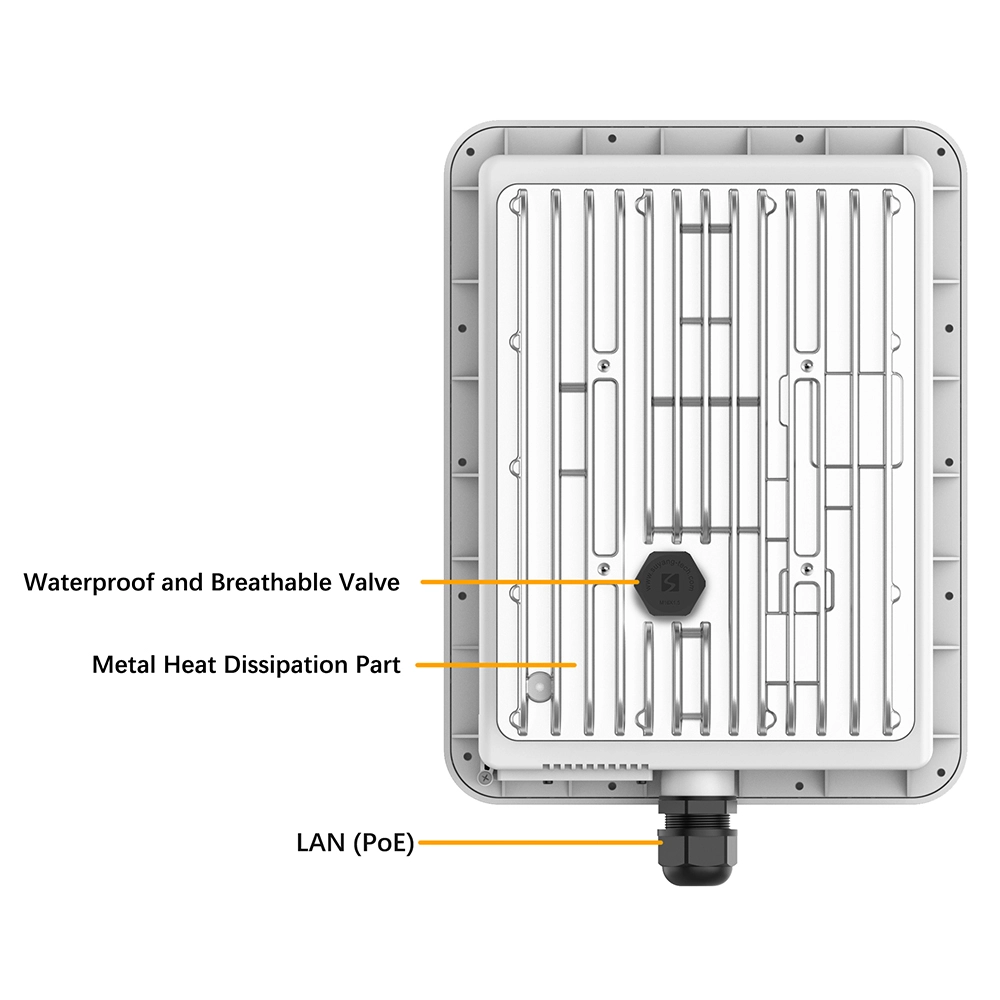
Processor and Memory: These handle network data packets, run firmware algorithms and manage connections from multiple devices. A high-performance processor and ample memory ensure the router handles high-speed concurrent access from many devices effortlessly, prevent high latency and sluggish signal response caused by insufficient processing power. Furthermore, the router’s cooling design indirectly affects signal stability, as overheating will lead to chip throttling and performance degradation.
2.Wireless Protocol Standards and Band Selection
Wi-Fi protocol standard a router follows Wi-Fi 5, Wi-Fi 6 or the latest Wi-Fi 7 defines its “rules of the game.” Newer protocols bring not only higher theoretical speeds but also significant leaps in signal efficiency, multi-device concurrency and interference resistance. For example, OFDMA introduced in Wi-Fi 6 allows a router to communicate with multiple devices simultaneously, reduce wait times and provid a better signal experience in device-dense environments.
Most mainstream routers operate on two bands: 2.4GHz and 5GHz.
2.4GHz: Signals have longer wavelengths, penetrate obstacles better and offer wider coverage. However, it has few usable channels and is highly susceptible to interference from other devices operating on the same frequency such as microwave ovens and Bluetooth device etc., lead to signal congestion and slow speeds.
5GHz: Offers more channels, less interference and provides much higher transmission rates. However, its shorter wavelength means higher penetration loss, so coverage is typically smaller than 2.4GHz. Tri-band routers add an additional 5GHz or 6GHz band dedicated to gaming or high-speed device backhaul, further reducing interference.
3.Transmit Power and Regulatory Limits
A router’s transmit power directly affects how far its signal can reach. In theory, higher power equals wider coverage. However, radio regulatory bodies in every country impose strict limits to ensure fair coexistence among different devices and control electromagnetic radiation. Consequently, the maximum transmit power of compliant household routers is capped. Some routers offer “wall-penetrating mode” or region settings, which essentially adjust the power cap within legal limits, but the effect is limited and may increase interference to neighboring networks.
4.Physical Environment and Building Structure
This is one of the most intuitive and complex factors will affect signals. Wireless signals will encounter reflection, refraction, diffraction and absorption during propagation.
Walls: They are primary signal killers. Reinforced concrete load-bearing walls and floors with rebar cause massive signal attenuation. Brick walls are next, while wooden partitions or glass walls cause the least attenuation. The thickness and number of walls directly determine the degree of signal loss.
Metal: Metal strongly shield signals. Metal security doors, mirrored wardrobes and even metal kitchen cabinets can create signal dead zones.
Layout and Router Placement: Place the router in a central location within your home, rather than in a corner or a panel box, allows for more even signal distribution. Avoid placing it directly on the floor, inside a cabinet or next to large appliances. An ideal spot is an open, elevated position like a desk or mounted high on a wall.
5.Obstacles and Sources of Interference
Beyond building structures, many objects inside and outside home are potential signal interferers. Water strongly absorbs microwaves, so aquariums, potted plants (containing moisture) and even the human body absorb signals. Large furniture, piles of books and clutter can weaken signals also.
More critically, electronic devices operate on the same frequency band will cause interference. 2.4GHz band is particularly problematic: cordless phones, Bluetooth speakers, baby monitors and operating microwave ovens generate intense interference. Even a neighbor’s Wi-Fi network using the same or an overlapping channel can cause co-channel interference, degrade signal quality and reduce speed. Use a Wi-Fi analyzer tool to scan and select a relatively idle channel is an effective way to improve the signal environment.
6.Network Congestion and Number of Connected Devices
The number of devices simultaneously connected to a router directly impacts the “bandwidth” and response speed each device receives. When too many devices are connected, especially if several are engaged in high-bandwidth activities such as 4K streaming, large downloads and online gaming etc., the router’s processor and wireless channels become overloaded, will lead to higher overall network latency. This often manifests as a full signal bar but slow internet. Modern routers support MU-MIMO handle multi-device scenarios much better.
7.Firmware and Software Optimization
A router’s firmware is its operating system. Through firmware updates, manufacturers can fix bugs, optimize signal scheduling algorithms, improve stability and compatibility. An outdated or buggy firmware version will cause signal drops or poor performance. Regularly checking and updating to the latest stable firmware is a crucial habit for maintaining optimal router performance. Some advanced cpe 4g lte or 5g router with sim card offer features like gaming acceleration or intelligent bandwidth allocation to optimize signal experience for specific scenarios via software.
8.Ethernet Cable Quality and Broadband Connection
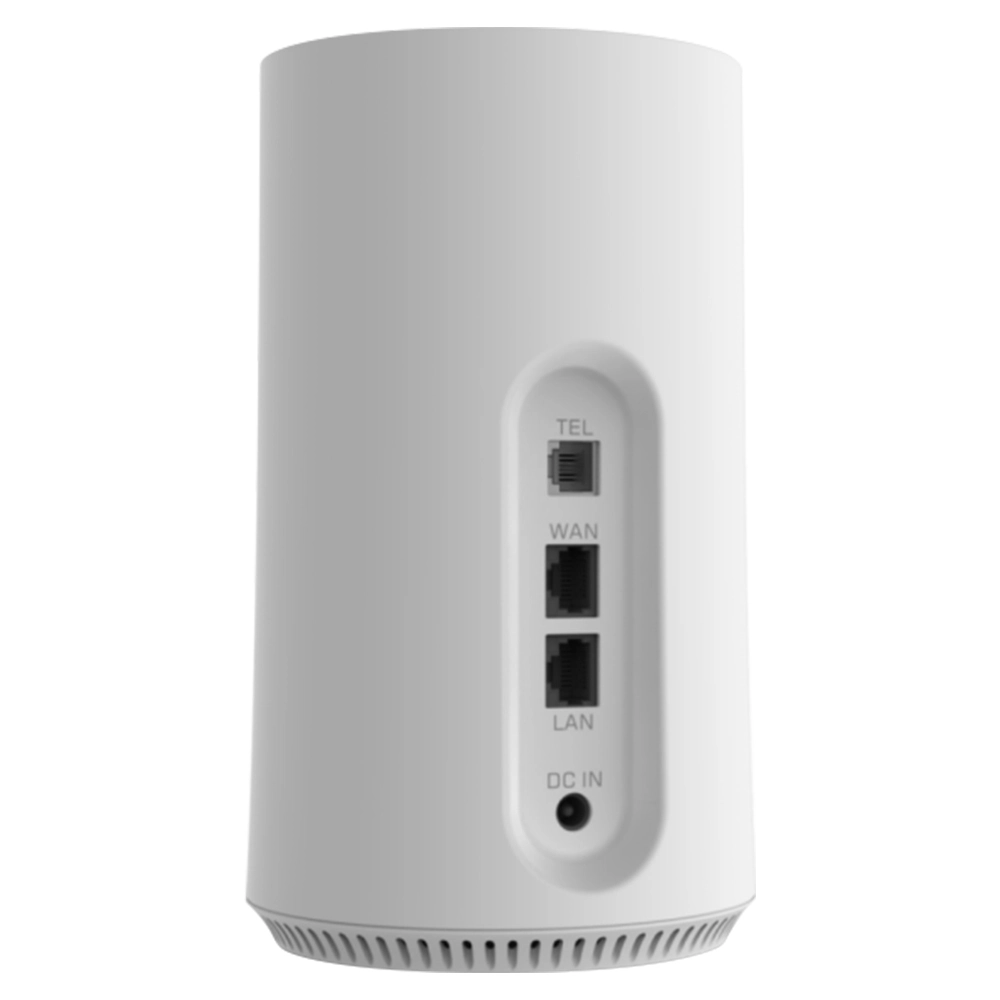
The router’s signal source is the Ethernet cable coming from the optical modem or upstream network. If this supply pipe is poor quality such as cheap or overly long cable, has loose connectors, or only support 100Mbps, the final speed reaching your device will be limited, no matter how strong the router’s wireless signal is. Ensure you use at least Cat5 or Cat6 Ethernet cable connected to the router’s high-speed WAN port. This is the foundation to provide flowing water to the wireless signal. Likewise, your ISP’s subscribed broadband speed sets the absolute upper limit.
9.Client Device Reception Capability
Signal transmission is bidirectional. The wireless card performance and antenna design of your client devices such as phones, laptops and tablets are equally critical. Older devices may only support older Wi-Fi protocols and cannot take advantage of a new router’s high-speed features. A device’s own poorly designed antenna or metal casing can also impair signal reception. Sometimes, the problem isn’t weak router signal but poor reception sensitivity on the client device.
10.Environmental Electromagnetic Interference
Starting compressors in large appliances like refrigerators and air conditioners can generate momentary electromagnetic pulses. Large electric motors in industrial environments, medical equipment and even the switching power supplies of some poorly designed LED lights can produce broadband electromagnetic noise, interfer with the fragile wireless signal and cause instability or packet loss.
11.Weather and Seasonal Factors
Although less commonly mentioned, weather does have a minor impact on wireless signals. High humidity slightly increases signal attenuation during transmission, especially over long distances. Temperature differences between seasons can sometimes affect the stability of electronic components. While the effect on an internal home network is negligible, it can be a minor factor to consider for marginal coverage areas like patios or gardens.
12.Installation and Configuration Details
Finally, many signal problems originate from incorrect installation or configuration. Examples include: not positioning the router’s antennas vertically (the optimal radiation pattern for omnidirectional antennas is perpendicular to the antenna axis); “band steering” (combine 2.4 and 5GHz under one SSID) cause devices to latch onto the wrong band; use overly complex encryption incompatible with older clients, or even set an incorrect region code or enable unnecessary features in the router’s admin panel. Take time to read the manual and configure the router properly often solves more than half of all signal problems.
13.Signal Boosting and Repeater Solutions
When optimize placement and configuration still doesn’t meet coverage needs, consider signal extension solutions.
Wireless repeaters/extenders amplify existing signals but typically cut bandwidth by about half.
Powerline adapters use electrical wiring to transmit network signals, but stability depends heavily on the quality of your home’s electrical circuit.
Mesh networks are the most recommended solution. They consist of multiple nodes interconnected via wired or dedicated wireless backhaul, form a seamless whole-home network. Devices can automatically and seamlessly switch between nodes, make this the ultimate solution to cover large or complexly laid-out homes.
14.Security Settings and Unauthorized Access
Poor network security such as using a simple password or outdated encryption protocols will lead to unauthorized access (“piggybacking”). These rogue devices consume bandwidth and connection resources, make legitimate users experience poor signal and slow speeds. Always use a strong password and the latest encryption protocol such as WPA3 or WPA2.
15.Router Aging and Lifespan
Electronic products have a finite lifespan. After years of continuous operation, router’s internal components like capacitors gradually age, will lead to unstable power delivery, degraded performance and reduced signal transmission capability. Typically, after three to five years using, performance may noticeably decline and consider a replacement is wise choice.
16.ISP Network Quality
Sometimes, the poor signal or slow internet you perceive might not originate from your home network, but from your ISP’s local lines, metro network congestion or international gateway fluctuations. This should be ruled out by directly testing the speed from the optical modem or router via a wired connection.
Conclusion
In summary, router signal strength is a systems engineering challenge. From the core hardware and protocols to the specific physical environment, interference sources and user-side configuration – every link can be the “weakest plank” affect the final experience. Optimize your Wi-Fi requires systematic diagnostic thinking: start with the simplest steps of repositioning the router and adjusting the channel, then gradually investigate hardware, environmental interference and configuration issues.
Understand the principles behind these factors not only helps you to solve current network frustrations but also empowers you to make more informed decisions when purchasing future network equipment or planning your home network. Ultimately, this knowledge allows you to create a high-speed, stable and truly ubiquitous high-quality wireless environment.


What can we do for you?