
- 1. Which Layer Does a Router Work On?
- 2. The Essential Difference Between a Router and a Layer 2 Switch
- 3. How a Router Works
- 3.1 The Birth of Data Packets and the Start of Their Journey
- 3.2 Signal Reception and Initial Processing
- 3.3 Routing Table – A Network Map
- 3.4 ARP Protocol and Packet Re-encapsulation
- 3.5 Routing Protocols and Dynamic Learning
- Part Two: Functionality – Core Roles and Practical Uses of a Router
- I. Core Roles of a Router
- 1.1 Network Traffic Control Center
- 1.2 Private Network Builder
- 1.3 Wireless Signal Base Station
- 1.4 Network Security Guardian
- Sixteen Practical Uses of Routers
- Part Three: Selection Guide – Differences Between Routers and How to Choose
- I. Twelve Key Different Factors for Routers
- 1.1 Transfer Rate Class
- 1.2 Band Support Capability
- 1.3 Antenna Design Architecture
- 1.4 Processor Performance
- 1.5 Memory Configuration
- 1.6 Wired Interface Types
- 1.7 Wireless Signal Coverage Technology
- 1.8 QoS Functionality
- 1.9 Security Protection System
- 1.10 Thermal Design
- 1.11 Software Features
- 1.12 Brand Service Guarantee
- 2. Selection Recommendations
Part One: Fundamentals – Layer Positioning and Working Principle of a Router
1. Which Layer Does a Router Work On?
A router operates at the Network Layer (Layer 3) of the Open Systems Interconnection (OSI) model, which is a critical layer in network communication architecture. The OSI model, developed by the International Organization for Standardization (ISO), divides communication system into seven logical layers: from bottom to top: Physical Layer, Data Link Layer, Network Layer, Transport Layer, Session Layer, Presentation Layer and Application Layer. This layered design decomposes the network communication process into multiple relatively independent modules, with each layer interact through standard interfaces, greatly enhance the flexibility and scalability of network systems.
A router analyzes network address information (such as IP address) within data packets to achieve cross-network data forwarding and routing decisions, effectively isolating broadcast domains and connect networks with different topologies. As an intelligent network interconnection device, its core functions include path selection, packet switching and flow control, make it an essential pillar of Internet infrastructure.
2. The Essential Difference Between a Router and a Layer 2 Switch
Compared to a Layer 2 switch, which operates at the Data Link Layer, a router has fundamental functional differences. A switch forwards data frames based on MAC address, with all operations occurr within the same broadcast domain. A router, however, performs cross-network communication based on Network Layer address, effectively isolating broadcast domains and limiting the propagation range of broadcast storms. This characteristic makes the router irreplaceable in building large-scale networks, ensure network scalability and stability.
3. How a Router Works
3.1 The Birth of Data Packets and the Start of Their Journey
Any information transmitted over network—whether web content, emails or video—is divided into smaller, standardized data units called packets. Each packet contains two parts: a header and a payload. The header contains crucial information such as destination IP address, source IP address and sequence numbers for controlling transmission order. The core object a router works with is these continuous streams of packets.
3.2 Signal Reception and Initial Processing
When data arrives at router from WAN (typically via an ISP-provided line such as fiber or Ethernet), it first exists as electrical or optical signals. The router’s WAN interface receives these physical signals and converts them into digital signals recognizable by internal circuits. Subsequently, the router performs integrity checks on the packets, such as verifying data transmission errors using CRC. If a check fails, the damaged packet is usually discarded to avoid wasting processing resources.
3.3 Routing Table – A Network Map
Routing table is the heart and brain of a router, form the fundamental basis for its decision-making. It is essentially a database stored in the router’s memory, akin to a detailed network map. Each entry in the routing table typically contains the destination network address, subnet mask, next-hop address and outgoing interface. By maintaining and querying this table, the router determines where to send each incoming packet.
When query routing table, the router uses “longest prefix match” principle—select the entry with the longest subnet mask (i.e. the most specific network address) to ensure the packet is sent along the most precise path.
3.4 ARP Protocol and Packet Re-encapsulation
After determining the next-hop IP address, the router needs to find the corresponding physical address (MAC address) because data is ultimately addressed by MAC addresses within a local network. At this point, the router checks its ARP cache. If no mapping is found, it broadcasts an ARP request. After obtaining target MAC address, the router “puts on a new envelope” for the packet—re-encapsulate it with a new Data Link Layer frame, where the source MAC address becomes the router’s outgoing interface address, and the destination MAC address will become the next-hop device’s address.
3.5 Routing Protocols and Dynamic Learning
In complex network environments such as enterprise networks or the Internet backbone, routers need to communicate with each other, inform one another of known network paths. They achieve this by running routing protocols (such as OSPF and BGP). Routers periodically exchange routing information with neighboring routers, dynamically update their routing tables. When a network path fails, router will automatically calculate a new available path, achieve network self-healing and high reliability.
Part Two: Functionality – Core Roles and Practical Uses of a Router
I. Core Roles of a Router
1.1 Network Traffic Control Center
As an intelligent gateway between LAN and WAN, a router achieves efficient packet forwarding and path selection through its built-in switching chip and processor. When a user device sends an access request, the router reads the packet’s destination address and automatically calculates the optimal transmission path using dynamic routing algorithms. This intelligent scheduling mechanism acts like a traffic control system, effectively prevent network congestion and ensure stable transmission channels for high-bandwidth applications like video conferencing and online gaming.
1.2 Private Network Builder
Through DHCP service, router automatically assign private IP addresses (typically start with 192.168.x.x or 10.x.x.x) to connected devices, create an independent LAN environment. NAT technology creates a natural security barrier, make internal devices appear as a single public IP address to outside world, effectively block over 70% of external network scanning attacks. Additionally, the router’s built-in DNS caching function accelerates domain name resolution, reduce average response time to one-third of its original length.
1.3 Wireless Signal Base Station
Wireless access point function integrated into modern routers uses MIMO and beamforming technologies to convert network signals into stable and reliable Wi-Fi coverage. With OFDM modulation technology, router divides transmission channels into multiple orthogonal sub-channels, significantly improving anti-interference capabilities. Wi-Fi 6 routers increase network capacity by four times compared to previous generations in dense device connection scenarios.
1.4 Network Security Guardian
Router’s built-in firewall employs stateful packet inspection technology, deeply analyzing each packet’s source address, destination address and transmission protocol type. By establishing dynamic filtering rule tables, it can block abnormal access requests in real-time, intercept approximately 85% of network intrusion attempts. Some enterprise-level routers also include IPS functionality to effectively defend against DDoS attacks.
Sixteen Practical Uses of Routers
| No. | Use Case | Core Value |
| 1 | Build and distribute local network | Complete NAT translation, form the first security barrier |
| 2 | Wi-Fi coverage | Free from cable constraints, achieve whole-home wireless connectivity |
| 3 | Multi-device connection and management | Support dozens of devices simultaneously, plug-and-play |
| 4 | Home firewall | Monitor data streams, block unauthorized access |
| 5 | Parental controls | Manage children’s internet time and content |
| 6 | Smart home control center | Connect smart devices, enable automation scenarios |
| 7 | Port forwarding and VPN services | Remote access to home network, host personal servers |
| 8 | Home private cloud and network storage | External hard drives turn router into NAS, private cloud storage |
| 9 | QoS bandwidth management | Intelligently allocate bandwidth, ensure critical applications run smoothly |
| 10 | Guest network | Isolate from main network, protect privacy and security |
| 11 | Mesh networking | Multi-node group networking, achieve seamless whole-home roaming |
| 12 | USB expansion capabilities | Connect printers, 4G/5G dongles and other peripherals |
| 13 | Firmware update and plug in extensions | Patch vulnerabilities, add new features, customize functionality |
| 14 | Traffic statistics and network diagnostics | Analyze network usage, quickly locate faults |
| 15 | IoT device network | Isolate IoT devices, enhance security |
| 16 | Energy saving and schedule switching | Schedule reboots, schedule Wi-Fi shutdowns, energy efficient |
Part Three: Selection Guide – Differences Between Routers and How to Choose
I. Twelve Key Different Factors for Routers
1.1 Transfer Rate Class
According to IEEE standards, Wi-Fi 6 routers can achieve theoretical maximum speeds of up to 9.6Gbps, while Wi-Fi 5 devices have a maximum theoretical speed of 3.5Gbps, newer standards provide more efficient data transmission.
1.2 Band Support Capability
Modern routers generally support dual-band (2.4GHz+5GHz) or tri-band operation. 2.4GHz band has strong penetration but is prone to interference, 5GHz band offers higher transmission speed but shorter coverage distance, high-end tri-band routers can effectively reduce network congestion when multiple devices are connected.
1.3 Antenna Design Architecture
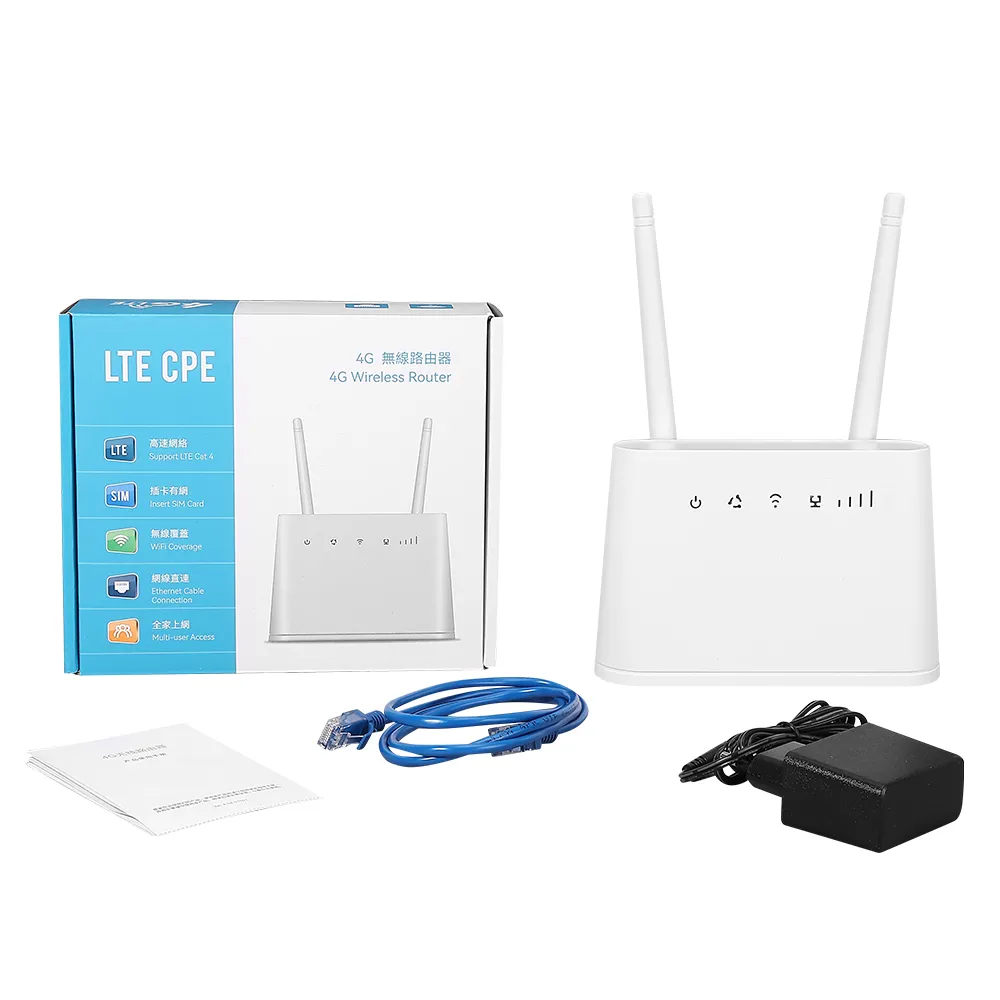
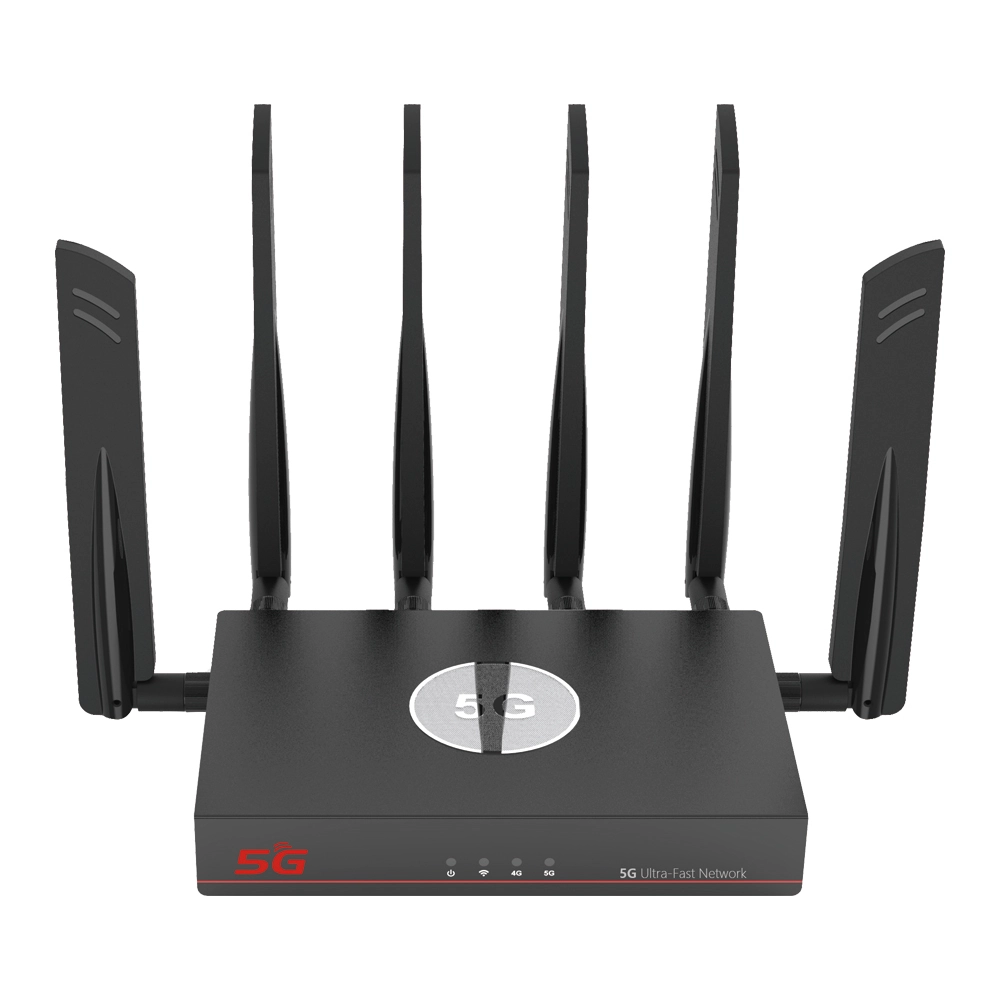
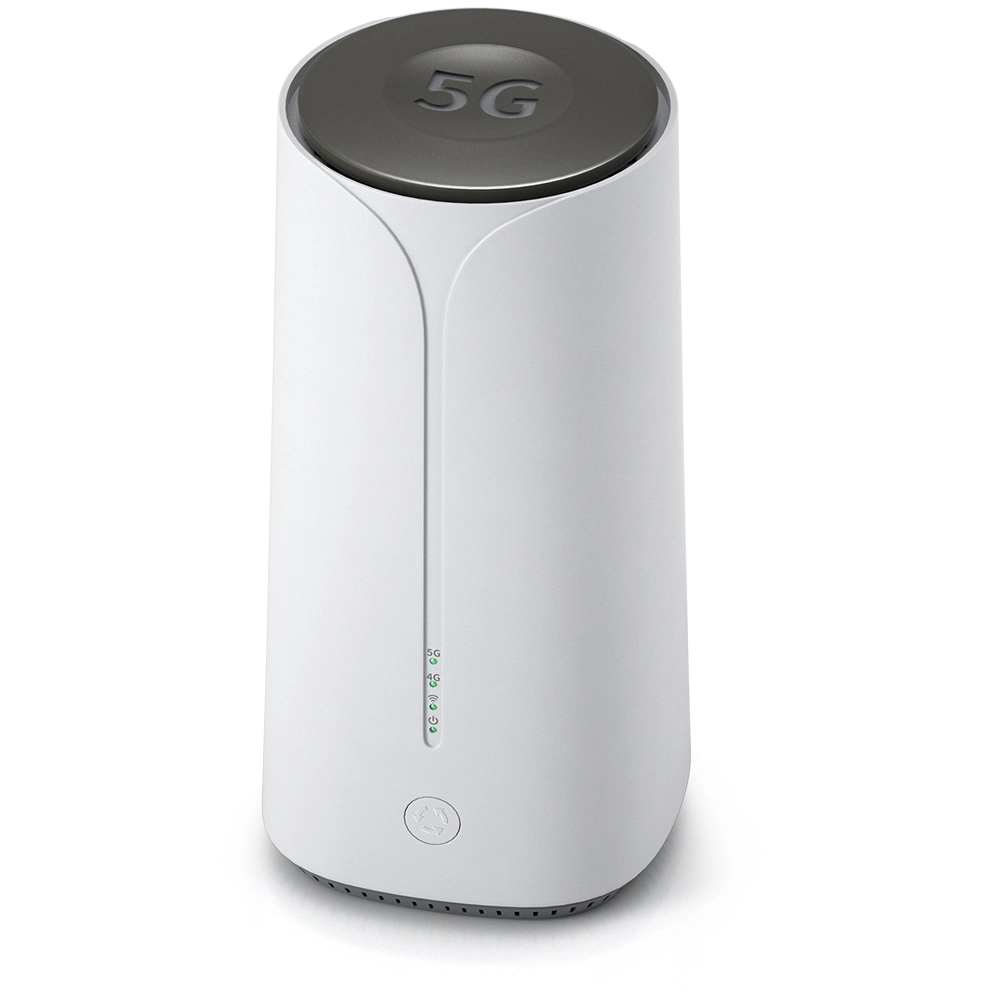
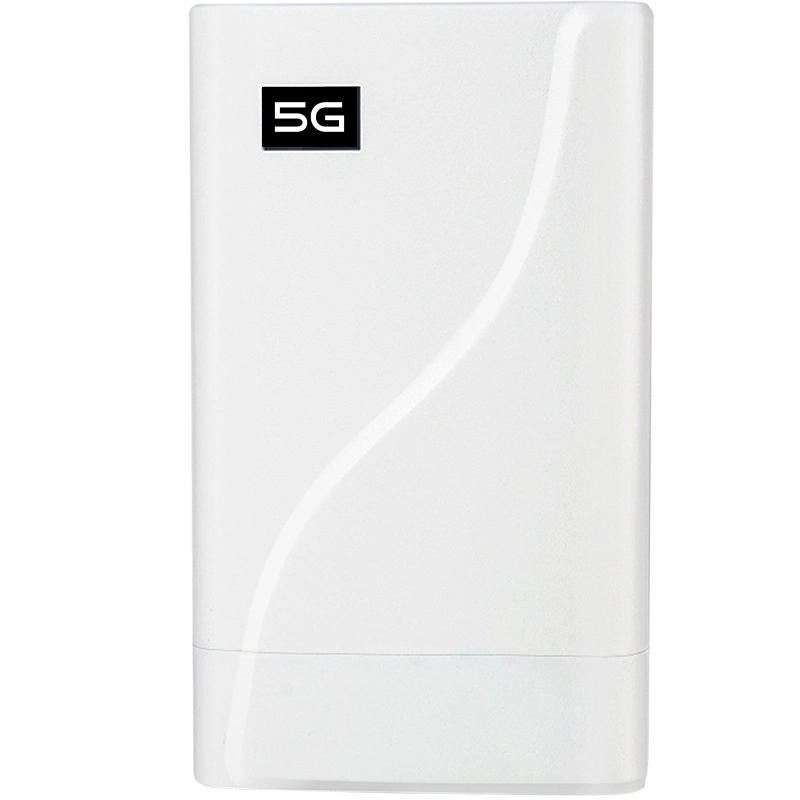
Traditional routers use external adjustable antennas, while modern routers typically use MIMO technology. High-end 4g wifi router or sim card 5g router even use eight or more antennas, take beamforming technology to directionally enhance signals. Antenna gain is measured in dBi, higher values indicating stronger directional transmission capability.
1.4 Processor Performance
Home-grade routers typically use single-core or dual-core processors with frequencies ranging from 800MHz to 1.4GHz. Enterprise-grade routers use multi-core processors with hardware-accelerated NAT capabilities, capable of stably connecting over 100 terminal devices simultaneously.
1.5 Memory Configuration
Entry-level routers typically have 128MB memory, high-end models have 512MB or even 1GB memory, larger memory ensures system stability during multi-device connections and high-volume data transmission.
1.6 Wired Interface Types
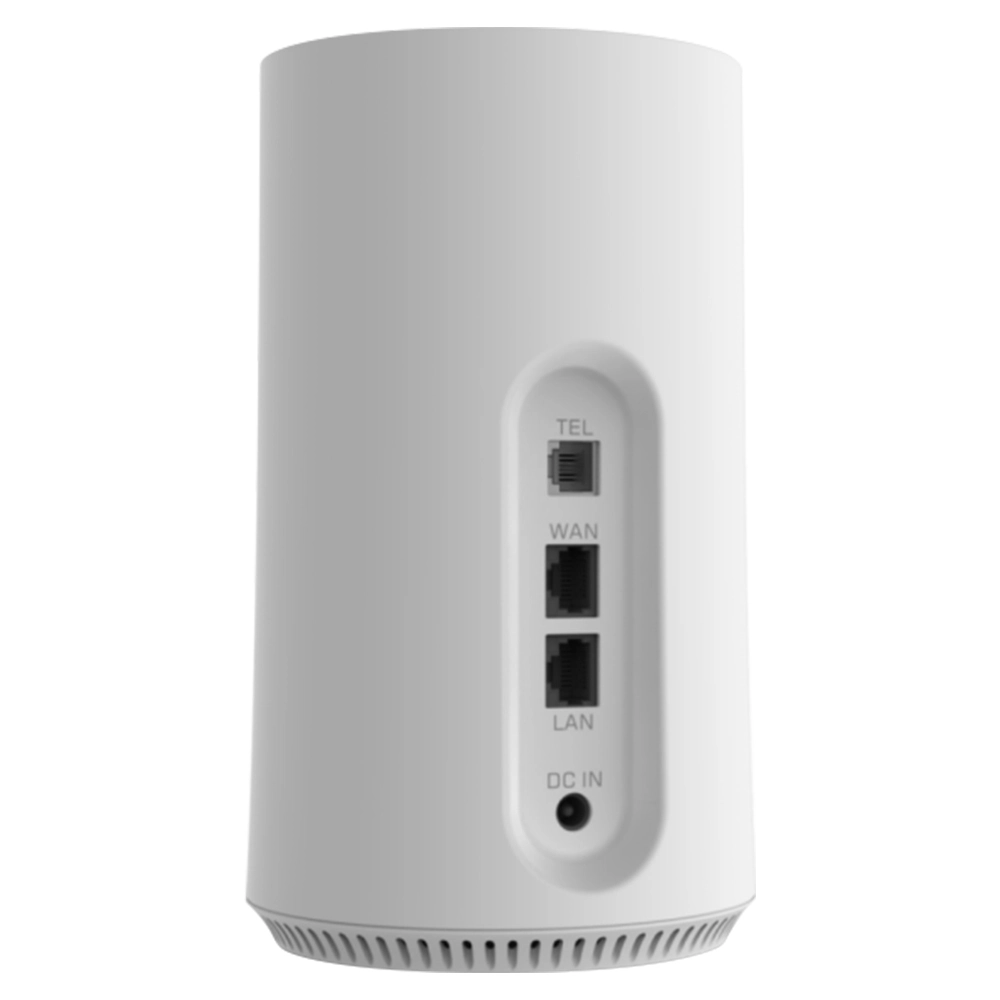
Mainstream routers featured Gigabit Ethernet ports, some high-end models upgraded to 2.5G or even 10G ports. The number of ports also expands from common 4 LAN ports to 8 or more. USB3.0 ports support network storage and printer sharing functions.
1.7 Wireless Signal Coverage Technology
China regulations limited the maximum transmission power of wireless LAN equipment to 100 milliwatts. High-end routers enhance signal quality by adding PAs and LNAs. Mesh networking systems use multi-node collaboration technology to completely solve signal blind spot problems in large homes.
1.8 QoS Functionality
Basic QoS only support bandwidth limitation, while advanced systems can implement intelligent traffic scheduling based on application type. Gaming routers have dedicated game acceleration modes, while enterprise products support user role-based bandwidth allocation strategies.
1.9 Security Protection System
Mainstream products support WPA3 encryption protocol, which offers stronger security than previous generations. Commercial routers typically include built-in VPN server functionality, some models also provide parental control features.
1.10 Thermal Design
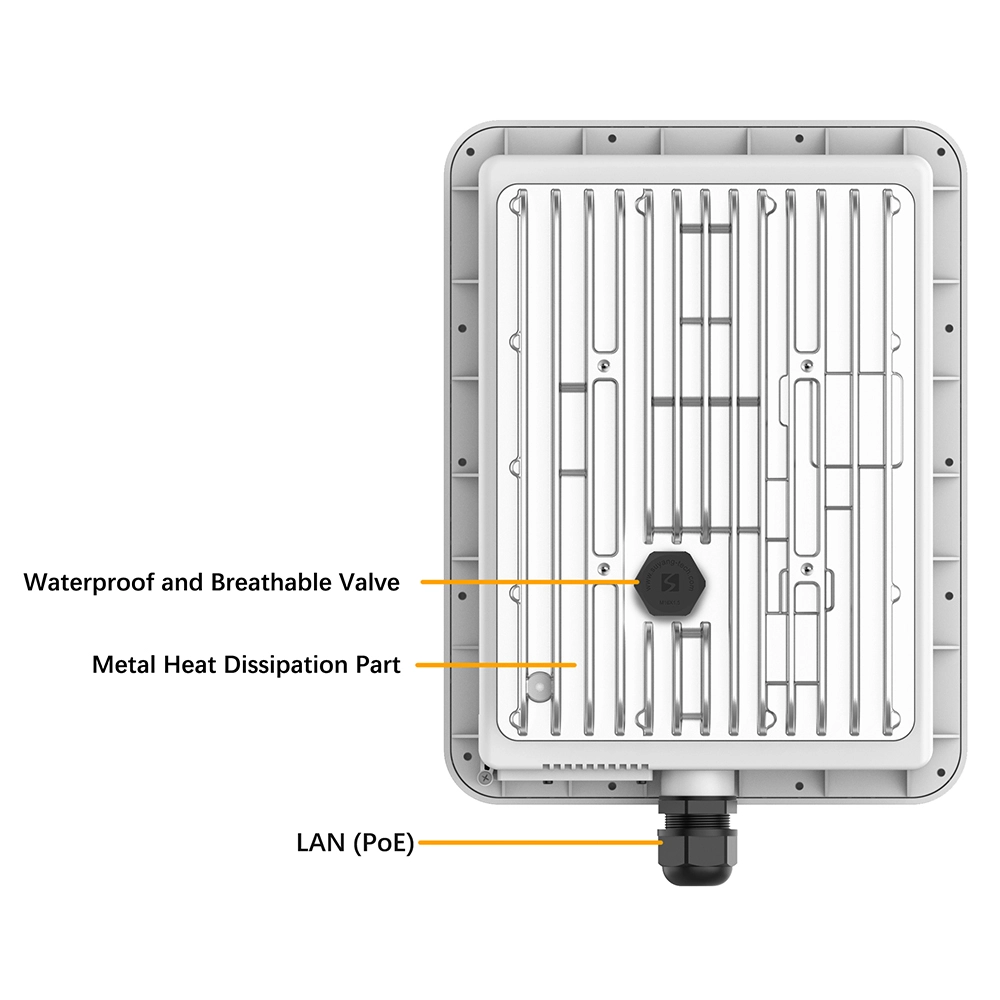
Low-end routers use natural heat dissipation, mid-to-high-end routers add heat sinks and thermal pads, flagship routers even feature active cooling fans. Good thermal design prevents processor overheating and throttling.
1.11 Software Features
Open-source systems like OpenWrt support high customizability, while manufacturer proprietary systems offer simpler operation interfaces. Cloud management features allow users to remotely configure devices via mobile apps.
1.12 Brand Service Guarantee
International brands typically offer global warranty service with warranty periods up to three years. Consumers should comprehensively consider brand reputation, service network coverage and response speed.
2. Selection Recommendations
Consumers should choose the most suitable router based on actual usage scenarios, number of terminal devices and network quality requirements:
Small home(<90㎡), few devices (<10): Entry-level dual-band router is sufficient;
Medium-large home(90-150㎡), moderate devices (10-30): Choose mid-range Wi-Fi 6 router, focus on antenna count and QoS functionality;
Large home/villa, dense devices(>30): Recommend Mesh system or enterprise-grade router, focus on coverage capability and device capacity;
Gaming/streaming professional users: Choose gaming router, focus on latency optimization and game acceleration;
Smart home power users: Choose router support IoT-dedicated network and stable multi-device connections;
It is also recommended to check the telecommunications equipment network access certification from the Ministry of Industry and Information Technology to ensure compliance with national standards.


What can we do for you?