
- Essential Definition of a LAN Driver
- Core Role of the Driver in the System
- Core Working Principle
- Main Functional Modules of a Driver
- Differences Between Wired and Wireless LAN Drivers
- Driver Sources and Types
- Identify and View Current Driver Information
- Importance of Driver Updates
- How to Update Drivers Safely
- Common Network Issues and Driver Troubleshooting
- Driver Compatibility Issues
- Drivers and Network Performance Optimization
- LAN Drivers in Virtualized Environments
- Security Considerations for Drivers
- Glimpse into Future Development Trend
- Summary and Practical Advice
When we surf on internet, share files and connect devices easily in the office or at home, we rarely think about underlying technical details that support all of this. Network connections may seem simple, but behind them lies a complex collaboration of hardware and software. Among them, one software component called LAN driver, is the cornerstone that ensures your computer can speak and communicate with other devices smoothly. In computer networking technology, LAN driver plays a fundamental and critical role. Essentially, it is a software program that acts as interpreter and coordinator between operating system and physical Network Interface Card (NIC). But what exactly it is and how does it work?
Essential Definition of a LAN Driver
Simply put, LAN driver (often refer to simply a network card driver) is a special type of system software. Its core responsibility is to build an efficient and accurate communication bridge between computer’s operating system and physical network interface card installed on the motherboard. The operating system itself does not inherently know how to control a wide variety of hardware devices, and network interface cards from different manufacturers and models differ greatly in their internal structure, instruction sets and communication methods. LAN driver is interpreter and controller born to solve this contradiction. It translates standardized network commands from operating system (e.g. send this data packet to a specific IP address) into hardware-level commands that the specific network interface card can recognize, execute and vice versa.
Core Role of the Driver in the System
In the software hierarchy of a computer, drivers reside at or are closely linked to kernel level. They have higher system privileges than ordinary applications, allow them to interact directly with hardware registers, manage interrupt requests and control low-level operations like Direct Memory Access (DMA). This deep integration means that the quality and stability of the driver directly impact entire system’s network performance and even system security. A well-optimized driver can fully unleash the hardware’s potential, achieve low-latency, high-throughput data transfer. Conversely, a defective or outdated driver can lead to intermittent network connections, slow speeds or even system crashes (blue screens).
Core Working Principle
The workflow of a LAN driver is a precise closed loop. When an application (like a web browser) need to send data, it’ll encapsulate the data into frames through the operating system’s network protocol stack (e.g. TCP/IP), these data frames will be passed to corresponding LAN driver. The driver first places them into a transmit buffer queue it manages, then based on the network interface card’s status, it’ll write the data and instructions to the card’s registers via specific I/O ports or memory mapping, trigger the start of the transmission process. The reverse happens for receiving data: after network interface card converts received electrical or optical signals into digital data, it’ll notify the driver via an interrupt. The driver then reads the data from the card’s receive buffer, performs preliminary error checking and passes it up to the upper-layer protocol stack for processing, ultimately deliver it to target application.
Main Functional Modules of a Driver
A complete LAN driver typically includes several key functional modules. The initialization module is responsible for detecting hardware, allocating required interrupt numbers, memory and I/O resources during system startup or device insertion, configuring network card into ready state. Data transfer module is the core, manage the circular queues for transmit and receive buffers, enable efficient data movement and flow control. The interrupt service routine module quickly responds to hardware interrupts, handle events such as data arrival, transmission completion or error reporting. Additionally, there are modules for MAC address management, power management (crucial for laptops and mobile devices, reduce power consumption when idle), statistics and diagnostics for collecting packet counts, error counts and other information for system monitoring tools.
Differences Between Wired and Wireless LAN Drivers
Although their core responsibilities are same, significant implementation details differ between wired Ethernet drivers and wireless LAN (Wi-Fi) drivers. Wired drivers primarily handle stable physical connections based on Ethernet frames over twisted-pair cables or fiber optics; their management is relatively straightforward. Wireless drivers are much more complex, they’ve to meet challenges posed by radio wave transmission such as signal strength management, automatic channel selection, roaming (maintaining connection while moving between access points) and execution of complex security protocol handshakes like WPA2 or WPA3. Wireless drivers also need to work closely with the operating system’s wireless service components to provide users with a visible list of available networks and a connection management interface.
Driver Sources and Types
LAN drivers primarily come from three sources. The most ideal is official driver from network interface card manufacturer, which typically undergoes the most thorough hardware testing and performance optimization, provide full functionality. Next are generic drivers built into operating system, such as those included with Microsoft Windows or topen-source Linux kernel. These offer broad compatibility but may not enable certain advanced hardware features. Finally, drivers provided by motherboard or system manufacturer (e.g. branded PC maker) might be customized or certified for stability on specific system platforms, potentially based on official driver.
Identify and View Current Driver Information
Knowing how to view current driver information is the first step in management. In Windows systems, users can open Device Manager, locate Network adapters, right-click specific network card device, select Properties and view information like provider, date, version and digital signature under Driver tab. On Linux-based systems (e.g. Ubuntu), command-line tools like lspci, lsusb combined with modinfo command can be used to view details of loaded driver modules. This information is crucial to determine whether a driver update is necessary.
Importance of Driver Updates
Regularly updating LAN drivers has multiple benefits. First, manufacturer updates often include fixes for discovered bugs, resolve stability issues like connection drops, substandard speeds or system conflicts. Second, new drivers may bring performance optimizations, improve network throughput or reduce CPU usage. Third, updates often include support for new protocols or security standards, such as add support for next-generation WPA3 security protocol for Wi-Fi card to enhance network security. Finally, after upgrading operating system, install corresponding latest driver is a critical step to ensure hardware compatibility.
How to Update Drivers Safely
Updating drivers should follow safe and prudent principles. The preferred method is to visit the official website of the device manufacturer, go to the Support or Downloads section, download the official installation package based on the exact product model and operating system version. Before installation, it is advisable to create a system restore point to quickly revert if issues arise after update. Avoid using third-party driver update tools from unknown sources, as they may sometimes push mismatched or malware-bundled drivers. Driver updates pushed through the operating system (e.g. Windows Update) that are WHQL-certified are generally a safe and reliable choice.
Common Network Issues and Driver Troubleshooting
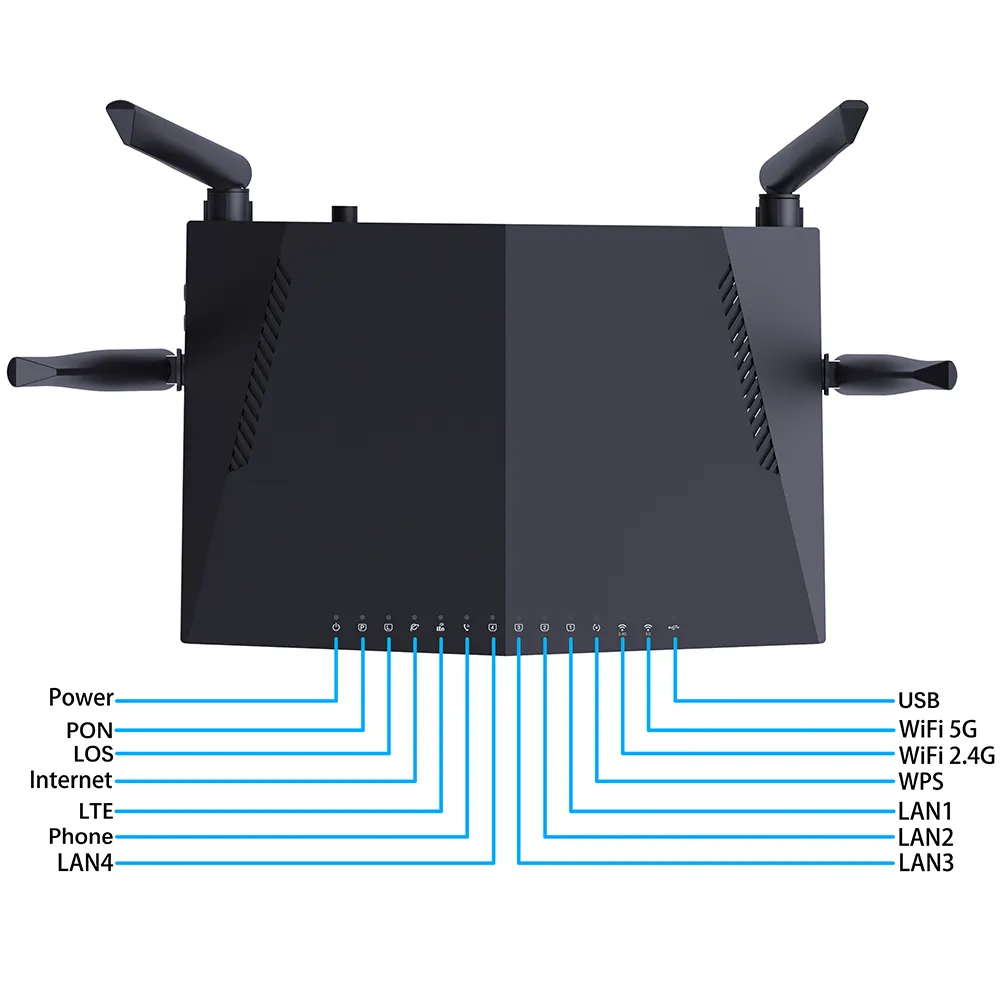
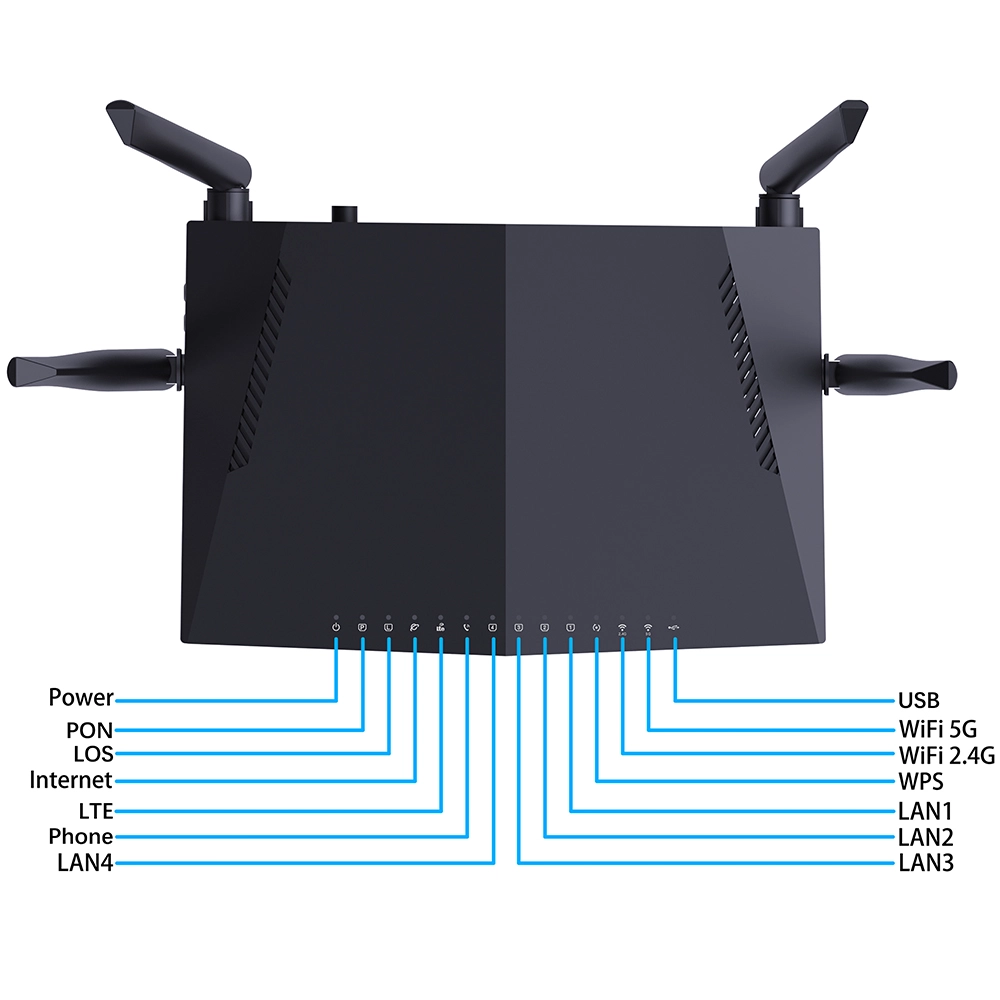
Many network problems originate from the driver. If you encounter issues like “Network cable unplugged” despite a physical connection, inability to find Wi-Fi signals, a local connection showing “Limited” or “No internet access,” or unusually slow network speeds, you should suspect driver issues after checking external factors like 4g lte router sim card or 5g cellular wifi router and cables. Initial troubleshooting can involve disabling and re-enabling the network adapter in Device Manager or use the built-in “Troubleshoot” feature. A more thorough method is to uninstall the current driver (checking “Delete the driver software for this device”), then restart computer to allow the system to reinstall the basic driver automatically or manually install a downloaded newer version.
Driver Compatibility Issues
Driver compatibility problems often occur after major operating system updates or when using older hardware. The new OS might no longer support the driver architecture of the old hardware, or some code in the old driver might be incompatible with the new system’s kernel mode, cause the device to malfunction or the system to become unstable. To solve this, first check if the manufacturer has released a compatibility statement and corresponding driver for the new OS. If official support has ended, you can try to select “Let me pick from a list of available drivers on my computer” in Device Manager, and try to install a built-in, older but possibly compatible generic driver, or look for an alternative driver maintained by open-source community (more common in Linux environments).
Drivers and Network Performance Optimization
Advanced users or network administrators can fine-tune performance by adjusting advanced driver settings. In Advanced tab of the network card’s properties, you might see options like Jumbo Packet, Receive Buffers, Interrupt Moderation Rate and Flow Control. For example, enable Jumbo Packet in high-speed LAN environments can reduce protocol overhead and improve large file transfer efficiency, but it requires all devices on the network (e.g. switches) to support this feature. Appropriately increase receive/transmit buffer sizes can help handle burst traffic and reduce packet loss, but it uses more memory. Adjust these parameters should be based on actual network environment and application needs, improper settings can backfire.
LAN Drivers in Virtualized Environments
In server or desktop virtualization scenarios, the concept of a LAN driver is extended. Driver installed inside a virtual machine typically does not control physical network card directly but rather communicates with an abstract device called a virtual network adapter. The corresponding driver is provided by the hypervisor (e.g. VMware’s VMXNET3 driver or Microsoft Hyper-V’s synthetic device driver). These virtualization-optimized drivers are designed to significantly improve data exchange efficiency between virtual machine and the host, reduce CPU overhead but sacrifice a small amount of direct hardware control ability. Manage such drivers involves following guidance of the virtualization vendor.
Security Considerations for Drivers
Because drivers run in high-privilege mode within the kernel, their security is paramount. A vulnerable or malicious driver can become a backdoor for attackers to compromise the system, bypassing many security protection mechanisms, so ensure the driver comes from trusted source is critical. Modern operating systems like Windows use driver signature enforcement policies to restrict the loading of drivers without a digital signature, which helps curb the spread of malicious drivers to some extent. Users should always obtain drivers from official channels and pay attention to security advisories from manufacturers, promptly installing driver updates that fix security vulnerabilities.
Glimpse into Future Development Trend
As network technology evolving, LAN drivers are also developing. On one hand, to cope with 10-gigabit and even faster networks, drivers need to utilize multi-core CPUs and DMA technology more efficiently to reduce data transfer latency. On the other hand, with permeation of concepts like Software-Defined Networking (SDN) and Network Function Virtualization (NFV), future “drivers” might become more modular and programmable, capable of dynamically loading different data processing pipelines to adapt to diverse network service requirements. Furthermore, support low-power and high-performance wireless connections such as Wi-Fi 6E/7 will continue to be key focus of wireless driver optimization.
Summary and Practical Advice
In summary, LAN driver is an indispensable low-level software component for network connections, intricately coordinate hardware and operating system. Understand its basic concepts will help users to diagnose network issues more effectively. For average user, keep drivers reasonably updated especially after major OS upgrades and obtain them from reliable sources is the simplest and most effective way to maintain a healthy, secure and efficient network. When encountering tricky network problems, consider driver issues as primary troubleshooting item, this can often solve the problem efficiently.
Online world changes rapidly, but stable and reliable connectivity always relies on these invisible software cornerstones. Spend a little time to understand and maintain your LAN driver is like performing regular maintenance on your high-speed information pathway, ensure every click and every data transfer proceeds without hindrance.


What can we do for you?