
As global industries pivot toward massive automation and real-time data processing, the demands placed on wireless infrastructure have shifted from simple connectivity to high-capacity resilience. In environments where hundreds of IoT sensors, high-definition surveillance feeds, and remote management tools operate simultaneously, a standard gateway is no longer sufficient. Identifying the best 5g router for such critical operations requires looking beyond basic speeds and focusing on how the hardware manages signal density and network architecture.
The 4×4 MIMO Advantage: Engineering Stability in Signal-Fringe Areas
One of the most significant bottlenecks in cellular networking is signal interference and multi-path fading. Professional-grade hardware (such as the AX3000 5G series) addresses this through 4×4 MIMO (Multiple-Input Multiple-Output) technology.
- Spatial Multiplexing: By utilizing four antennas for both transmitting and receiving, the router can separate data streams across multiple spatial paths. This not only doubles the theoretical throughput compared to standard 2×2 systems but also ensures a much more stable link in urban areas with high interference or remote sites with weak signal penetration.
- Carrier Aggregation Support: To qualify as the best 5g router, the device must intelligently combine multiple 5G frequency bands. This allows for peak download speeds that meet the rigorous requirements of 4K video streaming and high-speed data backhaul for field offices.
- Low-Latency Performance: In 5G networks, latency is as crucial as speed. Specialized hardware architecture minimizes internal processing delays, ensuring that time-sensitive applications like industrial robotics or medical telemetry operate with fiber-like responsiveness.
Seamless Integration with AX3000 WiFi 6 and Dual-Stack Networking
Choosing the best router for 5g is as much about local distribution as it is about cellular reception. Integrating WiFi 6 technology ensures that the massive 5G bandwidth isn’t lost when distributed to end-user devices.
- AX3000 Efficiency: With a wireless bandwidth of up to 3000Mbps, WiFi 6 (802.11ax) handles high-density device environments with ease. Features like OFDMA and MU-MIMO allow the router to communicate with dozens of devices simultaneously without the “queuing” delays found in older WiFi standards.
- IPv4/IPv6 Dual-Stack Support: As the global internet transitions to IPv6, professional equipment must support both protocols to ensure compatibility with modern cloud services and legacy internal systems. This dual-stack capability is essential for large-scale deployments where network scalability is a primary concern.
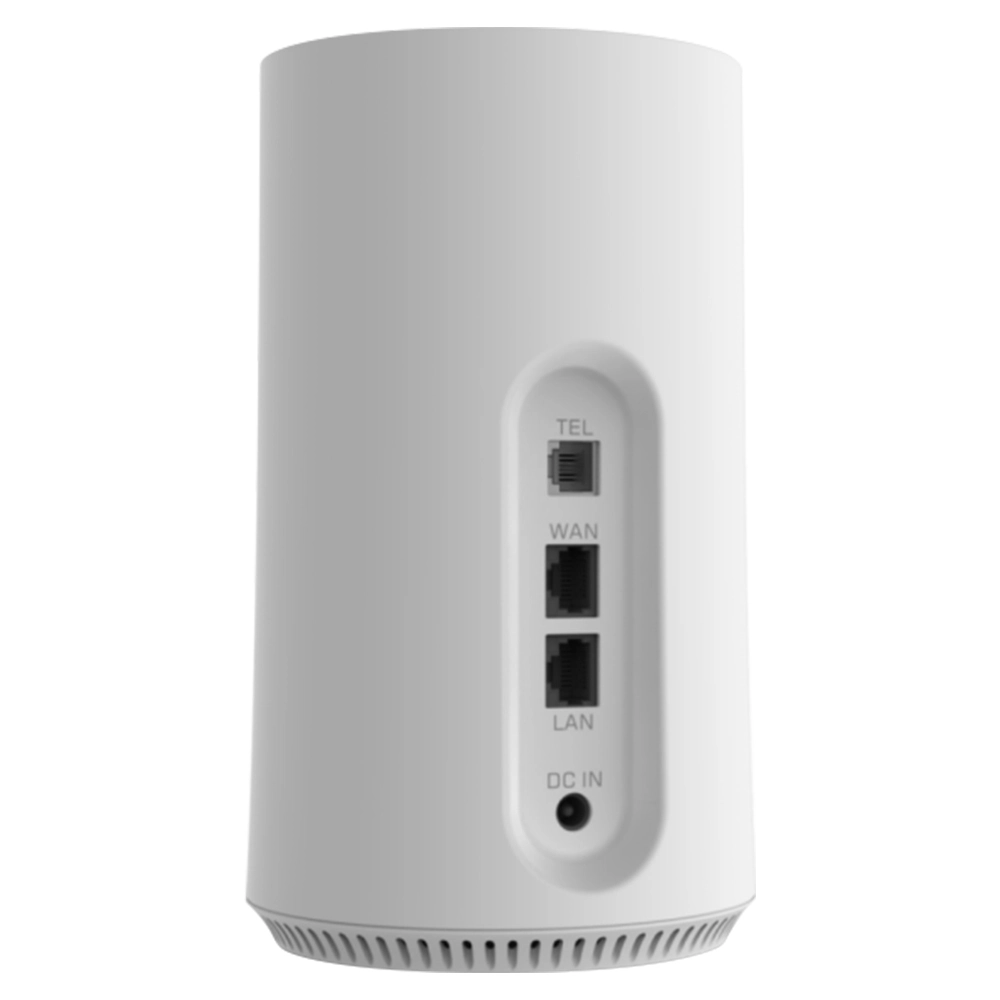
- Gigabit Ethernet Versatility: With multiple Gigabit LAN ports, these routers act as a bridge between high-speed wireless backhaul and existing wired infrastructure, making them ideal for branch office connectivity or temporary command centers.
To understand the leap in performance offered by our 5G series, refer to the following technical comparison:
| Technical Metric | Professional 5G CPE (HYCZ200/AX3000) | Standard Consumer 5G Hotspot |
| Antenna Architecture | 4×4 MIMO (External & Internal Optimized) | 2×2 Internal Only |
| WiFi Capacity | WiFi 6 (AX3000) – High Concurrency | WiFi 5 (AC1200) – Basic Use |
| Network Protocol | IPv4 / IPv6 Dual Stack | IPv4 Only (Usually) |
| Interface Density | 4 Gigabit LAN Ports | 1 or 2 Ports |
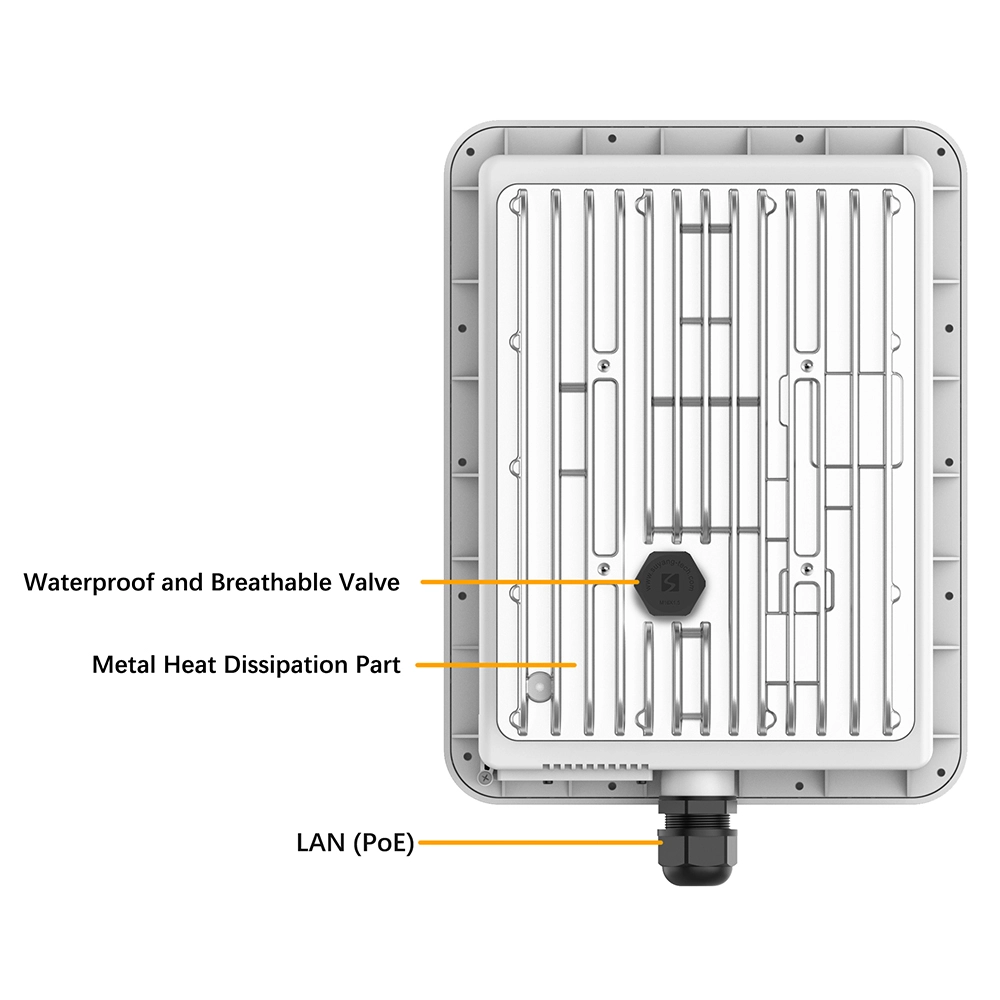
| Hardware Durability | Industrial Thermal Design & Wide Temp | Consumer Grade Plastic (Prone to Heat) |
Engineering for Reliability: The Foundation of Professional Trust
The true value of the best router for 5g lies in its manufacturing pedigree, where every unit undergoes 100% rigorous testing to ensure a 30% higher pass rate than the industry average.
- R&D Driven Innovation: With an engineering team boasting over a decade of experience in wireless terminals, our PCB layouts are optimized to prevent electromagnetic interference (EMI) and ensure maximum thermal efficiency, even in enclosed industrial cabinets.
- Advanced Cell Locking: To maintain connection stability, our firmware supports “Cell Locking” and “Band Locking.” This allows users to lock the router onto a specific, high-performance base station, preventing the device from “hopping” to slower, congested towers.
- TR069 Remote Ecosystem: For global projects, remote management is a necessity. Full support for the TR069 protocol enables zero-touch provisioning and remote diagnostic capabilities, allowing IT teams to manage a global fleet of devices from a single centralized dashboard.
5G Connectivity FAQ for Professional Applications
1. What makes 4×4 MIMO essential for the best 5g router?
In 5G networks, 4×4 MIMO allows the device to use four antennas simultaneously to transmit and receive data. This significantly improves signal reliability in “noisy” environments and can increase data speeds by up to 50-100% compared to traditional 2×2 antenna setups.
2. Is the router compatible with both NSA and SA 5G networks?
Yes. Professional 5G routers are designed to support both Non-Standalone (NSA) and Standalone (SA) architectures. This ensures the device is future-proof as global carriers transition from 4G-dependent 5G to pure 5G networks.
3. How does the “Lock Cell” feature improve performance?
In areas where multiple base stations are available, a router might jump between towers, causing momentary disconnects. The “Lock Cell” feature allows you to fix the connection to the strongest or fastest local cell tower, ensuring a rock-solid link for critical data.
4. Can this 5G router be used as a primary internet source for a small office?
Absolutely. With AX3000 WiFi 6 and 4 Gigabit LAN ports, the router provides enough bandwidth and stability to serve as the primary gateway for an office with 20-30 employees, handling video calls, cloud storage, and ERP systems simultaneously.
5. How do I upgrade the firmware on these devices?
Our routers support FOTA (Firmware Over-The-Air) upgrades. You can simply check for updates via the Web-UI, and the device will automatically download and install the latest security patches and performance enhancements from our servers.
6. Does the device support hardware customization for specific projects?
Yes. We specialize in hardware and software customization. Whether you need a specific frequency band configuration, a custom-branded Web UI, or integrated eSIM support, our internal manufacturing and R&D teams can tailor the hardware to your project’s exact requirements.


What can we do for you?