
- Introduction
- 1.Definition and Technical Essence of WiFi
- 2.Cornerstone of Wireless Communication: Radio Spectrum
- 3.Core Standards: IEEE 802.11 Protocol Family
- 4.Network Architecture and Connection Process
- 5.Key Physical Layer Technologies
- 5.Medium Access Control and Security Evolution
- 6.Networking Modes and Future Outlook
- 1.Router Types: Single-Band, Dual-Band and Tri-Band
- 2.Antenna Technology: MIMO and Beamforming
- 3.Modulation and Channel Bandwidth
- 4.Hardware Performance and Software Features
- 5.Performance Influencing Factors
- 6.The Philosophy of Choice: No Best, Only Most Suitable
- 1.What is WiFi Positioning
- 2.Fundamentals of the Technical Principles
- 3.Differences and Complementarity with GPS
- 4.Key Factors Affecting Positioning Accuracy
- 5.Wide-Ranging Application Scenarios
- 6.Privacy and Security Challenges
- 7.Future Development Trends
- Conclusion: The Future Shaped by WiFi
Introduction
In today’s highly interconnected world, there is a technology as invisible yet ubiquitous as air, fundamentally transforming the way we access information, communicate, work and live. This technology is Wireless Fidelity—what we commonly known as WiFi.
From working freely in coffee shops to smart home entertainment, from convenient access at airports and stations to IoT control in factory workshops, WiFi has permeated every corner of society. But do you truly understand the sophisticated and intricate scientific principles behind this seemingly simple wireless connection? Have you ever considered how the WiFi signal in your home or office differs from that in coffee shop, airport or friend’s house? Do you know that WiFi can not only provide internet access but also enable precise indoor positioning?
Part One: What is WiFi? —Technical Fundamentals and Core Principles
1.Definition and Technical Essence of WiFi
Wireless Fidelity is a technology based on a series of wireless LAN communication standards developed by IEEE. It allows electronic devices to exchange data over short distances via radio waves, construct a network environment that needn’t physical cables.
The name of WiFi is derived from Wireless Fidelity, held and used for brand certification by the Wi-Fi Alliance. From technical perspective, WiFi is not a single technology but a collective term for a series of wireless LAN technologies based on IEEE 802.11 standards.
2.Cornerstone of Wireless Communication: Radio Spectrum
To understand WiFi, we must start with its carrier—radio waves. WiFi primarily operates on specific radio frequency bands, which belong to ISM bands allocated by the International Telecommunication Union, meaning they can be used license-free in most parts of the world.
Three most common bands and each have distinct characteristics:
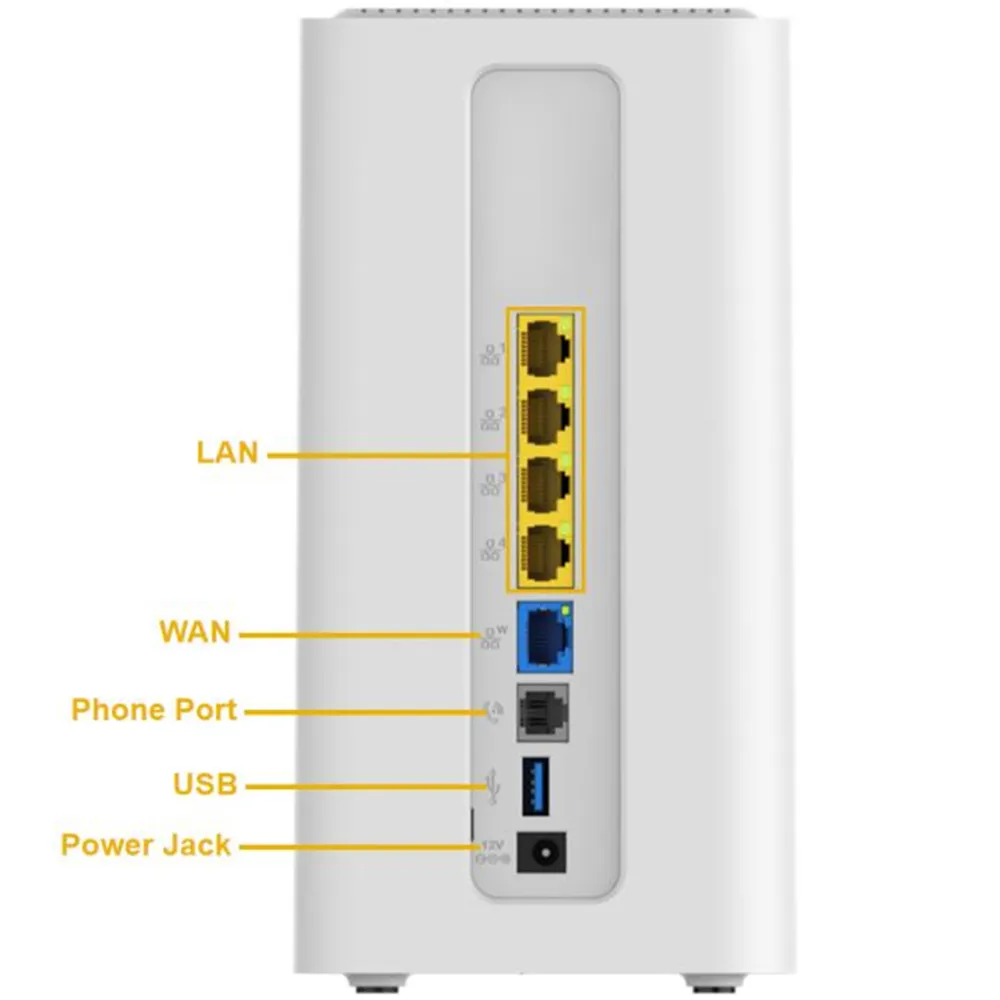
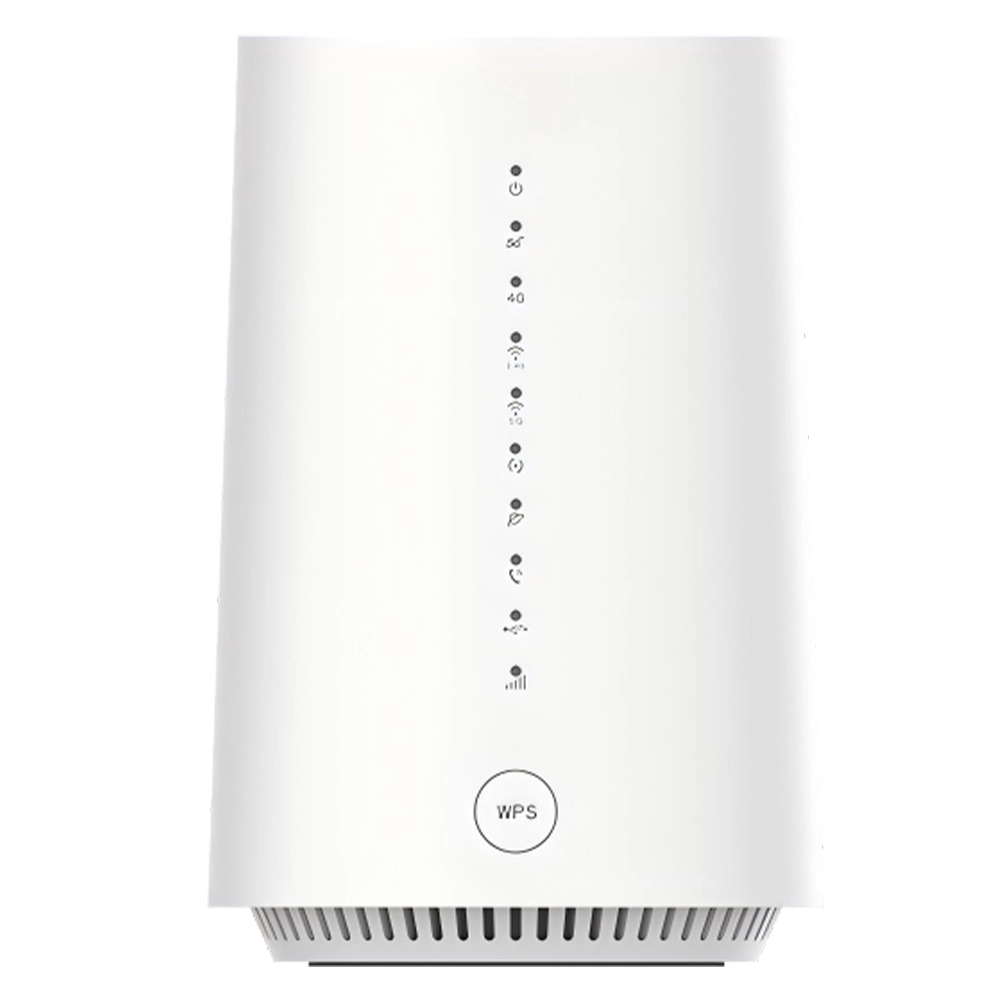
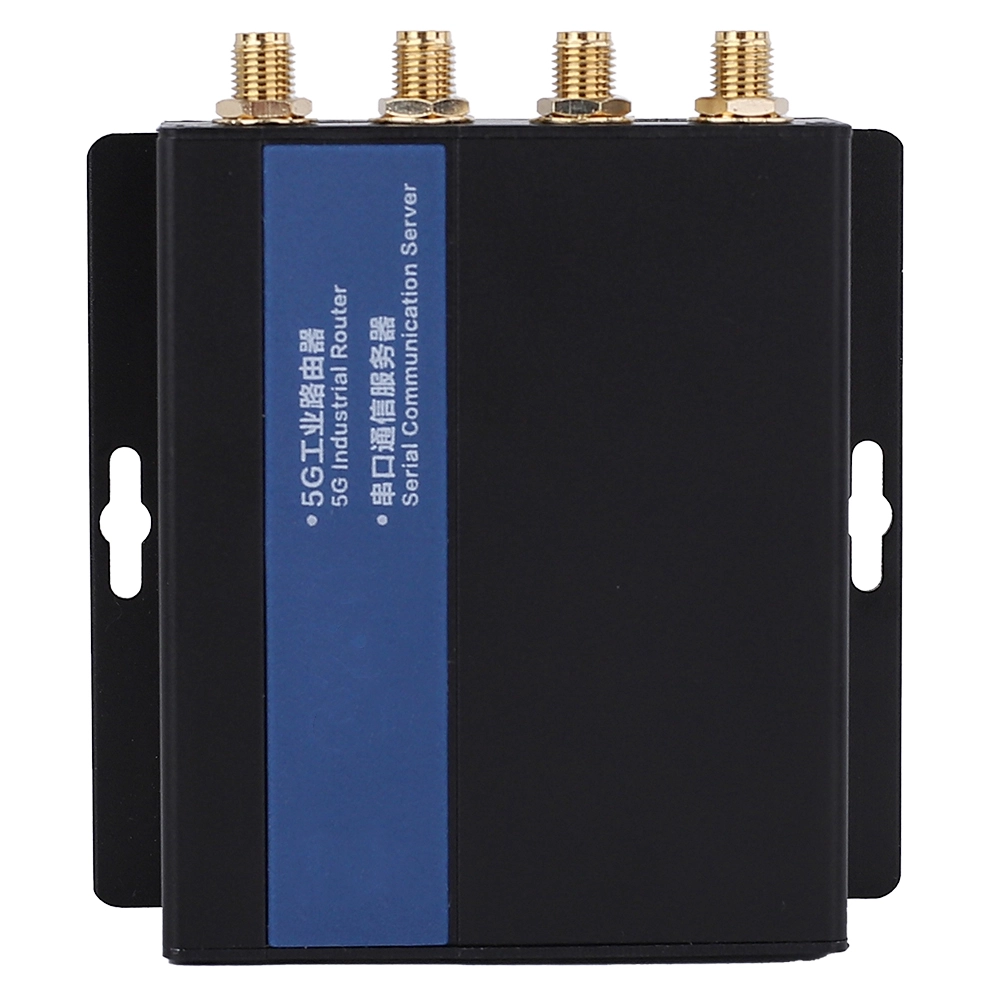
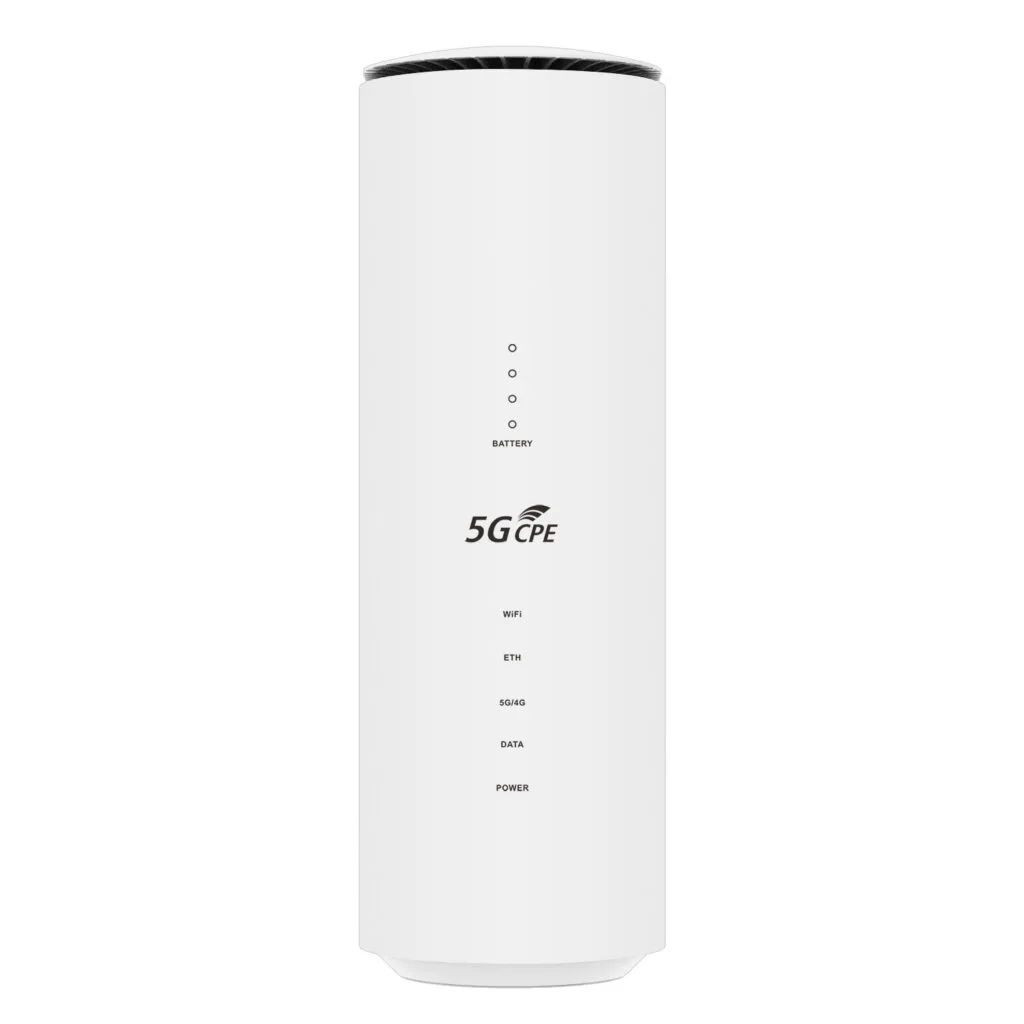
2.4GHz Band: Longer wavelength, better diffraction and stronger wall penetration, but fewer usable channels and greater susceptibility to interference from devices like router with 5g sim card slot and Bluetooth.
5GHz Band: Provides wider channels and less interference, offer greater potential for transmission rates, but weaker ability to penetrate obstacles like walls.
6GHz Band (introduced with WiFi 6E/7): Like a closed racetrack designed for ultra-high-speed, offer extremely wide and clean channels, provide the lowest latency and highest speed, but with even weaker coverage.
3.Core Standards: IEEE 802.11 Protocol Family
WiFi technical standards are developed and maintained by the IEEE LAN/MAN Standards Committee. From early to modern generations, each standard has achieved leaps in transmission rate, spectral efficiency and multi-user concurrency:
| Generation | Corresponding Standard | Key Features |
| WiFi 4 | 802.11n | First to introduce MIMO, supports 2.4GHz and 5GHz dual-band |
| WiFi 5 | 802.11ac | Focuses on 5GHz band, introduces more efficient modulation and wider channels, speeds up to gigabit level |
| WiFi 6 | 802.11ax | Introduces OFDMA and TWT technologies, improves multi-device concurrency efficiency |
| WiFi 7 | 802.11be (draft) | Introduces MLO and 320MHz channels, targets VR/8K and other extreme applications |
4.Network Architecture and Connection Process
A typical WiFi network consists of two basic components:
Stations: Any client device capable of accessing a wireless network (phones, laptops etc.)
Access Points: Act as bridge between wireless and wired networks, manage station access and relay data
When a device attempts to join a WiFi network, it will undergo three-step process of Scanning → Authentication → Association, only these steps completed then the data exchange channel is truly opened.
5.Key Physical Layer Technologies
WiFi’s high-speed data transmission relies on two core technologies:
OFDM: Splits a high-speed data stream into hundreds of low-speed subcarriers transmitted in parallel, effectively combating inter-symbol interference caused by multipath effects.
MIMO Technology: Uses multiple antennas at both transmitter and receiver, enable simultaneous transmission of multiple independent data streams on the same frequency band through spatial multiplexing and multiplying throughput.
5.Medium Access Control and Security Evolution
WiFi employs CSMA/CA protocol to coordinate orderly access to shared channel by multiple devices, avoid data collisions.
In terms of security, WiFi has evolved from fragile to robust:
WEP: Completely obsolete
WPA/WPA2: The mainstream for many years, WPA2’s AES is considered highly secure
WPA3: The latest standard, adopt stronger handshake protocols and encryption algorithms, support forward secrecy
6.Networking Modes and Future Outlook
WiFi has various networking modes: infrastructure mode (all communication via APs), ad-hoc networks (direct device-to-device), wireless distribution system (wireless bridging between APs), and the latest Mesh networking — intelligently group multiple nodes to provide seamless roaming and better coverage, especially suitable for large homes.
Look ahead, WiFi 7 support 320MHz channels and Multi-Link Operation, while researchers already explored terahertz band, with potential rates of hundreds of Gigabits per second, pave the way for holographic communication.
Part Two: How Do WiFi Technical Parameters Differ?
1.Router Types: Single-Band, Dual-Band and Tri-Band
Different routers support different frequency bands:
Single-Band Routers: Operate only on 2.4GHz band, couldn’t meet modern requirements
Dual-Band Routers: Simultaneously transmit 2.4GHz and 5GHz signals, devices can automatically choose according to conditions—the current mainstream
Tri-Band Routers: Add an independent 5GHz or 6GHz to dual-band, usable as a dedicated gaming band or wireless backhaul, reduce latency greatly
2.Antenna Technology: MIMO and Beamforming
Antennas are the ears and mouths through which router with 5g sim card slot send and receive signals.
MIMO Technology: Use multiple antennas to send and receive data simultaneously, like adding multiple parallel lanes. From initial MIMO of WiFi 4 to MU-MIMO of WiFi 5 and uplink/downlink MU-MIMO of WiFi 6, the number of devices that can communicate simultaneously continuing to increase.
Beamforming: An intelligent technology that allows router with 5g sim card slot to detect device locations and then “shoot” wireless signals precisely toward devices like a spotlight, significantly enhance target device signal strength.
3.Modulation and Channel Bandwidth
Modulation technology determines how much data can be carried per unit time on radio waves. From 64-QAM in WiFi 4, to 256-QAM in WiFi 5, to 1024-QAM in WiFi 6 and 4096-QAM for WiFi 7, each advancement means higher theoretical speeds within the same channel bandwidth.
Channel bandwidth can be understood as the width of the data transmission pipe. WiFi 7 introduces 320MHz ultra-wide channels in 6GHz band, allow more data to pass through simultaneously in parallel.
4.Hardware Performance and Software Features
Router with 5g sim card slot’s core processor performance determines the efficiency of data forwarding, traffic management and other tasks. RAM size affects multi-tasking capability, while flash memory stores OS and configuration.
In terms of software features, mid-to-high-end router with 5g sim card slot may include built-in gaming accelerators, guest network isolation, parental controls, NAS interfaces or even smart home control hubs. QoS features allow router with 5g sim card slot to identify traffic types and assign priorities intelligently, ensure critical applications run smoothly.
5.Performance Influencing Factors
Actual WiFi speeds are constrained by multiple factors:
Signal Strength: Attenuates with distance, drops sharply through walls
Co-channel Interference: Especially problematic in crowded 2.4GHz bands, where neighbors’ networks, Bluetooth devices, and microwave ovens can all be interference sources
Client Device Compatibility: Even with a top-of-the-line WiFi 7 router, if your phone only supports WiFi 5, you’ll only get WiFi 5 speeds
Physical Environment: Reinforced concrete load-bearing walls, metal partitions, aquariums, and mirrors all severely attenuate signals
6.The Philosophy of Choice: No Best, Only Most Suitable
Which WiFi solution to choose depends on your budget, home environment, devices, primary usage, and understanding of networking. For large homes or multi-story residences, Mesh systems or wired backhaul (connecting each node via pre-installed Ethernet cables) is the “ultimate solution” for the best experience.
Part Three: What Else Can WiFi Do? — Positioning Technology and Application Scenarios
1.What is WiFi Positioning
WiFi positioning is a technology that uses signals from ambient WiFi access points to determine a device’s or user’s geographic location. Unlike GPS, it does not receive signals from satellites but rather “listens” to and analyzes WiFi broadcasts from surrounding routers and hotspots.
This technology addresses the problem of satellite signal attenuation inside buildings and demonstrates significant value in commercial navigation, foot traffic analytics, emergency response, and the Internet of Things.
2.Fundamentals of the Technical Principles
Understanding WiFi positioning starts with several core elements:
RSSI: WiFi signals attenuate with distance. The set of RSSI values from different APs forms a unique signal “fingerprint,” which is matched against a “map fingerprint” in a database to estimate location — known as the “fingerprint positioning method.”
Time of Arrival and derived methods: By measuring the time it takes for a signal to travel from AP to device and multiplying by the speed of light, distance is obtained. Triangulation with three or more APs at known positions determines location.
AP Location Database: The “brain” of the positioning system, storing the physical coordinates of each AP, built and maintained through field surveys or crowdsourcing.
3.Differences and Complementarity with GPS
GPS offers high accuracy and global coverage in open outdoor areas, but its weak signals fail indoors, underground parking garages, and similar environments. WiFi positioning precisely fills this gap, as WiFi is densely distributed indoors with numerous signal sources, making it ideal for building interior positioning.
In practical applications, smartphones typically fuse GPS, WiFi, Bluetooth, cellular base station, and even inertial sensor data to achieve seamless, continuous, high-reliability location services from outdoor to indoor.
4.Key Factors Affecting Positioning Accuracy
WiFi positioning accuracy is constrained by multiple factors:
Environmental Complexity: Ideal accuracy of 3-5 meters in open, simple environments; in complex environments like offices or shopping malls, signal fluctuations can reduce accuracy to over 10 meters
AP Density and Layout: More APs and more uniform distribution lead to more reliable positioning
Algorithm Sophistication: Fingerprint-based algorithms heavily depend on the precision and real-time nature of the fingerprint database
5.Wide-Ranging Application Scenarios
| Domain | Application Examples |
| Commerce & Services | Mall indoor navigation, foot traffic heatmaps, precision marketing push |
| Logistics & Manufacturing | Warehouse cargo tracking, smart inventory management, manufacturing process optimization |
| Public Safety | Locating trapped individuals during disaster rescue, monitoring elderly or children to prevent wandering |
| Internet of Things | Smart device location awareness, context-aware services |
6.Privacy and Security Challenges
WiFi positioning also raises profound privacy concerns. When your device scans for WiFi, its MAC address and collected signal data may be recorded; long-term analysis can profile personal movement trajectories, living habits, and more, constituting privacy leakage risks.
On the security front, attackers can spoof fake AP signals to pollute fingerprint databases or conduct man-in-the-middle attacks to send false signals, causing positioning results to be deceived.
7.Future Development Trends
With the proliferation of WiFi 6/6E/7, their higher bandwidth, lower latency, and denser connectivity create conditions for greatly improved positioning accuracy, potentially pushing indoor positioning to sub-meter or even centimeter-level precision.
The deep integration of Artificial Intelligence and Machine Learning is another major trend. Deep learning models can automatically learn environmental changes and update fingerprint databases in real-time, building adaptive, robust intelligent positioning systems.
Multi-technology integrated ubiquitous positioning networks will become the norm — using GPS in open areas, seamlessly switching to WiFi or Bluetooth positioning upon entering a building, and then combining with UWB for precise indoor positioning, providing a seamless, continuous, high-precision full-scene location service experience.
Conclusion: The Future Shaped by WiFi
From its beginnings as a complement to wired networks to becoming an indispensable pillar of the digital ecosystem today, WiFi’s development history is a magnificent chronicle of innovation. It integrates the essence of radio engineering, communication theory, computer science, and semiconductor technology.
WiFi not only enables internet access but also helps you find your way in complex indoor environments. It transforms everyday communication infrastructure into spatial sensing networks, turning the ubiquitous wireless signals around us into “lighthouses” guiding our way.
Understanding how WiFi works and how different solutions compare not only helps us better use and maintain our networks but also gives us a glimpse into a future defined by seamless wireless connectivity. In this era of the Internet of Everything, WiFi’s story is far from over — it continues to evolve, weaving the invisible network that connects every corner of the globe.
Whether it’s daily video streaming, hardcore competitive gaming, indoor navigation, or smart home automation, WiFi silently supports us from behind the scenes. When it comes to choosing a WiFi solution, there is no one-size-fits-all answer. This article aims to provide you with a clear “map” to help you make the choice that truly suits you, letting technology serve life rather than become a burden.


What can we do for you?