
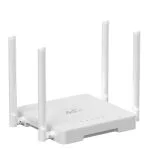
Metal case 1*1000M lan port 8 High Gain Antennas Wifi 6 Cat 4 AX300 best 4g lte router
| Item no.: | HY8608 |
|---|---|
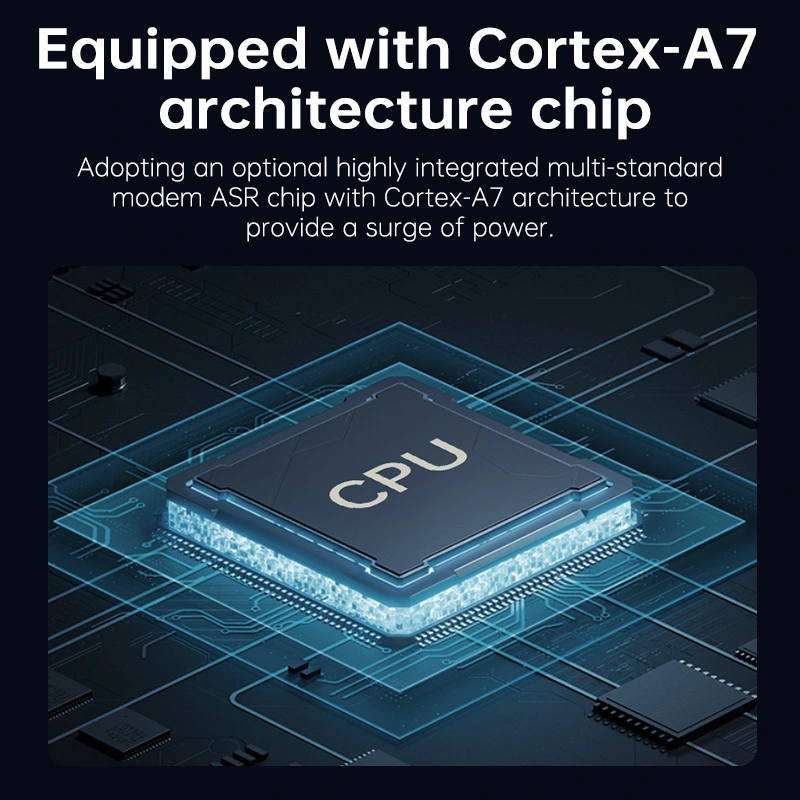
| Chipset: | ASR1803S |
| CPU Frequency: | 1.2GHz |
| Memory: | 256MB |
| Flash: | 64MB |
| Price: | USD24.00-26.00 |
Product Description
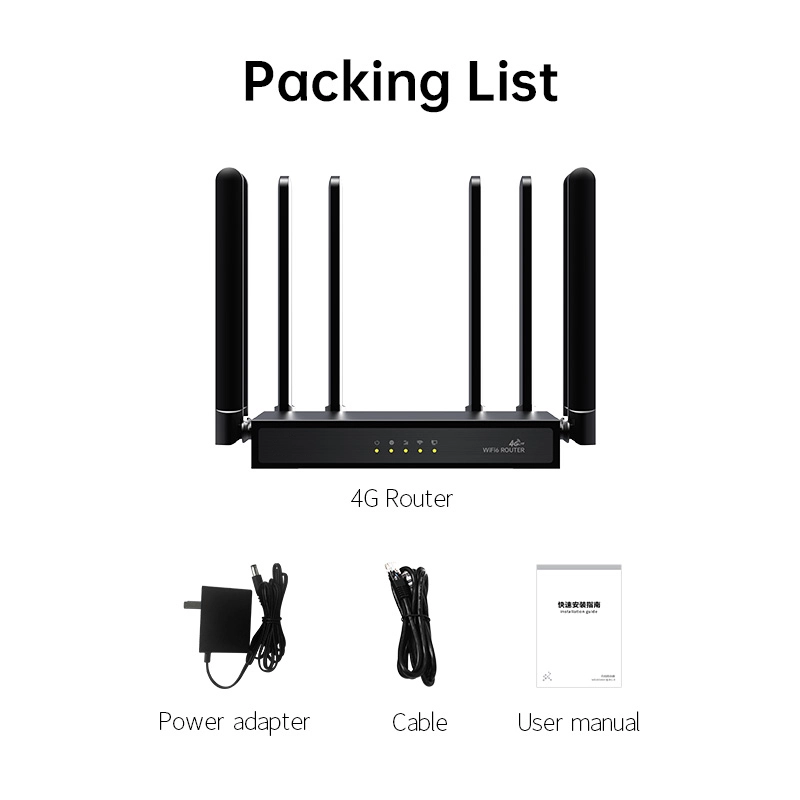
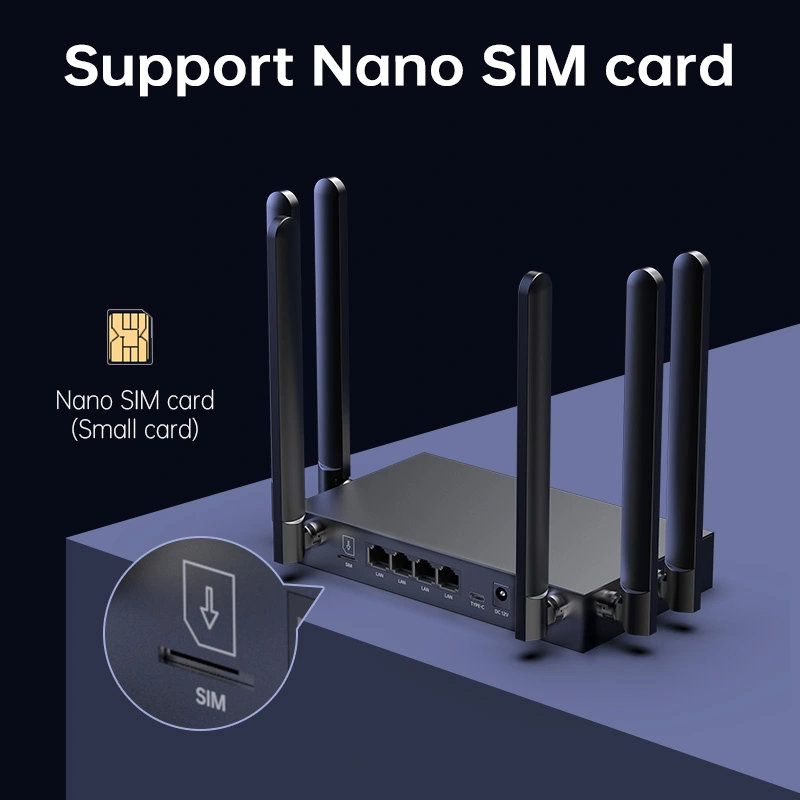
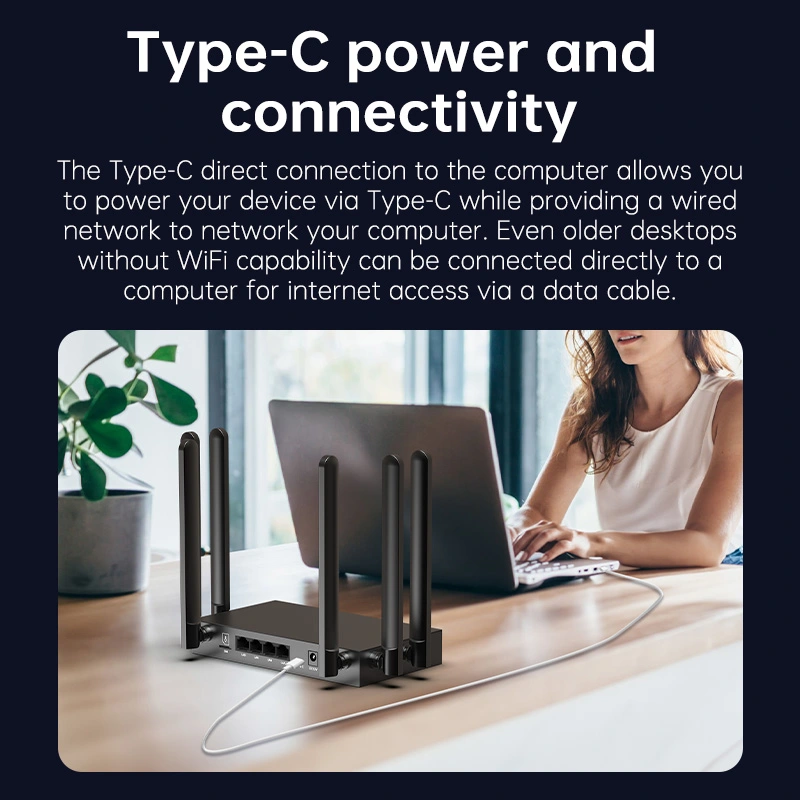
Performance Features and Material
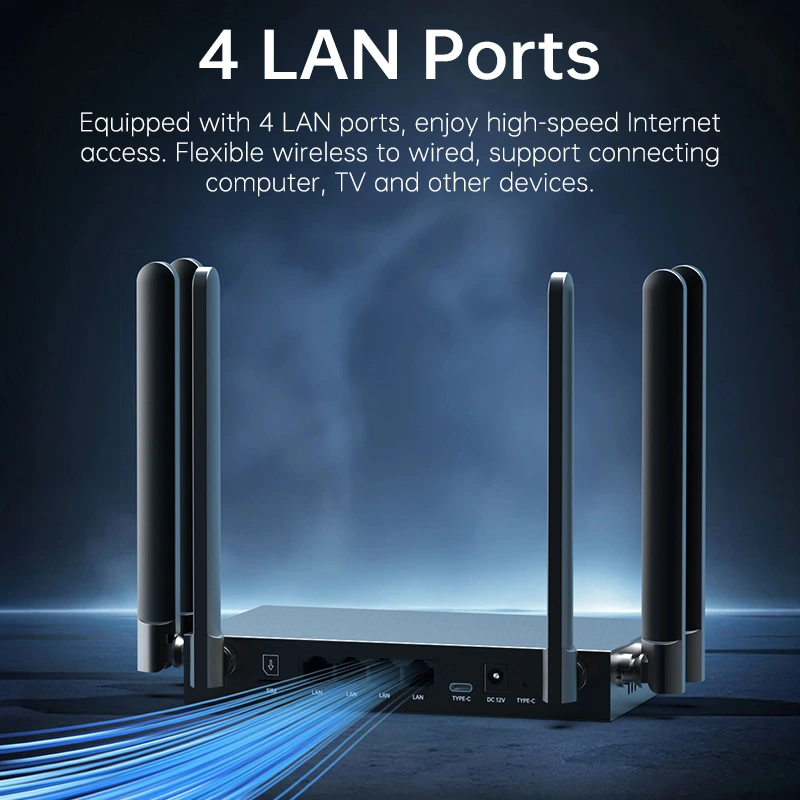
| Advantages | Metal Case: The HY8608 router features a robust metal case, offering durability and protection against environmental factors. 1 Gigabit LAN Port: Provides a 1000M LAN port for high-speed wired connections. 8 High Gain Antennas: Equipped with 8 high gain antennas to enhance signal strength and coverage. WiFi 6 AX300: Supports WiFi 6 technology, offering improved wireless performance and capacity. Cat 4 LTE: Capable of Category 4 LTE speeds, ensuring fast mobile broadband connectivity. Advanced Chipset: Powered by the ASR1803S chipset with a 1.2GHz CPU frequency, providing high processing capabilities. |
| Product Description | The HY8608 is a high-performance 4G LTE router with a metal case, designed for reliable internet connectivity in various environments. It features a 1000M LAN port and 8 high gain antennas for enhanced signal strength. With WiFi 6 AX300 capabilities, it delivers improved wireless performance. The router supports Cat 4 LTE speeds and is powered by the ASR1803S chipset, ensuring high processing capabilities. Priced between USD 24.00 and 26.00, the HY8608 is an excellent choice for those seeking a cost-effective solution with strong signal stability and high performance. |
| Guidelines for use |
|
| How to Install |
|
| How to Set Up |
|
| Usage Precautions |
|
Reviews

Angela Reed
December 17,2024
High cost-performance ratio.
I\'ve been very satisfied with it after using it for a few days and highly recommend it!

George Rogers
December 12,2024
External antenna enhances signal stability.
The design with external antennas is really great, providing stable signals both indoors and outdoors, making gaming and video playback smooth.


What can we do for you?