China wholesale Network Communication Equipment Junhaoyue

Junhaoyue, an experienced manufacturer in China, has a team of R&D engineers and top-class production equipment, meeting international standards in Network Communication Equipment.

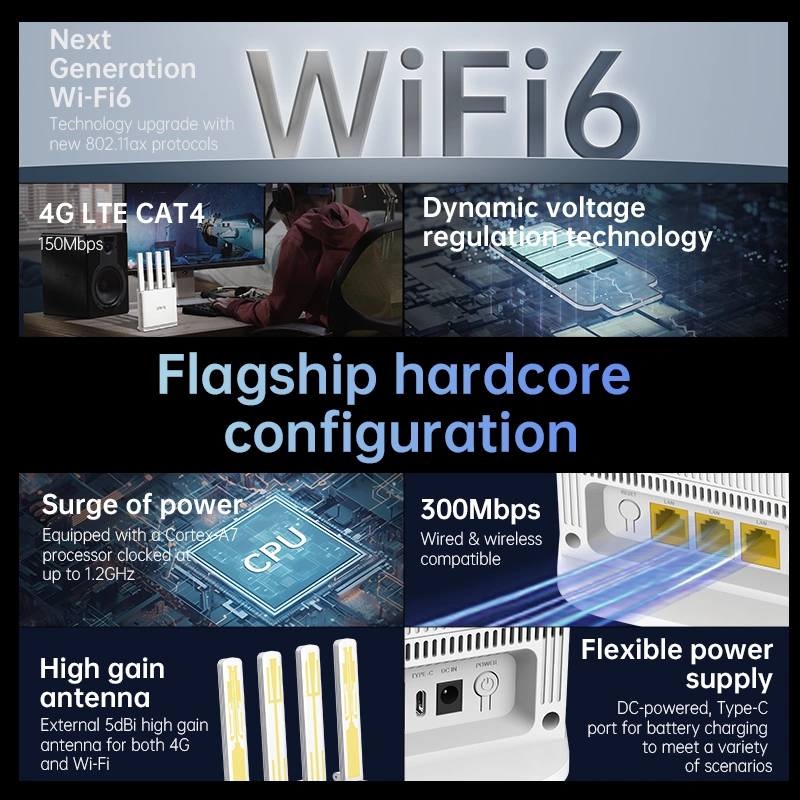
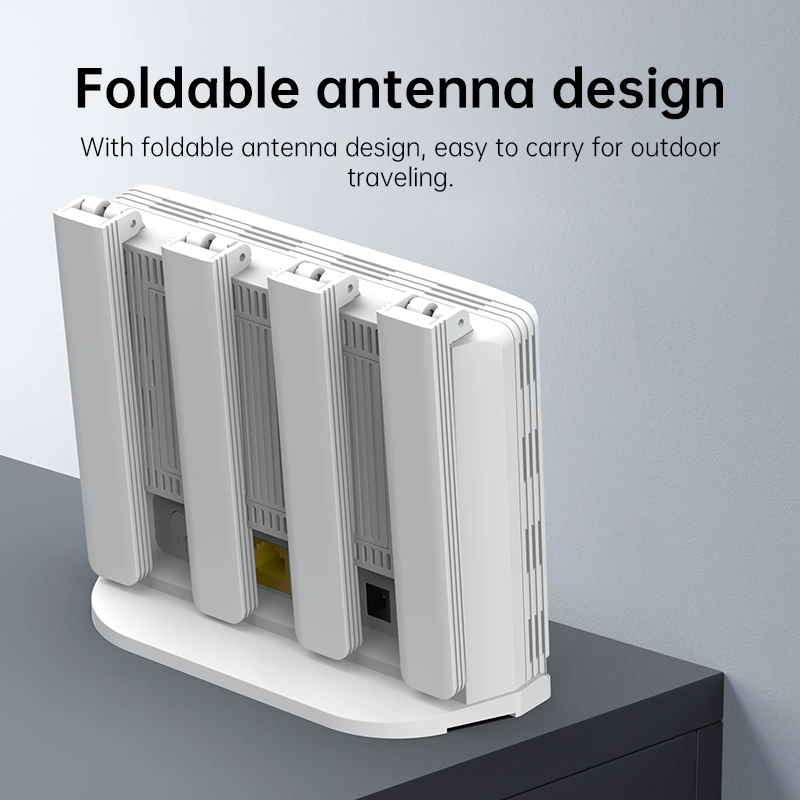
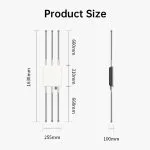
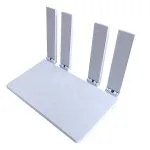
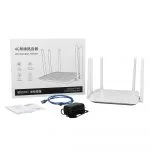
Foldable Antenna AX300 Wifi 6 Cat 4 battery power supply cpe 4g lte

Item no.: HY8605
Chipset: ASR1803S
CPU Frequency: 1.2GHz
Price: USD23.00-25.00
Product Description
Performance Features and Material
Advantages Foldable Antenna Design: Enhances portability and convenience, allowing for easy storage and transportation.
AX300 WiFi 6: Offers advanced wireless capabilities with improved speed and reliability.
Cat 4 LTE: Supports Category 4 LTE for fast mobile broadband connectivity.
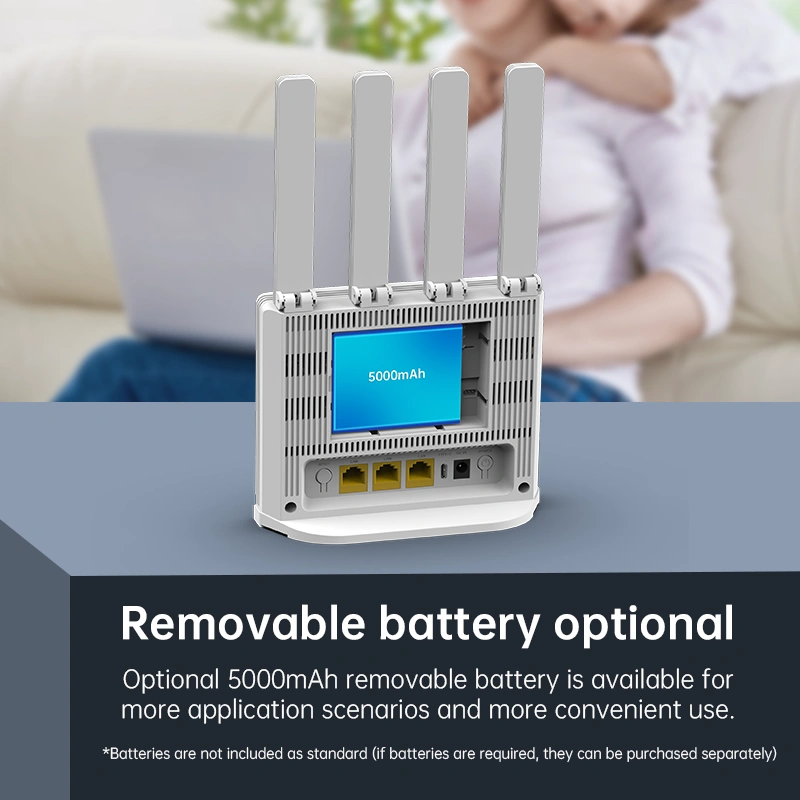
Battery Power Supply: Enables the device to operate independently without a constant power source, ideal for mobile or remote use.
OpenWRT Support: Compatible with OpenWRT, offering a wide range of customization and expansion options for advanced users.
Product Description The HY8605 is a versatile CPE 4G LTE device featuring a foldable antenna and WiFi 6 AX300 capabilities. It's designed for high-speed wireless connectivity and supports Category 4 LTE, making it suitable for small offices and on-the-go use. Powered by the ASR1803S chipset with a 1.2GHz CPU, it ensures robust performance. The battery power supply provides flexibility, and the ability to run OpenWRT offers strong feature expansion. Priced between USD 23.00 and 25.00, it's a reliable choice for those needing a portable and powerful internet solution.
Guidelines for use
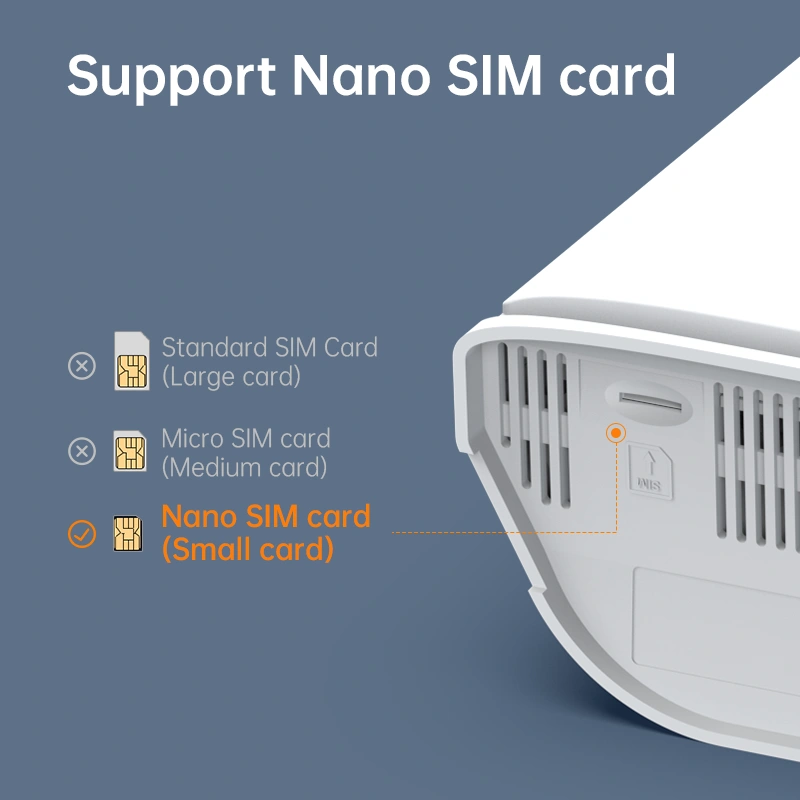
  • Power Activation: Activate the device by connecting it to a power source and inserting the SIM card.
  • Network Connection: Establish a connection by configuring the device's wireless network or using the Ethernet port.
  • Device Integration: Integrate your devices into the network by connecting to the created WiFi network or directly via Ethernet.
How to Install
  • Positioning: Place the device in an area with optimal cellular reception and where the foldable antenna can be fully extended for best performance.
  • SIM Card Installation: Insert the SIM card into the designated slot, ensuring it's correctly aligned.
  • Power Source Connection: Connect the device to a power source using the appropriate cable, or utilize the battery power supply for mobile deployments.
How to Set Up
  • Interface Access: Access the device's configuration interface by connecting to it via Ethernet or WiFi and entering the default IP address in a web browser.
  • Initial Setup: Follow the initial setup wizard to configure the network settings, including the SSID and password.
  • Advanced Customization: For OpenWRT users, flash the desired version to unlock advanced features and customization options.
Usage Precautions
  • Environmental Protection: Protect the device from harsh weather and temperature extremes to ensure longevity and optimal performance.
  • Software Updates: Keep the device's software updated, especially when using OpenWRT, to benefit from the latest features and security patches.
  • Antenna Care: Handle the foldable antenna with care to prevent damage, which could affect signal reception.
  • Secure Network: Secure your network with a strong password and consider additional security measures to protect against unauthorized access.
  • Regular Checks: Periodically check the device and its components for any signs of wear or damage, especially if used in outdoor or mobile environments.

Reviews

Carol Bailey
Carol Bailey
★★★★★
December 17,2024
Supports OpenWRT, strong feature expansion.
I flashed a version myself, and the convenience for functional expansion is fantastic!

Frank Morgan
Frank Morgan
★★★★★
December 12,2024
Suitable for small offices.
It supports connections from multiple devices and has not dropped the line after a week of use, proving to be very reliable!