
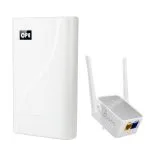
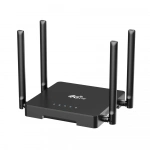
Openwrt waterproof 24V/0.5A POE 4g outdoor router with sim slot
| Item no.: | HY8724 |
|---|---|
| Chipset: | QCA9531 CLM920 JD3-AU |
| 4g frequency: | FDD: B1/B3/B5/B7/B8/B20/28; TDD: B38/B40/B41; WCDMA: B1/B5/B8 |
| Price: | USD 27.00 - 37.00 |
Product Description
Performance Features and Material
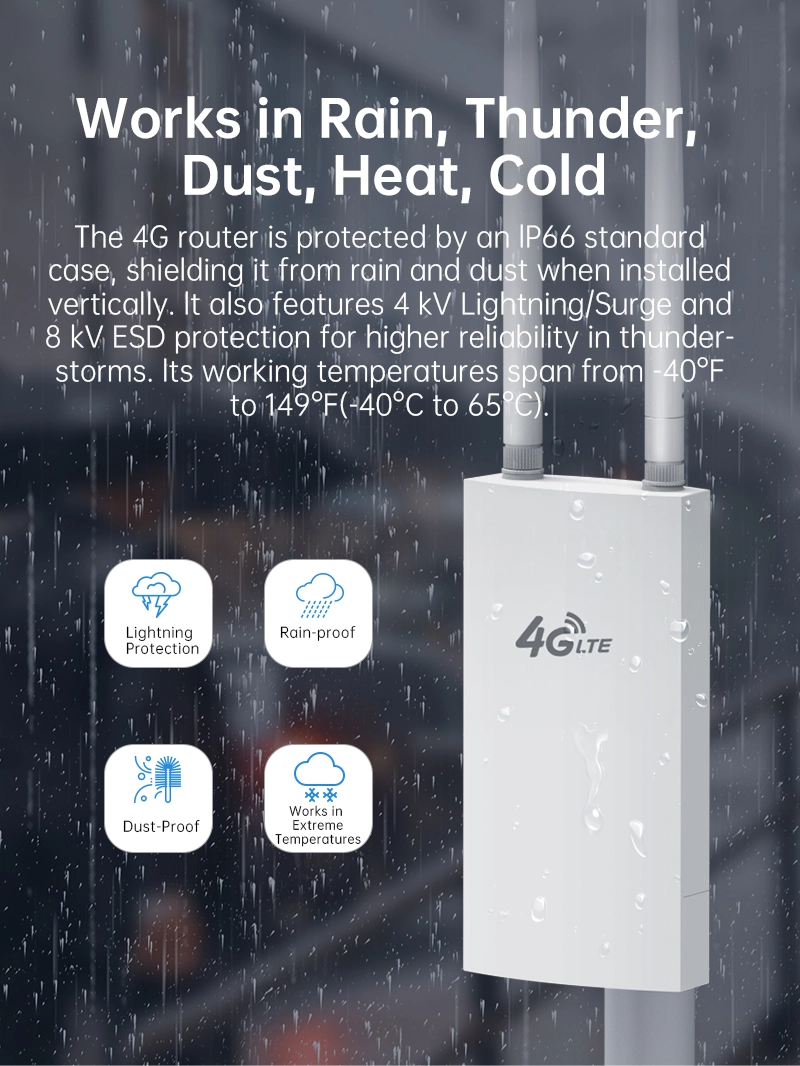
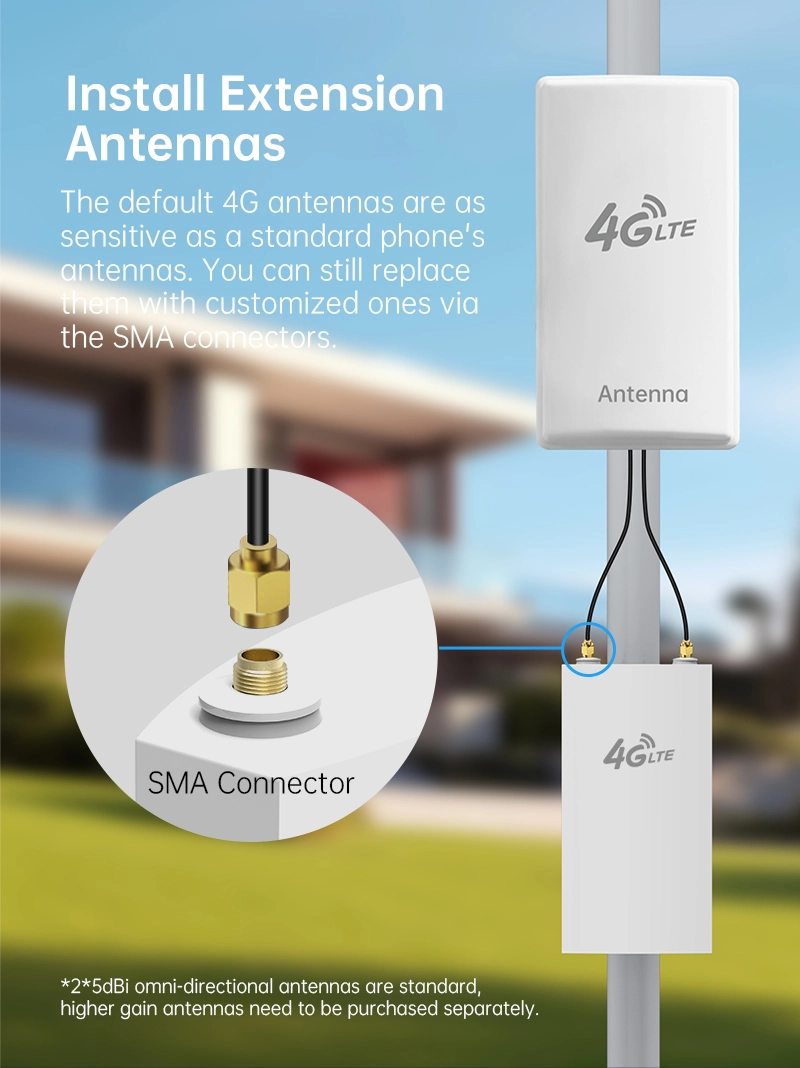
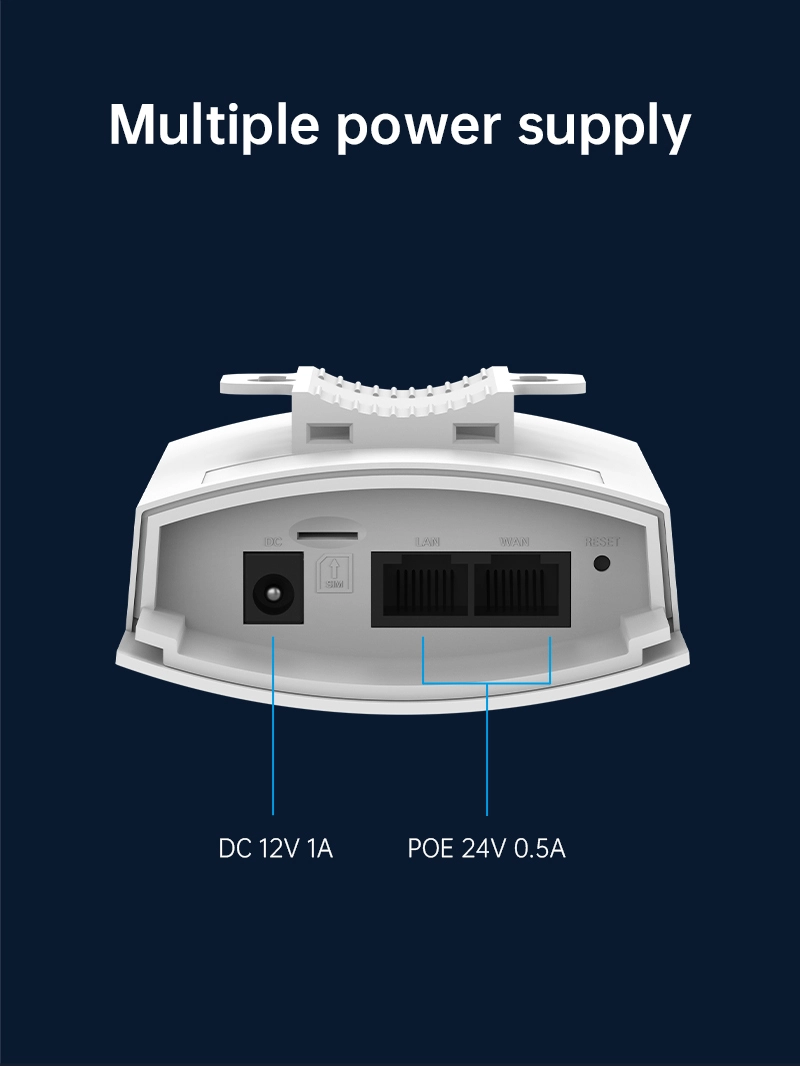
| Advantages | OpenWRT Compatibility: Offers the flexibility of OpenWRT firmware, allowing for advanced customization and control. Waterproof Design: Built to withstand outdoor elements, ensuring reliable operation in various weather conditions. 24V/0.5A POE Support: Enables power and data transmission through a single Ethernet cable, simplifying installation. Broad 4G Frequency Support: Covers a range of FDD, TDD, and WCDMA bands for extensive network compatibility. Effective Heat Dissipation: Designed to manage heat effectively, maintaining stable operation even under the sun. Durable Construction: Crafted with robust materials to endure the demands of outdoor and industrial use. |
| Product Description | The HY8724 is an OpenWRT-enabled 4G outdoor router with a waterproof design, perfect for environments where reliability and weather resistance are paramount. It features a 24V/0.5A POE interface for convenient power supply and a wide range of supported 4G frequencies. With its effective heat dissipation, the HY8724 ensures all-day operation without overheating. Priced between USD 27.00 and 37.00, it's an affordable solution for outdoor networking needs, especially for video surveillance and remote connectivity. |
| Guidelines for use |
|
| How to Install |
|
| How to Set Up |
|
| Usage Precautions |
|
Reviews

Olivia Taylor
December 17,2024
Excellent heat dissipation.
Even when working under the scorching sun, the device\'s temperature is well controlled, with no issues after all-day operation.

William Stewart
December 12,2024
Suitable for video surveillance applications.
Used to support the connection of outdoor cameras, the signal is strong and stable, so there\'s no more worry about network disconnection issues.


What can we do for you?