
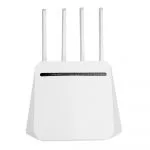
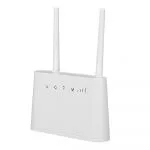
2 lan ports 1 wan port IPV6 openWRT 4g home router
| Item no.: | HY8626 |
|---|---|
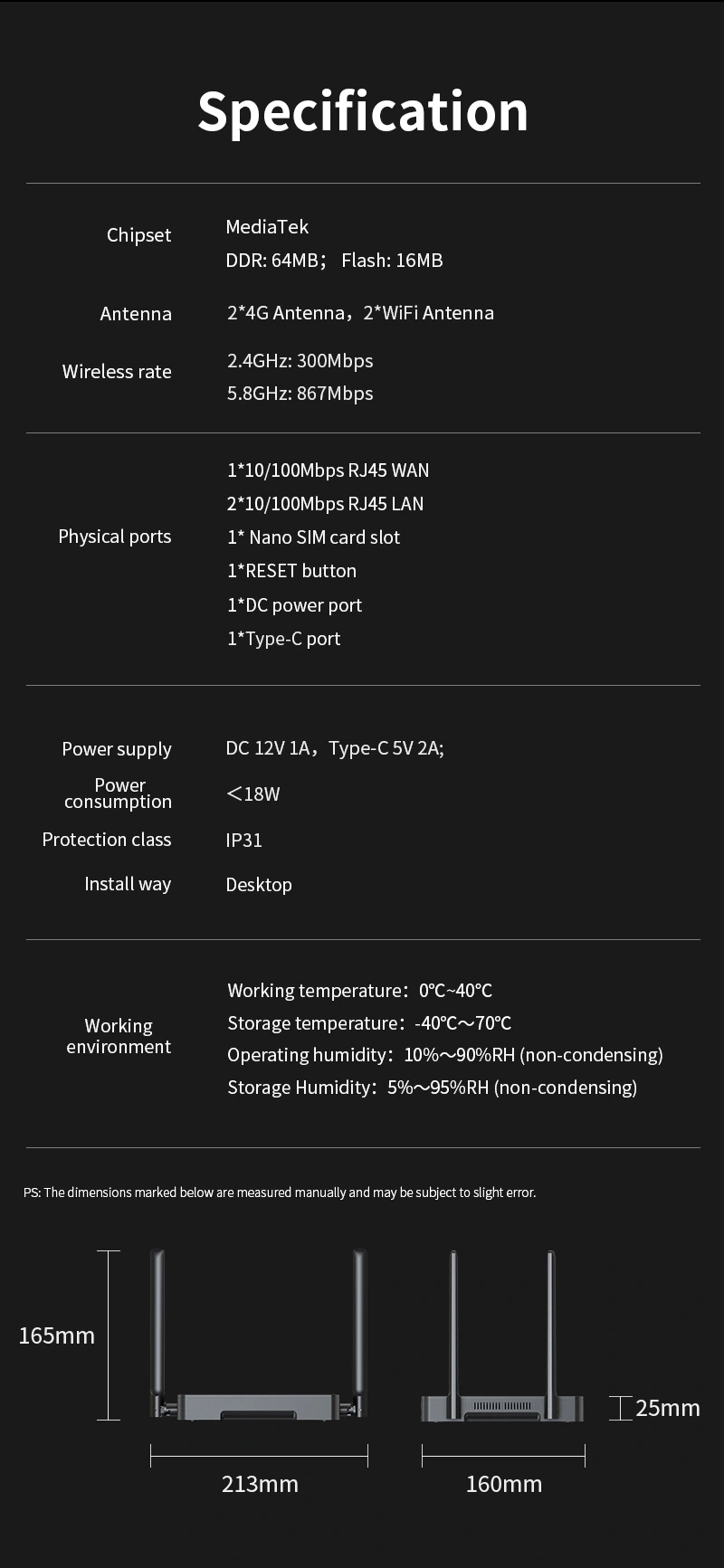
| Chipset: | MT7628DA+MT7613B+L716-EU-12 |
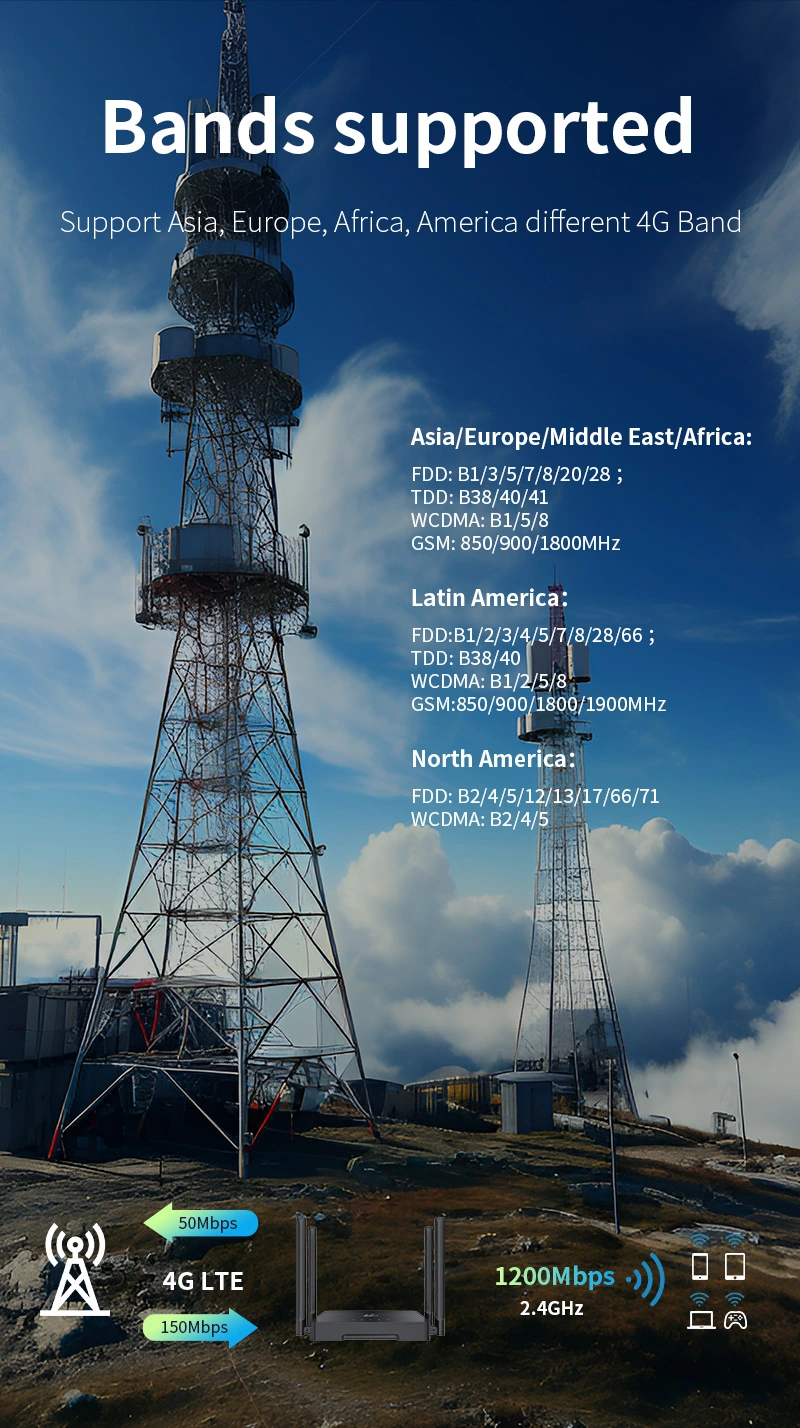
| 4g frequency: | FDD: B2/B4/B5/B12/B13/B17/B66/B71; WCDMA: B2/B4/B5 |
| Price: | USD 28.00 - 38.00 |
Product Description
Performance Features and Material
| Advantages | Dual-Band Connectivity: Offers both 2.4GHz and 5GHz WiFi bands for versatile network options. IPV6 Compatibility: Future-proof with IPv6 support, ensuring compatibility with the latest internet protocols. OpenWRT Enabled: Comes with OpenWRT support for advanced users to customize and extend router functionality. 4G LTE Capability: Features 4G LTE for mobile broadband access, with support for various FDD and WCDMA frequencies. High-Speed Uploads: Notable for its high-speed upload capabilities, ideal for users who frequently upload large files. SIM Card Slot: Includes a SIM card slot for easy setup and portability, reducing reliance on fixed broadband. |
| Product Description | The HY8626 is a versatile 4G home router designed for modern networking needs. It boasts dual-band WiFi capabilities and IPv6 compatibility, making it a future-ready choice. With OpenWRT support, it allows for extensive customization, catering to tech-savvy users. The router's 4G LTE functionality ensures reliable internet access, and its high-speed upload feature is perfect for businesses and homes alike. Its SIM card slot offers flexibility, and the robust chipset combination of MT7628DA+MT7613B+L716-EU-12 guarantees stable performance. Priced between USD 28.00 and 38.00, the HY8626 is an excellent investment for home networking that combines speed with user control. |
| Guidelines for use |
|
| How to Install |
|
| How to Set Up |
|
| Usage Precautions |
|
Reviews

Jessica Long
December 17,2024
Supports high-speed uploads.
In addition to fast downloads, the upload speed is also excellent, suitable for users who often need to upload large files.

Michael Coleman
December 12,2024
With SIM card slot, very convenient.
It\'s ready to use with just the insertion of a SIM card, no longer relying on fixed broadband, much more flexible.


What can we do for you?