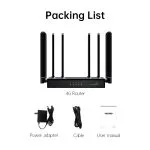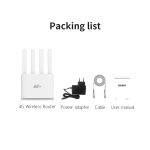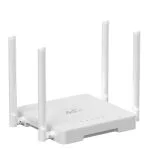
Custom wholesale Network Communication Equipment Junhaoyue

Shenzhen Junhaoyue Technology Co., Ltd. was established in Shenzhen, Guangdong province. It has been mainly focusing on the Network Communication Equipment industry since 2014. There is a separate, independent design team at Junhaoyue.

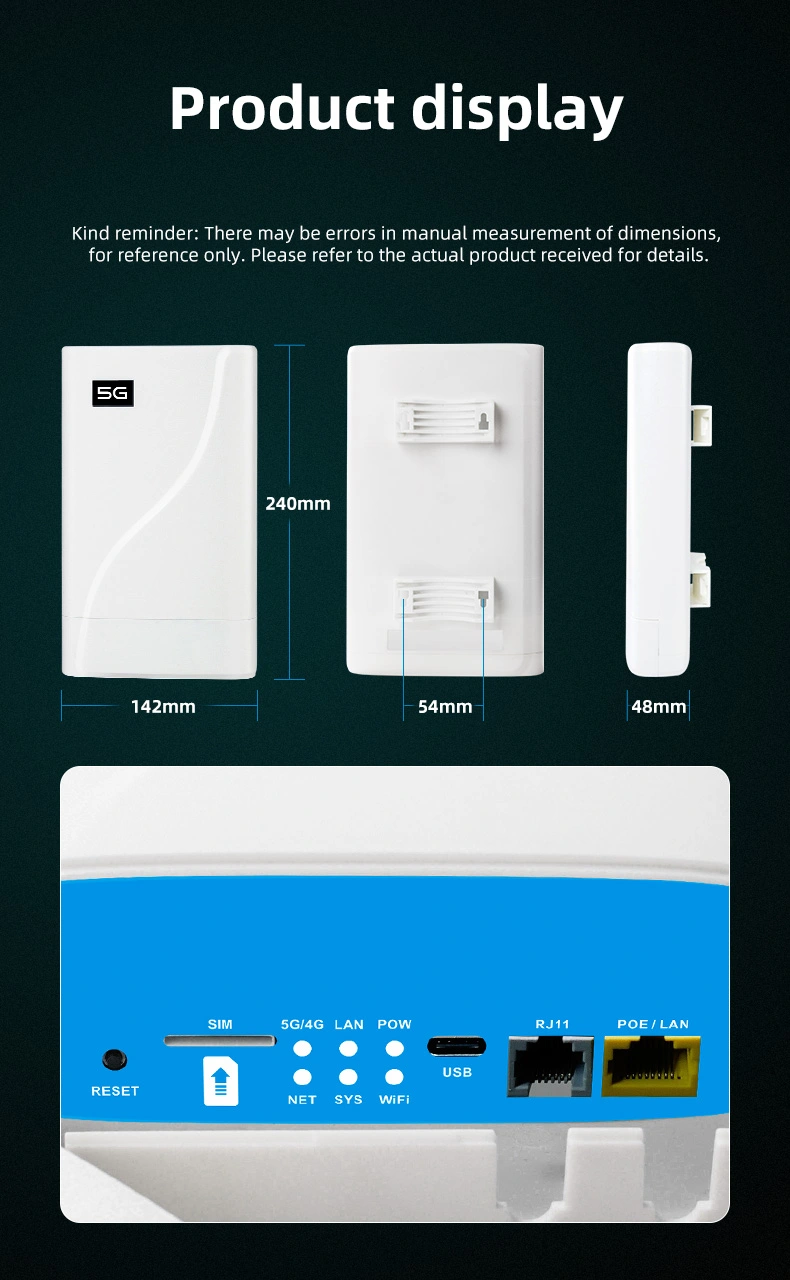
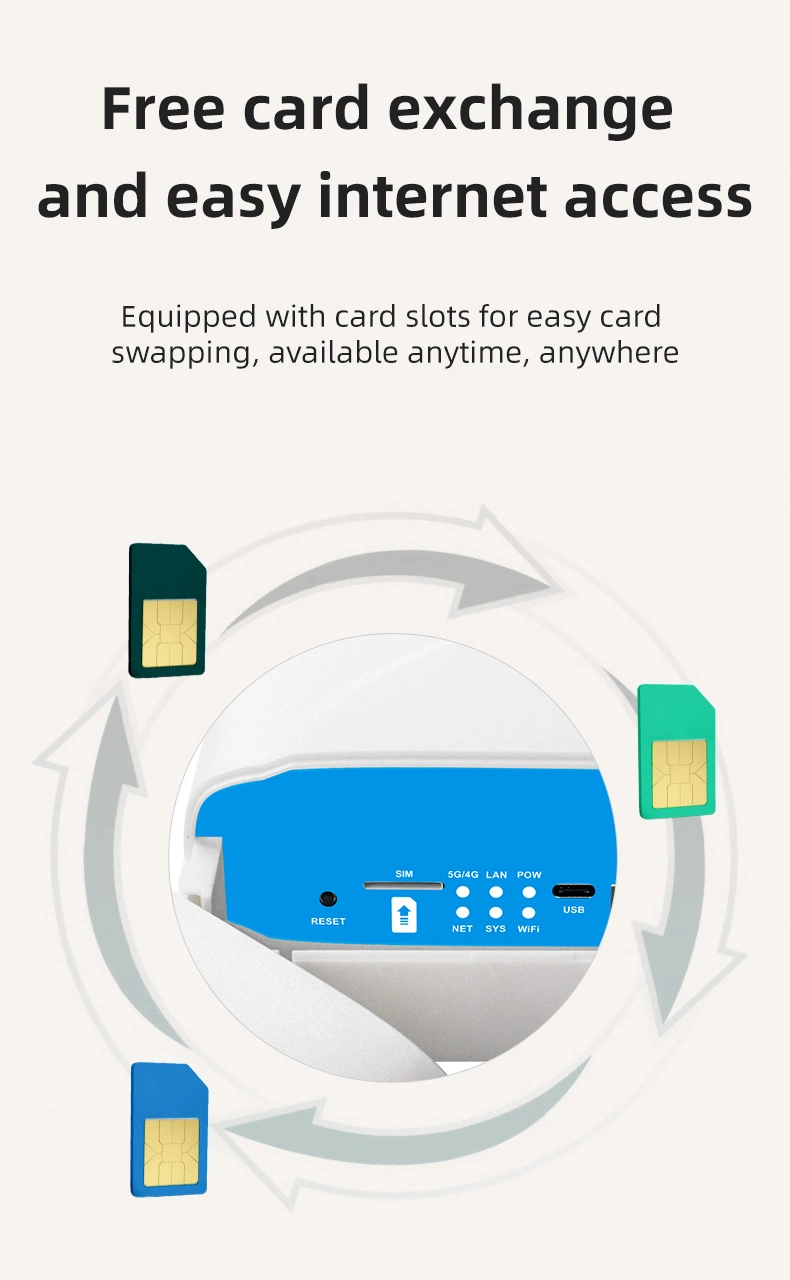
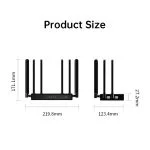
IP65 Wifi 6 POE 24V/1A RJ11 optional router 5g outdoor

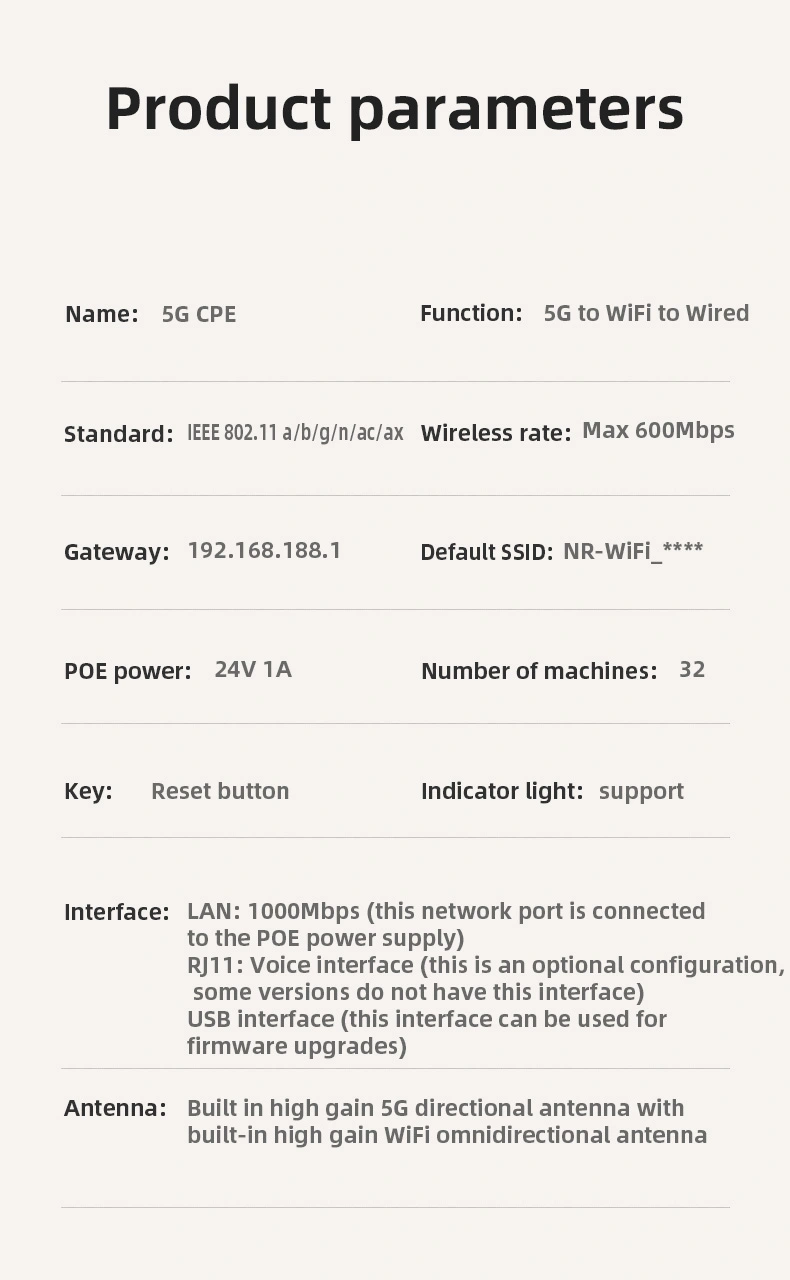
Model number: HY817
5G Module: RG500U-EA
5G Module processor: UNISOC UDX710
Voice: 1*RJ11(optional)
Price: USD110.00-130.00
Production description
Performance Features and Material
Advantages IP65 Rating: The HY817 router is IP65 rated, meaning it is dust-tight and can withstand jets of water from any angle, making it ideal for outdoor use.
WiFi 6 Technology: Supports the latest WiFi 6 standards for faster and more reliable wireless connections.
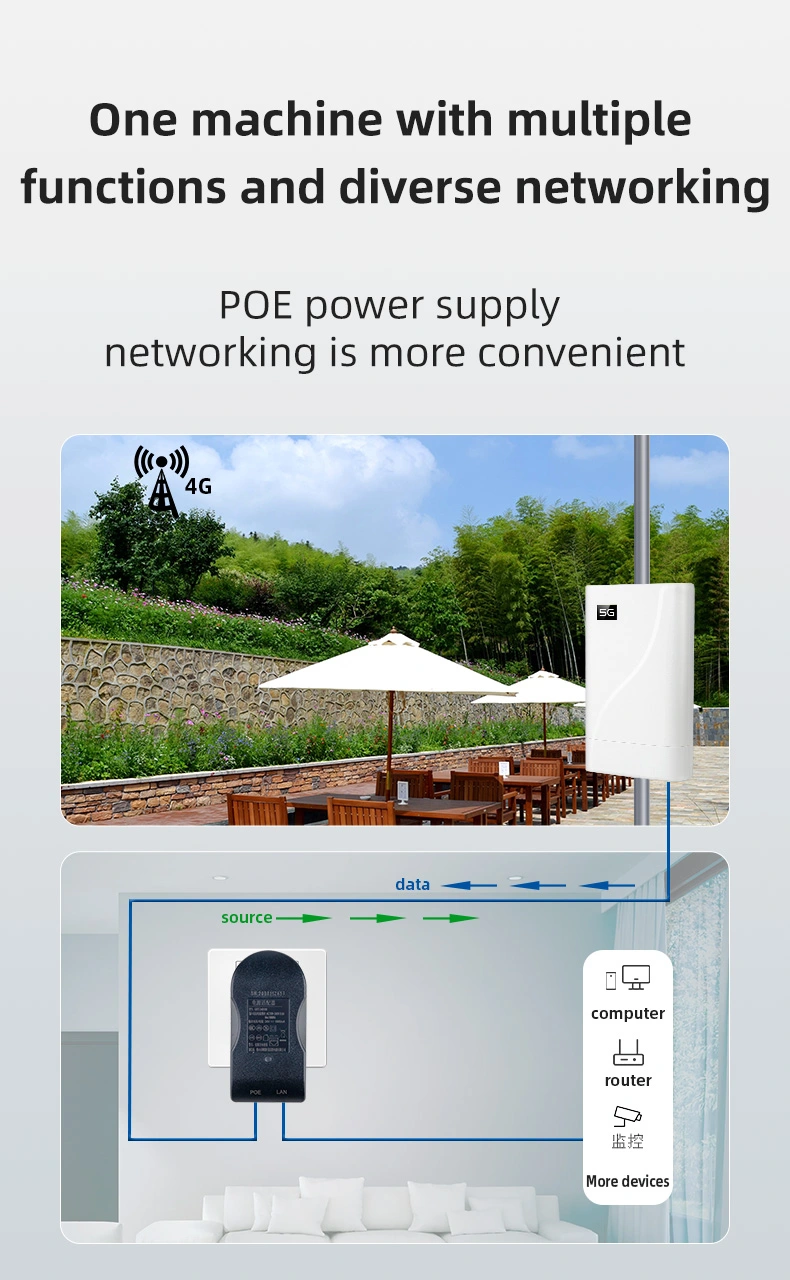
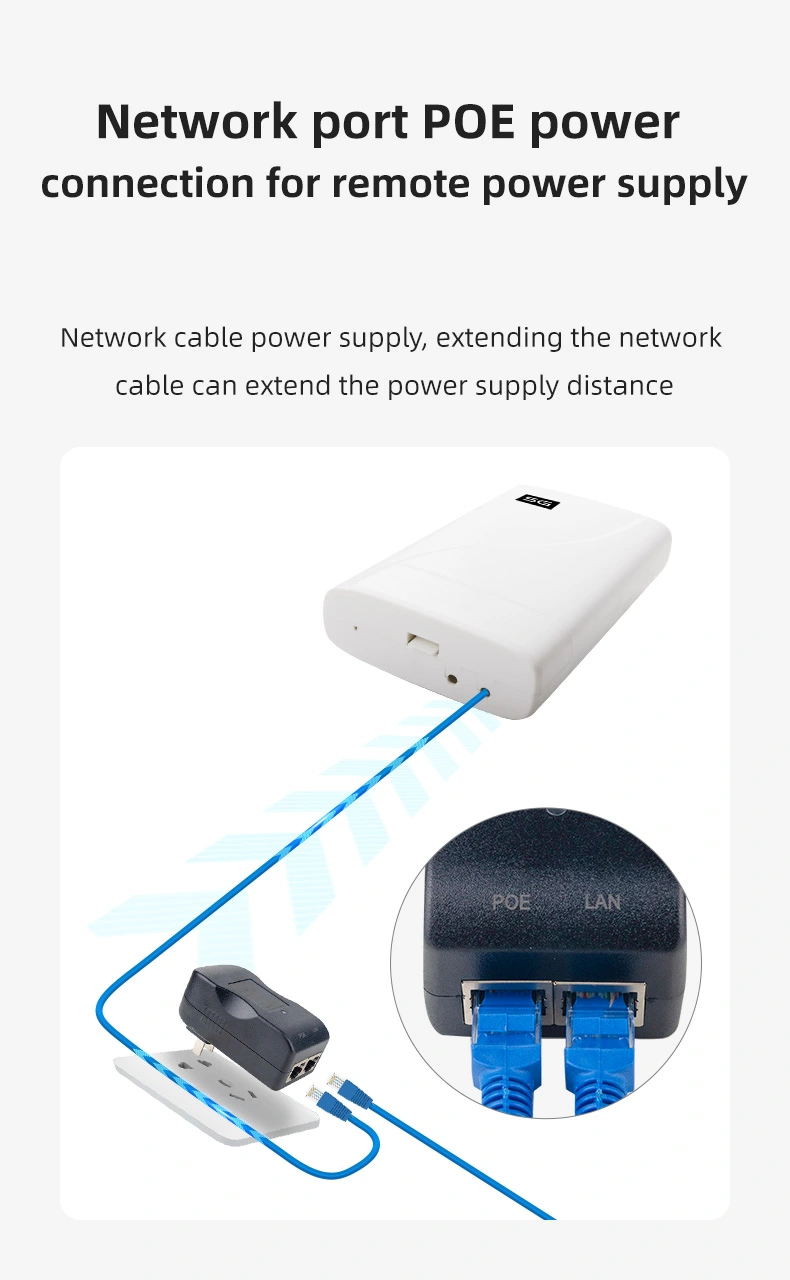
POE 24V/1A: Capable of being powered via Power over Ethernet (PoE), simplifying installation by reducing the need for additional power cables.
RJ11 Optional Port: Includes an optional RJ11 port for voice services, providing versatility in connectivity options.
5G Module: Equipped with the RG500U-EA 5G module and UNISOC UDX710 processor, ensuring compatibility with 5G networks for high-speed mobile broadband.
Product Description The HY817 is an IP65-rated outdoor router designed for robust performance in harsh environments. It features WiFi 6 for enhanced wireless capabilities and PoE 24V/1A for convenient power supply. The optional RJ11 port allows for voice service integration, and the RG500U-EA 5G module with UNISOC UDX710 processor ensures seamless 5G connectivity. Priced between USD 110.00 and 130.00, this router is built to withstand outdoor conditions while providing high-speed internet access.
Guidelines for use
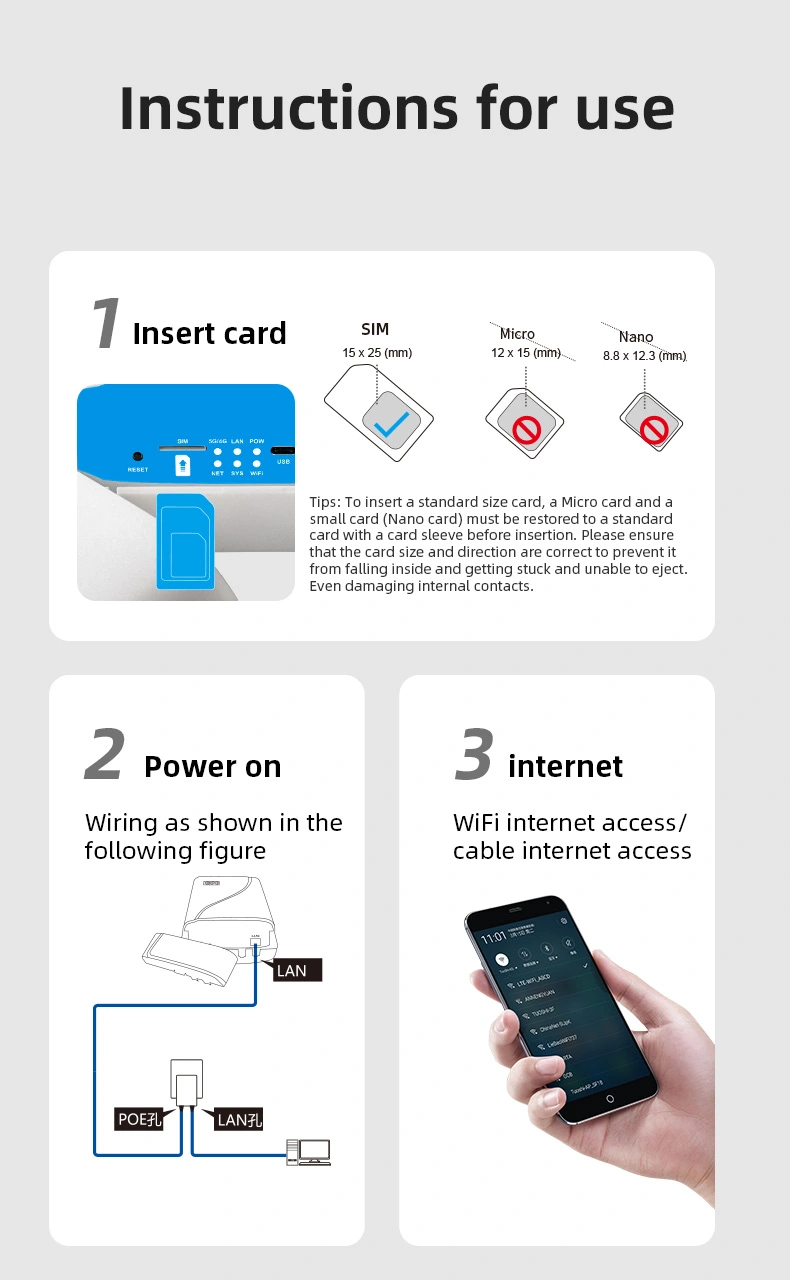
  • Power Connection: Connect the router to a PoE injector or a switch that supports PoE to provide power and internet connectivity.
  • Network Configuration: Access the router's web interface to configure the network settings, including SSID, password, and security options.
  • Connect Devices: Devices can connect to the router either wirelessly or via Ethernet, depending on the model's port availability.
How to Install
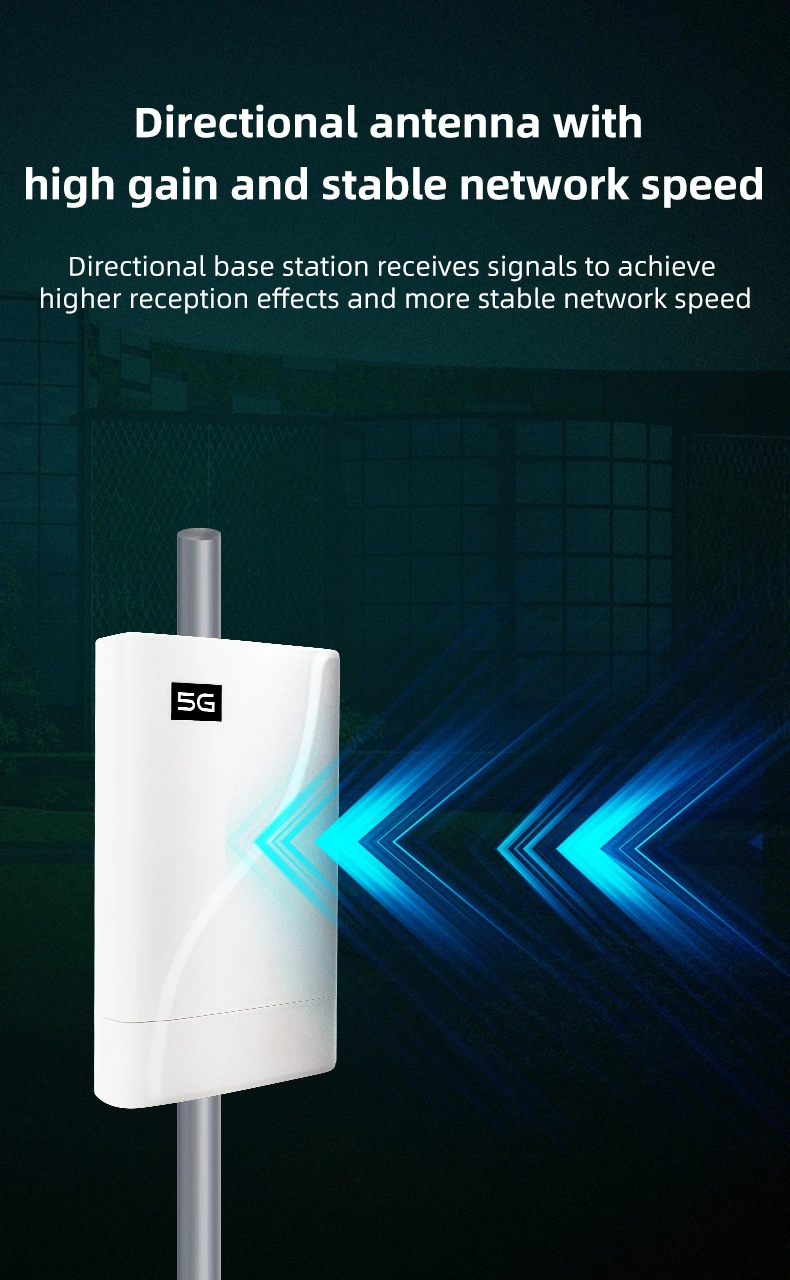
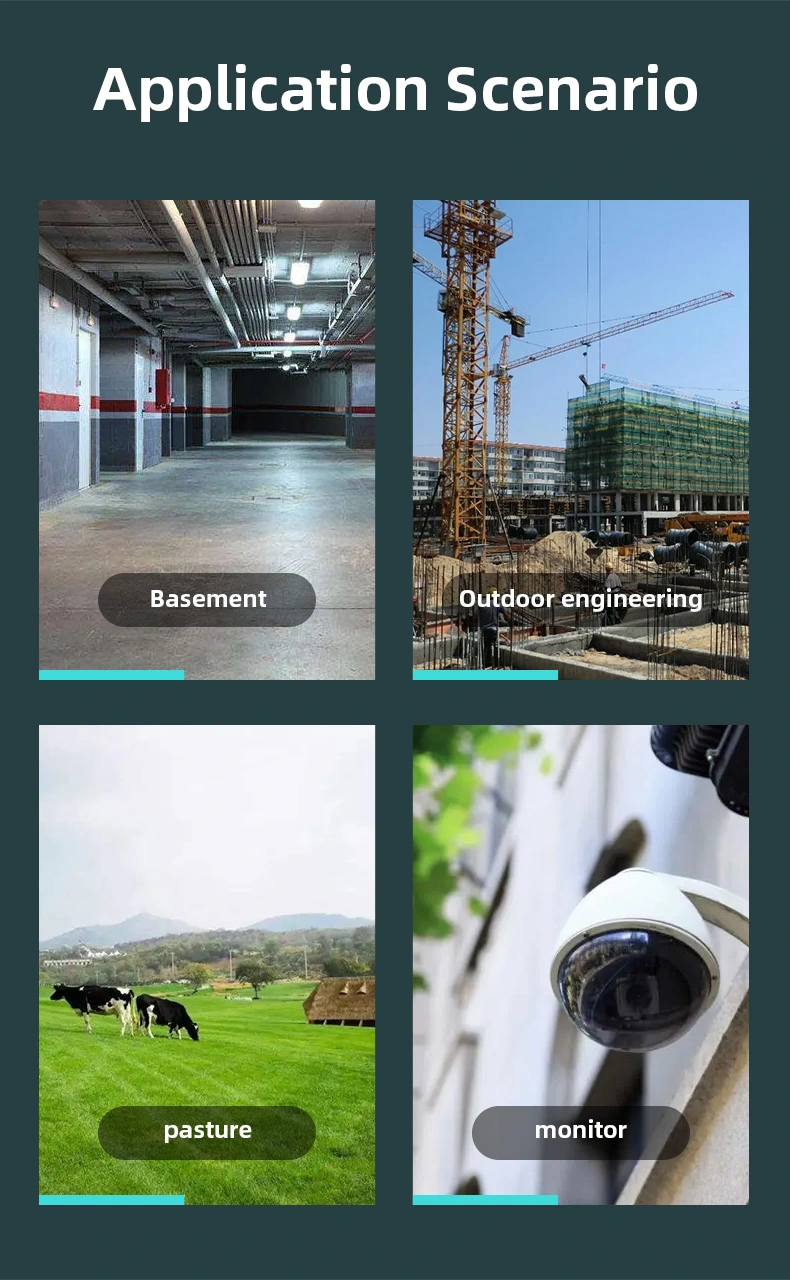
  • Router Placement: Install the router in an outdoor location with clear line-of-sight for 5G signals and within range of devices that require connectivity.
  • Mounting: Securely mount the router using the provided brackets or mounting accessories, ensuring it is protected from physical damage.
  • Connectivity: Connect the router to the internet via a PoE switch or injector, and connect devices using Ethernet cables or wirelessly.
How to Set Up
  • Access Web Interface: Connect a computer to the router's network using an Ethernet cable or wirelessly.
  • Default Credentials: Log in to the router's web interface using the default username and password provided in the user manual.
  • Configure Settings: Set up the Wi-Fi network name (SSID), password, and other advanced settings as required.
Usage Precautions
  • Environmental Protection: Ensure the router is installed in a location protected from extreme weather conditions, such as direct exposure to rain or sunlight.
  • Firmware Updates: Keep the router's firmware updated to maintain security and performance.
  • Avoid Interference: Position the router away from sources of electromagnetic interference to ensure optimal wireless performance.
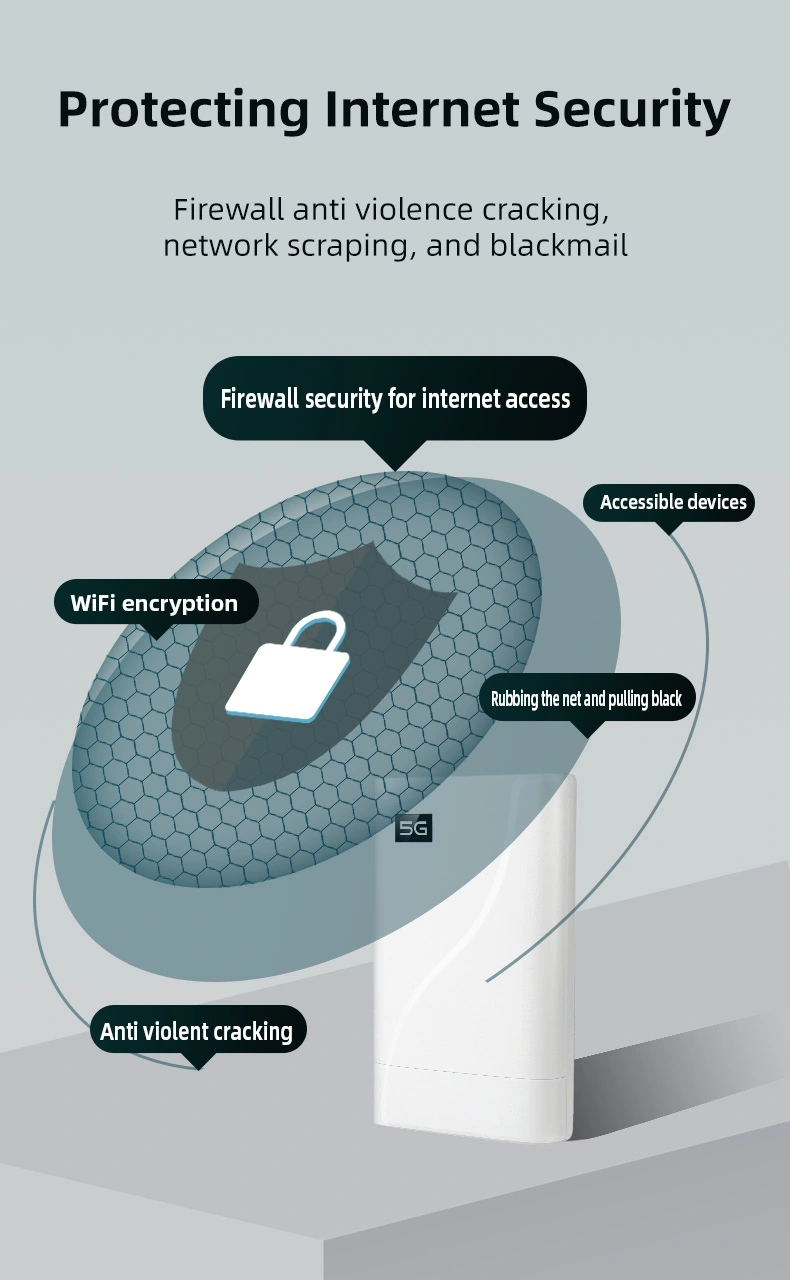
  • Secure Network: Use strong passwords and enable WPA3 or the highest level of encryption available to secure the network.
  • Regular Checks: Regularly check the router for physical damage or wear, especially in outdoor environments, and replace if necessary.