
- Introduction
- Core Understanding
- 5G Routers: A General Overview
- The MTN 5G Router’s Unique Features
- The Role of 5G in Modern Connectivity
- Technical and Functional Insights
- Key Features and Specifications
- Design and Build
- Network and Connectivity
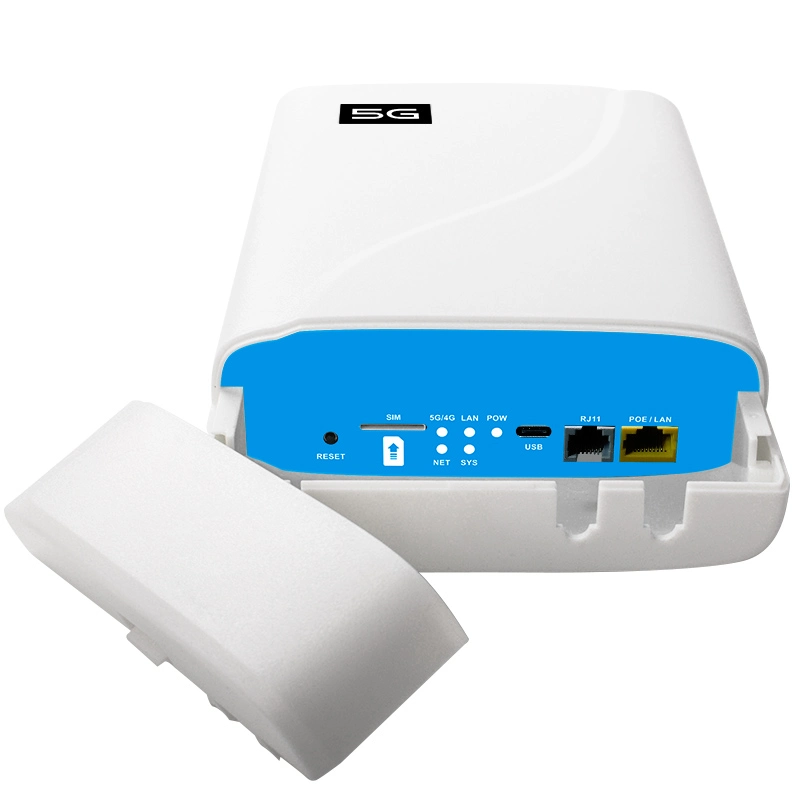
- Ports and Additional Features
- Comparisons and Alternatives
- MTN 5G Router vs. MTN MiFi
- MTN 5G Router vs. Competitors’ Routers
- Alternative Solutions for Power Backup
- Benefits and Productivity Gains
- Troubleshooting Common Issues
- Conclusion
- FAQs
Introduction
As 5G networks continue to expand globally, this router has become a game-changer for households, small businesses, and enterprises seeking faster speeds, lower latency, and more reliable connectivity compared to older 4G LTE standards.
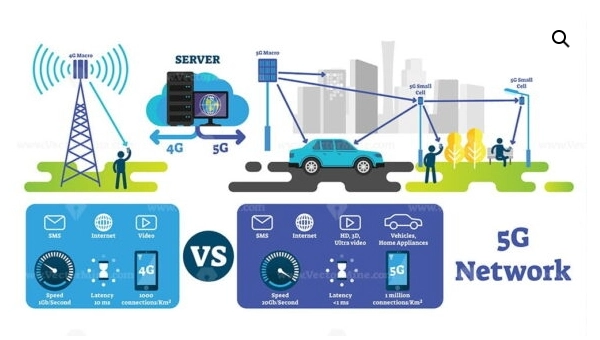
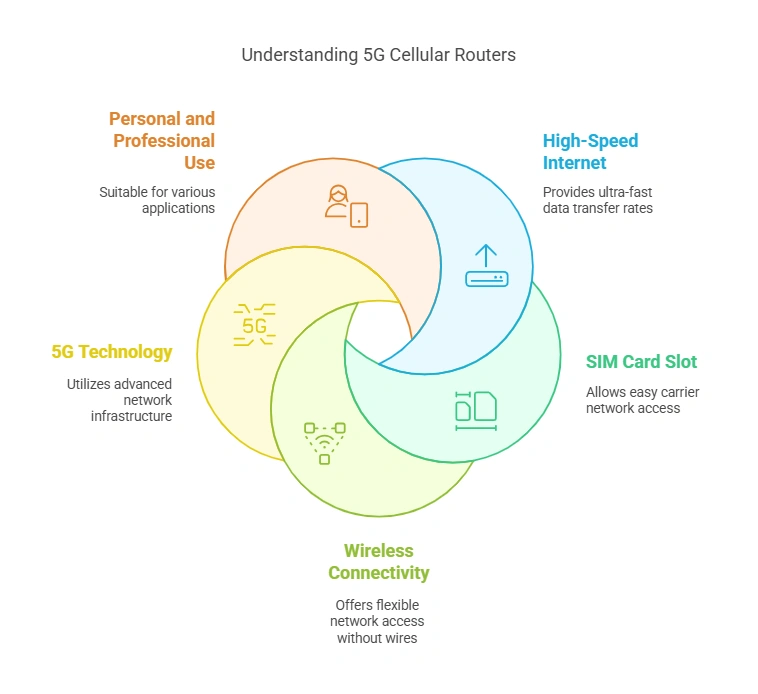
5G technology represents the fifth generation of wireless networks, offering unprecedented data speeds, enhanced stability, and minimal lag. Think of it as upgrading from a narrow country road to a multi-lane highway—more users can connect simultaneously without compromising performance. This makes 5G ideal for bandwidth-heavy activities like 4K streaming, real-time gaming, and seamless video conferencing.
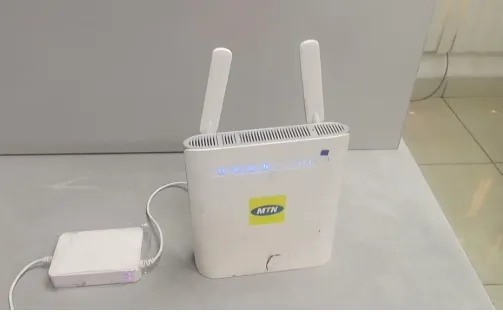
The MTN 5G router is designed to bring these benefits to homes and offices, serving as a central hub for ultra-fast internet access. However, a common question among users is whether the device includes a built-in battery. This query often stems from confusion between stationary routers and portable hotspots, which typically feature batteries for on-the-go use. Understanding this distinction is crucial for selecting the right device based on individual needs—whether for a fixed location or mobile connectivity.
As part of the broader mobile broadband ecosystem, the MTN 5G router plays a vital role in enabling high-capacity connectivity for a wide range of applications, from smart homes to remote work and IoT devices. It serves as a robust alternative to traditional DSL or 4G routers, particularly in areas where fiber-optic infrastructure is limited or costly to deploy.
Core Understanding
5G Routers: A General Overview
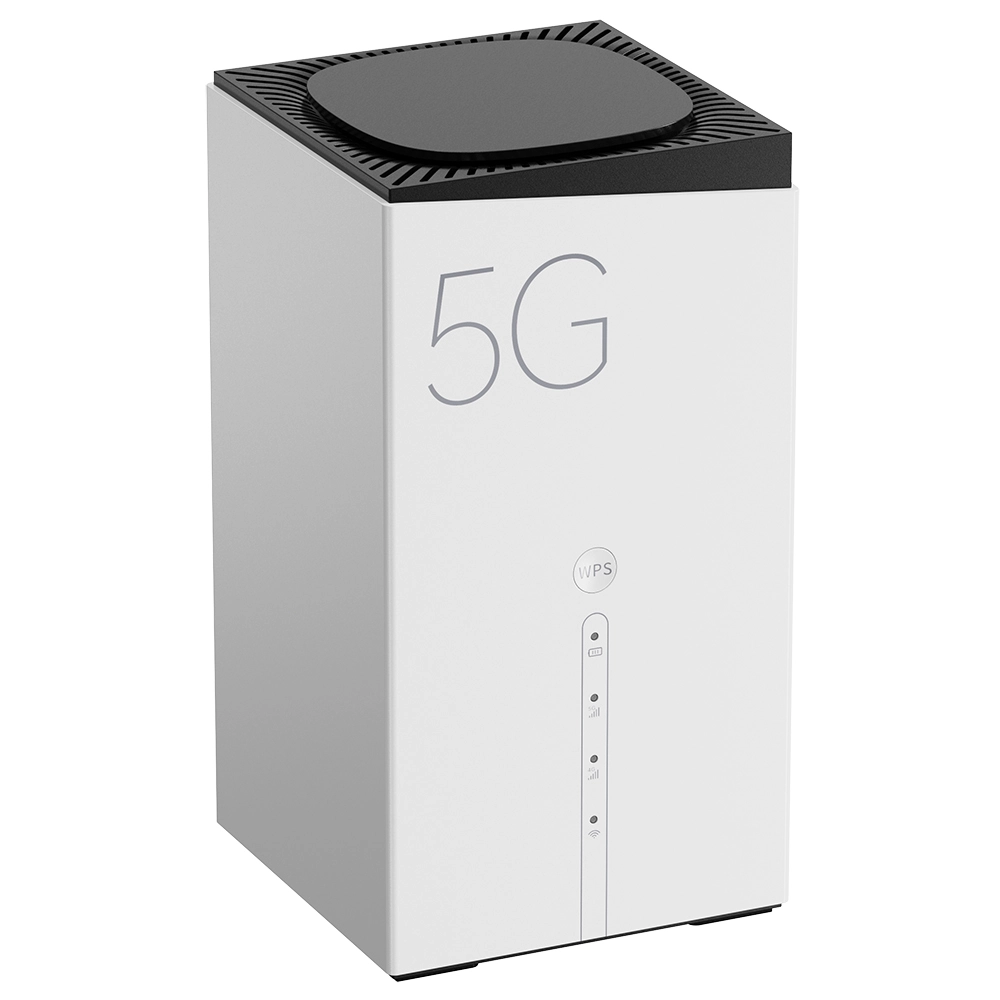
Most 5G routers are designed as stationary devices, relying on a constant power source from an electrical outlet. Unlike portable hotspots or MiFi devices, they are not intended for mobility. Instead, they are optimized for fixed locations, such as homes or offices, where they can deliver consistent, high-speed internet to multiple devices.
Technical Trade-offs: The absence of a battery in stationary 5G routers is a deliberate design choice. High-performance 5G routers consume significant power—typically 15-30W—due to advanced chipsets (e.g., Qualcomm Snapdragon X62/X65) and multiple MIMO antennas. A built-in battery large enough to power such a device for even 1-2 hours would add substantial size, weight, and cost. This is why manufacturers prioritize heat dissipation and processing power over portability in fixed-location models. In contrast, portable MiFi devices use lower-power components and smaller antennas to achieve battery life of 6-12 hours.
The MTN 5G Router’s Unique Features
The MTN 5G router distinguishes itself through its integration with MTN’s network frequencies, ensuring optimal performance for data-intensive tasks like streaming, gaming, and large file transfers. While some competing routers may offer additional features like mesh networking or advanced security configurations, the MTN router focuses on delivering reliable, high-throughput connectivity tailored to its network.
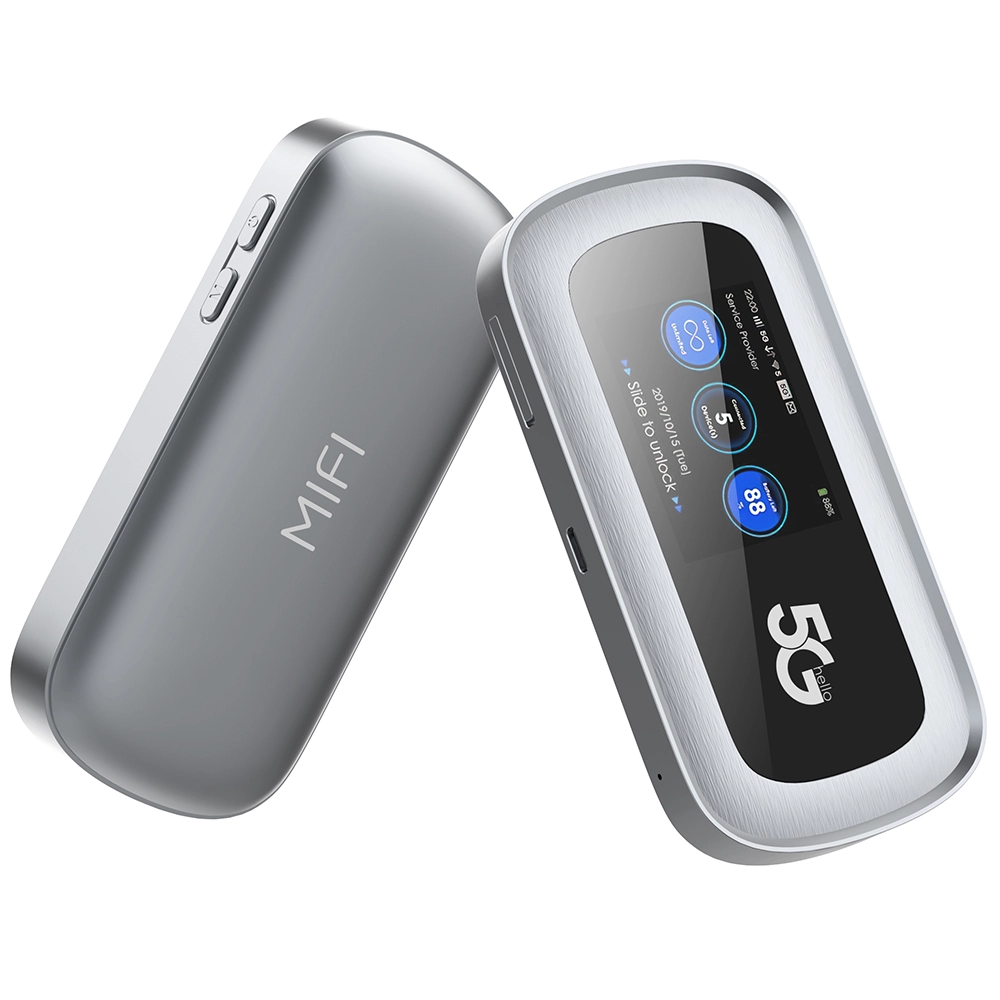
Unlike portable 5G MiFi devices, which often include batteries for mobility, the MTN 5G router is designed for stationary use. This design choice prioritizes performance and stability over portability, making it an ideal choice for users seeking a powerful, fixed-location solution.
The Role of 5G in Modern Connectivity
In today’s digital age, reliable internet access is essential for a wide range of applications, from telemedicine and remote learning to smart home automation and video conferencing. The MTN 5G router addresses these needs by providing a stable, high-speed connection, particularly in regions where traditional broadband infrastructure is lacking.
Technical and Functional Insights
How the MTN 5G Router Works
The router connects to MTN’s 5G network by capturing signals from nearby cell towers. These signals are processed by an internal modem chipset, such as the Qualcomm Snapdragon X series, which converts the data into a local network connection. This allows multiple devices to access the internet simultaneously via Wi-Fi or Ethernet.
Power Requirements
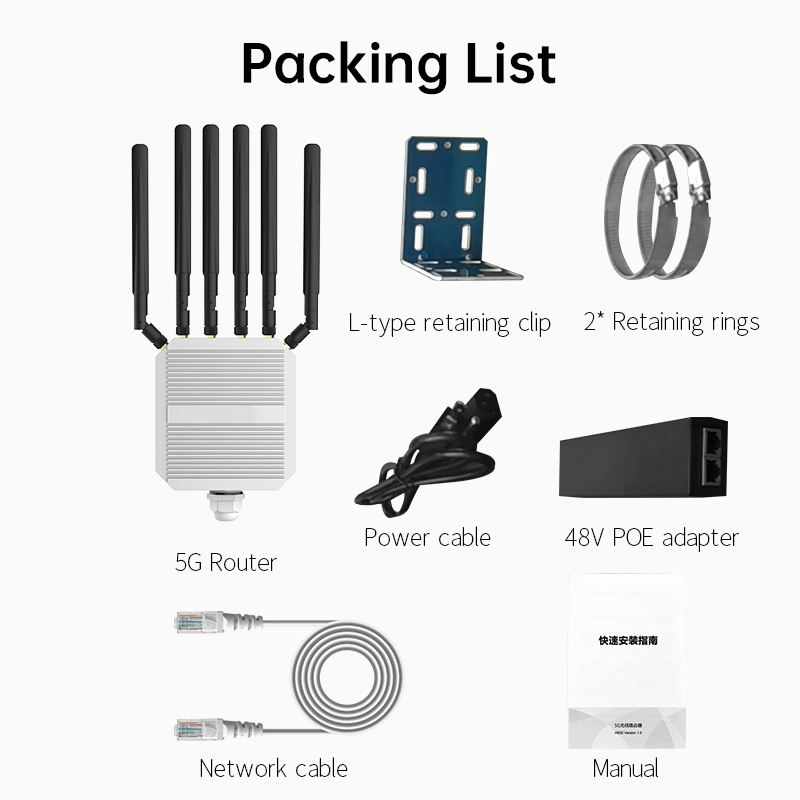
The MTN 5G router is powered by a standard DC adapter connected to a wall outlet. It does not include a built-in battery, as its high-performance components require a consistent power supply. This design ensures stable operation but means the router will lose connectivity during a power outage unless an external backup solution, such as a UPS, is used.
Power Backup Options Compared:
UPS (Uninterruptible Power Supply): Most cost-effective for home/office use. A 600VA UPS can power a 5G router for 30-60 minutes, covering short outages. Look for models with pure sine wave output to avoid damage to sensitive electronics.
Portable Power Stations: Larger battery packs (e.g., 200Wh+) can power the router for 6-10 hours, ideal for extended outages or remote work sites. However, they are bulkier and more expensive.
Power Banks with AC Outlets: Some high-capacity power banks (e.g., 100W AC output) can power the router, but ensure the outlet type matches your router’s DC adapter plug and voltage requirements.
Important: When using any backup power, ensure the router’s DC adapter (usually 12V/2A or similar) is compatible with the backup device’s output specifications to prevent damage.
Key Features and Specifications
Design and Build
- Form Factor: Compact and rectangular, often with internal or external antennas.
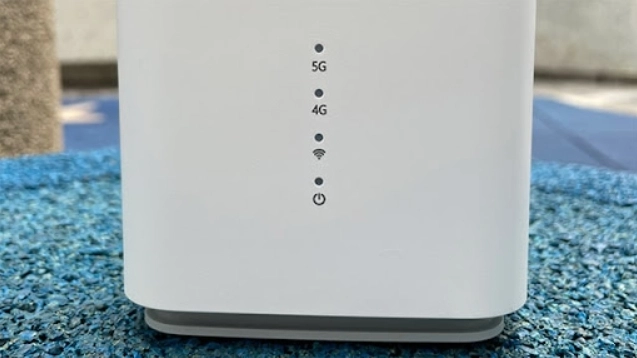
- LED Indicators: Display power, network signal, and Wi-Fi status.
Network and Connectivity
- 5G NR: Supports Sub-6 GHz bands for broad coverage.
- Backward Compatibility: Falls back to 4G LTE when 5G is unavailable.
- Wi-Fi Standards: Supports Wi-Fi 5 (802.11ac) or Wi-Fi 6 (802.11ax) for high-speed wireless connections.
Ports and Additional Features
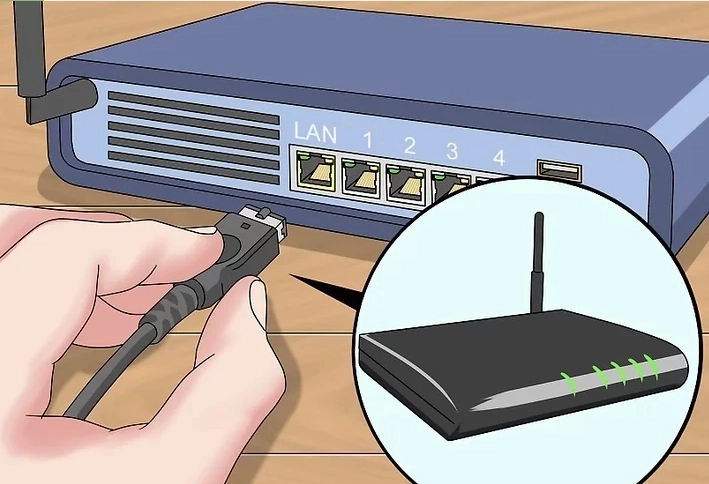
- Ethernet Ports: Typically includes 2-4 Gigabit Ethernet ports for wired connections.
- USB Ports: Some models may feature USB ports for network-attached storage or printer sharing.
Comparisons and Alternatives
MTN 5G Router vs. MTN MiFi
- Battery: The router lacks a battery, while MiFi devices are portable with built-in batteries.
- Use Case: The router is ideal for fixed locations, whereas MiFi devices are designed for mobility.
MTN 5G Router vs. Competitors’ Routers
- Network Lock: MTN routers may be locked to MTN’s network, while some competitors offer unlocked devices.
- Performance: MTN’s router is optimized for its network, ensuring superior performance within its coverage areas.
Alternative Solutions for Power Backup
- Uninterruptible Power Supply (UPS): Provides short-term backup during outages.
- Portable 5G Hotspots: Offer mobility and battery-powered operation.
Benefits and Productivity Gains
- High-Speed Connectivity: Enables seamless streaming, gaming, and remote work.
- Reliability: Reduces downtime and improves productivity for households and businesses.
- Cost-Effectiveness: Offers a viable alternative to traditional broadband in areas with limited infrastructure.
Troubleshooting Common Issues
- Weak Signal: Position the router near a window or higher elevation for better signal reception.
- Overheating: Ensure proper ventilation and avoid direct sunlight.
- Power Outages: Use a UPS or inverter for backup power.
- Firmware Issues: Regularly update the router’s firmware to resolve bugs and improve performance.
Power-Related Troubleshooting:
Router Won’t Power On: First, test the wall outlet with another device. If the outlet works, check the DC power adapter for visible damage or frayed cables. If the adapter feels unusually hot, it may need replacement. Use only the manufacturer-specified adapter (voltage and amperage must match) to avoid permanent damage.
Frequent Reboots or Shutdowns: This often indicates overheating or inadequate power supply. Ensure the router is placed in a well-ventilated area, away from direct sunlight or other heat-generating devices. Clean the ventilation grills with compressed air if dust has accumulated.
After Power Restoration: If the router doesn’t automatically reconnect after a power outage, manually reboot it by unplugging the power adapter, waiting 10 seconds, and plugging it back in. This clears temporary memory errors that can occur during sudden power loss.
Conclusion
The MTN 5G router is a powerful tool for delivering high-speed internet to homes and offices. While it lacks a built-in battery, its stationary design ensures optimal performance for fixed locations. For users requiring backup power, external solutions like UPS devices or portable hotspots can bridge the gap. By leveraging the router’s advanced features and ensuring proper setup, users can fully harness the potential of 5G technology.
FAQs
-
Does the MTN 5G router have a built-in battery?
No, it requires a constant power supply from an electrical outlet. -
How does it differ from a 5G MiFi device?
The router is designed for fixed locations, while MiFi devices are portable with built-in batteries. -
What internet speeds can I expect?
Speeds can range from 100 Mbps to over 1 Gbps, depending on network conditions. -
Is the router compatible with other providers?
Some models may be locked to MTN’s network, so compatibility varies. -
Can it replace a landline phone?
Certain models support voice calls via VoLTE, but this feature is not universal.
By addressing these key points, users can make informed decisions about deploying the MTN 5G router to meet their connectivity needs.




What can we do for you?