
For decades, the copper wire or coaxial cable snaking into our homes has been the undisputed king of internet connectivity. But what if the future isn’t about digging trenches or stringing cables, but about harnessing the power of the airwaves? Enter the 5G home router with a SIM slot, a device poised to revolutionize how we think about home broadband. Whether you’re struggling with the limited options of rural living, tired of unreliable cable connections, or simply crave a more flexible and modern internet solution, this technology offers a compelling alternative. This isn’t just a backup plan; for a growing number of users, it’s becoming the primary connection. Let’s dive into why a wireless home internet solution might be the key to unlocking faster, more adaptable, and hassle-free online experiences for your household.
What is a 5G Home Router with a SIM Slot?
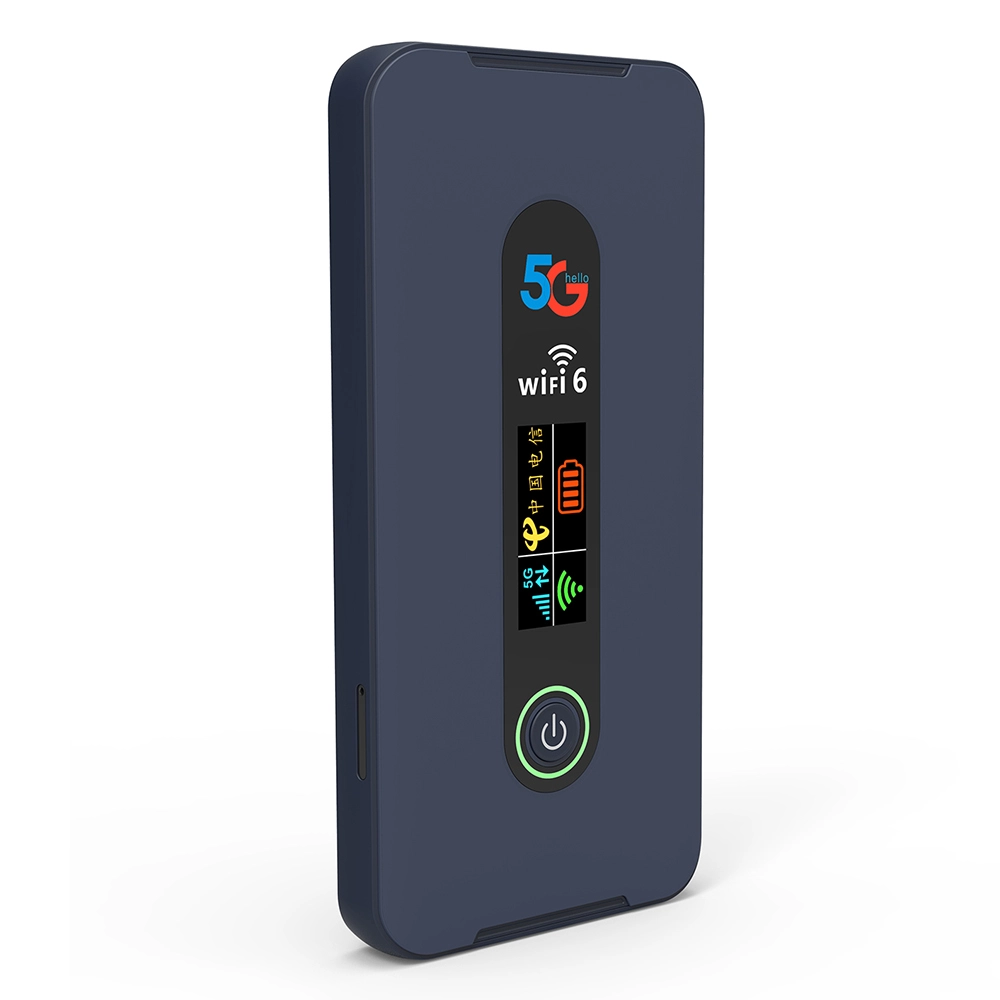
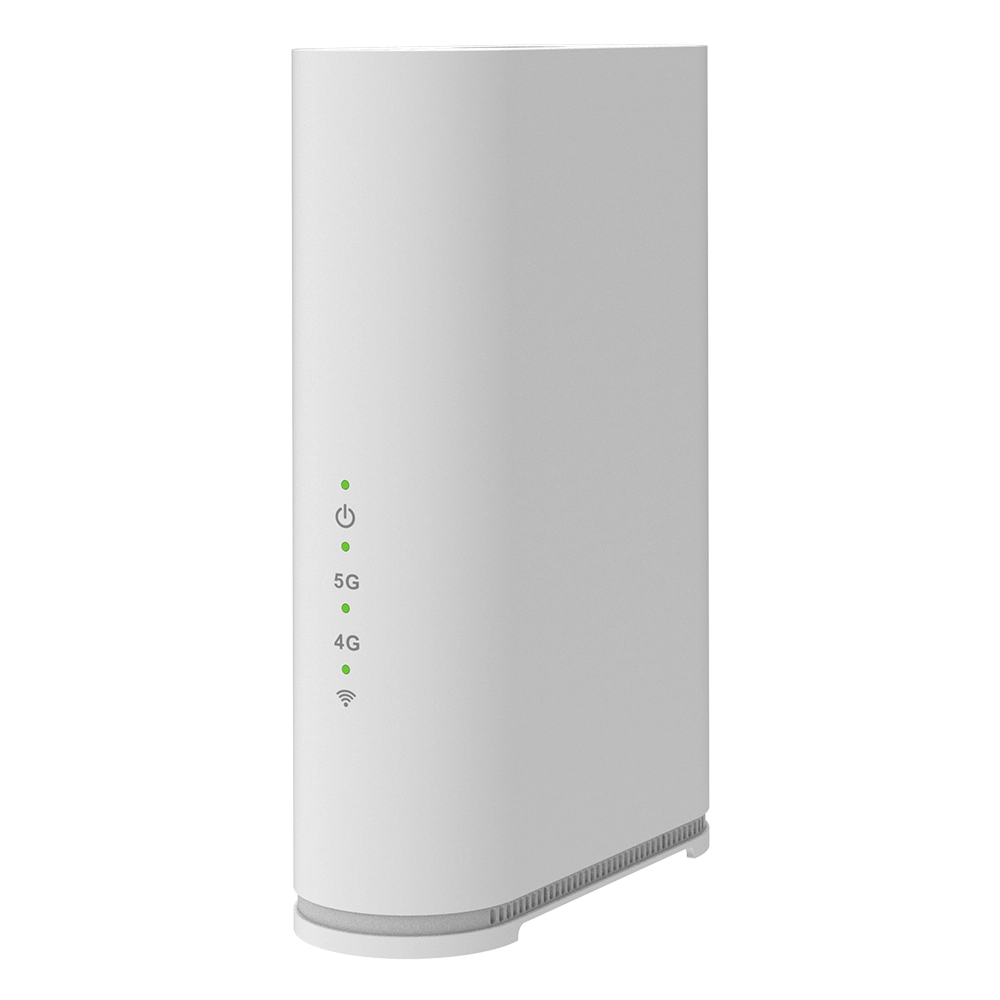
At its core, a 5G home router with a SIM slot is a gateway that converts cellular 5G (and often 4G LTE) signals into a Wi-Fi network for your home, just like a traditional router connects to a cable modem. The critical difference lies in the \"last mile\" connection. Instead of a physical wire from an ISP, it uses a SIM card, identical to the one in your smartphone, to connect to a mobile carrier’s network. This device is typically more robust than a mobile hotspot, designed for whole-home coverage, supporting more simultaneous devices, and often featuring external antenna ports to maximize signal strength. It represents the convergence of mobile technology and home networking, offering a plug-and-play internet experience that is location-independent, as long as there’s a strong cellular signal. For anyone considering cutting the cord on traditional broadband, understanding this device is the first step.
5G Home Router vs. Traditional Cable & DSL: A Head-to-Head Comparison
When evaluating your home internet options, it’s crucial to weigh the pros and cons. Traditional cable and DSL have been the standard, but 5G home internet is a formidable challenger.
Speed and Latency
Cable internet often delivers high download speeds, sometimes exceeding 1 Gbps in urban areas, but upload speeds are frequently asymmetrical and much slower. DSL speeds are heavily dependent on your distance from the provider’s central office and can be inconsistent. A true 5G home router with a SIM slot operating on mid-band or high-band (mmWave) spectrum can rival or even surpass cable speeds, offering symmetrical high-speed uploads and downloads, which is crucial for video conferencing, cloud backups, and live streaming. Latency, the delay before a data transfer begins, is typically lower on 5G than on cable or DSL, resulting in snappier responses for online gaming and real-time applications.
Flexibility and Ease of Setup
This is where the 5G router shines. There’s no need to schedule a technician visit or wait for infrastructure installation. You simply insert an active data SIM card, plug in the router, and you’re online within minutes. This portability means you can take your home internet with you—to a vacation rental, a temporary worksite, or if you move homes. There are no contracts locking you into a specific location or provider for years. This flexibility is unmatched by fixed-line services.
Reliability and Coverage
Cable and DSL reliability can be affected by local network congestion, physical line damage (e.g., from construction or weather), and aging infrastructure. A 5G connection’s reliability is directly tied to cellular coverage and tower congestion. In areas with robust 5G deployment, reliability can be excellent. However, signal strength can be affected by building materials, distance from the tower, and physical obstructions. This makes the choice of a high-quality router with advanced antenna technology critical for a stable connection.
Cost Structure
Traditional ISPs often bundle services, locking you into packages with TV and phone you may not want. 5G home internet plans are typically straightforward data subscriptions. The potential drawback is data caps; some cellular plans for home routers may have limits, whereas many cable plans are unlimited. However, carriers are increasingly offering unlimited data plans specifically for home internet use, making this less of a barrier than before.
Ideal Use Cases: Who Benefits Most from a SIM-Based 5G Router?
The versatility of a 5G home router with a SIM slot solves specific pain points for several user groups.
Rural and Underserved Areas
For millions living outside urban and suburban cable/fiber footprints, options are often limited to slow satellite internet or sluggish DSL. A 5G router can be a game-changer, providing high-speed internet where traditional broadband companies haven’t laid lines. The key is verifying strong 5G or even robust 4G LTE coverage from a carrier at your specific address.
Urban Dwellers Seeking an Alternative
Even in well-connected cities, people suffer from unreliable cable providers, exorbitant pricing, or long contract terms. A 5G router offers a competitive alternative. It can also serve as a primary connection in apartments or condos where getting a new line installed is prohibitively difficult or expensive.
Temporary Residences and Renters
Students, digital nomads, contractors on assignment, or anyone in short-term housing benefit immensely. You avoid installation fees and long-term contracts. Your internet service becomes as mobile as you are.
Critical Backup Internet Solution
For home offices, smart home enthusiasts, or anyone who cannot afford downtime, a 5G router is the perfect failover. When your primary cable connection drops, the router can automatically switch to the cellular network, keeping your work, security systems, and entertainment running seamlessly. This network redundancy is invaluable for business continuity from home.
Addressing the Drawbacks: Data Caps, Coverage, and Consistency
No technology is perfect, and a realistic view is essential. The main concerns around using a 5G home router with a SIM slot as a primary connection are data allowances, network coverage, and signal consistency.
Data Caps: Historically, cellular data plans came with strict limits. While this is changing rapidly with the advent of \"unlimited\" home internet plans from carriers, it’s vital to read the fine print. Some \"unlimited\" plans may deprioritize your data during network congestion after a certain threshold, which could slow speeds during peak hours. For extremely heavy users (e.g., daily 4K streaming on multiple TVs, constant large file downloads), ensuring you have a truly unlimited, non-deprioritized plan is crucial.
Coverage Limitations: Your experience is entirely dependent on the carrier’s network map. A best 5g home router with sim slot cannot create a signal where none exists. Before investing, use coverage check tools from major carriers, and consider a router that supports external antennas to pull in a weak signal. In some cases, a router that aggregates multiple carrier SIMs (multi-WAN) can provide more robust coverage by switching between networks.
Signal Consistency: Unlike a wired connection, cellular signals can fluctuate. Weather, increased local user load (like during a community event), and even seasonal foliage can impact performance. Placing your router near a window, preferably on an upper floor, and using external directional antennas pointed at the nearest cell tower can dramatically improve consistency. Choosing a router with carrier aggregation technology, which combines multiple frequency bands for a stronger, faster connection, also helps mitigate this issue.
Choosing the Best 5G Home Router with SIM Slot: Key Features to Look For
Not all 5G routers are created equal. To ensure you get a reliable, high-performance device, look for these essential features:
- 5G Bands Supported: Ensure the router supports the specific 5G bands (e.g., n41, n71, n77, n260) used by your chosen carrier in your area. A global-band router offers the most flexibility.
- Wi-Fi 6 or Wi-Fi 6E: To fully utilize high-speed 5G and manage many devices, your router should have the latest Wi-Fi standards. Wi-Fi 6E adds the uncongested 6 GHz band for even better performance.
- Ethernet Ports: Look for multiple Gigabit Ethernet ports (e.g., 4x LAN) to wire in gaming consoles, desktop PCs, or smart TVs for the most stable connection possible.
- External Antenna Connectors: SMA or TS9 ports allow you to connect high-gain outdoor antennas, which is the single most effective way to boost a weak cellular signal and achieve the best 5g home router with sim slot performance in challenging locations.
- Advanced Cellular Features: Features like 4×4 MIMO, Carrier Aggregation (combining multiple 4G/5G bands), and support for both SA (Standalone) and NSA (Non-Standalone) 5G modes ensure you get the fastest and most stable connection your network can provide.
- User-Friendly Management: A well-designed web interface or mobile app makes it easy to monitor data usage, check signal strength, set up guest networks, and configure advanced settings like VPNs.
The Verdict: Is It the Future?
The evidence points strongly toward \"yes.\" The convenience, speed potential, and flexibility of 5G home internet are undeniable. As carriers continue to densify their 5G networks, expand coverage, and offer more competitive unlimited data plans, the value proposition will only strengthen. It may not completely replace fiber-optic connections for the most demanding power users in dense urban cores, but for a vast swath of the population—those in rural areas, renters, and anyone seeking a contract-free, modern alternative—the best 5g home router with sim slot is not just a futuristic concept; it’s a practical, powerful, and available solution today. It represents a fundamental shift toward a wireless-first approach to home connectivity, freeing users from the physical and contractual constraints of the past.
Frequently Asked Questions (FAQs)
1. Can I use any SIM card in a 5G home router?
Not exactly. You need a data SIM or a plan specifically designed for mobile broadband/home internet from a carrier. A standard smartphone SIM might work, but those plans often have lower data prioritization or strict tethering limits that can throttle your home internet speeds. Always check with your carrier for a plan optimized for router use.
2. How many devices can connect to a 5G home router?
This varies by model, but a quality 5G home router can typically support 30, 50, or even 100+ simultaneous device connections. The more relevant factor is network load. Streaming 4K video on multiple devices consumes far more bandwidth than having dozens of smart bulbs connected. A router with strong Wi-Fi 6 capabilities will manage multiple high-demand devices more efficiently.
3. Is 5G home internet secure?
Yes. The connection between the router and the cellular tower is encrypted. Furthermore, a good 5G home router includes the same security features as a traditional router, such as built-in firewalls, WPA3 encryption for Wi-Fi, and the ability to set up a VPN (Virtual Private Network) for an added layer of privacy for all your home traffic.
4. What happens if the 5G signal is weak in my house?
This is a common challenge. The solution is to invest in a router with external antenna ports. You can then install a high-gain directional antenna on your roof or outside wall, pointed at the nearest cell tower. This can dramatically improve signal strength, stability, and speed, transforming a marginal connection into an excellent one.
5. Can I use a 5G router as a failover for my existing internet?
Absolutely. Many advanced routers, including some 5G models and traditional wired routers, support dual-WAN functionality. You can connect your primary cable/fiber modem to one WAN port and the 5G router (in bridge mode) to another. The router can then be configured to automatically switch to the 5G connection the moment the primary connection fails, ensuring zero downtime.

What can we do for you?