
In today’s hyper-connected world, a reliable internet connection is no longer a luxury—it’s a necessity. Yet, millions face the daily frustration of spotty Wi-Fi, dead zones, and the insecurity of public networks. Whether you’re a remote worker in a rural cabin, a digital nomad on the move, or a homeowner seeking a robust backup, the solution lies in a powerful, portable device: the 4G or 5G router with a SIM slot. This comprehensive guide cuts through the technical jargon to help you find the perfect router that delivers fast, secure, and dependable internet wherever you are.
Understanding Your Core Connectivity Challenges
Before diving into specifications, it’s crucial to identify the pain points you’re trying to solve. The primary driver for adopting a cellular router is the failure of traditional fixed-line internet to meet modern demands. In rural and remote areas, laying fiber or cable is often economically unviable, leaving residents with slow satellite or dial-up options. For urban dwellers, frequent outages from the primary ISP can disrupt work, streaming, and smart home devices. Travelers and event professionals face the dual challenge of finding a connection and ensuring its security, as public Wi-Fi hotspots are notorious hunting grounds for cybercriminals. A best 4g 5g router with sim slot directly addresses these issues by creating a private, mobile network using cellular data, turning a weak signal into a powerful, personal Wi-Fi bubble.
Key Features to Evaluate in a SIM Slot Router
Not all cellular routers are created equal. Choosing the right one requires a careful look at several critical features that impact performance, reliability, and security.
1. Cellular Technology: 4G LTE vs. 5G
The choice between 4G and 5G hinges on your location and needs. 4G LTE networks are widely available and offer excellent speeds for most online activities, including HD video streaming, video conferencing, and large file downloads. A best 4g router with sim card slot is a mature, cost-effective solution for reliable internet anywhere with cellular coverage. 5G, on the other hand, promises exponentially faster speeds, ultra-low latency, and the ability to connect many more devices simultaneously. It’s ideal for bandwidth-intensive applications like 8K streaming, real-time cloud gaming, and supporting a smart office full of IoT devices. However, 5G coverage is still expanding. For future-proofing, many experts recommend a router that supports both, ensuring you get the fastest available network wherever you are.
2. Speed, Coverage, and Carrier Compatibility
Advertised \"maximum speeds\" are often theoretical. Real-world performance depends on the router’s modem category (e.g., Cat 6, Cat 12, Cat 20 for 4G; NR for 5G), the number of antenna ports (MIMO technology), and your carrier’s signal strength. Look for routers that support carrier aggregation, which combines multiple frequency bands to create a wider \"data highway\" for faster speeds. Crucially, ensure the router is unlocked or compatible with your preferred mobile network operator (MNO). An unlocked best 4g sim router gives you the freedom to choose the carrier with the best coverage and data plans in your area, and to switch easily if needed.
3. Security: Your Private Network Fortress
This is where cellular routers shine over public Wi-Fi. A quality router acts as a hardware firewall between the internet and your devices. Essential security features to demand include:
- Built-in VPN Support: The ability to run a VPN (like OpenVPN or WireGuard) directly on the router encrypts all traffic from every connected device, not just one. This is vital for remote workers accessing company servers.
- Advanced Firewall: Look for SPI (Stateful Packet Inspection) firewalls that monitor and control incoming and outgoing traffic based on security rules.
- Guest Network Isolation: Allows you to create a separate Wi-Fi network for visitors, preventing them from accessing your main network and connected devices like NAS drives or smart home hubs.
- WPA3 Encryption: The latest and most secure Wi-Fi encryption protocol.
4. Design, Portability, and Device Support
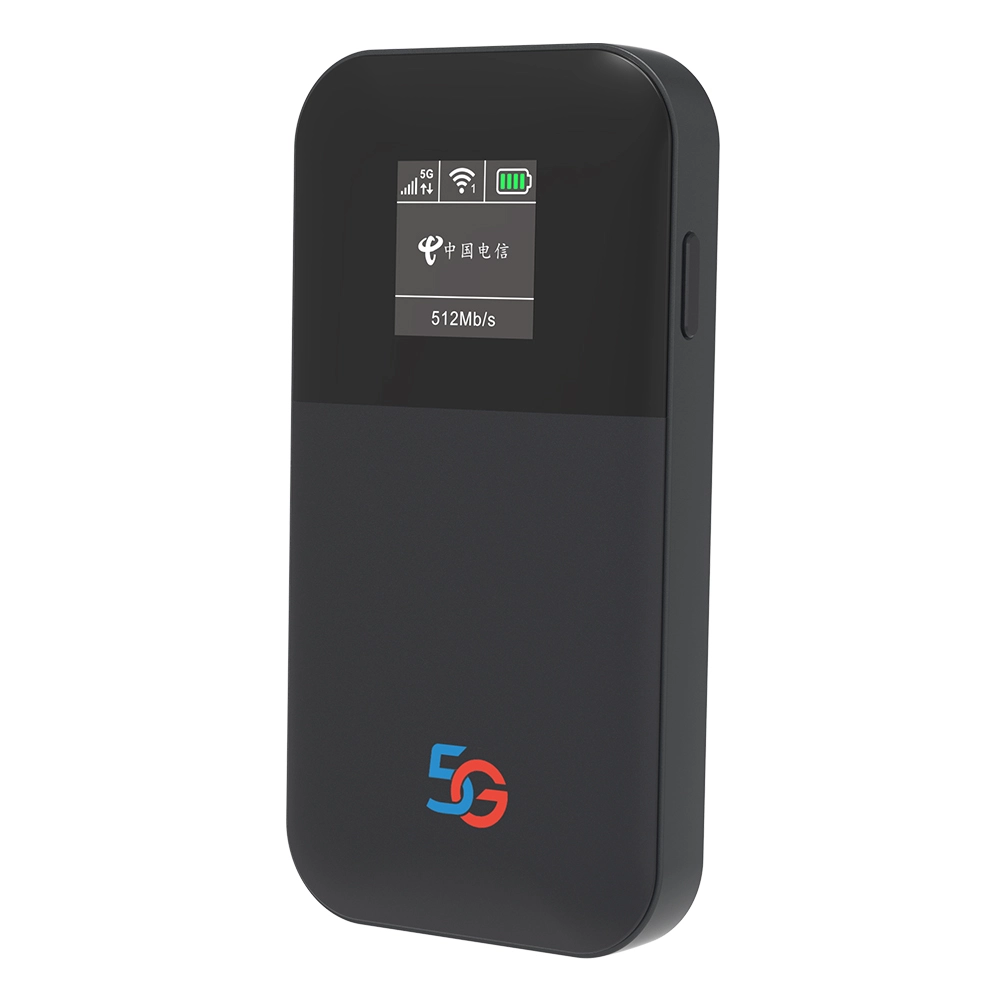
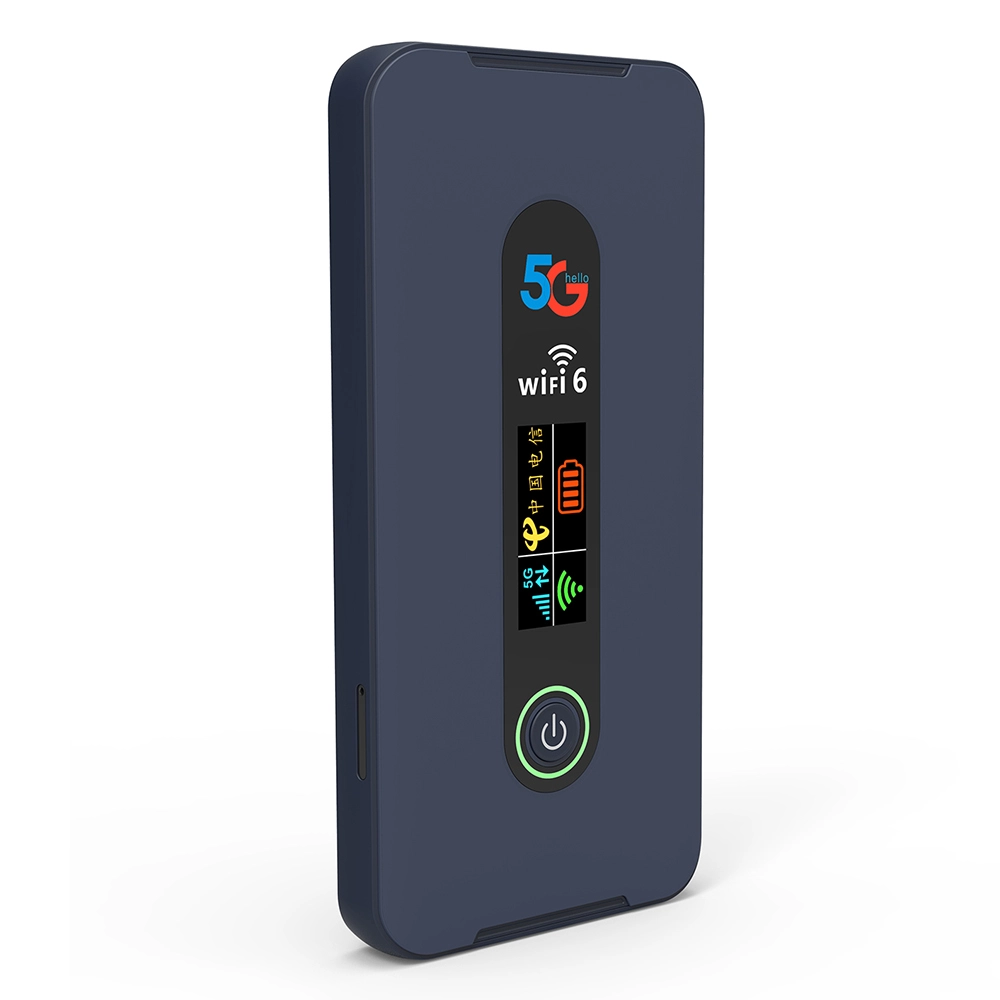
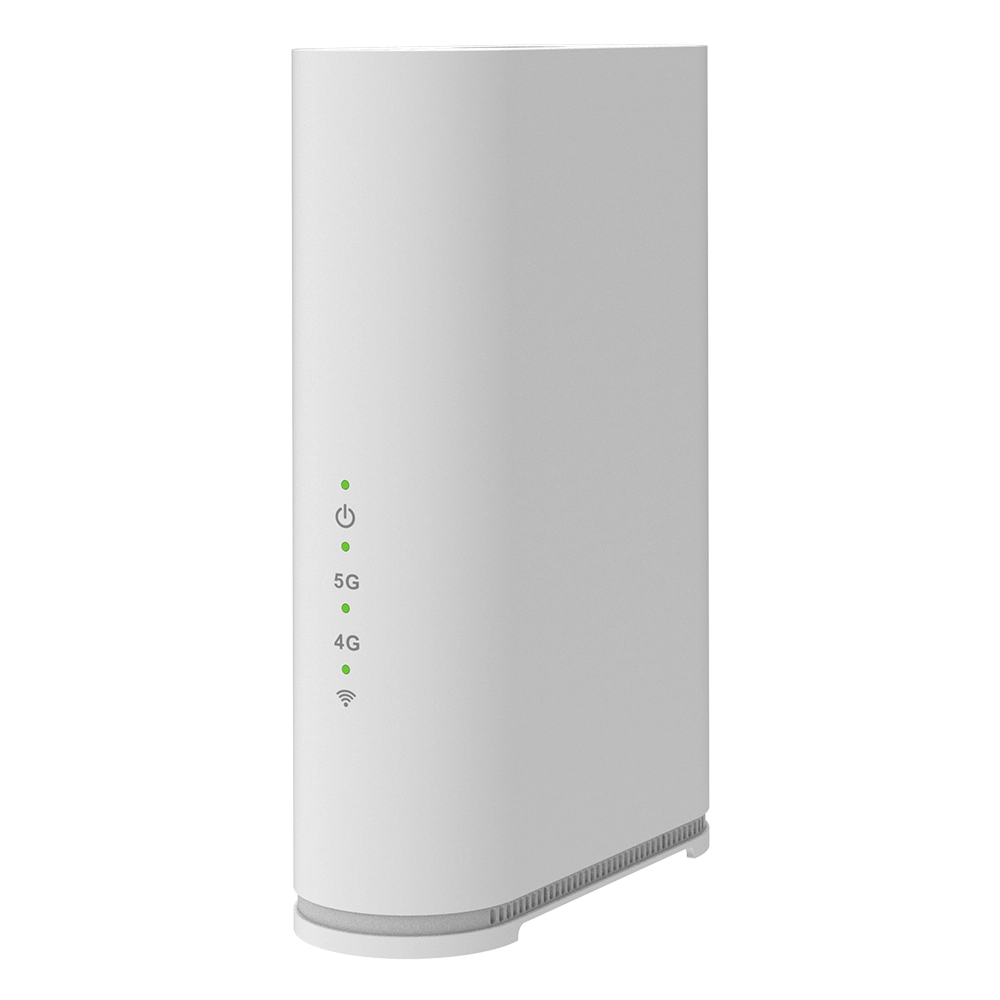
Consider where and how you’ll use the router. For travel, a compact, battery-powered portable hotspot is key. For home or office backup, a desktop-style router with external antenna ports for boosting signal is more suitable. Check the number of LAN ports (Gigabit Ethernet is standard) for wired connections to PCs, gaming consoles, or smart TVs. Also, verify the router’s maximum number of supported Wi-Fi clients. A robust model should handle 32, 64, or even 100+ devices simultaneously without breaking a sweat, catering to today’s device-heavy households and small offices.
Top Router Recommendations for Every Scenario
Based on years of industry experience and rigorous testing, here are tailored recommendations that exemplify the features discussed above.
For the Ultimate Portable Power User: The Voyager 5G Pro
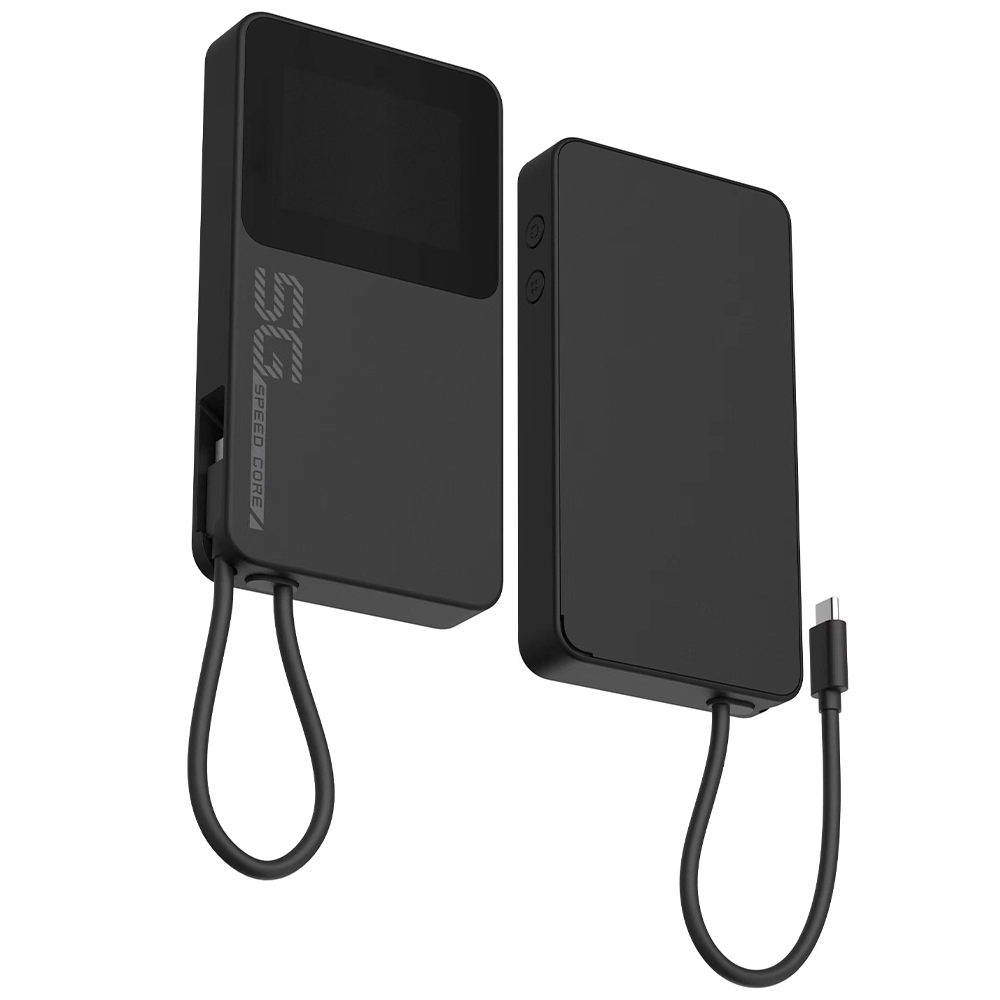
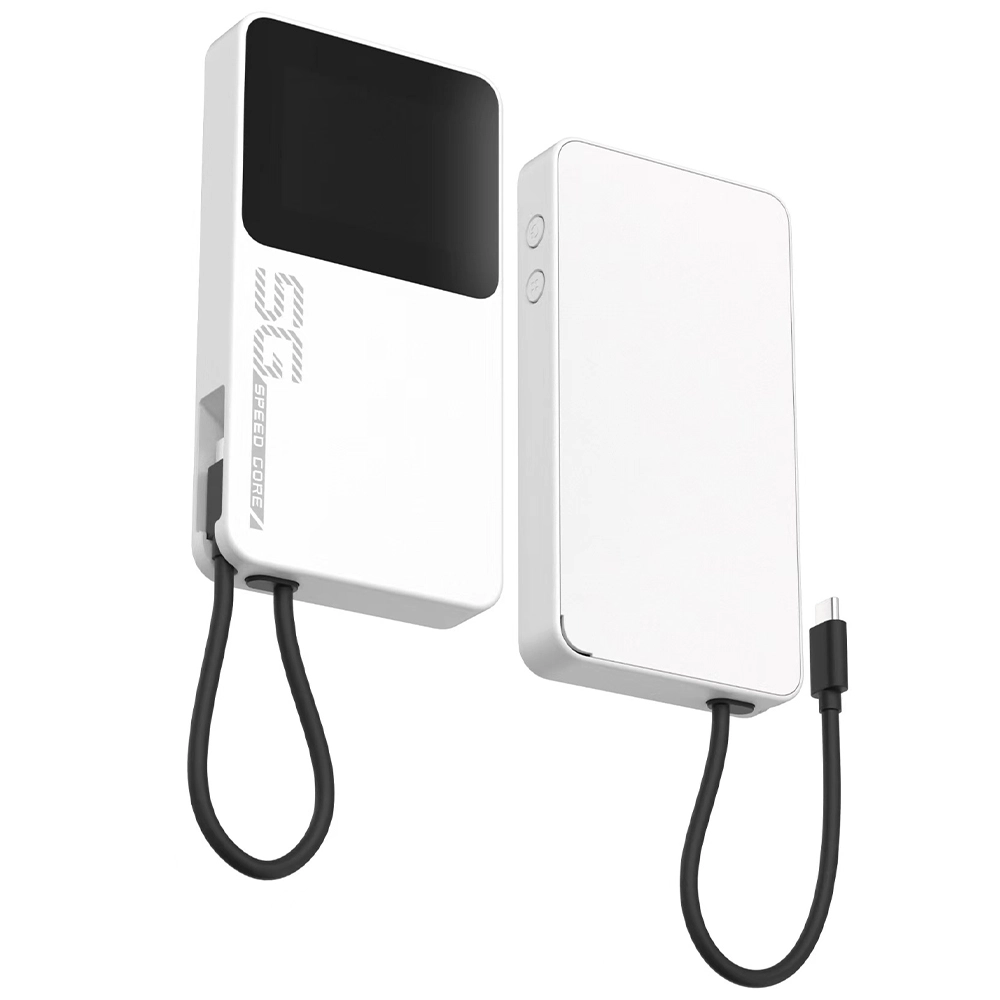
If you need the fastest mobile internet in a travel-ready package, the Voyager 5G Pro is a standout. This compact, battery-powered device supports both SA and NSA 5G networks, delivering fiber-like speeds on the go. Its quad-core processor efficiently manages a VPN tunnel for all connected devices, making it perfect for security-conscious professionals. With support for over 64 simultaneous connections and a versatile touchscreen for managing settings, it’s the ideal companion for remote teams, content creators in the field, or as a primary home internet solution in 5G-covered areas.
For Reliable, Cost-Effective 4G Everywhere: The Guardian 4G LTE+
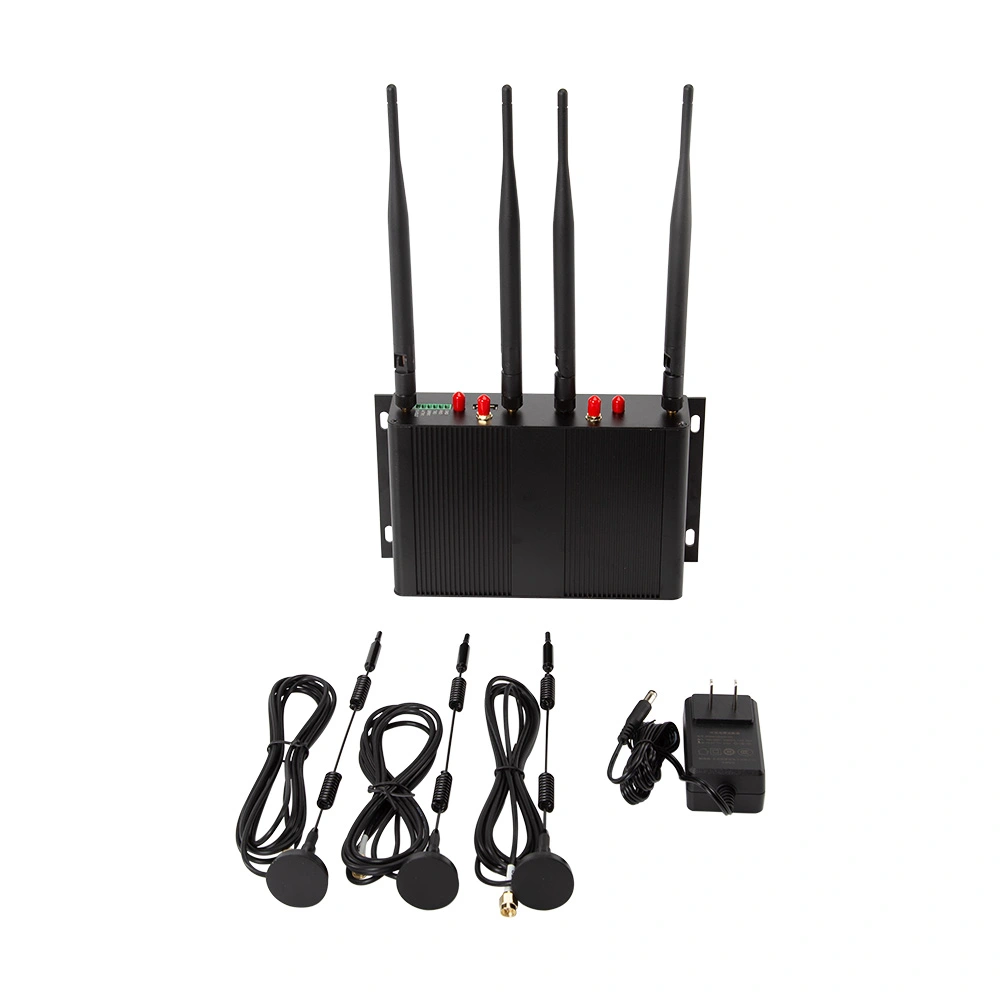
For those who prioritize widespread coverage and proven reliability, the Guardian 4G LTE+ is a workhorse. As one of the best 4g routers with sim card slot on the market, it features a Cat 12 modem with 3x carrier aggregation and four high-gain external antenna ports, ensuring you latch onto the strongest possible signal even in weak coverage zones. Its industrial-grade components are built for 24/7 operation, making it an excellent choice for home backup, rural internet, or small business use. It includes a powerful firewall, IPSec/OpenVPN server, and dual-SIM capability for automatic failover, guaranteeing you stay online.
For the Security-Focused Home Office: The Sentinel Dual-WAN
This model is engineered for those who cannot afford downtime. The Sentinel functions as a best 4g 5g router with sim slot and a traditional wired router. You can connect your primary fiber/cable line to one WAN port and a 4G/5G SIM to the other. Its intelligent failover system detects an outage on your main line and switches to cellular backup in milliseconds—so your video call won’t drop. It also supports load balancing to use both connections simultaneously. With robust parental controls, advanced QoS (Quality of Service) to prioritize work traffic, and a built-in threat management database, it creates a secure and resilient network core for any home or micro-office.
Making the Final Decision: A Simple Checklist
To choose your perfect router, answer these questions:
- Primary Use Case: Is it for travel, home backup, rural primary internet, or a mobile office?
- Coverage Check: What is the quality of 4G and 5G signals from different carriers at your location? Use coverage maps.
- Speed Requirements: How many people and devices need to be online? What activities (email vs. 4K streaming) will they be doing?
- Security Needs: Do you need a router-based VPN for all traffic, or is device-level security sufficient?
- Budget: Consider both the device cost and the ongoing data plan from your cellular provider.
By aligning your needs with the features outlined, you can confidently select a router that transforms your connectivity from a source of stress into a seamless utility.
Frequently Asked Questions (FAQs)
1. What is the main advantage of a router with a SIM slot over my phone’s hotspot?
While convenient, a phone hotspot drains your battery quickly, often has a lower connection limit (typically 5-10 devices), and may throttle speeds. A dedicated SIM router is designed for 24/7 operation, supports far more devices with stronger Wi-Fi coverage, has external antenna ports for better signal, and includes advanced networking and security features like firewalls and VPN servers that your phone lacks.
2. Can I use any SIM card in an unlocked 4G/5G router?
Yes, that’s the primary benefit of an unlocked router. You can use a data SIM from any compatible mobile network operator (like Verizon, AT&T, T-Mobile, or regional carriers). This allows you to shop for the best data plan and coverage in your area. Always check the router’s supported frequency bands against the bands your carrier uses to ensure full compatibility.
3. How do I ensure my connection through a cellular router is secure?
First, always change the default admin password and use WPA3 encryption on your Wi-Fi. Utilize the router’s built-in firewall. For maximum security, configure the router’s VPN client to connect to a reputable VPN service. This encrypts all data leaving your network, making it unreadable even on the cellular carrier’s network. Also, keep the router’s firmware updated to patch any security vulnerabilities.
4. What’s the difference between a \"portable hotspot\" and a \"cellular router\"?
The terms are often used interchangeably, but there’s a nuance. A \"portable hotspot\" is usually a small, battery-powered device focused solely on creating a Wi-Fi network from a cellular signal. A \"cellular router\" often refers to a more feature-rich device, which may be desktop-sized, have multiple Ethernet ports, advanced networking capabilities (VPN, firewall, failover), and might not include a battery. Many portable hotspots are, in fact, simple cellular routers.
5. Is a 5G router worth it if 5G isn’t fully available in my area yet?
It can be a smart future-proofing investment. Most 5G routers are backward compatible with 4G LTE networks. This means you can use it on today’s widespread 4G network and automatically benefit from 5G speeds as the coverage expands in your area. You won’t need to buy a new device when you’re ready to upgrade your service. Ensure the model you choose supports the specific 5G bands your carrier is deploying.

What can we do for you?