
In today’s hyper-connected world, being tethered to a single location for internet access is a luxury few can afford. Whether you’re a digital nomad crafting emails from a beach cafe, a business traveler needing a secure connection for a video conference, or a family on a road trip streaming movies, reliable internet is non-negotiable. This is where the best 5G pocket WiFi router becomes your most essential travel companion. It’s more than just a gadget; it’s your personal, portable gateway to high-speed internet, liberating you from the constraints of unreliable public WiFi and expensive international roaming plans.
But with so many options flooding the market, how do you choose the right one? The decision goes beyond just picking the device with the most antennas. It’s about understanding your specific needs, the technology that powers these devices, and the features that will make or break your mobile internet experience. This guide is designed to cut through the marketing jargon and provide you with a clear, comprehensive framework for selecting the perfect 5G pocket WiFi router. We’ll delve into the critical factors like 5G performance, battery endurance, security, and usability, empowering you to make an informed investment in your digital freedom.
What is a 5G Pocket WiFi Router and Why Do You Need One?
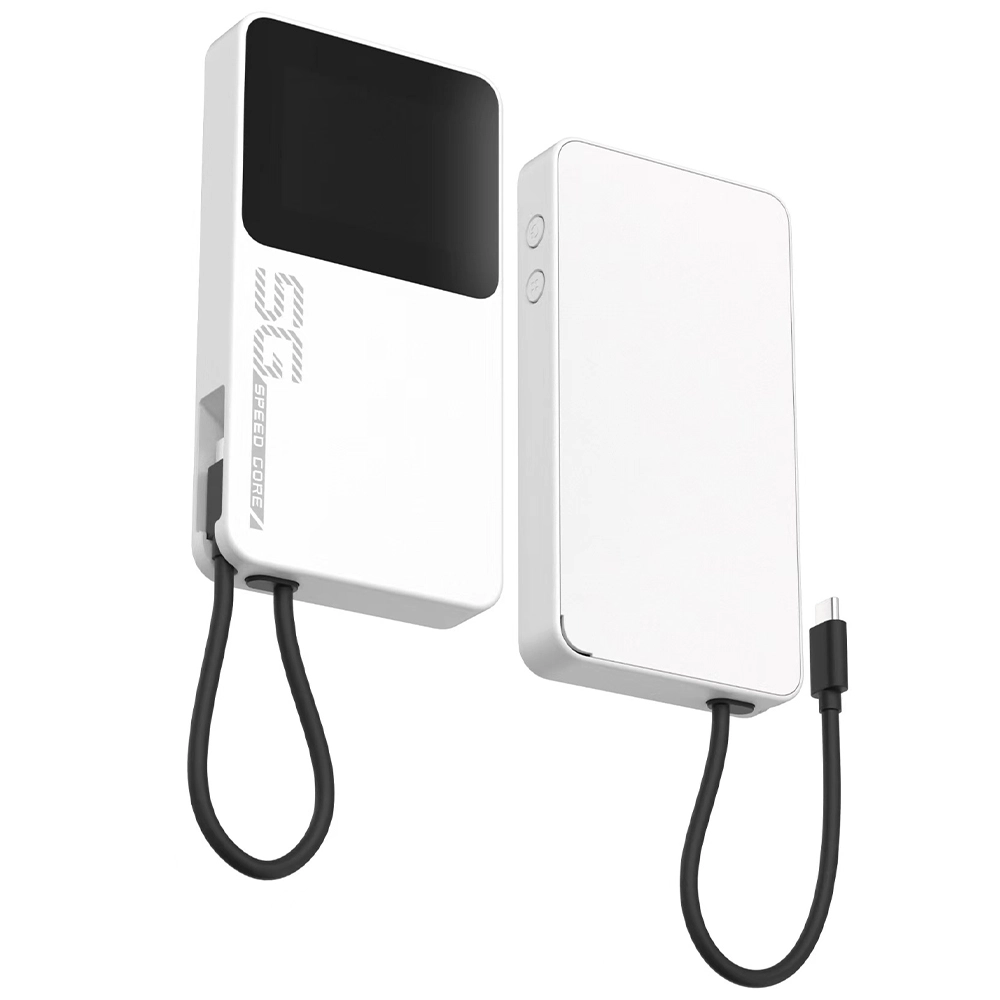
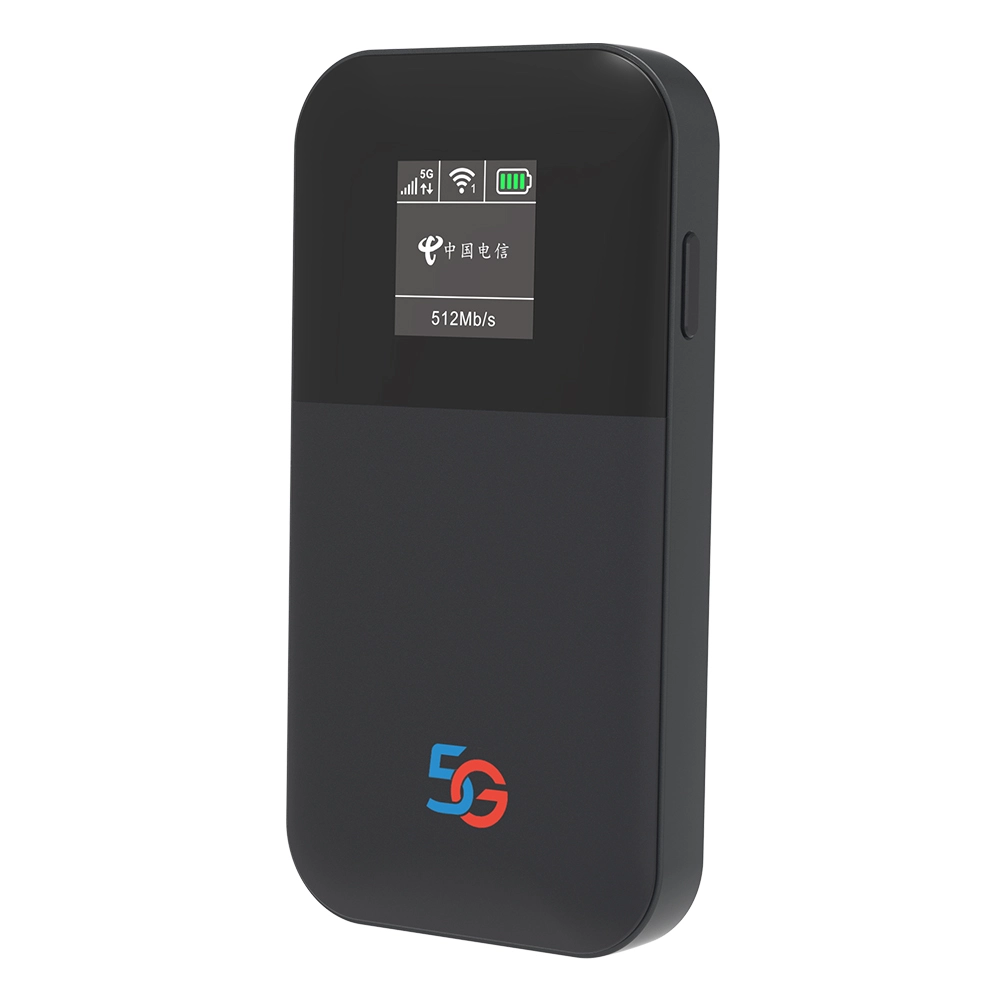
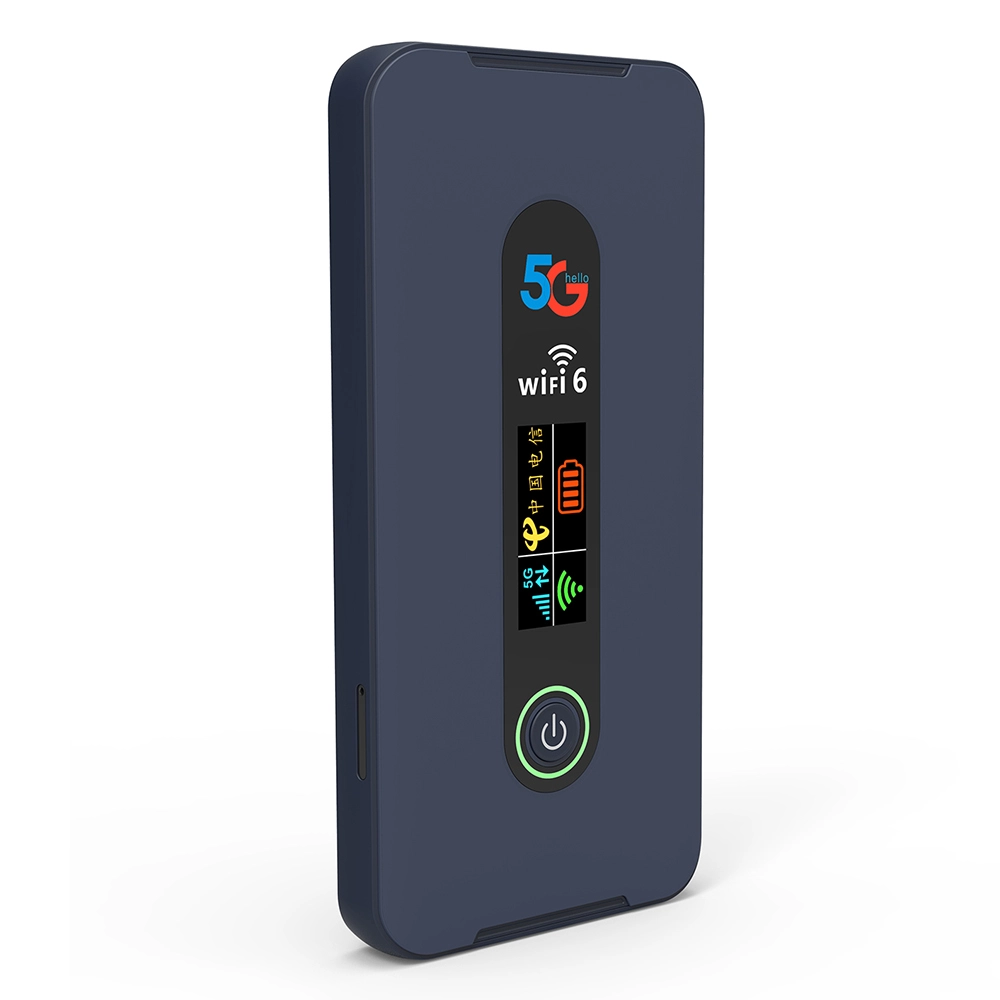
A 5G pocket WiFi router, often called a mobile hotspot or MiFi device, is a compact, battery-powered gadget that creates a private WiFi network using a cellular data connection. You insert a SIM card (or use an eSIM) with a data plan, and the device connects to the fastest available 5G or 4G LTE network, broadcasting a secure WiFi signal that your laptop, tablet, smartphone, and other devices can connect to. Think of it as your own personal, portable internet bubble.
The leap from 4G to 5G is transformative for mobile hotspots. While 4G is sufficient for basic browsing and email, 5G unlocks a new realm of possibilities with its dramatically higher speeds, significantly lower latency (the delay in data transmission), and increased capacity. This means you can:
- Work Seamlessly: Participate in high-definition video calls without freezing, upload large project files to the cloud in seconds, and access cloud-based applications as if you were in a fiber-connected office.
- Entertain On-Demand: Stream 4K or even 8K video on multiple devices simultaneously without buffering, enjoy lag-free online gaming, and download entire movie libraries in minutes.
- Connect Everything: Power a small, mobile IoT setup, connect security cameras at a temporary site, or keep an entire family’s worth of devices online during travel.
If your life or work demands reliable, high-speed internet beyond the confines of your home or office walls, investing in the best 5G pocket WiFi router is no longer an option—it’s a necessity for productivity, entertainment, and peace of mind.
How to Choose the Best 5G Pocket WiFi: The 5 Key Factors
Selecting the right device requires a careful balance of performance, practicality, and protection. Here are the five pillars you must evaluate.
1. 5G Performance: Speed, Bands, and Coverage
Not all 5G is created equal. The performance of your pocket WiFi hinges on its ability to connect to the right parts of the 5G spectrum.
- 5G Bands (n41, n77, n78, n79, etc.): Mobile carriers use different frequency bands for their 5G networks. Sub-6 GHz bands (like n41, n77, n78) offer a great mix of coverage and speed, while mmWave bands (like n260, n261) offer blistering speeds but very short range, often limited to dense urban pockets. The best 5G pocket WiFi router will support a wide array of global Sub-6 GHz bands to ensure compatibility with networks worldwide. Always check which bands your primary carrier uses and ensure the device supports them.
- Download/Upload Speeds and Latency: Look for devices capable of peak download speeds of 2Gbps or more. Real-world speeds will be lower but should comfortably exceed 100-200Mbps in good coverage areas. Low latency (under 30ms) is crucial for video calls and gaming.
- Carrier Aggregation & 4G Fallback: Advanced devices use carrier aggregation to combine multiple 5G or 4G signals for faster, more stable speeds. Equally important is robust 4G LTE support for seamless fallback in areas where 5G coverage is spotty.
2. Battery Life: The Engine of Your Mobile Office
A pocket WiFi is useless with a dead battery. Battery life is typically measured in two ways: usage time (how long it lasts on a single charge while actively transmitting) and standby time.
- Capacity (mAh): A larger battery (e.g., 5000mAh or more) generally means longer life. However, efficient power management is just as important.
- Real-World Expectations: A good device should last a full 8-10 hour workday on a single charge with moderate use (a few connected devices, intermittent video streaming). For heavy use, consider devices with removable batteries or support for USB-C Power Delivery (PD) for fast charging from a power bank.
- Power-Saving Features: Look for routers with schedulers (to turn off WiFi at night), idle sleep modes, and screen timeouts to conserve power.
3. Security Features: Your Digital Fort Knox
Public WiFi is a hacker’s playground. Your personal pocket WiFi should be a secure fortress. The best 5G pocket WiFi routers build security in from the ground up.
- Built-in VPN Support: This is a game-changer. Some advanced routers allow you to configure a VPN (like WireGuard, OpenVPN, or IPSec) directly on the device itself. This means every device connected to your hotspot is automatically protected by encrypted tunneling, without needing to install VPN software on each phone or laptop. Your data is secured from prying eyes on the cellular network and beyond.
- Advanced Firewall & Access Controls: Enterprise-grade features like SPI (Stateful Packet Inspection) firewalls, MAC address filtering, and the ability to create separate guest networks help you control exactly who and what can access your private network.
- Secure Management: Ensure the device’s web interface and companion app use HTTPS and require strong, unique passwords.
4. Portability and Design: Built for the Real World
This device will live in your bag, pocket, or car. Its design must match your lifestyle.
- Size and Weight: It should be truly pocketable—not much larger than a modern smartphone and lightweight enough that you forget it’s there.
- Durability: While not fully \"industrial-grade,\" a robust casing that can withstand the bumps of travel is essential. A matte, non-slip finish is preferable to glossy plastic.
- User Interface: A clear, informative display (even a simple OLED screen) showing signal strength, connected devices, data usage, and battery level is incredibly valuable. Intuitive button controls for power and WiFi toggling are a must.
5. Connectivity and Advanced Features
Beyond the basics, these features can significantly enhance your experience.
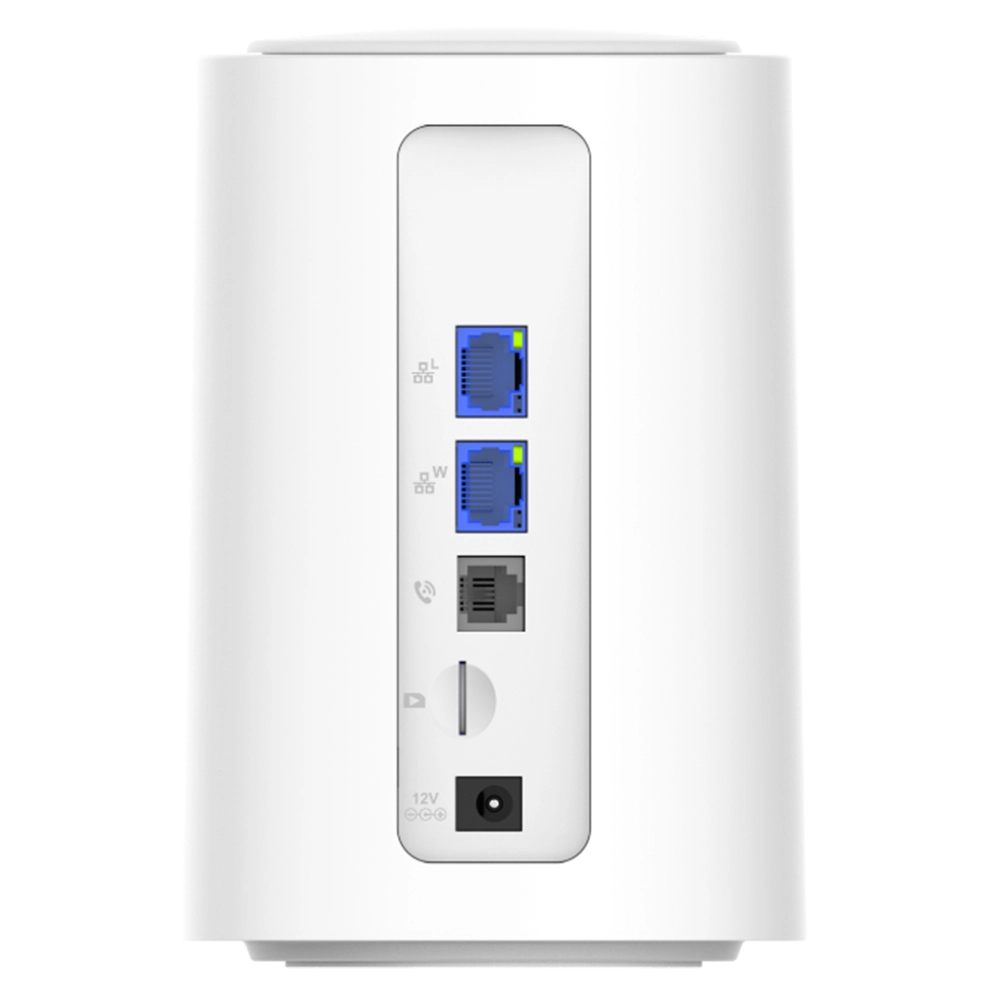
- Wired Ethernet Port: A surprising but invaluable feature on some premium models. This allows you to connect the pocket WiFi directly to a device like a gaming console, smart TV, or desktop computer via an Ethernet cable for the most stable connection possible, turning it into a fixed wireless solution.
- Dual-Band WiFi (2.4GHz & 5GHz): The router should broadcast on both frequencies. The 2.4GHz band offers better range, while the 5GHz band provides faster speeds with less interference.
- Number of Connected Devices: Most can handle 10-15 devices simultaneously. If you plan to connect an entire team or family, verify the limit.
- App Management: A well-designed mobile app for monitoring data, changing settings, and even topping up your data plan remotely is a major convenience.
Top Use Cases for the Best 5G Pocket WiFi Router
Understanding *how* you’ll use the device helps prioritize features.
- The Digital Nomad & Remote Worker: Your priority is reliability and security. A device with built-in VPN, long battery life, and excellent global band support is non-negotiable. The Ethernet port can be a lifesaver for critical work setups in hotels.
- The Frequent Business Traveler: Speed for video conferencing and large file transfers is key. Look for top-tier 5G performance and carrier aggregation. A sleek, professional design doesn’t hurt.
- The Family on Vacation: You need a device that can handle multiple simultaneous streams (tablets, phones) for entertainment. Strong battery life and simple, app-based management for data caps are important to avoid bill shock.
- The Content Creator & Live Streamer: You demand the highest possible upload speeds and rock-solid stability. Focus on devices known for superior upload performance and low latency on your specific carrier’s network.
5G vs. 4G Pocket WiFi: Is the Upgrade Worth It?
If you’re using an older 4G LTE hotspot, the upgrade to 5G is a substantial leap, not an incremental step. The difference is most apparent in three areas:
- Speed: 5G can be 10-100 times faster than typical 4G, turning minutes-long downloads into seconds.
- Responsiveness (Latency): 5G’s ultra-low latency makes everything feel instantaneous—from web page loads to in-game actions. This is critical for real-time applications.
- Network Capacity: In crowded areas like airports or stadiums, 4G networks often become congested and slow to a crawl. 5G is built to handle dense clusters of devices much more efficiently, maintaining your speed when you need it most.
For anyone who relies on the internet for more than just checking email, the upgrade to the best 5G pocket WiFi router is a definitive yes. It future-proofs your connectivity for the next several years.
Maximizing Your 5G Pocket WiFi Experience: Pro Tips
- Positioning is Key: A few inches can make a massive difference. Place your router near a window or in an elevated position. Avoid metal surfaces and enclosures.
- Manage Your Data: Use the device’s app to monitor usage. Set data alerts or limits if your plan has a cap. For travel, research and purchase local or regional data eSIMs/SIMs in advance for better rates.
- Optimize Battery: Turn off the device when not in use. Lower the screen brightness. If supported, schedule it to turn off at night.
- Secure Your Network: Always change the default admin password and WiFi network name (SSID). Use WPA3 encryption if available. Regularly check the list of connected devices.
Frequently Asked Questions (FAQs)
1. What is the main advantage of a 5G pocket WiFi over using my smartphone’s hotspot?
While convenient, a smartphone hotspot drains your phone’s battery rapidly, can cause it to overheat, and often has weaker transmission power and fewer antennas than a dedicated device. A dedicated best 5G pocket WiFi router is designed for this single purpose: it offers longer battery life, stronger and more stable WiFi signal, supports more connected devices, and often includes advanced features like Ethernet ports and built-in VPNs that phones lack.
2. Do I need a special data plan for a 5G pocket WiFi router?
Yes, you typically need a dedicated mobile broadband or hotspot data plan from a cellular carrier. Using a standard smartphone plan in a hotspot device often violates terms of service and may lead to throttling or service termination. Look for plans specifically designed for hotspots or tablets, which offer larger or unlimited data allowances for this use case.
3. Can I use a 5G pocket WiFi router internationally?
This depends on two factors: Device Compatibility and Carrier Policy. First, ensure your router supports the 5G and 4G bands used in your destination country. Second, check with your home carrier about international roaming add-ons for data devices. Often, it’s more cost-effective to purchase a local prepaid SIM card or a global travel eSIM plan upon arrival and insert it into your unlocked pocket WiFi router.
4. How many devices can connect to a typical 5G pocket WiFi at once?
Most modern 5G pocket WiFi routers can comfortably support 10 to 15 devices simultaneously. High-end models may support 20 or more. However, remember that the total available bandwidth is shared among all connected devices. If ten devices are all streaming 4K video, the experience will suffer. For typical mixed use (browsing, email, some streaming), 10-15 devices is a practical limit.
5. Are 5G pocket WiFi routers secure for online banking and work?
A personal 5G hotspot is significantly more secure than public WiFi. However, for maximum security, especially for sensitive work or banking, you should take extra steps. The most secure approach is to use a device that supports a built-in VPN, as this encrypts all traffic leaving the router. Alternatively, you can run a reputable VPN application on your individual laptop or phone while connected to the hotspot. Combined with the device’s own WPA3 encryption, this creates a very robust security posture for your mobile internet activities.

What can we do for you?