What Is Ethernet Controller?
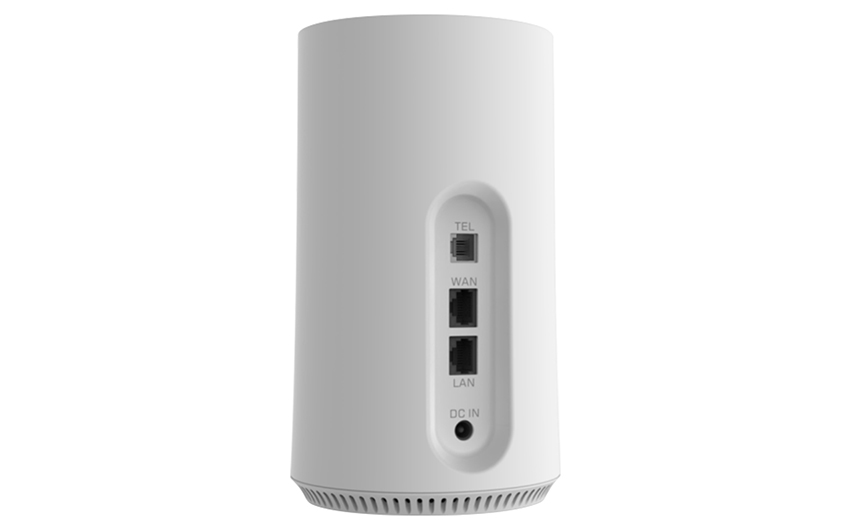
An Ethernet controller is the hardware and software component that allows a device to communicate through a wired Ethernet network. It receives data from the operating system, prepares Ethernet frames, controls access to the network medium and passes incoming data back to the correct application. In a router, gateway, computer or industrial terminal, the controller is the link between the processor and the RJ45 network port.
How an Ethernet controller works
The controller normally combines two important functions. The media access control, or MAC, builds and checks Ethernet frames, manages hardware addresses and detects transmission errors. The physical layer, or PHY, converts digital data into electrical signals that can travel through twisted-pair cable. Some chipsets integrate both functions, while other designs use a separate MAC inside the main processor and an external PHY near the network connector.
When a cable is connected, the two devices negotiate a common speed and duplex mode. Modern equipment typically uses auto-negotiation to select 10 Mbps, 100 Mbps, 1 Gbps or a higher supported rate. If the cable, connector or remote device cannot support the preferred mode, the link may fall back to a lower speed.
Why the controller matters in a router
A router may have one Ethernet controller for the WAN connection and one or more controllers or switch ports for the LAN. The design affects maximum wired throughput, latency, power consumption and support for features such as VLANs, quality of service, hardware checksum offload and jumbo frames. A gigabit label alone does not guarantee gigabit internet performance: the processor, switching fabric, firmware and NAT acceleration must also be able to handle the traffic.
Important selection points
- Port speed: choose Fast Ethernet, Gigabit Ethernet or multi-gigabit Ethernet according to the application.
- Interface: confirm whether the controller connects through PCIe, USB, RGMII, SGMII or another processor interface.
- Driver support: make sure the operating system and firmware include a stable driver.
- Network features: check VLAN, QoS, wake-on-LAN, flow control and offload requirements.
- Temperature and reliability: industrial products may require a wider operating range and stronger surge protection.
Troubleshooting a wired connection
If a device does not reach the expected speed, first check the cable category, connector quality and negotiated link rate. Then update the driver or firmware, test a different switch port and confirm that energy-saving or duplex settings are not causing a mismatch. For cellular routers, also separate the wired-link speed from the mobile-network speed: a good Ethernet connection cannot make the 4G or 5G backhaul faster than the available radio service.
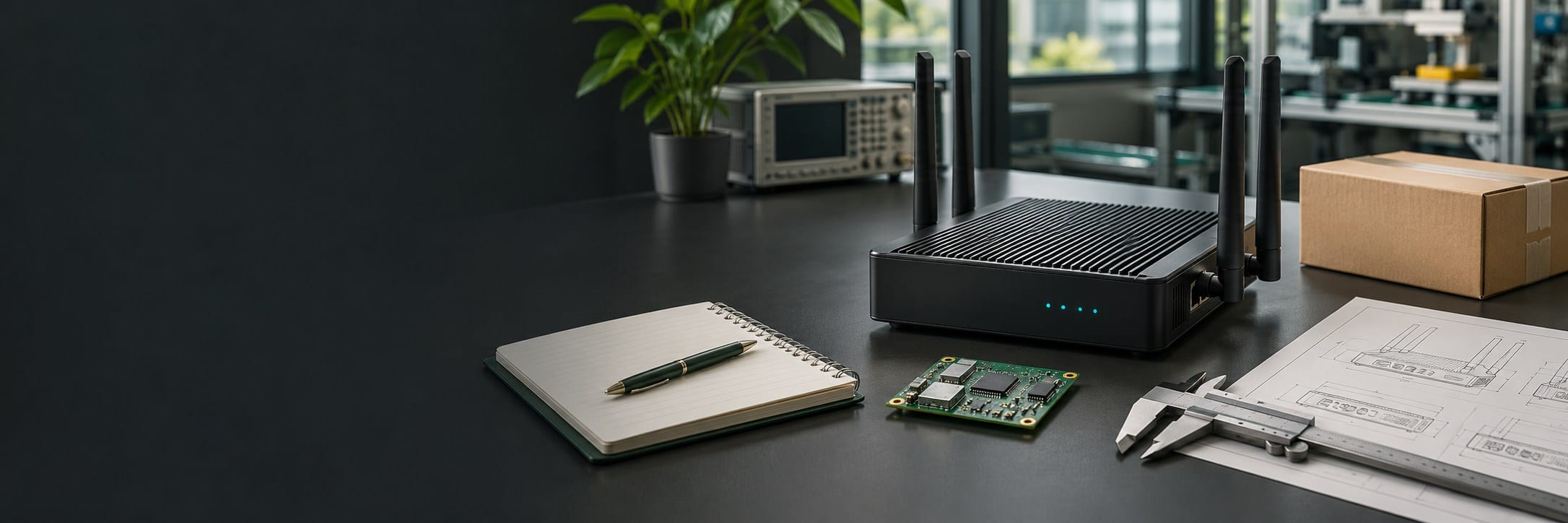
For product development, the correct Ethernet controller should be selected together with the processor, cellular module, switch architecture and target throughput. A balanced design prevents one component from becoming the bottleneck.